
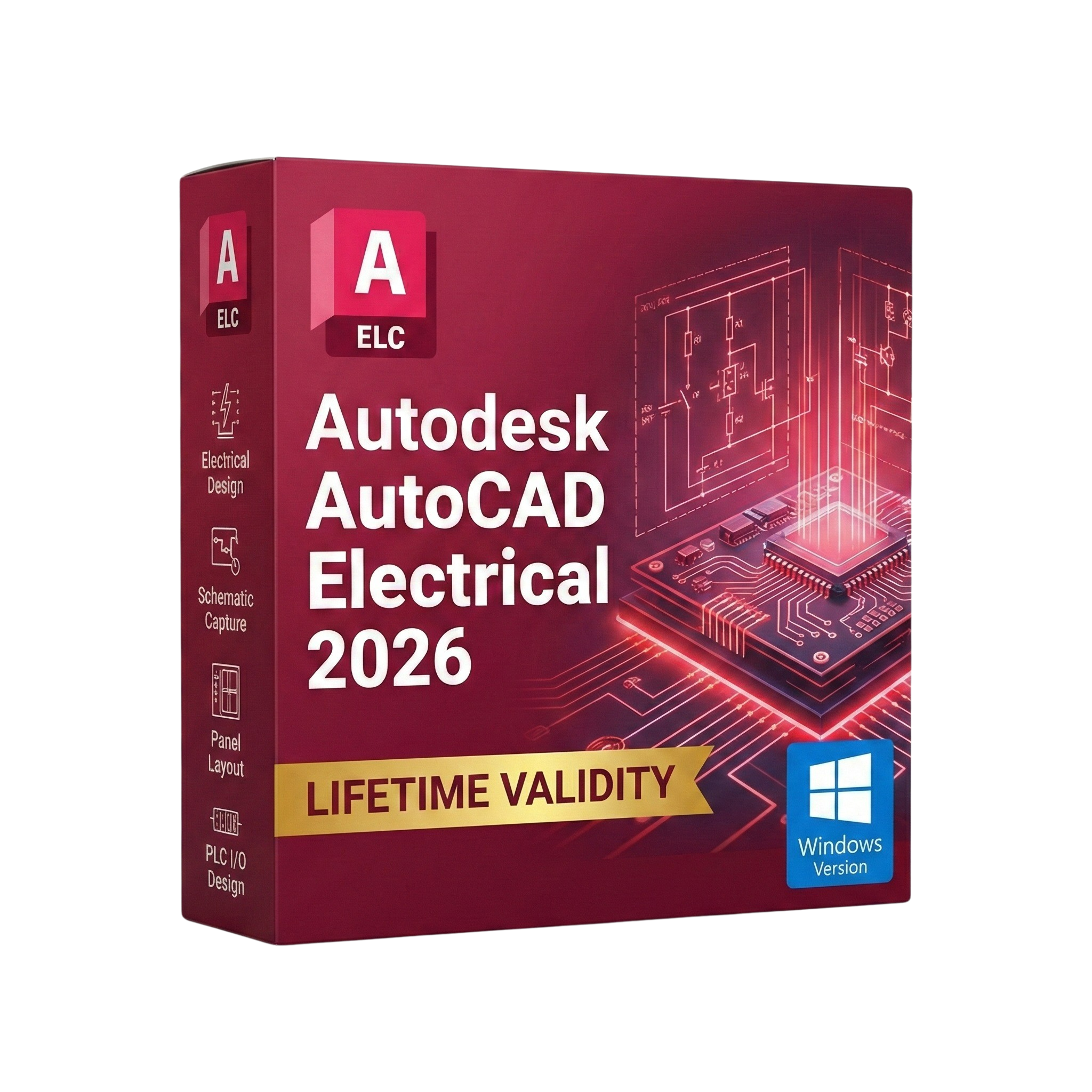
AutoCAD Electrical 2026 for Lifetime
- AUTOMATIC DELIVERY INSTANTLY ON REGISTERED EMAIL .
- Any Installation Problem Freely Contact Us(Will Give You Support)
- Lifetime Validity
- Windows Version
- Intelligent Symbols: Over 65,000 electrical symbols (IEC, NFPA, etc.).
- Auto-Numbering: Wires and components are tagged automatically.
- Real-Time Audit: Detects short circuits and loose connections instantly.
- Smart Reports: Auto-generate BOMs, Wire Lists, and Terminal Plans.
- PLC I/O: Generate PLC drawings directly from Excel spreadsheets.
- Panel Layout: Schematics are bi-directionally linked to panel footprints.
- PDF Publishing: Create hyperlinked, smart PDFs for maintenance teams.
Original price was: ₹999.00.₹499.00Current price is: ₹499.00.
Autodesk AutoCAD Electrical 2026 (Windows): The Powerhouse for Control Systems Design
Autodesk AutoCAD Electrical 2026 is the undisputed industry standard for electrical controls designers. Built on the familiar AutoCAD engine, this specialized toolset adds over 65,000 intelligent electrical symbols, automated reporting, and PLC I/O integration to help you design control systems up to 95% faster than using standard AutoCAD.
The 2026 release embraces the future of automation. With the new Smart Schematic Assistant and enhanced Circuit Builder, manual tasks like wire numbering and component tagging are virtually eliminated. Whether you are designing complex industrial panels, embedded systems, or pneumatic diagrams, AutoCAD Electrical 2026 ensures your drawings are accurate, standardized (IEC, NFPA, JIC), and manufacturing-ready.
Why Choose AutoCAD Electrical 2026?
1. Automated Wire Numbering & Tagging
- The Intelligence: Forget typing text manually. AutoCAD Electrical automatically assigns sequential or reference-based numbers to all wires and components.
- The Benefit: If you move a relay or cut a wire, the numbering updates instantly across the entire project. This eliminates duplicate tags and costly manufacturing errors.
2. Real-Time Error Checking
- The Safety Net: The software constantly monitors your design for logical errors.
- The Benefit: It alerts you immediately if you assign the same wire number to two different potentials or if a child component (like a contact) doesn’t have a parent (like a coil), preventing issues before they hit the shop floor.
3. Smart Panel Layouts
- The Link: Create a physical panel layout linked directly to your schematic.
- The Benefit: Once a component is placed in the schematic, it appears in a “pick list” for your panel layout. The software ensures that every part in the diagram makes it into the cabinet, and footprints are automatically scaled.
What’s New in Version 2026?
AI-Assisted Wire Routing
- The Feature: The new routing engine suggests the most efficient path for wires in your panel layout based on signal type and voltage class.
- The Benefit: Reduces cable waste and ensures cleaner, more logical panel builds automatically.
Global Search & Replace
- The Upgrade: You can now search for component values, catalog numbers, or wire tags across multiple open projects simultaneously.
- The Benefit: Updating a spec for a specific breaker across five different machine designs now takes seconds instead of hours.
Trace & Markup Import 2.0
- The Workflow: Collaborate faster with the shop floor. Import markups from PDF or paper scans (via mobile), and AutoCAD Electrical 2026 will overlay them on your drawing.
- The Benefit: The AI recognizes hand-drawn electrical symbols and suggests inserting the actual CAD block in their place.
Activity Insights
- The Tracker: Keep track of your team. The new dashboard shows a timeline of who edited the drawing, when it was plotted, and what libraries were modified.
Key Features
- Comprehensive Symbol Libraries: Includes AS, GB, IEC, IEC-60617, JIC, JIS, NFPA, and IEEE standards.
- Automatic Reports: Generate Bills of Material (BOM), From/To Wire Lists, PLC I/O Reports, and Terminal Plans with a single click.
- PLC I/O Integration: Automatically generate drawings from a spreadsheet (I/O list) using the PLC I/O Utility. It reads data from Excel and draws the entire I/O card with addresses and descriptions.
- Terminal Strip Editor: Manage and edit terminals easily. Visualize the strip, add spares, and define jumpers in a graphical interface.
- PDF Publishing: Create intelligent multi-page PDFs where components and signals are hyperlinked. Click a relay coil on page 1, and the PDF jumps to its contact on page 10.
System Requirements (Windows)
- Operating System: Microsoft® Windows® 11 or Windows 10 version 1809 or above.
- Processor: 2.5–2.9 GHz processor (3+ GHz recommended). ARM processors are supported.
- Memory (RAM): 16 GB (32 GB recommended).
- Display: 1920 x 1080 resolution with True Color (3840 x 2160 recommended).
- Graphics Card: 2 GB GPU with 29 GB/s Bandwidth and DirectX 11 compliant (8 GB+ Recommended).
- Disk Space: 12 GB free space.
- Pointing Device: MS-Mouse compliant.
Short Bullet Points (For Quick View)
- Intelligent Symbols: Over 65,000 electrical symbols (IEC, NFPA, etc.).
- Auto-Numbering: Wires and components are tagged automatically.
- Real-Time Audit: Detects short circuits and loose connections instantly.
- Smart Reports: Auto-generate BOMs, Wire Lists, and Terminal Plans.
- PLC I/O: Generate PLC drawings directly from Excel spreadsheets.
- Panel Layout: Schematics are bi-directionally linked to panel footprints.
- PDF Publishing: Create hyperlinked, smart PDFs for maintenance teams.
- Catalog Browser: Access millions of manufacturer-specific parts (Siemens, ABB, Schneider).
- Terminal Strip Editor: Graphic interface for designing complex terminal blocks.
- Migration: Import legacy data from Promis-e and other tools easily.
Related Products

- AUTOMATIC DELIVERY INSTANTLY ON REGISTERED EMAIL .
- Any Installation Problem Freely Contact Us(Will Give You Support)
- Lifetime Validity
- Windows Version
- Map video onto complex geometric structures and surfaces with advanced projection mapping tools.
- Stitch multiple projectors into a single seamless widescreen image with soft edge blending.
- Sync video with lighting fixtures using DMX input and advanced LED pixel mapping.
- Lock your visuals perfectly to show tracks and DJ sets using SMPTE timecode input.
- Mix unlimited layers of video, effects, and generative content in real-time.
- Correct mistakes instantly during live setup with the fully integrated Undo/Redo feature.
- AUTOMATIC DELIVERY INSTANTLY ON REGISTERED EMAIL .
- Any Installation Problem Freely Contact Us(Will Give You Support)
- Lifetime Validity
- Windows Version
- Works with Internet and Antivirus
- No Popup issue
- Generate images and vector graphics directly on the canvas with Firefly AI.
- Format long documents instantly using AI-powered Auto Style packs.
- Streamline review cycles with real-time web-based Share for Review.
- Hide specific spreads easily to exclude them from export or printing.
- Optimize PDF accessibility automatically with improved auto-tagging tools.
- Import HEIC, WebP, and JP2K image formats natively without conversion.
- Publish interactive documents to the web with built-in viewer analytics.
- Automate complex layout tasks securely using modern UXP scripting.

- AUTOMATIC DELIVERY INSTANTLY ON REGISTERED EMAIL .
- Any Installation Problem Freely Contact Us(Will Give You Support)
- Lifetime Validity
- Windows Version
- Navigate scenes with a unified, redesigned user interface for faster workflows.
- Enhance export quality instantly with the AI-powered NVIDIA Denoiser.
- Simulate realistic colored shadows for glass and transparent materials.
- Upscale textures and assets automatically using the Chaos AI Enhancer.
- Apply pencil and watercolor effects with new Artistic Visual Modes.
- Immerse clients in designs with support for Meta Quest 3 and HTC Vive.
- AUTOMATIC DELIVERY INSTANTLY ON REGISTERED EMAIL .
- Any Installation Problem Freely Contact Us(Will Give You Support)
- Lifetime Validity
- Windows Version
- Place blocks automatically based on past usage patterns with AI-powered Smart Blocks.
- Track file changes and user history seamlessly via the Activity Insights dashboard.
- Import and auto-implement redline feedback directly from PDFs or printed paper.
- Experience significantly faster 2D graphics rendering and layout switching speeds.
- Run AutoLISP routines directly within the AutoCAD Web browser app.
- Count instances of objects or blocks instantly in a specified area.
- View multiple drawing files simultaneously with flexible, multi-monitor floating windows.
- Add design notes safely using the non-destructive Trace overlay layer.


- AUTOMATIC DELIVERY INSTANTLY ON REGISTERED EMAIL .
- Any Installation Problem Freely Contact Us(Will Give You Support)
- Lifetime Validity
- Windows Version
- Works with Internet and Antivirus
- No Popup issue
- Import and animate 3D models (GLB/GLTF) natively without external plugins.
- Isolate moving subjects instantly using the AI-powered Roto Brush 3.
- Access and edit key layer settings faster with the context-sensitive Properties Panel.
- Render previews and final exports simultaneously with Multi-Frame Rendering.
- Manage professional color workflows accurately with native OpenColorIO (ACES) support.
- Composite 3D objects realistically onto 2D footage using Shadow Catchers.
- Review and approve content seamlessly with the built-in Frame.io integration.

- AUTOMATIC DELIVERY INSTANTLY ON REGISTERED EMAIL .
- Any Installation Problem Freely Contact Us(Will Give You Support)
- Lifetime Validity
- Windows Version
- Render and clip real-world 3D scans natively with full Gaussian Splatting support.
- Simulate complex light fixtures significantly faster using the new V-Ray Luminaire.
- Generate accurate stars, moon, and phases instantly with the procedural Night Sky.
- Create PBR materials from simple photos automatically with the AI Material Generator.
- Stream interactive 3D scenes to clients via a web link with Chaos Cloud Streaming.
- Analyze scene performance and spot bottlenecks precisely using the V-Ray Profiler.
- Render realistic caustics and refractions at high speeds with updated V-Ray GPU.

- Lifetime Validity
- Instant Delivery on Email
- Any Installation Problem Freely Contact Us(Will Give You Support)
- Supported on Windows 10,11
- Works with Internet and Antivirus
- No Popup issue
- File Size: 5.56GB
- Frame Tool for easy masking
- Content-Aware Fill reimagined
- New multiple undo mode
- Usability improvements
- Transform proportionally by default
- Prevent accidental panel moves with Lock Workspace

- AUTOMATIC DELIVERY INSTANTLY ON REGISTERED EMAIL .
- Any Installation Problem Freely Contact Us(Will Give You Support)
- Lifetime Validity
- Windows Version
- File Size: 1.84GB
- Visualize models with stunning depth and realism using the new graphics engine featuring native Ambient Occlusion.
- Generate unique, seamless textures instantly from simple text prompts with the integrated AI texture generator.
- Import complex Revit files accurately and efficiently with the enhanced, lighter-weight Revit Importer.
- Create 2D documentation in LayOut faster than ever with a new multi-threaded rendering engine that eliminates lag.
- Convert room scans from mobile devices automatically into clean, editable 3D geometry via Scan-to-Design.
- Collaborate in real-time by syncing projects seamlessly across Desktop, iPad, and Web versions.
- AUTOMATIC DELIVERY INSTANTLY ON REGISTERED EMAIL .
- Any Installation Problem Freely Contact Us(Will Give You Support)
- Lifetime Validity
- Mac Version
- Fully optimized for Apple Silicon (M1/M2/M3) chips to deliver faster rendering and smoother zooming.
- Automatically place and replace repetitive objects instantly with the new AI-powered Smart Blocks tool.
- Track file changes and view detailed multi-user edit histories with the enhanced Activity Insights dashboard.
- Import feedback directly from PDFs or printed paper and let AI auto-insert revisions with Markup Assist.
- Collaborate securely by adding design notes to the Trace layer without altering the existing drawing.

- AUTOMATIC DELIVERY INSTANTLY ON REGISTERED EMAIL .
- Any Installation Problem Freely Contact Us(Will Give You Support)
- Lifetime Validity
- Windows Version
- Edit video content as easily as a text document with the AI-powered text-based editing workflow.
- Instantly remove or replace video backgrounds without a green screen using dynamic AI masking.
- Automatically generate and sync accurate captions and subtitles from your voiceover in seconds.
- Smooth out jerky mouse movements and customize cursor paths with advanced cursor effects.
- Record high-resolution 4K screen capture, webcam, and system audio simultaneously.
- Clean up background noise and balance vocal levels instantly with AI-enhanced audio filters.
- Access a vast library of royalty-free intros, motion graphics, and music directly within the editor.
- Engage viewers by adding interactive quizzes and clickable hotspots directly to your videos.
- Apply professional animations and behaviors to text and images with simple drag-and-drop actions.
- Export videos faster than ever with optimized GPU acceleration for modern hardware.

- AUTOMATIC DELIVERY INSTANTLY ON REGISTERED EMAIL .
- Any Installation Problem Freely Contact Us(Will Give You Support)
- Lifetime Validity
- Mac Version
- Run natively on Apple Silicon (M1/M2/M3) for blazing-fast performance.
- Visualize models with realistic depth using the new Ambient Occlusion engine.
- Generate unique textures instantly with integrated AI-powered prompts.
- Sync projects seamlessly between Mac, iPad, and Web versions.
- Convert iPhone LiDAR scans into 3D models automatically via Scan-to-Design.
- Create 2D documentation faster with the optimized LayOut rendering engine.
- Import and export USDZ files easily for Apple AR visualization.