
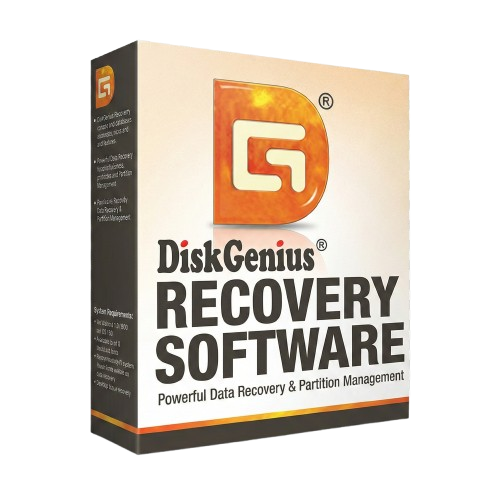
DiskGenius Recovery Software For Lifetime
- Lifetime Validity
- Instant Delivery on Email
- Any Installation Problem Freely Contact Us(Will Give You Support)
- Windows Version
- Recover data from hard drive,memory cards, SD card, USB drive, Recycle Bin and even Cloud drive.
- Restore data from deleted or lost partition, formatted, corrupted, or crashed PC.
- Recover data from bitlocker encrypted drive without key.NEW
- Disk Image Recovery: Safeguard your data by creating a disk image.NEW
- Repair corrupted files that can’t be opened.
- AI-powered video recovery from Canon, Sony, DJI, GoPro, and more.
Original price was: ₹999.00.₹499.00Current price is: ₹499.00.
Description
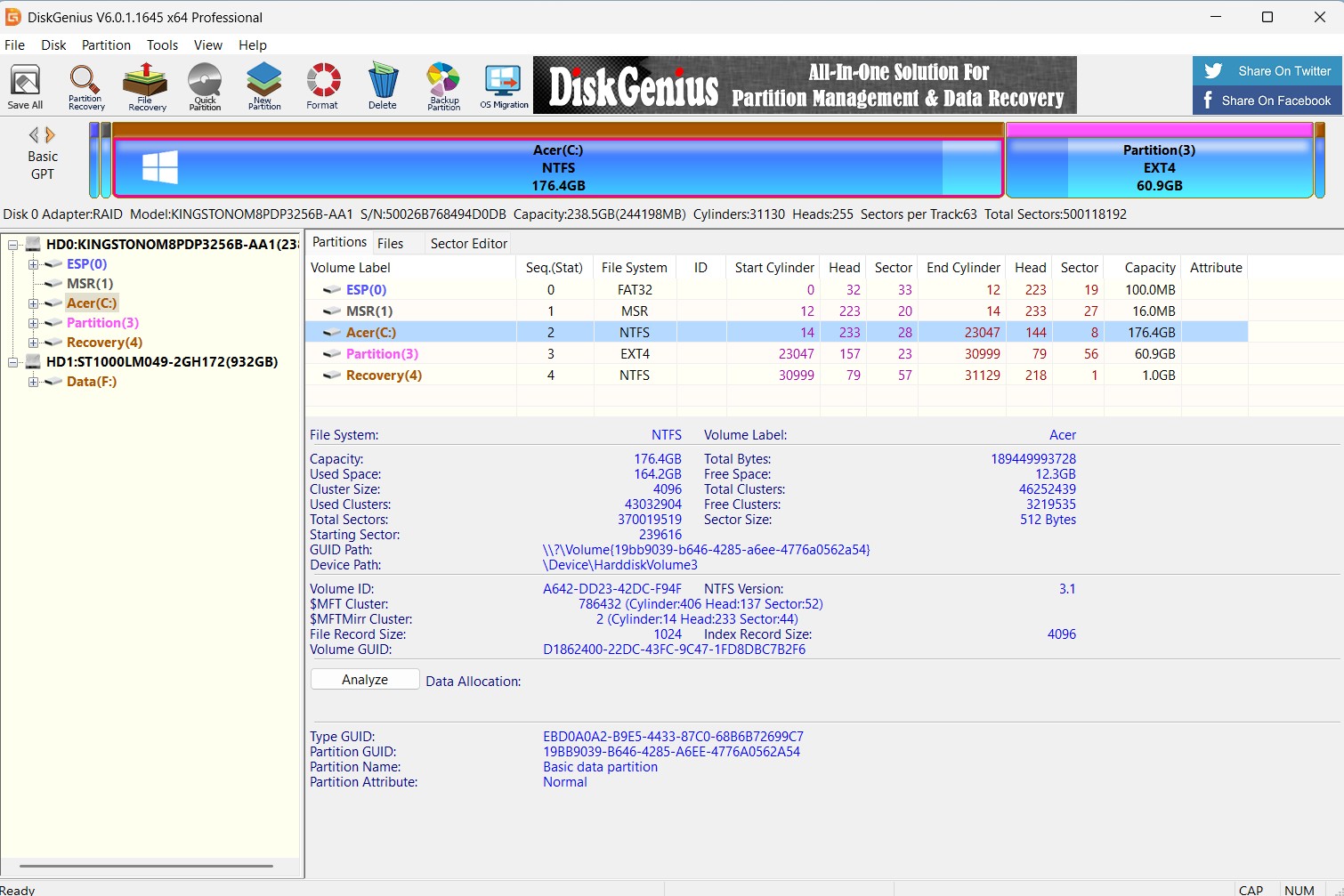
DiskGenius: The Ultimate All-in-One Data Recovery & Partition Management Solution
DiskGenius (formerly PartitionGuru) is a professional-grade software suite designed to handle your most critical storage tasks. Whether you are an IT professional, a video editor managing massive storage arrays, or a home user looking to rescue lost photos, DiskGenius provides a powerful, unified interface for data recovery, partition management, and system backup.
Stop juggling multiple expensive tools. DiskGenius combines the functionality of three separate software products into one robust package, ensuring your data is safe, organized, and optimized.
Key Features
1. Professional Data Recovery
Recover lost data from any difficult scenario. DiskGenius goes deeper than standard recovery tools to handle complex data loss situations.
- Deleted File Recovery: Easily restore files emptied from the Recycle Bin or deleted by
Shift+Delete. - Partition Recovery: The industry leader in rebuilding broken partition tables. Restore lost, resized, or damaged partitions effortlessly.
- RAID Recovery: Reconstruct virtual RAID arrays (RAID 0, 1, 5, 6, 10) to recover data without the original controller.
- RAW Drive Recovery: Extract data from inaccessible, unformatted, or RAW drives and USB sticks.
2. Advanced Partition Management
Take full control of your hard drive space without the risk of data loss.
- Resize & Split: Extend, shrink, or split partitions directly without formatting or losing files.
- Format & Convert: Convert disk formats between MBR and GPT, or file systems between NTFS, FAT32, exFAT, and EXT4 seamlessly.
- Bad Sector Repair: Detect and repair bad sectors on aging hard drives to prevent future data loss.
- Quick Partitioning: One-click partition setup for new hard drives or SSDs.
3. Backup & Disk Cloning
Protect your system and migrate data with confidence.
- System Migration: Move your current Windows OS to a new SSD or HDD with a few clicks—no reinstallation required.
- Disk & Partition Cloning: Create a bit-by-bit copy of your hard drive or specific partitions for total backup security.
- Image Backup: Create compressed backup images of your partitions to restore your system in case of failure.
4. Disk Utilities & Diagnostics
- S.M.A.R.T. Information: Monitor disk health, temperature, and power-on hours to predict drive failure before it happens.
- Hex Editor: A built-in sector editor for advanced users to manually analyze and recover raw data.
- Wipe Data: Permanently erase files or partitions so they can never be recovered—essential for privacy when selling old hardware.
- Virtual Disk Support: Mount and manage virtual disks from VMware, VirtualBox, and Hyper-V directly.
Why Choose DiskGenius?
- Safety First: All operations are read-only during recovery to ensure no further damage to your data.
- High Success Rate: Enhanced algorithms scan storage devices sector-by-sector to locate files that other software misses.
- Versatile Support: Works perfectly with HDDs, SSDs, USB drives, SD cards, and virtual disks.
System Requirements
- Operating System: Windows 11, 10, 8.1, 8, 7, Vista, XP, and Windows Server (2003–2022).
- File Systems: NTFS, FAT32, exFAT, EXT2, EXT3, EXT4.
- Hardware: Supports IDE, SCSI, SATA, NVMe, USB 1.1/2.0/3.0, and RAID.
Related Products
- Lifetime Validity
- Instant Delivery on Email
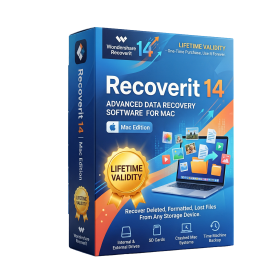
- Mac Edition
- Any Installation Problem Freely Contact Us(Will Give You Support)
- Powerful data recovery software for macOS devices
- Recovers deleted, lost, or formatted files quickly
- Supports photos, videos, documents, and more file types
- Deep scan technology for higher recovery success rate
- Recovers data from Mac, external drives, SD cards, and USB
- Video repair feature for corrupted media files
- Simple and user-friendly interface for easy recovery
- Compatible with latest macOS and Apple Silicon
- Lifetime Validity
- Instant Delivery on Email
- Any Installation Problem Freely Contact Us(Will Give You Support)
- Windows Version
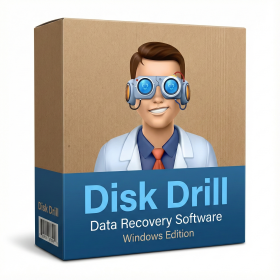
- Recover your files that may be deleted, lost, or accidentally changed.
- Perform recovery and restore files from various devices, including the formatted memory card, hard disk drive, external drive, USB, SD card, etc.
- After emptying the recycle bin, you can filter scanning results by file types and selectively recover deleted files.
- DiskDrill Recovery can get your files back from missing partitions. What’s better, both local hard drives and removable devices are supported.
- Hard disk failure may happen due to an inadequate power supply, a virus attack, a damaged block, etc. DiskDrill Recovery Wizard can provide a reliable and instant solution.
- Recover files from the crashed Windows operating system. DiskDrill Recovery can provide the WinPE bootable media to recover lost data.
- Virus attacks are annoying and can prevent your computer from working normally. This tool can recover your data safely and quickly.
- DiskDrill Recovery can restore your data from the inaccessible/raw partition or disk.

- AUTOMATIC DELIVERY INSTANTLY ON REGISTERED EMAIL .
- Any Installation Problem Freely Contact Us(Will Give You Support)
- Lifetime Validity
- Windows Version
- Video Repair: Fixes corrupted videos (MP4, MOV, MKV) up to 8K resolution, including specific fixes for drone and camera footage.
- Advanced Repair: Uses a sample file to repair severely damaged or “unfixable” videos.
- Photo Repair: Restores damaged image files and RAW formats that won’t open.
- AI Photo Enhancement: Colorizes black-and-white photos, removes scratches from old images, and upscales low-res pictures.
- Document Repair: Fixes unreadable PDF, Word, Excel, and PowerPoint files.
- Audio & Adobe Support: Repairs corrupted audio files and Adobe projects (PSD, AI).
- Batch Processing: Allows repairing multiple files at the same time.
- Preview Function: Lets you view the repaired file before saving to ensure it works.
- Lifetime Validity
- Instant Delivery on Email
- Windows Version
- Any Installation Problem Freely Contact Us(Will Give You Support)
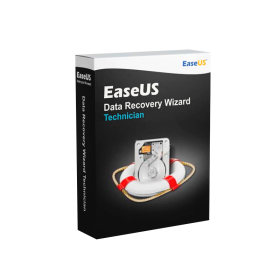
- Recover your files that may be deleted, lost, or accidentally changed.
- Perform recovery and restore files from various devices, including the formatted memory card, hard disk drive, external drive, USB, SD card, etc.
- After emptying the recycle bin, you can filter scanning results by file types and selectively recover deleted files.
- EaseUS Data Recovery Wizard can get your files back from missing partitions. What’s better, both local hard drives and removable devices are supported.
- Hard disk failure may happen due to an inadequate power supply, a virus attack, a damaged block, etc. EaseUS Data Recovery Wizard can provide a reliable and instant solution.
- Recover files from the crashed Windows operating system. EaseUS can provide the WinPE bootable media to recover lost data.
- Virus attacks are annoying and can prevent your computer from working normally. This tool can recover your data safely and quickly.
- EaseUS Data Recovery can restore your data from the inaccessible/raw partition or disk.
- AUTOMATIC DELIVERY INSTANTLY ON REGISTERED EMAIL .
- Any Installation Problem Freely Contact Us(Will Give You Support)
- Lifetime Validity
- Windows Version
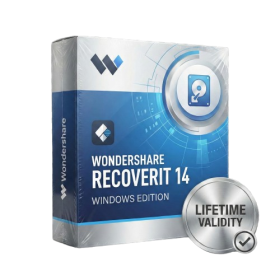
- File Size: 220MB
- Identify and recover data from over 1 million devices using AI-driven recognition.
- Repair corrupted photos and videos automatically with the new AI Enhancement tool.
- Recover data from crashed computers by creating a bootable WinPE USB drive.
- Restore files from NAS servers remotely without unplugging the hard drives.
- Scan and recover Linux partitions directly from your Windows PC.
- Retrieve lost data from BitLocker-encrypted drives with the new decryption workflow.
- Reassemble fragmented video files from drones and cameras with Enhanced Recovery.

- Lifetime Validity
- Instant Delivery on Email
- Supported on All Apple Mac Systems
- Any Installation Problem Freely Contact Us(Will Give You Support)
- Recover your files that may be deleted, lost, or accidentally changed.
- Perform recovery and restore files from various devices, including the formatted memory card, hard disk drive, external drive, USB, SD card, etc.
- After emptying the recycle bin, you can filter scanning results by file types and selectively recover deleted files.
- DiskDrill Recovery can get your files back from missing partitions. What’s better, both local hard drives and removable devices are supported.
- Hard disk failure may happen due to an inadequate power supply, a virus attack, a damaged block, etc. DiskDrill Recovery Wizard can provide a reliable and instant solution.
- Recover files from the crashed MacOs operating system. DiskDrill Recovery can provide the WinPE bootable media to recover lost data.
- Virus attacks are annoying and can prevent your computer from working normally. This tool can recover your data safely and quickly.
- DiskDrill Recovery can restore your data from the inaccessible/raw partition or disk.
- Lifetime Validity
- Instant Delivery on Email
- Windows Version
- Any Installation Problem Freely Contact Us(Will Give You Support)
- Recover data from hard drive,memory cards, SD card, USB drive, Recycle Bin and even Cloud drive.
- Restore data from deleted or lost partition, formatted, corrupted, or crashed PC.
- Recover data from bitlocker encrypted drive without key.NEW
- Disk Image Recovery: Safeguard your data by creating a disk image.NEW
- Repair corrupted files that can’t be opened.
- AI-powered video recovery from Canon, Sony, DJI, GoPro, and more.