
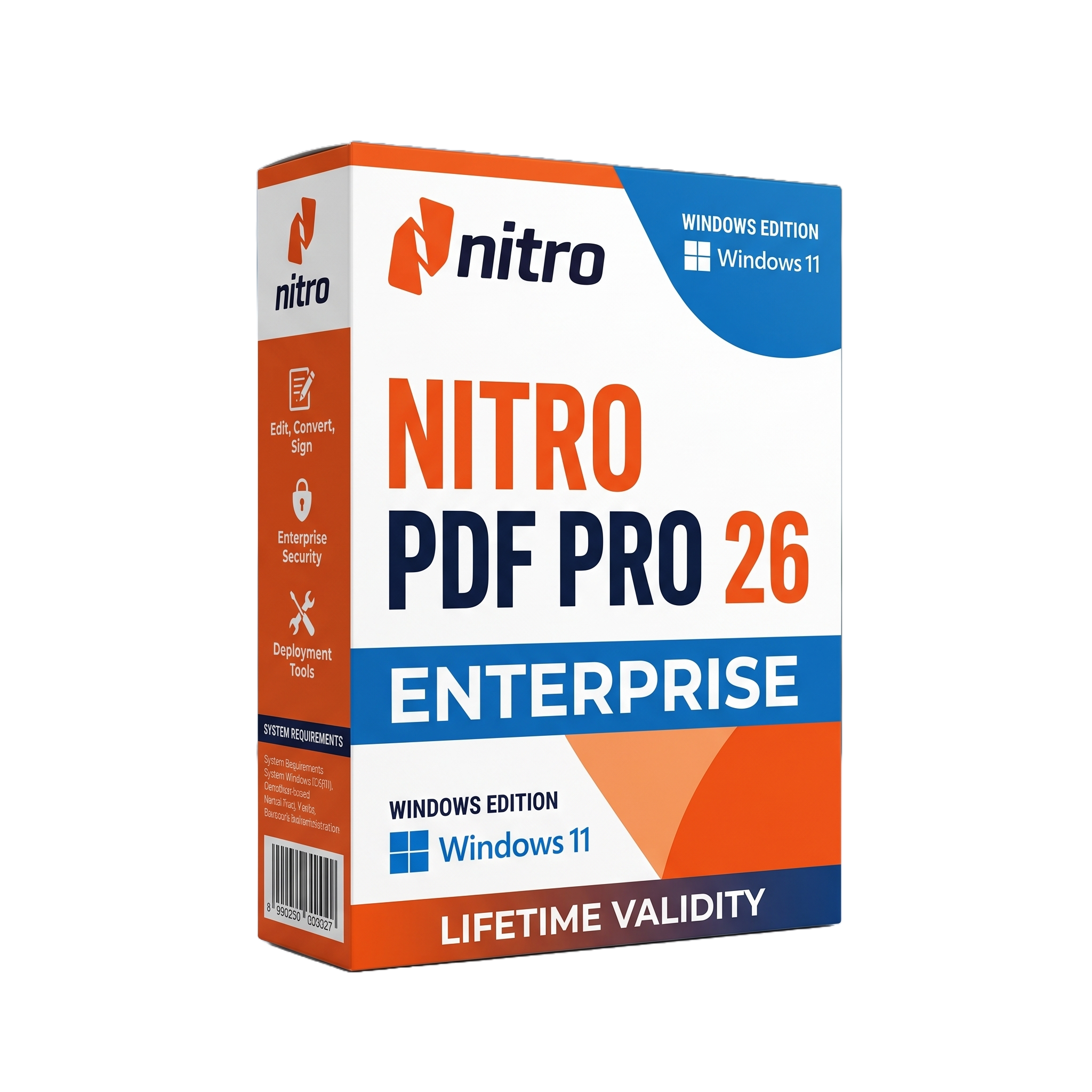
Nitro PDF Pro 26 Enterprise For Lifetime
- AUTOMATIC DELIVERY INSTANTLY ON REGISTERED EMAIL .
- Any Installation Problem Freely Contact Us(Will Give You Support)
- Lifetime Validity
- Windows Version
- Enterprise PDF creation, editing, conversion, and management
- Windows 10/11 64-bit support
- Modernized Nitro PDF Pro 26 interface
- AI-powered Smart Tools
- Nitro Assistant for PDF analysis, summarization, and translation
- OCR with expanded multilingual recognition
- Form creation and automated form-data extraction
- Table extraction to Excel-ready data
- Smart and permanent PDF redaction
- Digital signatures and document security
- PDF/A archival support
- PDF compression and optimization
₹499.00
Description
Nitro PDF Pro 26 Enterprise for Windows is a professional PDF creation, editing, conversion, collaboration, and document-management application designed for businesses, government organizations, educational institutions, legal departments, and other enterprise environments. It provides a centralized toolkit for creating and editing PDF documents, converting files between PDF and Microsoft Office formats, adding annotations, managing forms, applying security controls, and preparing documents for electronic workflows. The Enterprise edition is designed for managed organizational deployment, with administrator-oriented licensing and MSI-based installation options.
Nitro PDF Pro 26 provides tools for modifying PDF text and graphics, organizing pages, combining and splitting documents, adding comments and annotations, creating and completing forms, applying digital signatures, and protecting sensitive information. OCR capabilities allow scanned documents to be converted into searchable and editable content, while PDF optimization and compression tools help reduce document size for storage and distribution. Microsoft Office integration also supports workflows involving Word, Excel, and PowerPoint documents.
The v26 generation introduces a substantially redesigned interface with updated icons, navigation, tool placement, responsive layouts, and a dedicated Smart Tools area for AI-assisted document workflows. Smart Tools include Form Extract, Table Extract, Form Create, Smart Redact, and Nitro Assistant, enabling organizations to extract structured information, create fillable forms, identify sensitive information, and interact with PDF content using natural-language queries. Enterprise administrators can control the availability of Smart Tools through the Nitro Admin Portal.
Nitro PDF Pro 26 is also suited to enterprise document workflows involving SharePoint, iManage, Microsoft Office, digital signatures, PDF/A archiving, OCR, redaction, and document security. Enterprise deployments can use MSI packages and centralized administrative controls, while the application supports Windows-based managed environments and organization-wide licensing models. The current Windows 26 branch has continued receiving maintenance releases; version 26.1.6.0 was released August 6, 2026, adding Arabic and Hebrew OCR language support and additional navigation improvements.
Key Features
- Professional PDF creation and editing
- Edit PDF text, fonts, images, and page elements
- Create PDFs from Microsoft Office and other source documents
- Convert PDF files to Word, Excel, PowerPoint, and other formats
- OCR for scanned documents
- Arabic and Hebrew OCR support in current 26.1.6 release
- PDF/A creation and archival workflows
- PDF compression and optimization
- Page insertion, deletion, extraction, rotation, and reordering
- PDF merging and document assembly
- Annotations, comments, highlights, stamps, and drawing tools
- Searchable and fillable PDF forms
- Form creation and form-data extraction
- Table extraction to Excel-compatible data
- Smart Redact for sensitive information
- Manual and permanent PDF redaction
- Digital signatures and signature validation
- Password protection and PDF permissions
- 256-bit AES document encryption
- Metadata removal and document sanitization
- Nitro Assistant for PDF search, summarization, and translation
- SharePoint integration
- iManage integration
- Microsoft Office integration
- Enterprise MSI deployment
- Nitro Admin Portal administration
- Centralized control over AI/Smart Tools availability
- Support for managed Windows environments
- PDF interoperability with standard PDF/PDF-A workflows
What’s New
Nitro PDF Pro 26 represents a major redesign of the Windows application:
- Modernized interface with redesigned tabs, icons, buttons, and Home screen
- Improved responsive layout for smaller application windows
- New dedicated Smart Tools tab for AI-powered capabilities
- Form Extract for turning form data into structured information
- Table Extract for extracting tables into Excel-ready data
- Form Create for converting static PDFs into interactive forms
- Smart Redact for automatically detecting sensitive information
- Nitro Assistant for querying, summarizing, and translating PDF content
- Improved OCR engine with better recognition accuracy and multilingual processing
- Enhanced PDF compression technology
- Improved document-management and productivity workflows
- Enterprise administrators can enable or disable Smart Tools through Nitro Admin Portal
- 26.1 improved document comparison visibility, browser-based sign-in/SSO behavior, performance, and stability
- 26.1.6.0 added Arabic and Hebrew OCR language recognition and further navigation refinements
- Windows Server 2016 is no longer supported by the v26 generation because of its WinUI 3 framework requirements.
Professional Applications
Nitro PDF Pro 26 Enterprise is suitable for:
- Corporate document management
- Legal and compliance departments
- Government document processing
- Financial and accounting workflows
- Healthcare administration
- Education and institutional documentation
- Contract preparation and review
- PDF form creation and processing
- Digital document signing
- Records and archival management
- Secure document distribution
- OCR and scanned-document conversion
- SharePoint document workflows
- iManage-based legal document management
- Enterprise PDF standardization
- Sensitive-data redaction
System Requirements
Minimum Requirements
- Operating System: Windows 10 64-bit version 1809 or later, or Windows 11 64-bit.
- Processor: 1.5 GHz or faster
- RAM: 1 GB minimum
- Storage: Approximately 4.5 GB available disk space for the enterprise installation
- Display: 1024 × 768 minimum
- Graphics: Video hardware acceleration optional
- Microsoft Office: Microsoft Office 2013, 2016, or 2019 for supported Office integration workflows
- Runtime: Microsoft Edge WebView2 and Microsoft Visual C++ Redistributable
- Internet: Required for activation/licensing, updates, and selected online features
- Enterprise Deployment: MSI-based deployment and the appropriate Enterprise licensing package are required for Enterprise installations
Related Products
- AUTOMATIC DELIVERY INSTANTLY ON REGISTERED EMAIL .
- Any Installation Problem Freely Contact Us(Will Give You Support)
- Lifetime Validity
- Windows Version
- For 3ds Max 2021 – 2027
- Render and clip real-world 3D scans natively with full Gaussian Splatting support.
- Simulate complex light fixtures significantly faster using the new V-Ray Luminaire.
- Generate accurate stars, moon, and phases instantly with the procedural Night Sky.
- Create PBR materials from simple photos automatically with the AI Material Generator.
- Stream interactive 3D scenes to clients via a web link with Chaos Cloud Streaming.
- Analyze scene performance and spot bottlenecks precisely using the V-Ray Profiler.
- Render realistic caustics and refractions at high speeds with updated V-Ray GPU.
- AUTOMATIC DELIVERY INSTANTLY ON REGISTERED EMAIL .
- Any Installation Problem Freely Contact Us(Will Give You Support)
- Lifetime Validity
- Windows Version
- Explore massive 3D scenes in 100% ray-traced real-time without waiting for renders.
- Sync changes instantly from 3ds Max, SketchUp, Rhino, and Revit via Live Link.
- Render photorealistic animations at lightning speeds using NVIDIA DLSS 3.5 support.
- Populate environments with millions of objects using the built-in Chaos Scatter tool.
- Switch between different lighting setups, materials, and moods instantly with Scene States.
- Visualize complex animated characters and deformable meshes perfectly in real-time.

- AUTOMATIC DELIVERY INSTANTLY ON REGISTERED EMAIL .
- Any Installation Problem Freely Contact Us(Will Give You Support)
- Lifetime Validity
- Windows Version
- Professional Edition
- Preview files in real-time while the scan is still running with “On-the-Fly” preview.
- Pause and resume recovery scans instantly to save progress without restarting.
- Recover data from BitLocker-encrypted drives by simply entering the password.
- Create bootable USB media to salvage files from crashed or unbootable PCs.
- Repair corrupt videos and photos automatically using the Premium repair tools.
- Multitask efficiently with native dual-monitor support for the recovery interface.
- Scan large 4K hard drives with 4096-byte sectors using the optimized engine.
- Retrieve data from RAID 0, 5, and 6 arrays seamlessly with the Technician edition.
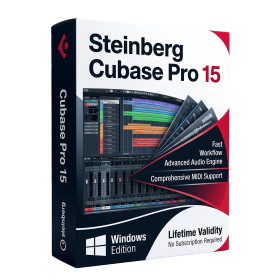
- AUTOMATIC DELIVERY INSTANTLY ON REGISTERED EMAIL .
- Any Installation Problem Freely Contact Us(Will Give You Support)
- Lifetime Validity
- Windows Version
- Included Instruments:
- Halion 7
- Halion Sonic 7
- Groove Agent 6
- Groove Agent SE 6
- WaveLab Pro 13
- Dorico Pro 6
- Backbone 1.6
- PadShop Pro 2
- Retrologue 2.5
- SpectraLayers Pro 13
- Iconica Sketch
- Verve
- Drum Machine
- AUTOMATIC DELIVERY INSTANTLY ON REGISTERED EMAIL .
- Any Installation Problem Freely Contact Us(Will Give You Support)
- Lifetime Validity
- Windows Version
- Render scenes with significantly less noise using the improved High-Quality Denoiser.
- Create intricate procedural clouds and weather effects with the updated Corona Sky.
- Scatter objects efficiently on surfaces with the enhanced Chaos Scatter controls.
- Apply decals to curved and organic surfaces seamlessly without UV unwrap.
- Simulate realistic fabrics and velvets instantly with the new Sheen layer.
- Manage complex scenes easily using the optimized Lister and Scene Management tools.
- Reduce memory usage significantly when rendering repetitive geometry with Corona Pattern.
- AUTOMATIC DELIVERY INSTANTLY ON REGISTERED EMAIL .
- Any Installation Problem Freely Contact Us(Will Give You Support)
- Lifetime Validity
- Windows Version
- Type effortlessly in multiple Indian languages with enhanced Unicode keyboard handlers.
- Detect and switch between 32-bit and 64-bit applications automatically while typing.
- Access thousands of high-quality calligraphic fonts for professional designs.
- Convert legacy text to Unicode instantly with the advanced file conversion utility.
- Design stylish 3D titles and logos easily using the Avishkar Plus tool.
- Check spelling in Indian languages directly with the integrated Spell Checker.
- Integrate seamlessly with open-source apps like Inkscape, GIMP, and Scribus.
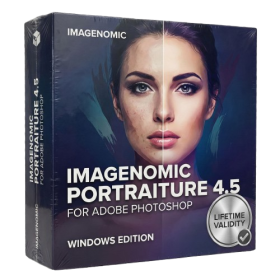
- AUTOMATIC DELIVERY INSTANTLY ON REGISTERED EMAIL .
- Any Installation Problem Freely Contact Us(Will Give You Support)
- Lifetime Validity
- Windows Version
- Smooth skin naturally while preserving texture using advanced AI algorithms.
- Generate precise skin masks automatically to isolate subjects instantly.
- Process massive batches of photos rapidly with optimized multi-core performance.
- Remove blemishes and imperfections without blurring eyelashes or eyebrows.
- Even out skin tones to correct redness and blotchiness effortlessly.
- Apply professional retouching styles quickly with a customizable preset library.
- Fine-tune mask selection manually with the interactive refinement brush.
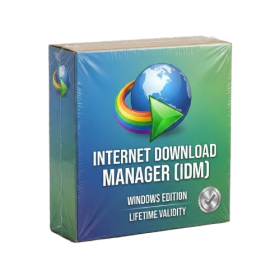
- AUTOMATIC DELIVERY INSTANTLY ON REGISTERED EMAIL .
- Any Installation Problem Freely Contact Us(Will Give You Support)
- Lifetime Validity
- Windows Version
- File Size: 23.5MB
- Accelerate download speeds by up to 5 times with intelligent dynamic file segmentation.
- Resume interrupted downloads instantly without restarting from the beginning.
- Capture videos from streaming sites automatically using the improved download panel.
- Detect and download Ultra HD (4K and 8K) videos with enhanced recognition accuracy.
- Integrate seamlessly with the latest versions of Chrome, Edge, and Firefox.
- Resolve video stream errors (like 403 Forbidden) with updated site compatibility fixes.
- Schedule downloads to start, stop, or shut down your computer automatically.
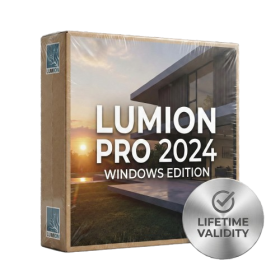
- AUTOMATIC DELIVERY INSTANTLY ON REGISTERED EMAIL .
- Any Installation Problem Freely Contact Us(Will Give You Support)
- Lifetime Validity
- Windows Version
- Ray trace over 2,200 nature assets including trees and shrubs for realistic reflections.
- Preview renders instantly with the new real-time NRD denoiser in Photo and Movie modes.
- Render ray-traced videos up to 5x faster using the optimized sampling engine.
- Simulate realistic glass refraction and colored shadows with fully ray-traced glass.
- Add depth to translucent materials like marble and wax with Subsurface Scattering.
- Populate interiors instantly using 25+ new parallax room templates for day and night.
- Import GLTF files directly for a lighter and faster 3D model workflow.
- Batch import multiple 3D models simultaneously to speed up scene building.
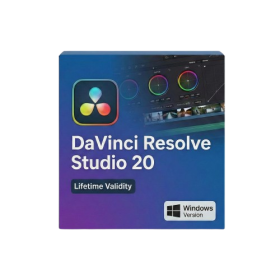
- Lifetime Validity
- Instant Delivery on Email
- Any Installation Problem Freely Contact Us(Will Give You Support)
- Supported on Windows 10,11
- File Size: 7.47GB (20.3.2 Version)
- Ai Features are working
- Works with Internet and Antivirus
- Generate complex color grades instantly from text prompts or reference images with AI Match.
- Isolate and remix individual instruments from a stereo music track using Fairlight AI Stem Separation.
- Track objects obscured by smoke or glass perfectly with the new Deep Neural Magic Mask.
- Edit spatial video natively for Apple Vision Pro and Meta Quest with full depth visualization.
- Remove unwanted moving objects from complex backgrounds automatically with Generative Fill for Video.

- Lifetime Validity
- Instant Delivery on Email
- Supported on All Apple Mac Systems
- Any Installation Problem Freely Contact Us(Will Give You Support)
- Visual Search: Find clips by describing objects or actions (e.g., “sunset”).
- Beat Detection: Auto-generate markers to sync edits to music beats.
- Transcript Search: Find footage by typing spoken dialogue.
- Magnetic Mask: Isolate subjects instantly without green screens.
- Spatial Video: Edit and grade 3D content for Apple Vision Pro.
- Voice Isolation: Remove background noise with one click.
- Transcribe to Captions: Auto-generate subtitles on-device.
- Smooth Slo-Mo: AI-generated frames for perfect slow motion.

- AUTOMATIC DELIVERY INSTANTLY ON REGISTERED EMAIL .
- Any Installation Problem Freely Contact Us(Will Give You Support)
- Lifetime Validity
- Windows Version
- Visualize models with realistic shading and depth using the new Ambient Occlusion engine.
- Import and export IFC files faster with enhanced openBIM interoperability.
- Find and execute any command instantly using the integrated Smart Search tool.
- Generate unique textures and styles quickly with AI-powered Diffusion graphics.
- Collaborate in real-time by syncing models seamlessly with Trimble Connect.
- Create 2D documentation efficiently with the optimized LayOut rendering engine.
- Import complex Revit files accurately with the lightweight Revit Importer.
- Organize geometry effortlessly using the modernized Tag management system.