
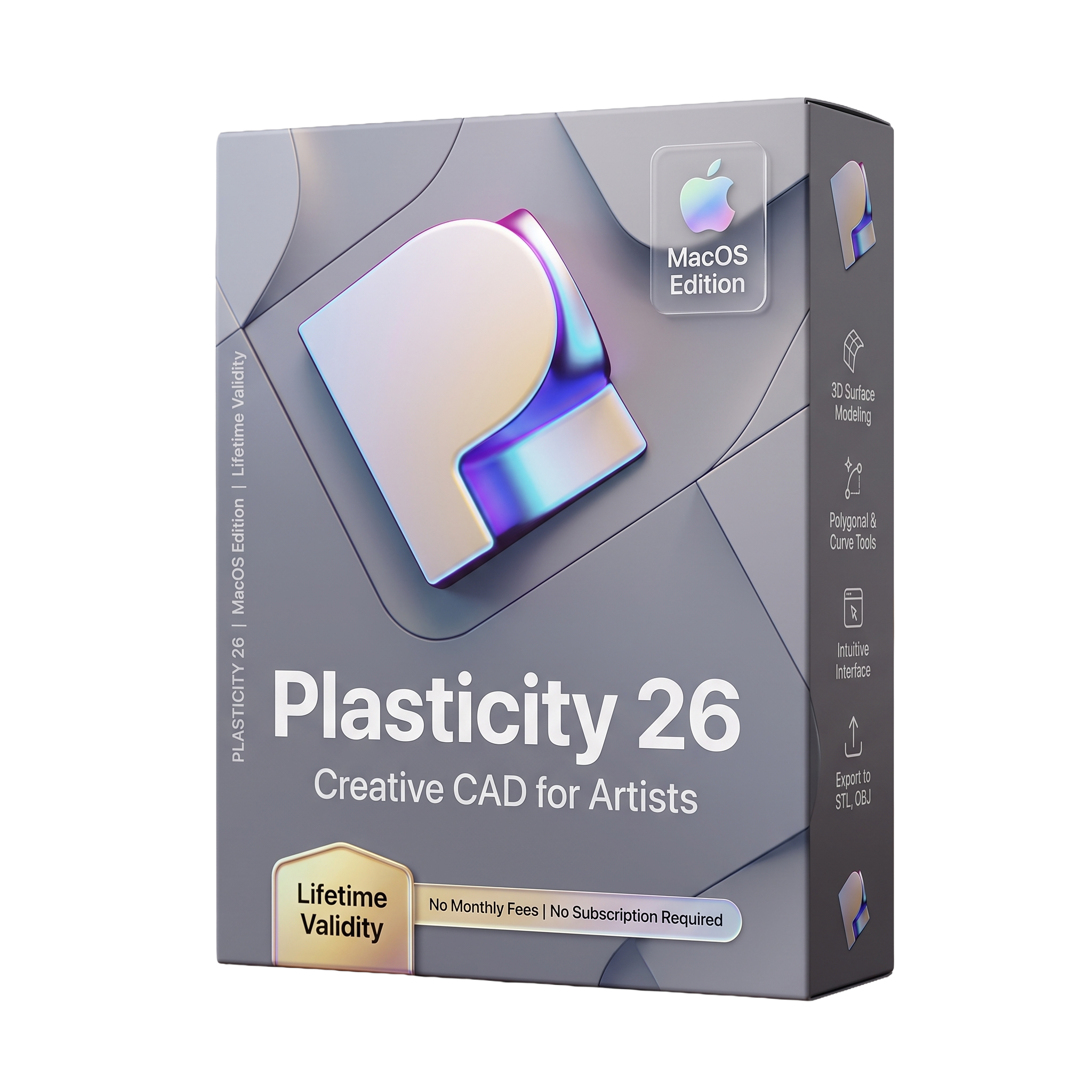
Plasticity 26 for MacOS Lifetime
- Lifetime Validity
- Instant Delivery on Email
- For MacOs
- Any Installation Problem Freely Contact Us(Will Give You Support)
- Professional NURBS-based 3D CAD software for macOS
- Optimized for Apple Silicon and Intel Macs
- Fast direct modeling with precision CAD tools
- Advanced Boolean, fillet, loft, sweep, and surface modeling
- PolySpline and XNURBS features available in Studio edition
- Supports STEP, IGES, Parasolid, STL, OBJ, FBX, and USD formats
- Integrates with Blender, Maya, 3ds Max, and KeyShot
- Optimized for industrial design, product development, and hard-surface modeling
- Clean, modern interface with precision snapping tools
- Ideal for product designers, concept artists, jewelry designers, and CAD professionals
₹555.00
Description
Plasticity 26 for Mac is a professional 3D CAD and subdivision modeling application designed for industrial designers, concept artists, product designers, jewelry creators, and hard-surface modelers. Built around a modern NURBS-based modeling engine with an intuitive workflow, Plasticity enables users to create precise, manufacturable models while maintaining the speed and flexibility expected by digital artists. Native support for Apple Silicon and Intel-based Macs delivers responsive performance on macOS, making it an excellent choice for high-quality product design and concept development. Current releases in the 26 series include version 26.1.x.
Unlike traditional parametric CAD applications, Plasticity focuses on direct modeling with advanced surface creation and editing tools. Users can create complex solids using booleans, fillets, chamfers, lofts, sweeps, revolves, shell operations, and precision sketching without managing a feature history. The software is particularly popular for hard-surface modeling in product visualization, automotive concepts, consumer electronics, industrial design, and game asset creation. It also integrates well with rendering and DCC applications such as Blender, Maya, 3ds Max, and KeyShot through industry-standard exchange formats.
Version 26 expands the modeling workflow with continued improvements to surface editing, interoperability, stability, and performance. Studio editions also include advanced tools such as PolySpline workflows and XNURBS-based surface operations for creating high-quality Class-A style surfaces. Combined with its clean user interface, precision snapping, and efficient modeling workflow, Plasticity 26 provides an attractive alternative to more traditional mechanical CAD systems for designers who need both speed and accuracy.
Key Features
- Professional NURBS-based 3D CAD modeling
- Native macOS application for Apple Silicon and Intel Macs
- Direct solid modeling without complex feature trees
- Precision sketching and curve creation
- Advanced Boolean operations
- Variable fillets and chamfers
- Loft, Sweep, Revolve, Extrude, and Shell tools
- Surface modeling and repair tools
- High-quality subdivision-friendly hard-surface workflow
- PolySpline workflow (Studio edition)
- XNURBS-powered advanced surfacing (Studio edition)
- Precision snapping and measurement tools
- Broad CAD interoperability
- Export support for STEP, IGES, Parasolid (X_T), STL, OBJ, FBX, USD, and other common formats
- Integration with Blender, Maya, 3ds Max, KeyShot, and other visualization software
What’s New in Version 26
- Improved modeling performance and responsiveness
- Workflow refinements for direct modeling operations
- Enhanced interoperability with CAD and DCC applications
- Updated PolySpline capabilities (Studio edition)
- Improved surface editing tools
- Better stability and reliability
- Optimized Apple Silicon performance
- Various usability enhancements and bug fixes
Professional Applications
Plasticity 26 is ideal for:
- Industrial product design
- Consumer electronics design
- Automotive concept modeling
- Jewelry design
- Mechanical concept development
- Hard-surface game asset creation
- Product visualization
- Manufacturing preparation
- Reverse engineering workflows
- Rapid concept modeling
System Requirements
Minimum Requirements
- Operating System: macOS 12 Monterey or later
- Processor: Intel 64-bit processor or Apple Silicon (M1 or newer)
- RAM: 8 GB
- Storage: 1 GB available disk space
- Graphics: Metal-compatible graphics processor
- Display: 1280 × 800 resolution or higher
- Internet: Required for activation, licensing, and updates
Related Products
- AUTOMATIC DELIVERY INSTANTLY ON REGISTERED EMAIL .
- Any Installation Problem Freely Contact Us(Will Give You Support)
- Lifetime Validity
- Windows Version
- Retopo Brush: Draw low-poly topology directly on your sculpt.
- Python Support: Automate tasks with industry-standard scripting.
- Asset System: Separate user folders for safer customization.
- ZModeler Update: Auto-creasing and improved visual feedback.
- NoiseMaker 2.0: Transform and rotate alphas for surface noise.
- Redshift AOVs: Export render passes for professional compositing.
- Sculptris Pro: Add polygons dynamically only where you need detail.
- DynaMesh: Remesh your model instantly to fix stretched geometry.
- GoZ: Single-click transfer to Maya, Blender, Cinema 4D, and UE5.
- PolyPaint: Paint texture data directly on the mesh vertices.
- AUTOMATIC DELIVERY INSTANTLY ON REGISTERED EMAIL .
- Any Installation Problem Freely Contact Us(Will Give You Support)
- Lifetime Validity
- Windows Version
- Smooth skin naturally while preserving texture using advanced AI algorithms.
- Generate precise skin masks automatically to isolate subjects instantly.
- Process massive batches of photos rapidly with optimized multi-core performance.
- Remove blemishes and imperfections without blurring eyelashes or eyebrows.
- Even out skin tones to correct redness and blotchiness effortlessly.
- Apply professional retouching styles quickly with a customizable preset library.
- Fine-tune mask selection manually with the interactive refinement brush.
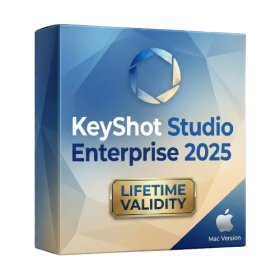
- Lifetime Validity
- Instant Delivery on Email
- Supported on All Apple Mac Systems
- Any Installation Problem Freely Contact Us(Will Give You Support)
- Render natively on Apple Silicon (M1/M2/M3) for maximum speed and efficiency.
- Generate photorealistic backgrounds instantly from text prompts using the AI Shots tool.
- Share interactive 3D product reviews securely with stakeholders via KeyShot Web Viewer.
- Automate complex rendering pipelines using the advanced Python scripting console.
- Import native files directly from high-end CAD systems like Siemens NX, Catia, and Creo.
- Switch seamlessly between CPU and GPU rendering to utilize Apple Metal graphics power.
- Create standardized material libraries for your organization with OpenPBR support.
- Accelerate post-production compositing with automatic Cryptomatte mask generation.
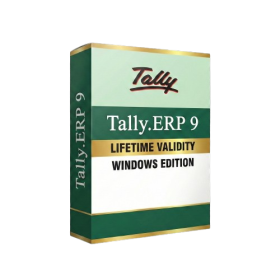
- AUTOMATIC DELIVERY INSTANTLY ON REGISTERED EMAIL .
- Any Installation Problem Freely Contact Us(Will Give You Support)
- Lifetime Validity
- Windows Version
- Generate invoices.
- Manage multiple companies and financial years from a single unified interface.
- Track inventory stocks across different godowns and locations in real-time.
- Automate bank reconciliation by uploading digital bank statements directly.
- Calculate employee salaries, PF, and TDS accurately with the integrated Payroll module.
- Access business data remotely using the secure Tally.NET connection services.
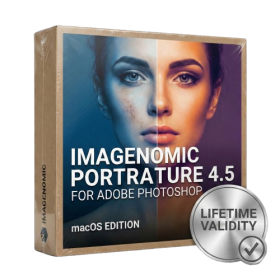
- Lifetime Validity
- Instant Delivery on Email
- Supported on All Apple Mac Systems
- Any Installation Problem Freely Contact Us(Will Give You Support)
- Smooth skin naturally while preserving texture using advanced AI algorithms.
- Generate precise skin masks automatically to isolate subjects instantly.
- Process massive batches of photos rapidly with optimized multi-core performance.
- Remove blemishes and imperfections without blurring eyelashes or eyebrows.
- Even out skin tones to correct redness and blotchiness effortlessly.
- Apply professional retouching styles quickly with a customizable preset library.
- Fine-tune mask selection manually with the interactive refinement brush.

- AUTOMATIC DELIVERY INSTANTLY ON REGISTERED EMAIL .
- Any Installation Problem Freely Contact Us(Will Give You Support)
- Lifetime Validity
- Windows Version
- Visualize models with realistic shading and depth using the new Ambient Occlusion engine.
- Import and export IFC files faster with enhanced openBIM interoperability.
- Find and execute any command instantly using the integrated Smart Search tool.
- Generate unique textures and styles quickly with AI-powered Diffusion graphics.
- Collaborate in real-time by syncing models seamlessly with Trimble Connect.
- Create 2D documentation efficiently with the optimized LayOut rendering engine.
- Import complex Revit files accurately with the lightweight Revit Importer.
- Organize geometry effortlessly using the modernized Tag management system.
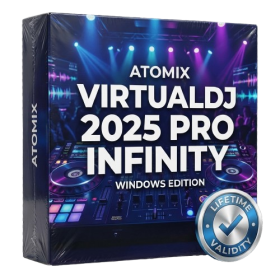
- AUTOMATIC DELIVERY INSTANTLY ON REGISTERED EMAIL .
- Any Installation Problem Freely Contact Us(Will Give You Support)
- Lifetime Validity
- Windows Version
- Works with Internet and Antivirus
- File Size: 461MB
- v8.5.8472
- Swap vocals or drums between tracks instantly with the new StemSwap Sampler.
- Isolate track elements in real-time for seamless live mashups and remixes.
- Export playlists to USB drives for CDJs with new subfolder support.
- Sync music libraries across devices automatically via improved Cloud Drive tools.
- Plug and play with over 300+ controllers including the latest AlphaTheta models.
- Mix video and karaoke with customizable on-screen graphics and lyrics.
- Scratch with precision using the improved ultra-low latency DVS engine.
- Stream sets directly to social platforms without external broadcasting software.
- AUTOMATIC DELIVERY INSTANTLY ON REGISTERED EMAIL .
- Any Installation Problem Freely Contact Us(Will Give You Support)
- Lifetime Validity
- Windows Version
- Ray trace over 2,200 nature assets including trees and shrubs for realistic reflections.
- Preview renders instantly with the new real-time NRD denoiser in Photo and Movie modes.
- Render ray-traced videos up to 5x faster using the optimized sampling engine.
- Simulate realistic glass refraction and colored shadows with fully ray-traced glass.
- Add depth to translucent materials like marble and wax with Subsurface Scattering.
- Populate interiors instantly using 25+ new parallax room templates for day and night.
- Import GLTF files directly for a lighter and faster 3D model workflow.
- Batch import multiple 3D models simultaneously to speed up scene building.

- AUTOMATIC DELIVERY INSTANTLY ON REGISTERED EMAIL .
- Any Installation Problem Freely Contact Us(Will Give You Support)
- Lifetime Validity
- Windows Version
- Professional Edition
- Preview files in real-time while the scan is still running with “On-the-Fly” preview.
- Pause and resume recovery scans instantly to save progress without restarting.
- Recover data from BitLocker-encrypted drives by simply entering the password.
- Create bootable USB media to salvage files from crashed or unbootable PCs.
- Repair corrupt videos and photos automatically using the Premium repair tools.
- Multitask efficiently with native dual-monitor support for the recovery interface.
- Scan large 4K hard drives with 4096-byte sectors using the optimized engine.
- Retrieve data from RAID 0, 5, and 6 arrays seamlessly with the Technician edition.
- AUTOMATIC DELIVERY INSTANTLY ON REGISTERED EMAIL .
- Any Installation Problem Freely Contact Us(Will Give You Support)
- Lifetime Validity
- Windows Version
- For 3ds Max 2021 – 2027
- Render and clip real-world 3D scans natively with full Gaussian Splatting support.
- Simulate complex light fixtures significantly faster using the new V-Ray Luminaire.
- Generate accurate stars, moon, and phases instantly with the procedural Night Sky.
- Create PBR materials from simple photos automatically with the AI Material Generator.
- Stream interactive 3D scenes to clients via a web link with Chaos Cloud Streaming.
- Analyze scene performance and spot bottlenecks precisely using the V-Ray Profiler.
- Render realistic caustics and refractions at high speeds with updated V-Ray GPU.

- AUTOMATIC DELIVERY INSTANTLY ON REGISTERED EMAIL .
- Any Installation Problem Freely Contact Us(Will Give You Support)
- Lifetime Validity
- Windows Version
- Rock-Solid Tracking: The industry standard for planar tracking.
- PowerMesh: Track warped surfaces like skin and fabric.
- Generative Remove: Auto-remove objects and wires with AI.
- Stabilization: Smooth out shaky handheld footage instantly.
- Insert Module: Perfect screen replacements with motion blur.
- Magnetic Roto: Snap masks to edges for fast rotoscoping.
- Lens Correction: Fix or match lens distortion easily.
- AUTOMATIC DELIVERY INSTANTLY ON REGISTERED EMAIL .
- Any Installation Problem Freely Contact Us(Will Give You Support)
- Lifetime Validity
- Windows Version
- 7.28 Version
- Map video onto complex geometric structures and surfaces with advanced projection mapping tools.
- Stitch multiple projectors into a single seamless widescreen image with soft edge blending.
- Sync video with lighting fixtures using DMX input and advanced LED pixel mapping.
- Lock your visuals perfectly to show tracks and DJ sets using SMPTE timecode input.
- Mix unlimited layers of video, effects, and generative content in real-time.
- Correct mistakes instantly during live setup with the fully integrated Undo/Redo feature.