
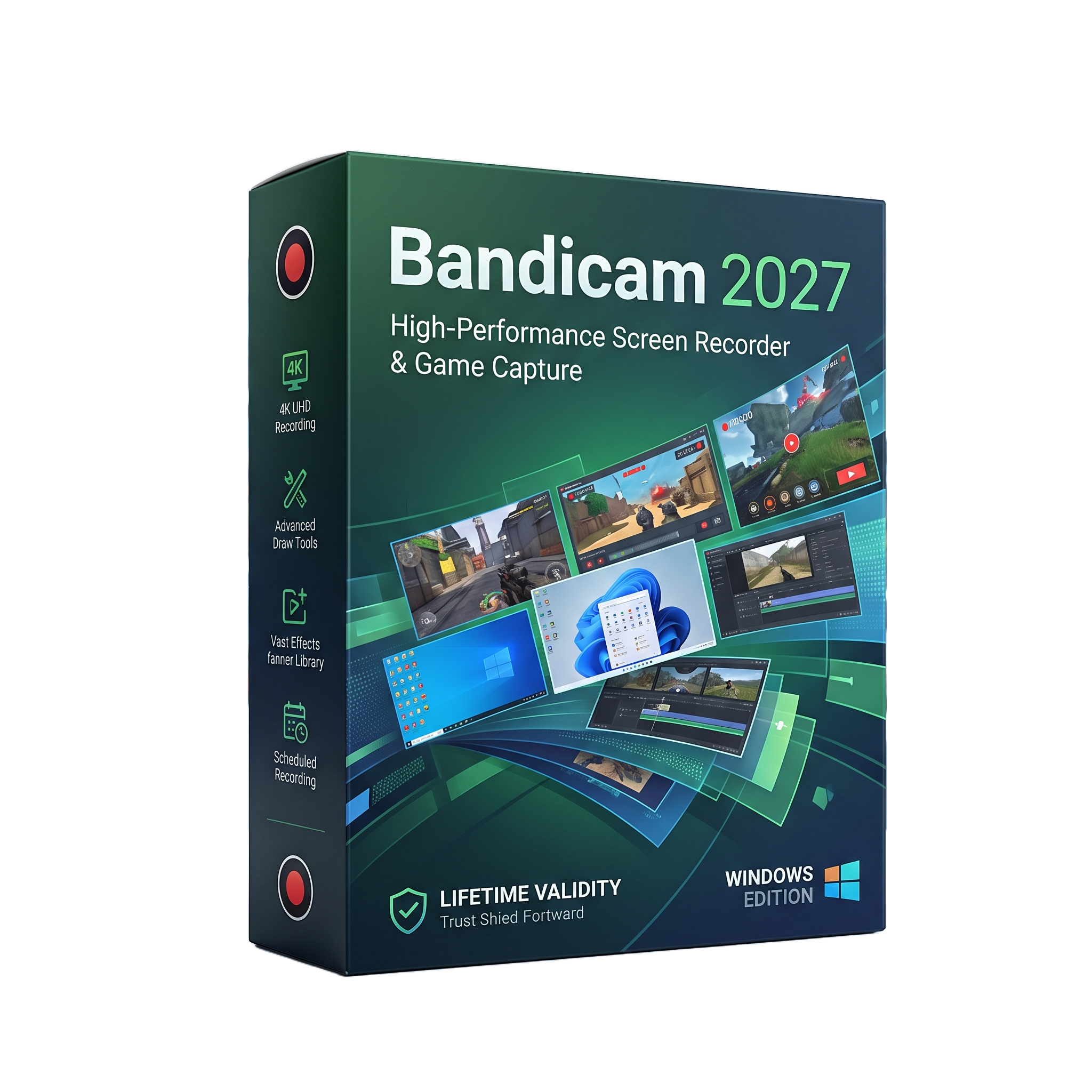
Bandicam 2027 for Lifetime
- AUTOMATIC DELIVERY INSTANTLY ON REGISTERED EMAIL .
- Any Installation Problem Freely Contact Us(Will Give You Support)
- Lifetime Validity
- Windows Version
- Professional screen recording and video capture software
- Windows 11/10/8/7 64-bit support
- Full-screen and selected-area recording
- Game and application recording
- Webcam and facecam recording
- 4K Ultra HD recording support
- H.264, HEVC, and AV1 encoding
- NVIDIA, Intel, and AMD hardware acceleration
- System audio and microphone recording
- Audio-only recording and MP3 export
- Real-time drawing and screen annotations
- Webcam background removal, blur, and replacement
- Smart Zoom for highlighting screen activity
- Built-in video and audio editing
₹500.00
Description
Bandicam 2027 for Windows is a professional screen recording, game capture, webcam recording, and audio recording application designed for content creators, educators, trainers, business users, gamers, and technical professionals. It allows users to capture full-screen activity, selected screen areas, individual applications, games, webcams, online meetings, presentations, and other Windows content. Bandicam supports high-quality recording while using compression and hardware acceleration to help reduce recording file sizes and system overhead.
The software provides multiple recording modes for desktop and application capture, game recording, webcam overlays, and audio-only recording. It supports 4K Ultra HD recording and hardware-accelerated H.264, HEVC, and AV1 encoding through compatible NVIDIA, Intel, and AMD hardware. Users can also record microphone and system audio, save audio tracks separately, and configure scheduled or automatic recording workflows.
Bandicam 2027 expands the recording workflow with an integrated video and audio player and built-in editing capabilities. Smart Zoom can automatically emphasize important areas based on cursor movement, while webcam tools provide background removal, blur, replacement, and customizable overlay shapes. Multi-area blur can be used to hide sensitive information such as passwords, emails, and other private screen content.
The 2027 release also introduces a range of AI-assisted production features. These include AI transcription, speaker separation, subtitle generation and editing, subtitle translation, highlight editing, automatic removal of silence and filler words, AI video summaries, and AI-generated quizzes with HTML export. These features make Bandicam suitable for converting recorded meetings, tutorials, lectures, demonstrations, and presentations into more structured and reusable content.
Bandicam is suitable for gaming, education, software tutorials, business presentations, online meetings, technical documentation, product demonstrations, training materials, and general desktop recording. The combination of screen capture, game recording, webcam functionality, hardware encoding, integrated editing, annotation tools, scheduling, and AI-assisted processing provides a complete Windows-based recording workflow.
Key Features
• Professional screen and desktop recording
• Game recording for DirectX, OpenGL, Vulkan, and other supported applications
• Full-screen and selected-area recording
• Application and window-specific capture
• Webcam and facecam recording
• Online meeting and presentation recording
• 4K Ultra HD video recording up to 3840 × 2160
• Audio-only recording
• System audio and microphone recording
• H.264, HEVC, and AV1 hardware-accelerated encoding
• NVIDIA NVENC, Intel Quick Sync, and AMD VCE/VCN support
• Real-time screen drawing and annotation
• Webcam overlay with customizable shapes
• AI webcam background removal, blur, and replacement
• Smart Zoom based on cursor movement
• Built-in video and audio player
• Built-in video and audio editing
• AI transcription and automatic subtitle generation
• AI speaker separation
• Subtitle editing and translation
• AI highlight editing
• Automatic silence and filler-word removal
• AI-generated video summaries with HTML export
• AI-generated quizzes with HTML export
• Multi-area blur for hiding sensitive screen information
• Scheduled recording
• Automatic start and stop recording
• Separate MP3 audio-track saving
• High-bitrate AAC audio support
• Mouse effects and recording controls
• Direct upload support for supported online services
• Suitable for tutorials, gameplay, meetings, lectures, and software demonstrations
• Windows command and automation options for supported workflows
What’s New
Bandicam 2027 v27.0.6 — September 9, 2026
• Added built-in video and audio player
• Added built-in video and audio editing
• Added Smart Zoom based on cursor movement
• Added AI transcription for subtitle creation
• Added AI webcam background removal, blur, and replacement
• Added speaker separation
• Added AI highlight editing
• Added subtitle-based editing
• Added subtitle editing and AI subtitle translation
• Added automatic removal of silence and filler words
• Added AI video summaries with HTML export
• Added AI quizzes based on video content with HTML export
• Added high-bitrate AAC audio support
• Added additional webcam overlay shapes including rounded, circular, heart, and star shapes
• Added webcam overlay borders
• Added separate MP3 audio-track saving
• Added multi-area blur for up to three areas of the recording screen
• Improved recording-mode controls and interface organization
• Improved registration and license management through My Bandicam Space
Professional Applications
• Screen recording and desktop documentation
• Gaming and gameplay capture
• YouTube and online video production
• Software tutorials and demonstrations
• Corporate training and employee instruction
• Online meetings and presentations
• Educational lectures and course creation
• Technical support and troubleshooting documentation
• Product demonstrations
• Software testing and documentation
• Webinar and conference recording
• Webcam and presentation content
• Video-based training materials
• Meeting transcription and subtitle creation
• Recorded-content summarization
System Requirements
Minimum Requirements
- OS: Windows 11, Windows 10, Windows 8, or Windows 7, 64-bit
- CPU: Intel Pentium 4 1.3 GHz or AMD Athlon XP 1500+ or equivalent
- RAM: 512 MB or more
- Storage: 1 GB or more
- Display: 800 × 600, 16-bit color or better
- GPU: Compatible Windows graphics hardware; hardware acceleration requires supported NVIDIA, Intel, or AMD hardware
- Additional: Microphone or audio device when recording external audio; supported hardware encoding depends on the installed GPU/processor.
Related Products

- AUTOMATIC DELIVERY INSTANTLY ON REGISTERED EMAIL .
- Any Installation Problem Freely Contact Us(Will Give You Support)
- Lifetime Validity
- Windows Version
- Rock-Solid Tracking: The industry standard for planar tracking.
- PowerMesh: Track warped surfaces like skin and fabric.
- Generative Remove: Auto-remove objects and wires with AI.
- Stabilization: Smooth out shaky handheld footage instantly.
- Insert Module: Perfect screen replacements with motion blur.
- Magnetic Roto: Snap masks to edges for fast rotoscoping.
- Lens Correction: Fix or match lens distortion easily.

- AUTOMATIC DELIVERY INSTANTLY ON REGISTERED EMAIL .
- Any Installation Problem Freely Contact Us(Will Give You Support)
- Lifetime Validity
- Windows Version
- Version: 4.20
- Revit 2023, 2024, 2025, 2026 and 2027
- SketchUp 2024, 2025 and 2026
- Rhino 7.0 and 8.3 (or later)
- Archicad 27, 28 and 29
- Vectorworks 2024, 2025 2026, 2027
- Navigate scenes with a unified, redesigned user interface for faster workflows.
- Enhance export quality instantly with the AI-powered NVIDIA Denoiser.
- Simulate realistic colored shadows for glass and transparent materials.
- Upscale textures and assets automatically using the Chaos AI Enhancer.
- Apply pencil and watercolor effects with new Artistic Visual Modes.
- Immerse clients in designs with support for Meta Quest 3 and HTC Vive.

- AUTOMATIC DELIVERY INSTANTLY ON REGISTERED EMAIL .
- Any Installation Problem Freely Contact Us(Will Give You Support)
- Lifetime Validity
- Windows Version
- Professional Edition
- Preview files in real-time while the scan is still running with “On-the-Fly” preview.
- Pause and resume recovery scans instantly to save progress without restarting.
- Recover data from BitLocker-encrypted drives by simply entering the password.
- Create bootable USB media to salvage files from crashed or unbootable PCs.
- Repair corrupt videos and photos automatically using the Premium repair tools.
- Multitask efficiently with native dual-monitor support for the recovery interface.
- Scan large 4K hard drives with 4096-byte sectors using the optimized engine.
- Retrieve data from RAID 0, 5, and 6 arrays seamlessly with the Technician edition.
- AUTOMATIC DELIVERY INSTANTLY ON REGISTERED EMAIL .
- Any Installation Problem Freely Contact Us(Will Give You Support)
- Lifetime Validity
- Windows Version
- Generate invoices.
- Manage multiple companies and financial years from a single unified interface.
- Track inventory stocks across different godowns and locations in real-time.
- Automate bank reconciliation by uploading digital bank statements directly.
- Calculate employee salaries, PF, and TDS accurately with the integrated Payroll module.
- Access business data remotely using the secure Tally.NET connection services.
- Lifetime Validity
- Instant Delivery on Email
- Any Installation Problem Freely Contact Us(Will Give You Support)
- Supported on Windows 10,11
- File Size: 7.47GB (20.3.2 Version)
- Ai Features are working
- Works with Internet and Antivirus
- Generate complex color grades instantly from text prompts or reference images with AI Match.
- Isolate and remix individual instruments from a stereo music track using Fairlight AI Stem Separation.
- Track objects obscured by smoke or glass perfectly with the new Deep Neural Magic Mask.
- Edit spatial video natively for Apple Vision Pro and Meta Quest with full depth visualization.
- Remove unwanted moving objects from complex backgrounds automatically with Generative Fill for Video.

- AUTOMATIC DELIVERY INSTANTLY ON REGISTERED EMAIL .
- Any Installation Problem Freely Contact Us(Will Give You Support)
- Lifetime Validity
- Windows Version
- File Size: 23.5MB
- Accelerate download speeds by up to 5 times with intelligent dynamic file segmentation.
- Resume interrupted downloads instantly without restarting from the beginning.
- Capture videos from streaming sites automatically using the improved download panel.
- Detect and download Ultra HD (4K and 8K) videos with enhanced recognition accuracy.
- Integrate seamlessly with the latest versions of Chrome, Edge, and Firefox.
- Resolve video stream errors (like 403 Forbidden) with updated site compatibility fixes.
- Schedule downloads to start, stop, or shut down your computer automatically.

- AUTOMATIC DELIVERY INSTANTLY ON REGISTERED EMAIL .
- Any Installation Problem Freely Contact Us(Will Give You Support)
- Lifetime Validity
- Windows Version
- Smooth skin naturally while preserving texture using advanced AI algorithms.
- Generate precise skin masks automatically to isolate subjects instantly.
- Process massive batches of photos rapidly with optimized multi-core performance.
- Remove blemishes and imperfections without blurring eyelashes or eyebrows.
- Even out skin tones to correct redness and blotchiness effortlessly.
- Apply professional retouching styles quickly with a customizable preset library.
- Fine-tune mask selection manually with the interactive refinement brush.
- AUTOMATIC DELIVERY INSTANTLY ON REGISTERED EMAIL .
- Any Installation Problem Freely Contact Us(Will Give You Support)
- Lifetime Validity
- Mac Version
- Run natively on Apple Silicon (M1/M2/M3/M4/M5) for blazing-fast performance.
- Visualize models with realistic depth using the new Ambient Occlusion engine.
- Generate unique textures instantly with integrated AI-powered prompts.
- Sync projects seamlessly between Mac, iPad, and Web versions.
- Convert iPhone LiDAR scans into 3D models automatically via Scan-to-Design.
- Create 2D documentation faster with the optimized LayOut rendering engine.
- Import and export USDZ files easily for Apple AR visualization.
- AUTOMATIC DELIVERY INSTANTLY ON REGISTERED EMAIL .
- Any Installation Problem Freely Contact Us(Will Give You Support)
- Lifetime Validity
- Windows Version
- Edit video content as easily as a text document with the AI-powered text-based editing workflow.
- Instantly remove or replace video backgrounds without a green screen using dynamic AI masking.
- Automatically generate and sync accurate captions and subtitles from your voiceover in seconds.
- Smooth out jerky mouse movements and customize cursor paths with advanced cursor effects.
- Record high-resolution 4K screen capture, webcam, and system audio simultaneously.
- Clean up background noise and balance vocal levels instantly with AI-enhanced audio filters.
- Access a vast library of royalty-free intros, motion graphics, and music directly within the editor.
- Engage viewers by adding interactive quizzes and clickable hotspots directly to your videos.
- Apply professional animations and behaviors to text and images with simple drag-and-drop actions.
- Export videos faster than ever with optimized GPU acceleration for modern hardware.
- AUTOMATIC DELIVERY INSTANTLY ON REGISTERED EMAIL .
- Any Installation Problem Freely Contact Us(Will Give You Support)
- Lifetime Validity
- Windows Version
- Retopo Brush: Draw low-poly topology directly on your sculpt.
- Python Support: Automate tasks with industry-standard scripting.
- Asset System: Separate user folders for safer customization.
- ZModeler Update: Auto-creasing and improved visual feedback.
- NoiseMaker 2.0: Transform and rotate alphas for surface noise.
- Redshift AOVs: Export render passes for professional compositing.
- Sculptris Pro: Add polygons dynamically only where you need detail.
- DynaMesh: Remesh your model instantly to fix stretched geometry.
- GoZ: Single-click transfer to Maya, Blender, Cinema 4D, and UE5.
- PolyPaint: Paint texture data directly on the mesh vertices.

- AUTOMATIC DELIVERY INSTANTLY ON REGISTERED EMAIL .
- Any Installation Problem Freely Contact Us(Will Give You Support)
- Lifetime Validity
- Windows Version
- 7.28 Version
- Map video onto complex geometric structures and surfaces with advanced projection mapping tools.
- Stitch multiple projectors into a single seamless widescreen image with soft edge blending.
- Sync video with lighting fixtures using DMX input and advanced LED pixel mapping.
- Lock your visuals perfectly to show tracks and DJ sets using SMPTE timecode input.
- Mix unlimited layers of video, effects, and generative content in real-time.
- Correct mistakes instantly during live setup with the fully integrated Undo/Redo feature.

- AUTOMATIC DELIVERY INSTANTLY ON REGISTERED EMAIL .
- Any Installation Problem Freely Contact Us(Will Give You Support)
- Lifetime Validity
- Windows Version
- Chaos V-Ray 7.40.02 for Rhinoceros 7 – 9 & SketchUp 2021 – 2026
- Render real-world 3D scans with reflections using native Gaussian Splatting support.
- Simulate accurate stars, moon phases, and the Milky Way with the procedural Night Sky.
- Upscale renders to 16K resolution instantly with the one-click AI Upscaler.
- Populate vegetation naturally with new Clustering modes in Chaos Scatter.
- Clip and trim Gaussian Splat models directly within the SketchUp viewport.
- Render complex light fixtures significantly faster using optimized V-Ray Luminaires.
- Remove bright noise pixels automatically during rendering with Firefly Removal.
- Add detail to people and grass without re-rendering using the AI Enhancer.