
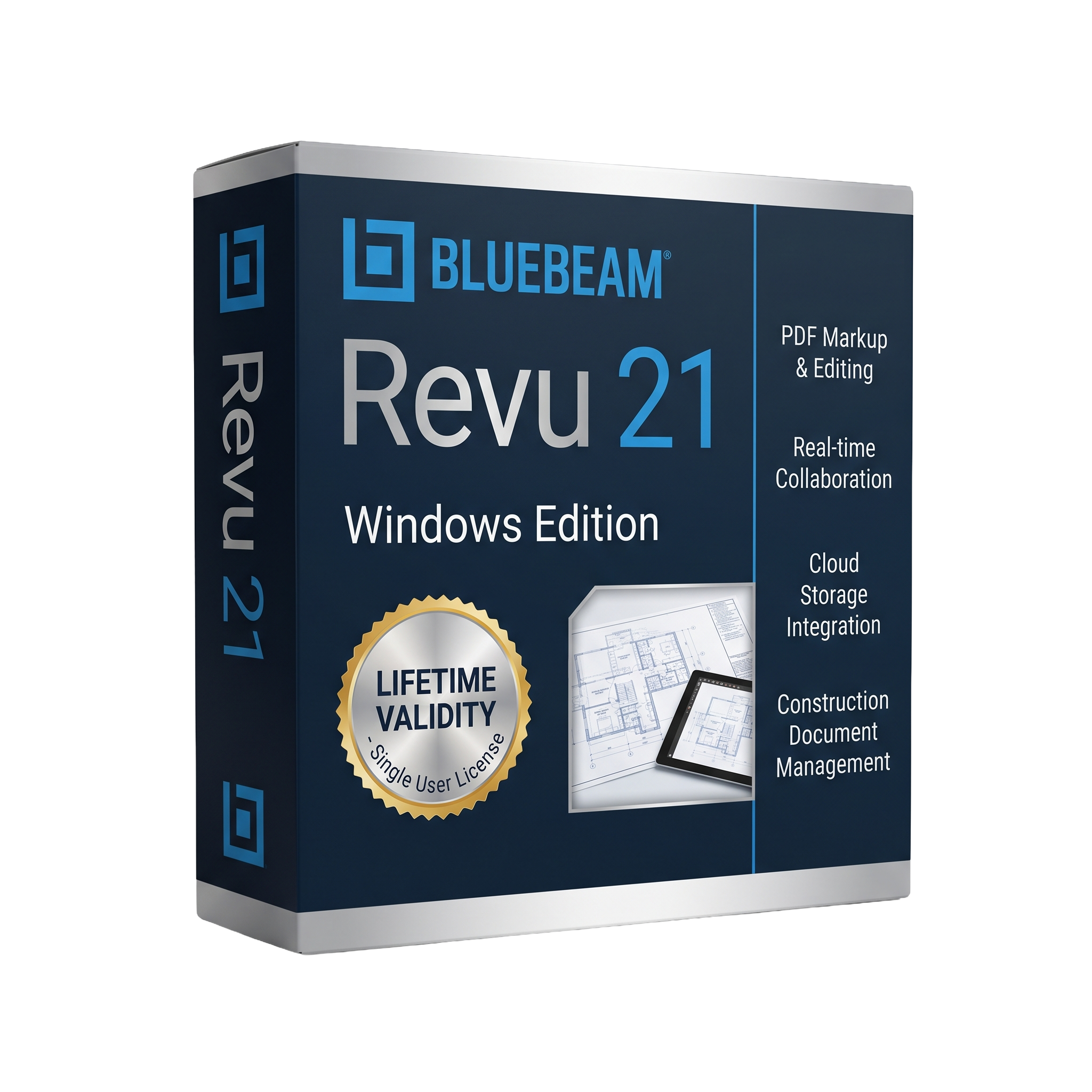
Bluebeam Revu 21 for Lifetime
- AUTOMATIC DELIVERY INSTANTLY ON REGISTERED EMAIL .
- Any Installation Problem Freely Contact Us(Will Give You Support)
- Lifetime Validity
- Windows Version
- Professional PDF editing, markup, and document collaboration software
- Create, edit, organize, and manage PDF documents efficiently
- Advanced annotation, commenting, measurement, and quantity takeoff tools
- OCR, document comparison, overlay, and batch processing features
- Bluebeam Studio for secure real-time cloud collaboration
- Digital signatures, forms, stamps, and customizable tool sets
- Integrates with Microsoft Office, AutoCAD, Revit, Navisworks, and SOLIDWORKS
- Supports Windows 10/11 (64-bit) and ARM-based Windows devices
- Streamlines construction, engineering, and design documentation workflows
- Ideal for architects, engineers, contractors, estimators, and project managers
₹550.00
Description
Bluebeam Revu 21 for Windows is a professional PDF creation, editing, markup, measurement, and document collaboration software developed specifically for architecture, engineering, construction (AEC), and design professionals. It enables users to create, edit, organize, annotate, compare, and securely share PDF documents while streamlining digital workflows for project documentation, design reviews, quantity takeoffs, and construction management. Revu 21 is built around Bluebeam’s subscription platform, offering enhanced collaboration, cloud connectivity, and productivity tools for modern project teams.
Designed for both office and field use, Bluebeam Revu 21 provides an intuitive interface with customizable tool sets, intelligent markups, measurement tools, OCR, document comparison, batch processing, and integration with major Microsoft Office and CAD applications. It also supports Bluebeam Studio, allowing teams to collaborate on PDFs in real time from virtually anywhere.
Key Features
- Professional PDF creation, editing, and document management
- Advanced markup, annotation, commenting, and review tools
- Accurate measurement and quantity takeoff capabilities
- Optical Character Recognition (OCR) for searchable PDFs
- Batch processing for stamping, hyperlinking, and document automation
- Document comparison and overlay tools
- Bluebeam Studio for cloud-based collaboration and real-time project reviews
- Digital signatures and secure PDF workflows
- Custom tool sets, profiles, and reusable markups
- Integration with Microsoft Office and major CAD applications
- Support for AutoCAD, Revit, Navisworks, SOLIDWORKS, and SharePoint plugins
- PDF form creation, document organization, and reporting
- Compatible with Windows on x64 and ARM-based devices (recent updates)
What’s New in Version 21
- Subscription-based licensing and simplified deployment
- Enhanced Bluebeam Studio collaboration workflows
- Improved markup and Tool Chest management
- Better support for ARM-based Windows devices
- Expanded compatibility with newer Autodesk applications
- Improved sign-in experience and licensing management
- Performance, stability, and workflow enhancements
- Updated deployment and enterprise administration tools
Professional Applications
Bluebeam Revu 21 is ideal for:
- Architectural design reviews
- Construction documentation
- Engineering markups
- Quantity takeoffs and estimating
- Project management
- PDF plan reviews
- Field inspections
- Contract documentation
- Digital collaboration
- Technical document management
System Requirements (Windows)
Minimum Requirements
- Operating System: Windows 10 or Windows 11 (64-bit)
- Processor: 1 GHz or faster
- RAM: 8 GB
- Storage: 5 GB available disk space
- Graphics: OpenGL 3.2-compatible graphics adapter
- Display: 1024 × 768 resolution or higher
- Internet: Required for sign-in, licensing, and Bluebeam Studio services
Recommended Requirements
- Operating System: Windows 11 (64-bit)
- Processor: Intel Core i5/i7 or AMD Ryzen 5/7
- RAM: 16 GB or more
- Storage: SSD with at least 10 GB free space
- Graphics: Dedicated GPU supporting OpenGL 3.2 or later
- Display: Full HD (1920 × 1080) or higher for large drawing sets
Related Products
- AUTOMATIC DELIVERY INSTANTLY ON REGISTERED EMAIL .
- Any Installation Problem Freely Contact Us(Will Give You Support)
- Lifetime Validity
- Windows Version
- 7.28 Version
- Map video onto complex geometric structures and surfaces with advanced projection mapping tools.
- Stitch multiple projectors into a single seamless widescreen image with soft edge blending.
- Sync video with lighting fixtures using DMX input and advanced LED pixel mapping.
- Lock your visuals perfectly to show tracks and DJ sets using SMPTE timecode input.
- Mix unlimited layers of video, effects, and generative content in real-time.
- Correct mistakes instantly during live setup with the fully integrated Undo/Redo feature.
- AUTOMATIC DELIVERY INSTANTLY ON REGISTERED EMAIL .
- Any Installation Problem Freely Contact Us(Will Give You Support)
- Lifetime Validity
- Windows Version
- Ray trace over 2,200 nature assets including trees and shrubs for realistic reflections.
- Preview renders instantly with the new real-time NRD denoiser in Photo and Movie modes.
- Render ray-traced videos up to 5x faster using the optimized sampling engine.
- Simulate realistic glass refraction and colored shadows with fully ray-traced glass.
- Add depth to translucent materials like marble and wax with Subsurface Scattering.
- Populate interiors instantly using 25+ new parallax room templates for day and night.
- Import GLTF files directly for a lighter and faster 3D model workflow.
- Batch import multiple 3D models simultaneously to speed up scene building.

- AUTOMATIC DELIVERY INSTANTLY ON REGISTERED EMAIL .
- Any Installation Problem Freely Contact Us(Will Give You Support)
- Lifetime Validity
- Windows Version
- Version: 4.20
- Revit 2023, 2024, 2025, 2026 and 2027
- SketchUp 2024, 2025 and 2026
- Rhino 7.0 and 8.3 (or later)
- Archicad 27, 28 and 29
- Vectorworks 2024, 2025 2026, 2027
- Navigate scenes with a unified, redesigned user interface for faster workflows.
- Enhance export quality instantly with the AI-powered NVIDIA Denoiser.
- Simulate realistic colored shadows for glass and transparent materials.
- Upscale textures and assets automatically using the Chaos AI Enhancer.
- Apply pencil and watercolor effects with new Artistic Visual Modes.
- Immerse clients in designs with support for Meta Quest 3 and HTC Vive.
- AUTOMATIC DELIVERY INSTANTLY ON REGISTERED EMAIL .
- Any Installation Problem Freely Contact Us(Will Give You Support)
- Lifetime Validity
- Windows Version
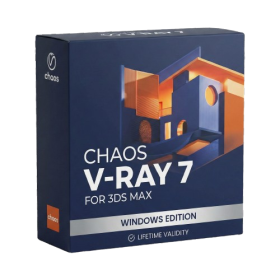
- For 3ds Max 2021 – 2027
- Render and clip real-world 3D scans natively with full Gaussian Splatting support.
- Simulate complex light fixtures significantly faster using the new V-Ray Luminaire.
- Generate accurate stars, moon, and phases instantly with the procedural Night Sky.
- Create PBR materials from simple photos automatically with the AI Material Generator.
- Stream interactive 3D scenes to clients via a web link with Chaos Cloud Streaming.
- Analyze scene performance and spot bottlenecks precisely using the V-Ray Profiler.
- Render realistic caustics and refractions at high speeds with updated V-Ray GPU.
- Lifetime Validity
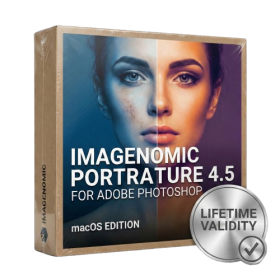
- Instant Delivery on Email
- Supported on All Apple Mac Systems
- Any Installation Problem Freely Contact Us(Will Give You Support)
- Smooth skin naturally while preserving texture using advanced AI algorithms.
- Generate precise skin masks automatically to isolate subjects instantly.
- Process massive batches of photos rapidly with optimized multi-core performance.
- Remove blemishes and imperfections without blurring eyelashes or eyebrows.
- Even out skin tones to correct redness and blotchiness effortlessly.
- Apply professional retouching styles quickly with a customizable preset library.
- Fine-tune mask selection manually with the interactive refinement brush.
- Lifetime Validity
- Instant Delivery on Email
- Any Installation Problem Freely Contact Us(Will Give You Support)
- Supported on Windows 10,11
- Pre-Activated for Lifetime Validity
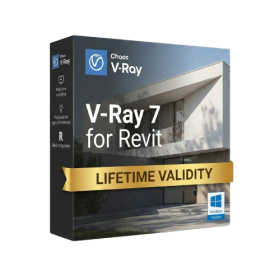
- Supports: Revit 2022 to 2026
- Import and render real-world 3D Gaussian Splats directly within the Revit interface.
- Generate custom PBR textures instantly from text prompts with the AI Material Generator.
- Visualize changes in real-time using the seamless Chaos Vantage Live Link.
- Populate scenes with vegetation and crowds efficiently using Chaos Scatter.
- Edit colors and apply finishing touches directly in the advanced V-Ray Frame Buffer.
- Ensure material consistency across different software with native OpenPBR support.
- Add realistic details like road markings or graffiti using V-Ray Decals.
- Simulate dynamic skies and cloud shadows with the procedural Cloud system.
- Generate dozens of lighting variations automatically with the Light Gen tool.
- Accelerate rendering times significantly with optimized NVIDIA RTX GPU support.
- AUTOMATIC DELIVERY INSTANTLY ON REGISTERED EMAIL .
- Any Installation Problem Freely Contact Us(Will Give You Support)
- Lifetime Validity
- Windows Version
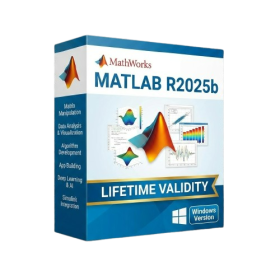
- New Desktop: Modern, faster UI with fully supported Dark Mode.
- AI Assistant: Generate and debug code using the built-in AI Chat.
- Python Interop: Seamless data exchange between MATLAB and Python.
- Simulink 3D: Photorealistic simulation powered by Unreal Engine 5.
- Live Editor: Embed sliders and buttons directly into your scripts.
- App Building: Create standalone Windows apps without C++ knowledge.
- Code Gen: Export C/C++ code for embedded hardware instantly.
- 5G/6G Tools: Advanced modeling for next-gen wireless networks.
- Automotive: specialized toolboxes for ADAS and autonomous driving.
- Cloud Run: Run your scripts in a browser via MATLAB Online.
- AUTOMATIC DELIVERY INSTANTLY ON REGISTERED EMAIL .
- Any Installation Problem Freely Contact Us(Will Give You Support)
- Lifetime Validity
- Windows Version
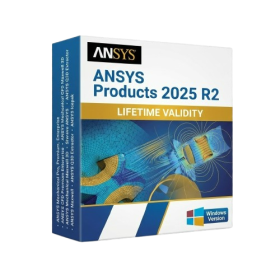
- ANSYS Products includes the following applications:
- ANSYS Mechanical Pro, Premium, Enterprise
- ANSYS CFD Premium and Enterprise
- ANSYS Mechanical CFD Maxwell 3D
- ANSYS Mechanical Maxwell 3D
- ANSYS Mechanical CFD
- ANSYS HFSS
- Siwave ANSYS
- ANSYS Maxwell
- ANSYS Q3D Extractor
- ANSYS Icepak

- AUTOMATIC DELIVERY INSTANTLY ON REGISTERED EMAIL .
- Any Installation Problem Freely Contact Us(Will Give You Support)
- Lifetime Validity
- Windows Version
- File Size: 1.84GB
- Visualize models with stunning depth and realism using the new graphics engine featuring native Ambient Occlusion.
- Generate unique, seamless textures instantly from simple text prompts with the integrated AI texture generator.
- Import complex Revit files accurately and efficiently with the enhanced, lighter-weight Revit Importer.
- Create 2D documentation in LayOut faster than ever with a new multi-threaded rendering engine that eliminates lag.
- Convert room scans from mobile devices automatically into clean, editable 3D geometry via Scan-to-Design.
- Collaborate in real-time by syncing projects seamlessly across Desktop, iPad, and Web versions.
- AUTOMATIC DELIVERY INSTANTLY ON REGISTERED EMAIL .
- Any Installation Problem Freely Contact Us(Will Give You Support)
- Lifetime Validity
- Windows Version
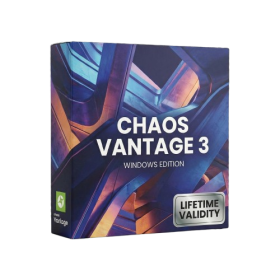
- Explore massive 3D scenes in 100% ray-traced real-time without waiting for renders.
- Sync changes instantly from 3ds Max, SketchUp, Rhino, and Revit via Live Link.
- Render photorealistic animations at lightning speeds using NVIDIA DLSS 3.5 support.
- Populate environments with millions of objects using the built-in Chaos Scatter tool.
- Switch between different lighting setups, materials, and moods instantly with Scene States.
- Visualize complex animated characters and deformable meshes perfectly in real-time.
- AUTOMATIC DELIVERY INSTANTLY ON REGISTERED EMAIL .
- Any Installation Problem Freely Contact Us(Will Give You Support)
- Lifetime Validity
- Windows Version
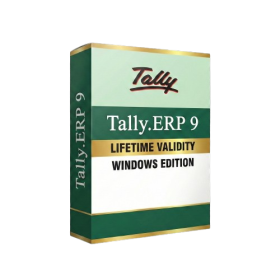
- Generate invoices.
- Manage multiple companies and financial years from a single unified interface.
- Track inventory stocks across different godowns and locations in real-time.
- Automate bank reconciliation by uploading digital bank statements directly.
- Calculate employee salaries, PF, and TDS accurately with the integrated Payroll module.
- Access business data remotely using the secure Tally.NET connection services.
- AUTOMATIC DELIVERY INSTANTLY ON REGISTERED EMAIL .
- Any Installation Problem Freely Contact Us(Will Give You Support)
- Lifetime Validity
- Windows Version
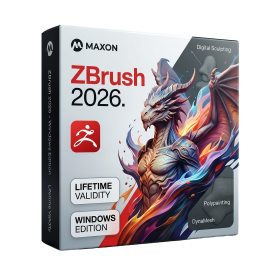
- Retopo Brush: Draw low-poly topology directly on your sculpt.
- Python Support: Automate tasks with industry-standard scripting.
- Asset System: Separate user folders for safer customization.
- ZModeler Update: Auto-creasing and improved visual feedback.
- NoiseMaker 2.0: Transform and rotate alphas for surface noise.
- Redshift AOVs: Export render passes for professional compositing.
- Sculptris Pro: Add polygons dynamically only where you need detail.
- DynaMesh: Remesh your model instantly to fix stretched geometry.
- GoZ: Single-click transfer to Maya, Blender, Cinema 4D, and UE5.
- PolyPaint: Paint texture data directly on the mesh vertices.