
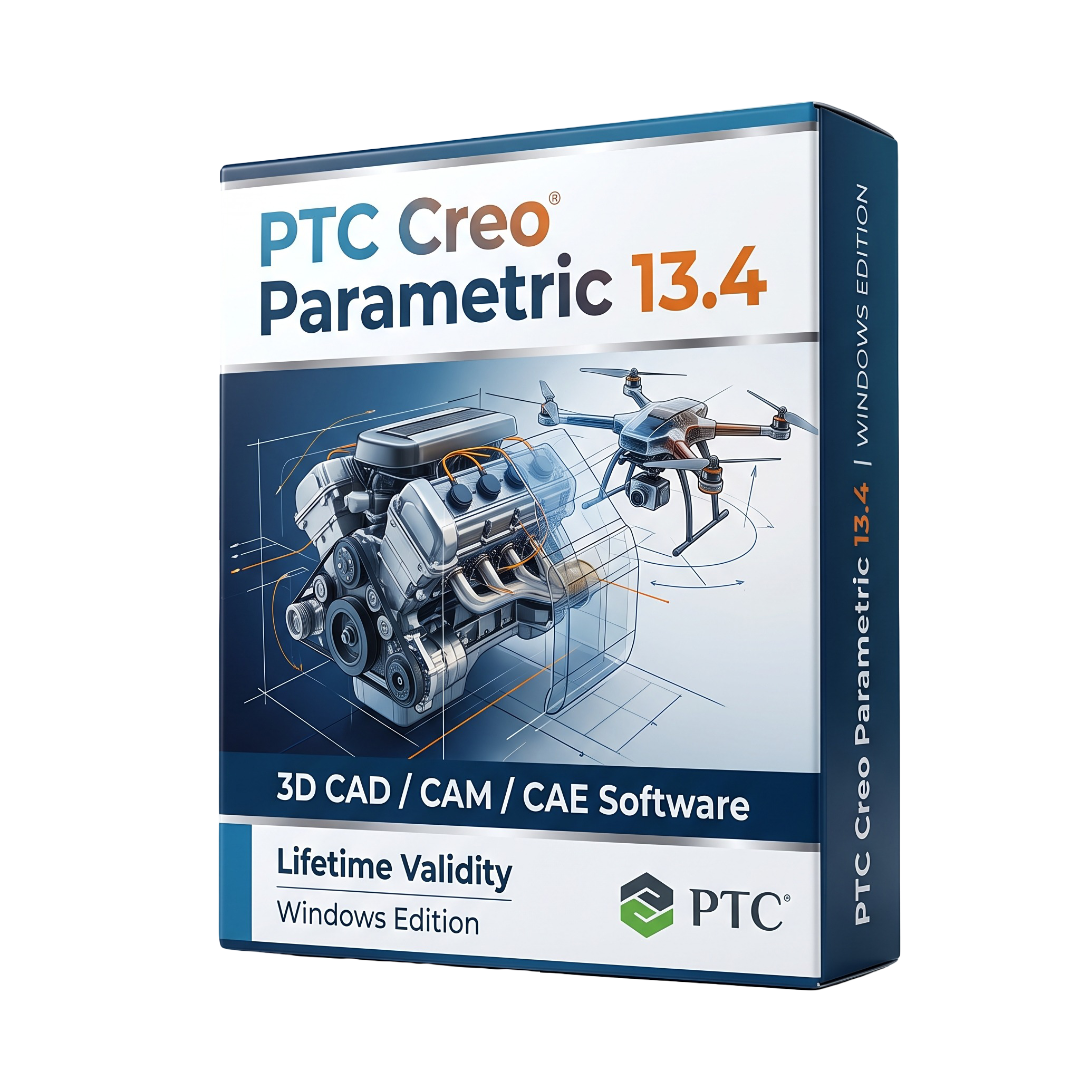
Creo Parametric for Lifetime
- AUTOMATIC DELIVERY INSTANTLY ON REGISTERED EMAIL .
- Any Installation Problem Freely Contact Us(Will Give You Support)
- Lifetime Validity
- Windows Version
- Professional 3D parametric CAD and mechanical-design platform
- Windows 64-bit support
- Parametric and feature-based solid modeling
- Part and assembly design
- Advanced surface and sheet-metal modeling
- Large-assembly management
- Mechanism and motion design
- Detailed engineering drawings
- Feature presets for core modeling operations
- Enhanced Sketcher fillet and chamfer tools
₹550.00
Description
PTC Creo Parametric 13.4 for Windows is a professional 3D CAD and product-development platform designed for mechanical engineers, industrial designers, product developers, manufacturing engineers, and engineering organizations. It provides parametric solid modeling, assembly design, detailed drawing creation, sheet-metal development, surface modeling, and manufacturing capabilities within a feature-based engineering environment. Creo 13.4 is part of the Creo 13 generation and includes extensive enhancements across design, simulation, manufacturing, and engineering productivity.
The software uses parametric, feature-based modeling to allow engineers to create and modify complex mechanical components while maintaining design intent. It provides tools for parts, assemblies, advanced geometry, mechanisms, sheet metal, surfacing, and detailed drawings. Creo 13.4 expands feature presets for operations such as Boolean operations, Remove Surface, Remove Body, Split/Trim Body, and Corner Blend, allowing frequently used modeling settings to be reused more efficiently.
Creo Parametric 13.4 also provides simulation and engineering-analysis capabilities. Creo Flow Analysis includes enhanced reporting, study checking, monitor-point placement, XY-plot improvements, FFT and moving-average options, and automated leakage-path closure. Generative Design can perform multiphysics optimization by combining structural and modal load cases, allowing engineers to evaluate multiple physical requirements during design optimization.
For manufacturing workflows, Creo 13.4 provides integrated NC programming and process-planning functionality. The release modernizes the NC-step parameter interface with categorized parameter lists, graphical parameter representations, parameter search, and dedicated relation fields. Manufacturing documentation has also been enhanced with selected-step reports, fixture parameters, improved Program Zero visualization, and parametric tool representations.
Creo 13.4 also introduces AI-enabled guidance through Creo Advise, while PTC’s broader Creo 13 generation includes the Creo AI Assistant. Performance improvements include AVX2 optimization for scientific and geometry-kernel calculations, with PTC reporting improvements of up to 30% in certain workloads. Global Clearance and Global Interference calculations also gain multithreading to reduce analysis times on assemblies.
Key Features
• Parametric 3D mechanical CAD modeling
• Feature-based solid modeling
• Part and assembly design
• Advanced surface modeling
• Sheet-metal design
• Large-assembly management
• Mechanism and motion design
• Detailed engineering drawings
• Design-intent-based parametric editing
• Feature presets for common modeling operations
• Boolean, Remove Surface, Remove Body, Split/Trim Body, and Corner Blend presets
• Enhanced Sketcher fillet and chamfer selection
• Advanced assembly regeneration and performance improvements
• Global Clearance and Global Interference analysis
• Multithreaded assembly clearance analysis
• Creo Flow Analysis
• Computational fluid-flow analysis
• Simulation reporting in Microsoft PowerPoint format
• Study Check for identifying missing simulation requirements
• XY plots with moving-average and FFT options
• Automated leakage-path closure
• Generative Design
• Multiphysics structural and modal optimization
• Structural and modal load cases
• Creo NC manufacturing
• CNC toolpath and process planning
• Modernized NC-step parameter interface
• Manufacturing process documentation
• Automatic shop-floor report generation
• Fixture-parameter reporting
• Parametric tool representations
• AVX2 CPU optimization
• AI-enabled design guidance through Creo Advise
• Windchill integration and PLM workflows
• APIs and Creo Toolkit customization
• Support for enterprise engineering workflows
What’s New
Creo Parametric 13.4.0.0
• Added Creo Advise, providing AI-enabled guidance and support within the design environment.
• Expanded feature presets to additional core modeling operations including Remove Surface, Body Boolean Operations, Remove Body, Split/Trim Body, and Corner Blend.
• Improved Sketcher selection for fillet and chamfer operations, including individual and box-selection of vertices.
• Added AVX2 optimization for scientific calculations and geometry-kernel operations, with PTC reporting up to 30% improvement in certain areas.
• Added multithreading to Global Clearance and Global Interference analysis for improved assembly-analysis performance.
• Added multiphysics optimization in Generative Design by combining structural and modal load cases.
• Expanded Creo Flow Analysis with PowerPoint simulation reports, Study Check, enhanced monitor points, improved XY plots, FFT, moving averages, and Leak Closure.
• Modernized the Creo NC Step Parameters interface with categorized parameters, graphical representations, search, and dedicated relation fields.
• Enhanced automatic shop-floor manufacturing reports with selected-step reporting, fixture parameters, larger Program Zero visualization, and parametric tool representations.
Version note: PTC documentation now also lists Creo Parametric 13.4.1.0, which is a subsequent maintenance release in the Creo 13.4 line. The requested version is 13.4.0.0.
Professional Applications
• Mechanical product design
• Industrial equipment design
• Automotive engineering
• Aerospace engineering
• Consumer-product development
• Machinery and automation design
• Manufacturing engineering
• Tool and fixture design
• Sheet-metal product development
• Large-assembly engineering
• CNC manufacturing and NC programming
• Fluid-flow simulation
• Generative design and topology optimization
• Structural and modal analysis
• Engineering documentation
• Product lifecycle management
• Windchill-based enterprise engineering
System Requirements
Minimum Requirements
- OS: Supported 64-bit Windows configuration for Creo Parametric 13.4; PTC’s current hardware/platform documentation should be consulted for the exact certified Windows configuration.
- CPU: Modern 64-bit Intel or AMD processor; AVX2 support is recommended because Creo 13.4 uses AVX2 optimizations.
- RAM: 8 GB minimum practical starting point; PTC recommends at least 8 GB for standalone configurations.
- Storage: SSD with sufficient free space for Creo, libraries, assemblies, temporary files, and project data.
- GPU: PTC-certified or supported professional graphics hardware recommended.
- Graphics: OpenGL 4.3-capable graphics hardware with at least 2 GB graphics memory is recommended by PTC’s platform guidance.
- Display: 1920 × 1080 or higher recommended for professional CAD work.
- Network: Required where Windchill, floating licensing, cloud services, or enterprise collaboration are used.
Related Products
- Lifetime Validity
- Instant Delivery on Email
- Any Installation Problem Freely Contact Us(Will Give You Support)
- Supported on Windows 10,11
- File Size: 7.47GB (20.3.2 Version)
- Ai Features are working
- Works with Internet and Antivirus
- Generate complex color grades instantly from text prompts or reference images with AI Match.
- Isolate and remix individual instruments from a stereo music track using Fairlight AI Stem Separation.
- Track objects obscured by smoke or glass perfectly with the new Deep Neural Magic Mask.
- Edit spatial video natively for Apple Vision Pro and Meta Quest with full depth visualization.
- Remove unwanted moving objects from complex backgrounds automatically with Generative Fill for Video.

- AUTOMATIC DELIVERY INSTANTLY ON REGISTERED EMAIL .
- Any Installation Problem Freely Contact Us(Will Give You Support)
- Lifetime Validity
- Windows Version
- Chaos V-Ray 7.40.02 for Rhinoceros 7 – 9 & SketchUp 2021 – 2026
- Render real-world 3D scans with reflections using native Gaussian Splatting support.
- Simulate accurate stars, moon phases, and the Milky Way with the procedural Night Sky.
- Upscale renders to 16K resolution instantly with the one-click AI Upscaler.
- Populate vegetation naturally with new Clustering modes in Chaos Scatter.
- Clip and trim Gaussian Splat models directly within the SketchUp viewport.
- Render complex light fixtures significantly faster using optimized V-Ray Luminaires.
- Remove bright noise pixels automatically during rendering with Firefly Removal.
- Add detail to people and grass without re-rendering using the AI Enhancer.

- AUTOMATIC DELIVERY INSTANTLY ON REGISTERED EMAIL .
- Any Installation Problem Freely Contact Us(Will Give You Support)
- Lifetime Validity
- Windows Version
- Hybrid Ray Tracing: Perfect reflections, shadows, and glass instantly.
- LiveSync: Real-time link to Revit, SketchUp, and Rhino.
- Full Library: Over 9,000 assets (trees, cars, people) included.
- Phasing Effect: Animate the construction process easily.
- Real Skies: 60+ HDR skies that light your scene automatically.
- Styles: One-click presets for “Watercolor,” “Sketch,” or “Realistic.”
- 3D Grass: Turn any surface into realistic, volumetric grass.
- Volumetric Spotlights: Create dusty, atmospheric beams of light.
- Material Editor: Add weathering, rounded edges, and foliage to textures.
- Output: Render 8K images, 4K videos, and 360 panoramas.

- AUTOMATIC DELIVERY INSTANTLY ON REGISTERED EMAIL .
- Any Installation Problem Freely Contact Us(Will Give You Support)
- Lifetime Validity
- Windows Version
- Version: 4.20
- Revit 2023, 2024, 2025, 2026 and 2027
- SketchUp 2024, 2025 and 2026
- Rhino 7.0 and 8.3 (or later)
- Archicad 27, 28 and 29
- Vectorworks 2024, 2025 2026, 2027
- Navigate scenes with a unified, redesigned user interface for faster workflows.
- Enhance export quality instantly with the AI-powered NVIDIA Denoiser.
- Simulate realistic colored shadows for glass and transparent materials.
- Upscale textures and assets automatically using the Chaos AI Enhancer.
- Apply pencil and watercolor effects with new Artistic Visual Modes.
- Immerse clients in designs with support for Meta Quest 3 and HTC Vive.
- Lifetime Validity
- Instant Delivery on Email
- Supported on All Apple Mac Systems
- Any Installation Problem Freely Contact Us(Will Give You Support)
- Run natively on Apple Silicon (M1/M2/M3) for significantly faster processing speeds.
- Experience fluid viewport navigation with the new Apple Metal graphics pipeline.
- Create watertight meshes from open geometry instantly using the ShrinkWrap command.
- Customize your workspace with new Window Layouts that match the Windows interface.
- Render ray-traced images in real-time using GPU-accelerated Cycles on Metal.
- Model organically with sharp edges using the new SubD Creases feature.
- Extrude and subtract geometry directly from faces with the intuitive PushPull workflow.
- Create dynamic 3D sections with hatch patterns using improved Clipping Planes.
- Access new data types and attributes directly within the upgraded Grasshopper.

- AUTOMATIC DELIVERY INSTANTLY ON REGISTERED EMAIL .
- Any Installation Problem Freely Contact Us(Will Give You Support)
- Lifetime Validity
- Windows Version
- Type effortlessly in multiple Indian languages with enhanced Unicode keyboard handlers.
- Detect and switch between 32-bit and 64-bit applications automatically while typing.
- Access thousands of high-quality calligraphic fonts for professional designs.
- Convert legacy text to Unicode instantly with the advanced file conversion utility.
- Design stylish 3D titles and logos easily using the Avishkar Plus tool.
- Check spelling in Indian languages directly with the integrated Spell Checker.
- Integrate seamlessly with open-source apps like Inkscape, GIMP, and Scribus.

- AUTOMATIC DELIVERY INSTANTLY ON REGISTERED EMAIL .
- Any Installation Problem Freely Contact Us(Will Give You Support)
- Lifetime Validity
- Windows Version
- Visualize models with realistic shading and depth using the new Ambient Occlusion engine.
- Import and export IFC files faster with enhanced openBIM interoperability.
- Find and execute any command instantly using the integrated Smart Search tool.
- Generate unique textures and styles quickly with AI-powered Diffusion graphics.
- Collaborate in real-time by syncing models seamlessly with Trimble Connect.
- Create 2D documentation efficiently with the optimized LayOut rendering engine.
- Import complex Revit files accurately with the lightweight Revit Importer.
- Organize geometry effortlessly using the modernized Tag management system.
- AUTOMATIC DELIVERY INSTANTLY ON REGISTERED EMAIL .
- Any Installation Problem Freely Contact Us(Will Give You Support)
- Lifetime Validity
- Windows Version
- File Size: 23.5MB
- Accelerate download speeds by up to 5 times with intelligent dynamic file segmentation.
- Resume interrupted downloads instantly without restarting from the beginning.
- Capture videos from streaming sites automatically using the improved download panel.
- Detect and download Ultra HD (4K and 8K) videos with enhanced recognition accuracy.
- Integrate seamlessly with the latest versions of Chrome, Edge, and Firefox.
- Resolve video stream errors (like 403 Forbidden) with updated site compatibility fixes.
- Schedule downloads to start, stop, or shut down your computer automatically.

- AUTOMATIC DELIVERY INSTANTLY ON REGISTERED EMAIL .
- Any Installation Problem Freely Contact Us(Will Give You Support)
- Lifetime Validity
- Windows Version
- File Size: 1.84GB
- Visualize models with stunning depth and realism using the new graphics engine featuring native Ambient Occlusion.
- Generate unique, seamless textures instantly from simple text prompts with the integrated AI texture generator.
- Import complex Revit files accurately and efficiently with the enhanced, lighter-weight Revit Importer.
- Create 2D documentation in LayOut faster than ever with a new multi-threaded rendering engine that eliminates lag.
- Convert room scans from mobile devices automatically into clean, editable 3D geometry via Scan-to-Design.
- Collaborate in real-time by syncing projects seamlessly across Desktop, iPad, and Web versions.

- Lifetime Validity
- Instant Delivery on Email
- Supported on All Apple Mac Systems
- Any Installation Problem Freely Contact Us(Will Give You Support)
- Visual Search: Find clips by describing objects or actions (e.g., “sunset”).
- Beat Detection: Auto-generate markers to sync edits to music beats.
- Transcript Search: Find footage by typing spoken dialogue.
- Magnetic Mask: Isolate subjects instantly without green screens.
- Spatial Video: Edit and grade 3D content for Apple Vision Pro.
- Voice Isolation: Remove background noise with one click.
- Transcribe to Captions: Auto-generate subtitles on-device.
- Smooth Slo-Mo: AI-generated frames for perfect slow motion.
- AUTOMATIC DELIVERY INSTANTLY ON REGISTERED EMAIL .
- Any Installation Problem Freely Contact Us(Will Give You Support)
- Lifetime Validity
- Windows Version
- ANSYS Products includes the following applications:
- ANSYS Mechanical Pro, Premium, Enterprise
- ANSYS CFD Premium and Enterprise
- ANSYS Mechanical CFD Maxwell 3D
- ANSYS Mechanical Maxwell 3D
- ANSYS Mechanical CFD
- ANSYS HFSS
- Siwave ANSYS
- ANSYS Maxwell
- ANSYS Q3D Extractor
- ANSYS Icepak
- AUTOMATIC DELIVERY INSTANTLY ON REGISTERED EMAIL .
- Any Installation Problem Freely Contact Us(Will Give You Support)
- Lifetime Validity
- Windows Version
- Ray trace over 2,200 nature assets including trees and shrubs for realistic reflections.
- Preview renders instantly with the new real-time NRD denoiser in Photo and Movie modes.
- Render ray-traced videos up to 5x faster using the optimized sampling engine.
- Simulate realistic glass refraction and colored shadows with fully ray-traced glass.
- Add depth to translucent materials like marble and wax with Subsurface Scattering.
- Populate interiors instantly using 25+ new parallax room templates for day and night.
- Import GLTF files directly for a lighter and faster 3D model workflow.
- Batch import multiple 3D models simultaneously to speed up scene building.