
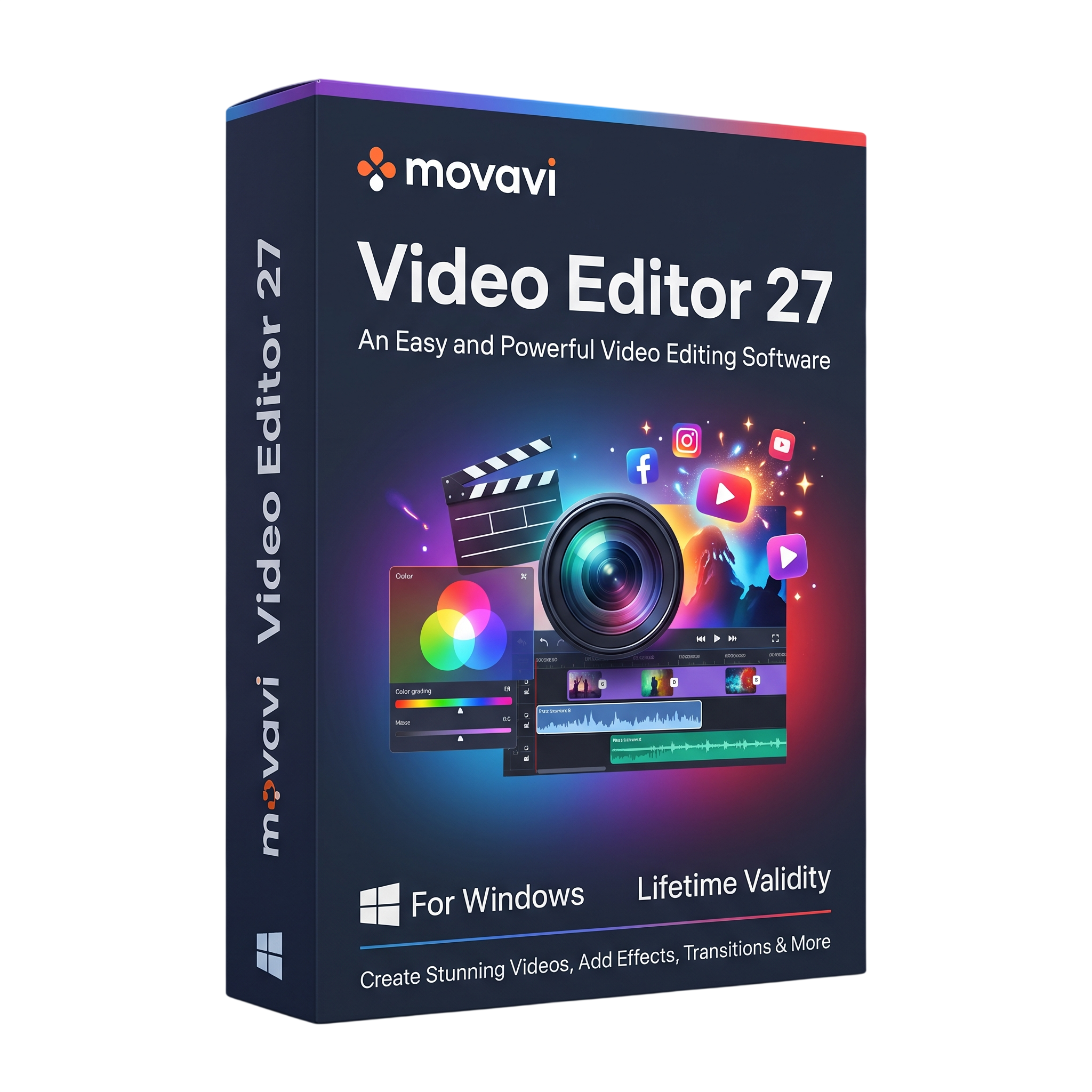
Movavi Video Editor 27 for Lifetime
- AUTOMATIC DELIVERY INSTANTLY ON REGISTERED EMAIL .
- Any Installation Problem Freely Contact Us(Will Give You Support)
- Lifetime Validity
- Windows Version
- Easy-to-use video editing software for Windows.
- Trim, split, crop, combine, and rearrange video clips.
- Add transitions, filters, animated titles, stickers, and effects.
- Enhance audio with music, voiceovers, and supported sound tools.
- Use supported AI-assisted tools for background removal, noise reduction, and subtitles.
- Apply motion tracking, chroma key, and color adjustments where supported.
- Export finished videos in supported formats and resolutions.
- Ideal for social media, YouTube, tutorials, personal videos, and promotional content.
- Requires 64-bit Windows 10 or Windows 11; check build-specific requirements.
₹500.00
Description
Movavi Video Editor 27 for Windows is a video editing application designed for creating polished videos from recorded footage, photos, music, and voiceovers. Its intuitive timeline-based interface helps beginners and experienced creators assemble clips, enhance visuals, add titles, and produce videos for social media, personal projects, presentations, and online content.
The editor provides essential tools for trimming, cutting, joining, cropping, rotating, and rearranging video clips. Users can combine multiple tracks, add transitions and animated titles, apply filters and visual effects, and adjust colors to give their projects a consistent appearance. Audio tools help balance sound, add music or narration, and improve the overall presentation.
Movavi Video Editor also offers AI-assisted features and creative tools that can simplify common editing tasks. Depending on the installed build and feature availability, users can work with background removal, noise reduction, motion tracking, automatic subtitles, and other intelligent enhancements. These tools can reduce repetitive work while leaving users in control of the final edit.
Once editing is complete, projects can be exported in supported video formats and resolutions for playback, sharing, or uploading to online platforms. Hardware acceleration and export options depend on the computer, graphics hardware, drivers, and selected output settings.
Key Features
- Timeline Video Editing: Arrange, trim, split, crop, rotate, and combine video clips and images.
- Transitions and Effects: Add transitions, filters, overlays, and visual effects to improve video presentation.
- Titles and Captions: Create titles, text overlays, and animated captions using available templates.
- Audio Editing: Add music and voiceovers, adjust volume, and use supported audio-enhancement tools.
- AI-Assisted Tools: Access supported intelligent editing features such as background removal, noise reduction, and automatic subtitle generation.
- Motion Tracking: Attach supported text, graphics, or effects to moving objects in a clip.
- Chroma Key: Replace a green or blue background when supported by the selected effect and footage.
- Color Adjustments: Fine-tune brightness, contrast, saturation, and other available image settings.
- Speed Controls: Create slow-motion or accelerated sequences using supported speed-adjustment tools.
- Creative Templates: Use available titles, stickers, transitions, and other design assets.
- Video Export: Render finished projects in supported formats, resolutions, and quality settings.
- Hardware Acceleration: Use compatible hardware and drivers to improve processing and export performance where supported.
What’s New in Version 27
- Updated Version 27 release with ongoing compatibility and performance refinements.
- Access to the current generation of Movavi Video Editor tools and editing workflow improvements.
- Availability of individual AI tools, effects, and enhancements depends on the exact build, subscription or license, and installed feature set.
Note: The precise new-feature list can vary between Version 27 builds. Check the official release notes for the specific build being distributed before advertising individual features as new.
Professional Applications
- Social Media Content: Create short videos, reels, tutorials, and promotional clips.
- YouTube and Online Video: Assemble footage, add titles and music, and prepare videos for publishing.
- Personal Projects: Edit travel videos, family recordings, celebrations, and photo slideshows.
- Education and Training: Produce instructional videos, demonstrations, and presentation recordings.
- Small Business Marketing: Prepare product demonstrations, announcements, and branded promotional content.
- Creative Editing: Combine footage, sound, text, and visual effects into finished video projects.
System Requirements
Minimum Requirements
- Operating System: Microsoft Windows 10 or Windows 11, 64-bit, with current updates installed.
- Processor: Intel, AMD, or compatible dual-core processor, 1.5 GHz or higher.
- RAM: 4 GB.
- Graphics: Compatible graphics hardware with up-to-date drivers; supported features vary by GPU.
- Display: 1280 × 768 resolution or higher, 32-bit color.
- Storage: Approximately 400 MB for installation and 600 MB for ongoing operations, plus additional space for media files and project caches.
- Permissions: Administrator privileges are required for installation.
Recommended Requirements
- Operating System: Fully updated 64-bit Windows 10 or Windows 11.
- Processor: Modern Intel Core or AMD Ryzen processor with multiple cores.
- RAM: 8 GB or more for Full HD editing; 16 GB or more is preferable for demanding projects.
- Graphics: A modern, compatible GPU with updated drivers for smoother previews and accelerated exports.
- Storage: SSD with ample free space for source footage, temporary files, project files, and rendered videos.
- Display: Full HD or higher resolution for a more comfortable editing workspace.
Note: Minimum specifications are based on Movavi’s published requirements for Video Editor 2026 and should be checked against the exact Version 27 build. Recommended specifications are practical guidelines rather than official minimums. Performance depends on footage resolution, effects, codecs, and hardware compatibility.
Related Products
- AUTOMATIC DELIVERY INSTANTLY ON REGISTERED EMAIL .
- Any Installation Problem Freely Contact Us(Will Give You Support)
- Lifetime Validity
- Windows Version
- Included Instruments:
- Halion 7
- Halion Sonic 7
- Groove Agent 6
- Groove Agent SE 6
- WaveLab Pro 13
- Dorico Pro 6
- Backbone 1.6
- PadShop Pro 2
- Retrologue 2.5
- SpectraLayers Pro 13
- Iconica Sketch
- Verve
- Drum Machine
- AUTOMATIC DELIVERY INSTANTLY ON REGISTERED EMAIL .
- Any Installation Problem Freely Contact Us(Will Give You Support)
- Lifetime Validity
- Windows Version
- Explore massive 3D scenes in 100% ray-traced real-time without waiting for renders.
- Sync changes instantly from 3ds Max, SketchUp, Rhino, and Revit via Live Link.
- Render photorealistic animations at lightning speeds using NVIDIA DLSS 3.5 support.
- Populate environments with millions of objects using the built-in Chaos Scatter tool.
- Switch between different lighting setups, materials, and moods instantly with Scene States.
- Visualize complex animated characters and deformable meshes perfectly in real-time.
- AUTOMATIC DELIVERY INSTANTLY ON REGISTERED EMAIL .
- Any Installation Problem Freely Contact Us(Will Give You Support)
- Lifetime Validity
- Windows Version
- 7.28 Version
- Map video onto complex geometric structures and surfaces with advanced projection mapping tools.
- Stitch multiple projectors into a single seamless widescreen image with soft edge blending.
- Sync video with lighting fixtures using DMX input and advanced LED pixel mapping.
- Lock your visuals perfectly to show tracks and DJ sets using SMPTE timecode input.
- Mix unlimited layers of video, effects, and generative content in real-time.
- Correct mistakes instantly during live setup with the fully integrated Undo/Redo feature.
- AUTOMATIC DELIVERY INSTANTLY ON REGISTERED EMAIL .
- Any Installation Problem Freely Contact Us(Will Give You Support)
- Lifetime Validity
- Windows Version
- ANSYS Products includes the following applications:
- ANSYS Mechanical Pro, Premium, Enterprise
- ANSYS CFD Premium and Enterprise
- ANSYS Mechanical CFD Maxwell 3D
- ANSYS Mechanical Maxwell 3D
- ANSYS Mechanical CFD
- ANSYS HFSS
- Siwave ANSYS
- ANSYS Maxwell
- ANSYS Q3D Extractor
- ANSYS Icepak
- Lifetime Validity
- Instant Delivery on Email
- Any Installation Problem Freely Contact Us(Will Give You Support)
- Supported on Windows 10,11
- File Size: 7.47GB (20.3.2 Version)
- Ai Features are working
- Works with Internet and Antivirus
- Generate complex color grades instantly from text prompts or reference images with AI Match.
- Isolate and remix individual instruments from a stereo music track using Fairlight AI Stem Separation.
- Track objects obscured by smoke or glass perfectly with the new Deep Neural Magic Mask.
- Edit spatial video natively for Apple Vision Pro and Meta Quest with full depth visualization.
- Remove unwanted moving objects from complex backgrounds automatically with Generative Fill for Video.

- AUTOMATIC DELIVERY INSTANTLY ON REGISTERED EMAIL .
- Any Installation Problem Freely Contact Us(Will Give You Support)
- Lifetime Validity
- Windows Version
- Route complex PCB traces automatically with the new AI-driven auto-interactive router.
- Collaborate seamlessly with mechanical engineers via the enhanced real-time MCAD CoDesigner.
- Simulate power integrity and signal performance instantly within the unified design environment.
- Manage component shortages proactively with live supply chain data in ActiveBOM.
- Visualize multi-board systems and rigid-flex designs in photorealistic 3D detail.
- Sync all design changes and version history securely to the cloud with Altium 365.
- Define complex high-speed design rules easily using the visual Constraint Manager.

- AUTOMATIC DELIVERY INSTANTLY ON REGISTERED EMAIL .
- Any Installation Problem Freely Contact Us(Will Give You Support)
- Lifetime Validity
- Windows Version
- Online & Offline both working
- Create watertight meshes instantly for 3D printing with the new ShrinkWrap tool.
- Generate dynamic 2D sections and plans directly from 3D models with ClippingDrawings.
- Model organic shapes with greater precision using supported SubD creases.
- Manipulate geometry intuitively with the new customized Auto Gumball.
- Extrude and modify faces instantly using the direct PushPull workflow.
- Render scenes significantly faster with the optimized Cycles engine.
- Customize the modernized interface to match your specific drafting workflow.
- Lifetime Validity
- Instant Delivery on Email
- Supported on All Apple Mac Systems
- Any Installation Problem Freely Contact Us(Will Give You Support)
- File Size: 6.68GB (20.3.2 Version)
- Ai Features are working
- Works with Internet and Antivirus
- Edit 12K projects effortlessly with native optimization for Apple M3 and M4 Ultra chips.
- Render renders up to 4x faster using the fully unified memory architecture of Apple Silicon.
- Generate depth maps instantly from single-camera clips using the Apple Neural Engine.
- Grade HDR content with absolute precision on Liquid Retina XDR displays using the new EDR workflow.
- Isolate voices from noisy backgrounds in real-time with the Core ML-powered Voice Isolation.
- Edit spatial video for Apple Vision Pro with a dedicated stereoscopic 3D viewer.
- Track complex objects in 3D space instantly with the Metal-accelerated IntelliTrack AI.

- AUTOMATIC DELIVERY INSTANTLY ON REGISTERED EMAIL .
- Any Installation Problem Freely Contact Us(Will Give You Support)
- Lifetime Validity
- Windows Version
- Chaos V-Ray 7.40.02 for Rhinoceros 7 – 9 & SketchUp 2021 – 2026
- Render real-world 3D scans with reflections using native Gaussian Splatting support.
- Simulate accurate stars, moon phases, and the Milky Way with the procedural Night Sky.
- Upscale renders to 16K resolution instantly with the one-click AI Upscaler.
- Populate vegetation naturally with new Clustering modes in Chaos Scatter.
- Clip and trim Gaussian Splat models directly within the SketchUp viewport.
- Render complex light fixtures significantly faster using optimized V-Ray Luminaires.
- Remove bright noise pixels automatically during rendering with Firefly Removal.
- Add detail to people and grass without re-rendering using the AI Enhancer.

- AUTOMATIC DELIVERY INSTANTLY ON REGISTERED EMAIL .
- Any Installation Problem Freely Contact Us(Will Give You Support)
- Lifetime Validity
- Windows Version
- Professional Edition
- Preview files in real-time while the scan is still running with “On-the-Fly” preview.
- Pause and resume recovery scans instantly to save progress without restarting.
- Recover data from BitLocker-encrypted drives by simply entering the password.
- Create bootable USB media to salvage files from crashed or unbootable PCs.
- Repair corrupt videos and photos automatically using the Premium repair tools.
- Multitask efficiently with native dual-monitor support for the recovery interface.
- Scan large 4K hard drives with 4096-byte sectors using the optimized engine.
- Retrieve data from RAID 0, 5, and 6 arrays seamlessly with the Technician edition.
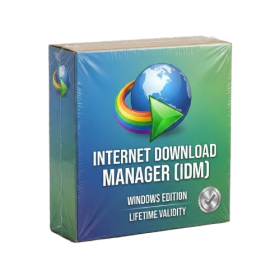
- AUTOMATIC DELIVERY INSTANTLY ON REGISTERED EMAIL .
- Any Installation Problem Freely Contact Us(Will Give You Support)
- Lifetime Validity
- Windows Version
- File Size: 23.5MB
- Accelerate download speeds by up to 5 times with intelligent dynamic file segmentation.
- Resume interrupted downloads instantly without restarting from the beginning.
- Capture videos from streaming sites automatically using the improved download panel.
- Detect and download Ultra HD (4K and 8K) videos with enhanced recognition accuracy.
- Integrate seamlessly with the latest versions of Chrome, Edge, and Firefox.
- Resolve video stream errors (like 403 Forbidden) with updated site compatibility fixes.
- Schedule downloads to start, stop, or shut down your computer automatically.
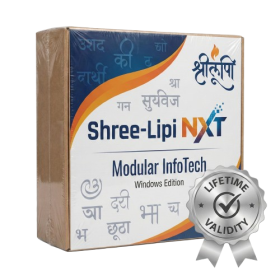
- AUTOMATIC DELIVERY INSTANTLY ON REGISTERED EMAIL .
- Any Installation Problem Freely Contact Us(Will Give You Support)
- Lifetime Validity
- Windows Version
- Type effortlessly in multiple Indian languages with enhanced Unicode keyboard handlers.
- Detect and switch between 32-bit and 64-bit applications automatically while typing.
- Access thousands of high-quality calligraphic fonts for professional designs.
- Convert legacy text to Unicode instantly with the advanced file conversion utility.
- Design stylish 3D titles and logos easily using the Avishkar Plus tool.
- Check spelling in Indian languages directly with the integrated Spell Checker.
- Integrate seamlessly with open-source apps like Inkscape, GIMP, and Scribus.