
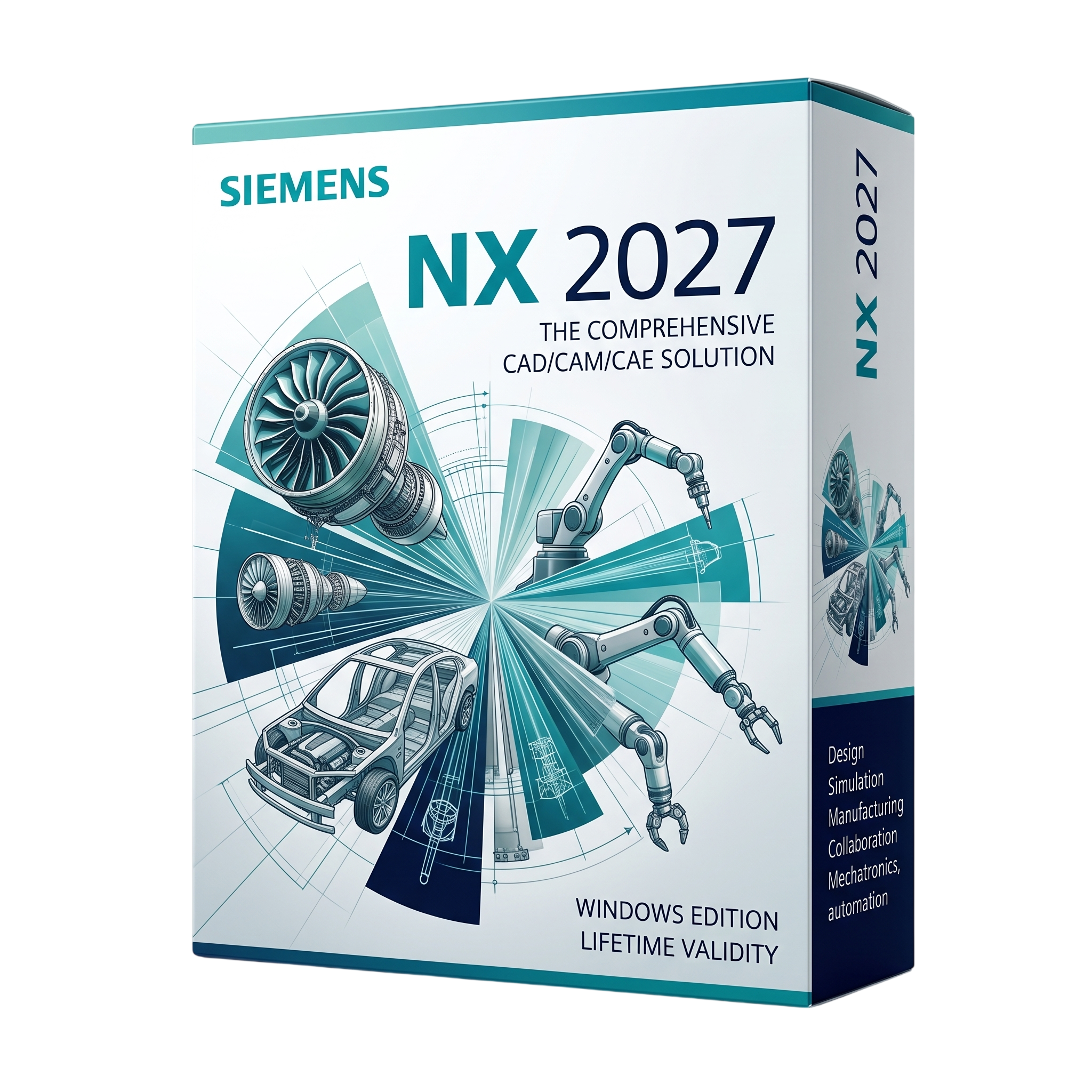
Siemens NX 2027 CAD/CAM/CAE Software for Lifetime
- AUTOMATIC DELIVERY INSTANTLY ON REGISTERED EMAIL .
- Any Installation Problem Freely Contact Us(Will Give You Support)
- Lifetime Validity
- Windows Version
- Professional CAD/CAM/CAE platform for Windows
- Advanced parametric and direct 3D modeling
- Synchronous Technology
- Complex surface and Class-A modeling
- Large assembly management
- Sheet-metal, mold, tooling and mechanical design
- 2D drafting and Model-Based Definition
- PMI, GD&T and digital product definition
- Integrated engineering simulation
- Advanced 3–5-axis CNC programming
₹600.00
Description
Siemens NX 2027 for Windows is a professional CAD/CAM/CAE and product-engineering platform from Siemens Digital Industries Software. It provides an integrated environment for mechanical design, 3D modeling, assemblies, drafting, engineering simulation, manufacturing programming, and product lifecycle workflows. NX is intended for engineering departments, manufacturers, product designers, machinists, aerospace and automotive organizations, and other companies requiring a unified digital product-development environment. Siemens’ NX ecosystem is also closely integrated with Teamcenter and the broader Siemens Xcelerator portfolio.
NX combines parametric and direct modeling with advanced surface design, assembly management, sheet-metal tools, synchronous technology, drafting, PMI/model-based definition, and engineering analysis capabilities. Its manufacturing environment extends the same product model into CNC programming, supporting 2.5-axis through advanced multi-axis machining, milling, turning, mill-turn, robotic manufacturing, and inspection workflows. This common data environment helps reduce translation between CAD and CAM and maintains design/manufacturing associativity.
For larger engineering organizations, NX supports extensive automation and customization through NX Open, with programming interfaces including C/C++, C#, Java, Visual Basic, and Python. It also provides broad interoperability with standards and formats such as JT, STEP, IGES, Parasolid, DXF/DWG, STL, and other CAD/CAM exchange formats, allowing NX to participate in heterogeneous engineering environments. Siemens continues to develop cloud-connected NX X offerings with AI-assisted design features, immersive engineering, and expanded interoperability across Siemens Xcelerator.
Important version note: Siemens uses a continuous-release naming system for NX, and publicly available Siemens material currently documents releases such as NX 2606/2612. There is also third-party and Siemens-community evidence referring to NX 2027, but official Siemens Windows certification details for a specific “NX 2027” release are not readily available in the public documentation I could verify. Therefore, the requirements below should be treated as practical workstation guidance rather than an official Siemens NX 2027 certification sheet. Siemens’ documented recent NX releases require 64-bit Windows and certified graphics hardware.
Key Features
- Professional integrated CAD/CAM/CAE platform
- Advanced 3D parametric modeling
- Synchronous/direct modeling technology
- Complex surface and Class-A modeling
- Solid and feature-based modeling
- Large assembly management
- Sheet-metal design
- Mold and die design
- Mechanical routing and electrical design capabilities
- Product assembly and configuration management
- 2D drafting and detailing
- Model-Based Definition (MBD)
- Product Manufacturing Information (PMI)
- GD&T and annotation workflows
- Advanced visualization and rendering
- Integrated engineering simulation capabilities
- Structural and mechanical analysis
- Advanced manufacturing and CNC programming
- 2.5-axis, 3-axis, 4-axis and 5-axis machining
- High-speed machining
- Multi-axis milling
- Turning and mill-turn programming
- Robotic manufacturing workflows
- CNC verification and machine simulation
- Toolpath optimization
- Postprocessor support
- Additive manufacturing capabilities
- Inspection and quality workflows
- Teamcenter integration
- NX Open automation API
- Python, C++, C#, Java and Visual Basic development interfaces
- JT lightweight visualization format
- STEP, IGES and Parasolid interoperability
- DXF/DWG exchange
- STL and other manufacturing formats
- Cloud-connected NX X ecosystem
- AI-assisted design and engineering capabilities in the broader NX platform
What’s New
For the 2027 generation, specific official Siemens release documentation should be checked against the exact NX build because Siemens publishes NX capabilities and maintenance releases continuously rather than treating every calendar designation as a single static feature set.
The current-generation NX ecosystem includes:
- AI-assisted Design Copilot NX
- Natural-language assistance for NX commands and workflows
- NX Voice capabilities
- Immersive AR/VR design through NX Immersive Designer
- NX Immersive Collaborator
- Model-based characteristics and inspection workflows through NX Inspector
- NX DFM Advisor for manufacturability analysis
- NX CFD Designer
- Continued NX X cloud-native CAD development
- Expanded Siemens Xcelerator interoperability
- Continued improvements to CAD modeling, assemblies, manufacturing, and simulation workflows
Professional Applications
Siemens NX 2027 is suitable for:
- Mechanical engineering
- Automotive design
- Aerospace engineering
- Industrial equipment
- Consumer-product development
- Heavy machinery
- Tool and die manufacturing
- Mold design
- CNC manufacturing
- Aerospace machining
- Automotive manufacturing
- Product engineering
- Large assembly design
- Digital manufacturing
- Robotics and automation
- Additive manufacturing
- Engineering simulation
- Model-Based Definition
- Digital twin development
- PLM and Teamcenter environments
System Requirements
Minimum Requirements
- Operating System: Windows 10/11 64-bit Professional or Enterprise, subject to the exact NX 2027 build’s certification
- Processor: 64-bit multi-core Intel or AMD processor
- RAM: 8 GB minimum for basic NX workloads
- Storage: Approximately 20 GB or more of free SSD space for installation, with substantially more space for projects and Teamcenter data
- Graphics: Siemens-certified professional workstation GPU recommended; modern OpenGL-capable graphics hardware required
- Display: 1280 × 1024 or higher
- Internet: Required for applicable licensing, updates, cloud services, and connected Siemens workflows
- Additional: Current certified graphics drivers are strongly recommended
Related Products
- AUTOMATIC DELIVERY INSTANTLY ON REGISTERED EMAIL .
- Any Installation Problem Freely Contact Us(Will Give You Support)
- Lifetime Validity
- Mac Version
- Run natively on Apple Silicon (M1/M2/M3/M4/M5) for blazing-fast performance.
- Visualize models with realistic depth using the new Ambient Occlusion engine.
- Generate unique textures instantly with integrated AI-powered prompts.
- Sync projects seamlessly between Mac, iPad, and Web versions.
- Convert iPhone LiDAR scans into 3D models automatically via Scan-to-Design.
- Create 2D documentation faster with the optimized LayOut rendering engine.
- Import and export USDZ files easily for Apple AR visualization.
- AUTOMATIC DELIVERY INSTANTLY ON REGISTERED EMAIL .
- Any Installation Problem Freely Contact Us(Will Give You Support)
- Lifetime Validity
- Windows Version
- Visualize models with realistic shading and depth using the new Ambient Occlusion engine.
- Import and export IFC files faster with enhanced openBIM interoperability.
- Find and execute any command instantly using the integrated Smart Search tool.
- Generate unique textures and styles quickly with AI-powered Diffusion graphics.
- Collaborate in real-time by syncing models seamlessly with Trimble Connect.
- Create 2D documentation efficiently with the optimized LayOut rendering engine.
- Import complex Revit files accurately with the lightweight Revit Importer.
- Organize geometry effortlessly using the modernized Tag management system.
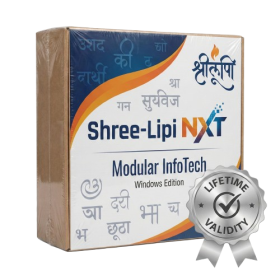
- AUTOMATIC DELIVERY INSTANTLY ON REGISTERED EMAIL .
- Any Installation Problem Freely Contact Us(Will Give You Support)
- Lifetime Validity
- Windows Version
- Type effortlessly in multiple Indian languages with enhanced Unicode keyboard handlers.
- Detect and switch between 32-bit and 64-bit applications automatically while typing.
- Access thousands of high-quality calligraphic fonts for professional designs.
- Convert legacy text to Unicode instantly with the advanced file conversion utility.
- Design stylish 3D titles and logos easily using the Avishkar Plus tool.
- Check spelling in Indian languages directly with the integrated Spell Checker.
- Integrate seamlessly with open-source apps like Inkscape, GIMP, and Scribus.
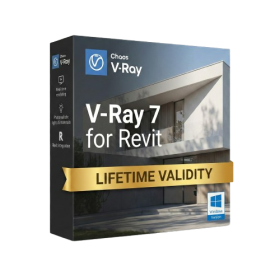
- Lifetime Validity
- Instant Delivery on Email
- Any Installation Problem Freely Contact Us(Will Give You Support)
- Supported on Windows 10,11
- Pre-Activated for Lifetime Validity
- Supports: Revit 2022 to 2026
- Import and render real-world 3D Gaussian Splats directly within the Revit interface.
- Generate custom PBR textures instantly from text prompts with the AI Material Generator.
- Visualize changes in real-time using the seamless Chaos Vantage Live Link.
- Populate scenes with vegetation and crowds efficiently using Chaos Scatter.
- Edit colors and apply finishing touches directly in the advanced V-Ray Frame Buffer.
- Ensure material consistency across different software with native OpenPBR support.
- Add realistic details like road markings or graffiti using V-Ray Decals.
- Simulate dynamic skies and cloud shadows with the procedural Cloud system.
- Generate dozens of lighting variations automatically with the Light Gen tool.
- Accelerate rendering times significantly with optimized NVIDIA RTX GPU support.
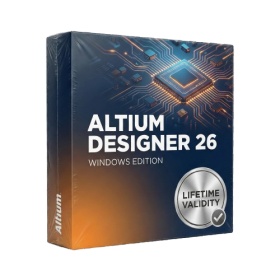
- AUTOMATIC DELIVERY INSTANTLY ON REGISTERED EMAIL .
- Any Installation Problem Freely Contact Us(Will Give You Support)
- Lifetime Validity
- Windows Version
- Route complex PCB traces automatically with the new AI-driven auto-interactive router.
- Collaborate seamlessly with mechanical engineers via the enhanced real-time MCAD CoDesigner.
- Simulate power integrity and signal performance instantly within the unified design environment.
- Manage component shortages proactively with live supply chain data in ActiveBOM.
- Visualize multi-board systems and rigid-flex designs in photorealistic 3D detail.
- Sync all design changes and version history securely to the cloud with Altium 365.
- Define complex high-speed design rules easily using the visual Constraint Manager.
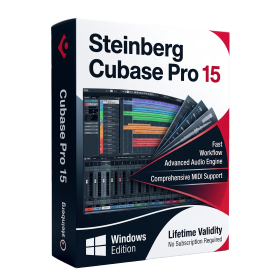
- AUTOMATIC DELIVERY INSTANTLY ON REGISTERED EMAIL .
- Any Installation Problem Freely Contact Us(Will Give You Support)
- Lifetime Validity
- Windows Version
- Included Instruments:
- Halion 7
- Halion Sonic 7
- Groove Agent 6
- Groove Agent SE 6
- WaveLab Pro 13
- Dorico Pro 6
- Backbone 1.6
- PadShop Pro 2
- Retrologue 2.5
- SpectraLayers Pro 13
- Iconica Sketch
- Verve
- Drum Machine
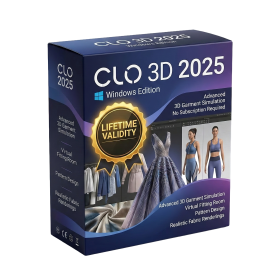
- AUTOMATIC DELIVERY INSTANTLY ON REGISTERED EMAIL .
- Any Installation Problem Freely Contact Us(Will Give You Support)
- Lifetime Validity
- Windows Version
- File Size: 2.04GB
✔ Advanced 3D fashion design and garment simulation
✔ Realistic fabric rendering and physics-based simulation
✔ Create, edit, and visualize clothing in real-time
✔ Accurate pattern making and stitching tools
✔ Supports avatar customization and fitting
✔ High-quality rendering for presentations and marketing
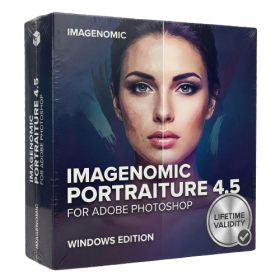
- AUTOMATIC DELIVERY INSTANTLY ON REGISTERED EMAIL .
- Any Installation Problem Freely Contact Us(Will Give You Support)
- Lifetime Validity
- Windows Version
- Smooth skin naturally while preserving texture using advanced AI algorithms.
- Generate precise skin masks automatically to isolate subjects instantly.
- Process massive batches of photos rapidly with optimized multi-core performance.
- Remove blemishes and imperfections without blurring eyelashes or eyebrows.
- Even out skin tones to correct redness and blotchiness effortlessly.
- Apply professional retouching styles quickly with a customizable preset library.
- Fine-tune mask selection manually with the interactive refinement brush.
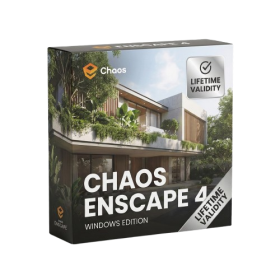
- AUTOMATIC DELIVERY INSTANTLY ON REGISTERED EMAIL .
- Any Installation Problem Freely Contact Us(Will Give You Support)
- Lifetime Validity
- Windows Version
- Version: 4.20
- Revit 2023, 2024, 2025, 2026 and 2027
- SketchUp 2024, 2025 and 2026
- Rhino 7.0 and 8.3 (or later)
- Archicad 27, 28 and 29
- Vectorworks 2024, 2025 2026, 2027
- Navigate scenes with a unified, redesigned user interface for faster workflows.
- Enhance export quality instantly with the AI-powered NVIDIA Denoiser.
- Simulate realistic colored shadows for glass and transparent materials.
- Upscale textures and assets automatically using the Chaos AI Enhancer.
- Apply pencil and watercolor effects with new Artistic Visual Modes.
- Immerse clients in designs with support for Meta Quest 3 and HTC Vive.
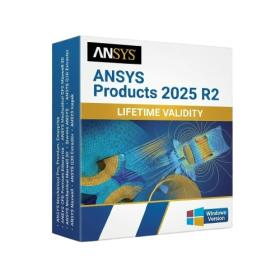
- AUTOMATIC DELIVERY INSTANTLY ON REGISTERED EMAIL .
- Any Installation Problem Freely Contact Us(Will Give You Support)
- Lifetime Validity
- Windows Version
- ANSYS Products includes the following applications:
- ANSYS Mechanical Pro, Premium, Enterprise
- ANSYS CFD Premium and Enterprise
- ANSYS Mechanical CFD Maxwell 3D
- ANSYS Mechanical Maxwell 3D
- ANSYS Mechanical CFD
- ANSYS HFSS
- Siwave ANSYS
- ANSYS Maxwell
- ANSYS Q3D Extractor
- ANSYS Icepak
- AUTOMATIC DELIVERY INSTANTLY ON REGISTERED EMAIL .
- Any Installation Problem Freely Contact Us(Will Give You Support)
- Lifetime Validity
- Windows Version
- File Size: 23.5MB
- Accelerate download speeds by up to 5 times with intelligent dynamic file segmentation.
- Resume interrupted downloads instantly without restarting from the beginning.
- Capture videos from streaming sites automatically using the improved download panel.
- Detect and download Ultra HD (4K and 8K) videos with enhanced recognition accuracy.
- Integrate seamlessly with the latest versions of Chrome, Edge, and Firefox.
- Resolve video stream errors (like 403 Forbidden) with updated site compatibility fixes.
- Schedule downloads to start, stop, or shut down your computer automatically.
- AUTOMATIC DELIVERY INSTANTLY ON REGISTERED EMAIL .
- Any Installation Problem Freely Contact Us(Will Give You Support)
- Lifetime Validity
- Windows Version
- Retopo Brush: Draw low-poly topology directly on your sculpt.
- Python Support: Automate tasks with industry-standard scripting.
- Asset System: Separate user folders for safer customization.
- ZModeler Update: Auto-creasing and improved visual feedback.
- NoiseMaker 2.0: Transform and rotate alphas for surface noise.
- Redshift AOVs: Export render passes for professional compositing.
- Sculptris Pro: Add polygons dynamically only where you need detail.
- DynaMesh: Remesh your model instantly to fix stretched geometry.
- GoZ: Single-click transfer to Maya, Blender, Cinema 4D, and UE5.
- PolyPaint: Paint texture data directly on the mesh vertices.