
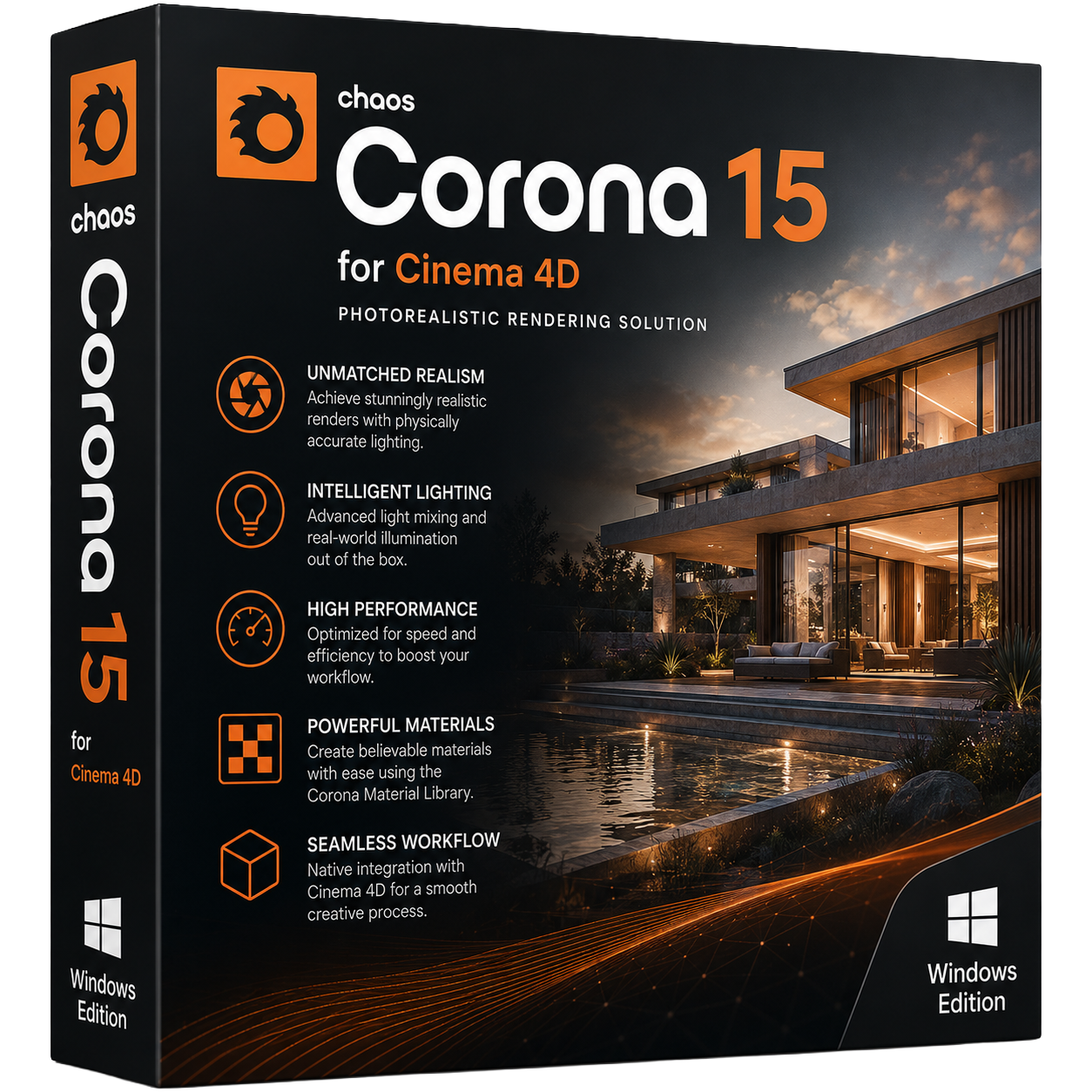
Chaos Corona 15 for Cinema 4D Lifetime
- AUTOMATIC DELIVERY INSTANTLY ON REGISTERED EMAIL .
- Any Installation Problem Freely Contact Us(Will Give You Support)
- Lifetime Validity
- Windows Version
- Professional CPU-based rendering engine for Cinema 4D
- Create photorealistic architectural, interior, and product visualizations
- Interactive Rendering for real-time scene previews
- Physically based materials, lighting, and camera system
- Advanced Global Illumination for realistic lighting and shadows
- Includes Chaos Cosmos asset library and Material Library
- Built-in Corona Image Editor with post-processing tools
- Distributed rendering and AI denoising support
- Optimized for high-quality still images and animations
- Ideal for architects, designers, and professional 3D artists
₹495.00
Description
Chaos Corona 15 for Cinema 4D (Windows Edition) is a professional CPU-based rendering engine developed by Chaos for Maxon Cinema 4D. Designed for architects, interior designers, product visualizers, motion designers, and 3D artists, Corona delivers photorealistic rendering through an intuitive workflow that emphasizes ease of use, realistic lighting, and high-quality materials. It integrates directly into Cinema 4D, allowing artists to create stunning visualizations without leaving their primary 3D environment.
Corona is known for its physically accurate rendering engine, interactive rendering capabilities, and streamlined workflow. It enables users to build realistic scenes with advanced materials, lighting, cameras, and environmental effects while minimizing setup complexity. As a CPU-based renderer, Corona takes advantage of modern multi-core processors to produce high-quality images and animations.
Key Features
- Professional photorealistic rendering for Cinema 4D
- Fully integrated CPU-based rendering engine
- Interactive Rendering (IR) with real-time scene updates
- Physically based materials, lighting, and cameras
- Advanced Global Illumination for realistic lighting
- Chaos Scatter for distributing vegetation and objects
- Chaos Cosmos asset library with ready-to-use models and materials
- Corona Material Library with high-quality physically based materials
- Corona Decals for realistic surface detailing
- Built-in Corona Image Editor with post-processing tools
- Distributed Rendering support for network rendering
- NVIDIA AI and Intel AI denoiser support (optional)
- Support for OpenColorIO and modern color management workflows
What’s New in Corona 15
Corona 15 introduces several enhancements focused on realism, rendering quality, and workflow efficiency:
- Improved Gaussian Splat rendering with Global Illumination support
- Enhanced rendering performance and optimization
- Better material and lighting workflows
- Improved integration with Chaos ecosystem tools
- Updated Corona Image Editor capabilities
- Workflow improvements for architectural visualization
- Continued enhancements for Cinema 4D compatibility and stability
Professional Applications
Chaos Corona is widely used for:
- Architectural visualization
- Interior design rendering
- Product visualization
- Furniture rendering
- Commercial and marketing imagery
- Motion graphics
- Architectural animation
- Industrial and product design presentations
Its simple workflow and realistic output make it one of the most popular render engines for architectural visualization professionals.
Performance & Rendering
Corona is a CPU-based renderer, meaning rendering performance primarily depends on processor speed and the number of CPU cores. Modern multi-core Intel and AMD processors provide the best performance, while a dedicated GPU is only required for optional AI denoising features and does not perform the main rendering workload.
System Requirements (Windows)
Minimum Requirements
- Operating System: Windows 10 or Windows 11 (64-bit)
- Host Application: Cinema 4D R17 or later
- Processor: Intel or AMD CPU with SSE4.2 instruction set
- RAM: 8 GB minimum
- Storage: 2 GB free disk space (additional space recommended for assets and material libraries)
- Graphics: DirectX/OpenGL-compatible graphics card
- Administrator privileges required for installation
Recommended Requirements
- Operating System: Windows 11 (64-bit)
- Host Application: Latest supported Cinema 4D version
- Processor: Intel Core i7/i9 or AMD Ryzen 7/9 with high core counts
- RAM: 32–64 GB for large architectural scenes
- Storage: NVMe SSD for projects, caches, and asset libraries
- GPU: NVIDIA RTX graphics card recommended for AI denoising features
- Display: Full HD or 4K monitor
Related Products
- AUTOMATIC DELIVERY INSTANTLY ON REGISTERED EMAIL .
- Any Installation Problem Freely Contact Us(Will Give You Support)
- Lifetime Validity
- Mac Version
- Run natively on Apple Silicon (M1/M2/M3/M4/M5) for blazing-fast performance.
- Visualize models with realistic depth using the new Ambient Occlusion engine.
- Generate unique textures instantly with integrated AI-powered prompts.
- Sync projects seamlessly between Mac, iPad, and Web versions.
- Convert iPhone LiDAR scans into 3D models automatically via Scan-to-Design.
- Create 2D documentation faster with the optimized LayOut rendering engine.
- Import and export USDZ files easily for Apple AR visualization.
- Lifetime Validity
- Instant Delivery on Email
- Supported on All Apple Mac Systems
- Any Installation Problem Freely Contact Us(Will Give You Support)
- Run natively on Apple Silicon (M1/M2/M3) for significantly faster processing speeds.
- Experience fluid viewport navigation with the new Apple Metal graphics pipeline.
- Create watertight meshes from open geometry instantly using the ShrinkWrap command.
- Customize your workspace with new Window Layouts that match the Windows interface.
- Render ray-traced images in real-time using GPU-accelerated Cycles on Metal.
- Model organically with sharp edges using the new SubD Creases feature.
- Extrude and subtract geometry directly from faces with the intuitive PushPull workflow.
- Create dynamic 3D sections with hatch patterns using improved Clipping Planes.
- Access new data types and attributes directly within the upgraded Grasshopper.

- Lifetime Validity
- Instant Delivery on Email
- Supported on All Apple Mac Systems
- Any Installation Problem Freely Contact Us(Will Give You Support)
- Visual Search: Find clips by describing objects or actions (e.g., “sunset”).
- Beat Detection: Auto-generate markers to sync edits to music beats.
- Transcript Search: Find footage by typing spoken dialogue.
- Magnetic Mask: Isolate subjects instantly without green screens.
- Spatial Video: Edit and grade 3D content for Apple Vision Pro.
- Voice Isolation: Remove background noise with one click.
- Transcribe to Captions: Auto-generate subtitles on-device.
- Smooth Slo-Mo: AI-generated frames for perfect slow motion.
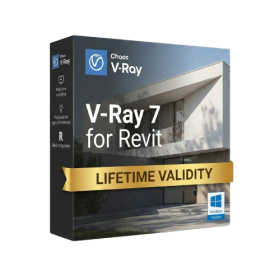
- Lifetime Validity
- Instant Delivery on Email
- Any Installation Problem Freely Contact Us(Will Give You Support)
- Supported on Windows 10,11
- Pre-Activated for Lifetime Validity
- Supports: Revit 2022 to 2026
- Import and render real-world 3D Gaussian Splats directly within the Revit interface.
- Generate custom PBR textures instantly from text prompts with the AI Material Generator.
- Visualize changes in real-time using the seamless Chaos Vantage Live Link.
- Populate scenes with vegetation and crowds efficiently using Chaos Scatter.
- Edit colors and apply finishing touches directly in the advanced V-Ray Frame Buffer.
- Ensure material consistency across different software with native OpenPBR support.
- Add realistic details like road markings or graffiti using V-Ray Decals.
- Simulate dynamic skies and cloud shadows with the procedural Cloud system.
- Generate dozens of lighting variations automatically with the Light Gen tool.
- Accelerate rendering times significantly with optimized NVIDIA RTX GPU support.

- AUTOMATIC DELIVERY INSTANTLY ON REGISTERED EMAIL .
- Any Installation Problem Freely Contact Us(Will Give You Support)
- Lifetime Validity
- Windows Version
- File Size: 1.84GB
- Visualize models with stunning depth and realism using the new graphics engine featuring native Ambient Occlusion.
- Generate unique, seamless textures instantly from simple text prompts with the integrated AI texture generator.
- Import complex Revit files accurately and efficiently with the enhanced, lighter-weight Revit Importer.
- Create 2D documentation in LayOut faster than ever with a new multi-threaded rendering engine that eliminates lag.
- Convert room scans from mobile devices automatically into clean, editable 3D geometry via Scan-to-Design.
- Collaborate in real-time by syncing projects seamlessly across Desktop, iPad, and Web versions.
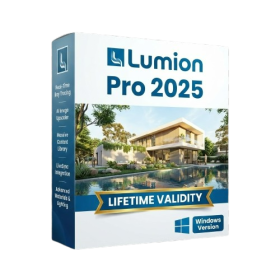
- AUTOMATIC DELIVERY INSTANTLY ON REGISTERED EMAIL .
- Any Installation Problem Freely Contact Us(Will Give You Support)
- Lifetime Validity
- Windows Version
- Hybrid Ray Tracing: Perfect reflections, shadows, and glass instantly.
- LiveSync: Real-time link to Revit, SketchUp, and Rhino.
- Full Library: Over 9,000 assets (trees, cars, people) included.
- Phasing Effect: Animate the construction process easily.
- Real Skies: 60+ HDR skies that light your scene automatically.
- Styles: One-click presets for “Watercolor,” “Sketch,” or “Realistic.”
- 3D Grass: Turn any surface into realistic, volumetric grass.
- Volumetric Spotlights: Create dusty, atmospheric beams of light.
- Material Editor: Add weathering, rounded edges, and foliage to textures.
- Output: Render 8K images, 4K videos, and 360 panoramas.
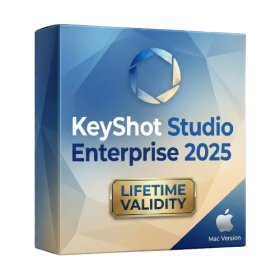
- Lifetime Validity
- Instant Delivery on Email
- Supported on All Apple Mac Systems
- Any Installation Problem Freely Contact Us(Will Give You Support)
- Render natively on Apple Silicon (M1/M2/M3) for maximum speed and efficiency.
- Generate photorealistic backgrounds instantly from text prompts using the AI Shots tool.
- Share interactive 3D product reviews securely with stakeholders via KeyShot Web Viewer.
- Automate complex rendering pipelines using the advanced Python scripting console.
- Import native files directly from high-end CAD systems like Siemens NX, Catia, and Creo.
- Switch seamlessly between CPU and GPU rendering to utilize Apple Metal graphics power.
- Create standardized material libraries for your organization with OpenPBR support.
- Accelerate post-production compositing with automatic Cryptomatte mask generation.
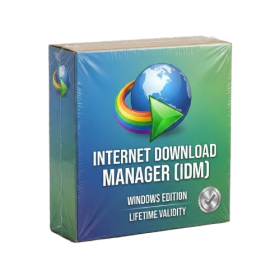
- AUTOMATIC DELIVERY INSTANTLY ON REGISTERED EMAIL .
- Any Installation Problem Freely Contact Us(Will Give You Support)
- Lifetime Validity
- Windows Version
- File Size: 23.5MB
- Accelerate download speeds by up to 5 times with intelligent dynamic file segmentation.
- Resume interrupted downloads instantly without restarting from the beginning.
- Capture videos from streaming sites automatically using the improved download panel.
- Detect and download Ultra HD (4K and 8K) videos with enhanced recognition accuracy.
- Integrate seamlessly with the latest versions of Chrome, Edge, and Firefox.
- Resolve video stream errors (like 403 Forbidden) with updated site compatibility fixes.
- Schedule downloads to start, stop, or shut down your computer automatically.

- AUTOMATIC DELIVERY INSTANTLY ON REGISTERED EMAIL .
- Any Installation Problem Freely Contact Us(Will Give You Support)
- Lifetime Validity
- Windows Version
- Route complex PCB traces automatically with the new AI-driven auto-interactive router.
- Collaborate seamlessly with mechanical engineers via the enhanced real-time MCAD CoDesigner.
- Simulate power integrity and signal performance instantly within the unified design environment.
- Manage component shortages proactively with live supply chain data in ActiveBOM.
- Visualize multi-board systems and rigid-flex designs in photorealistic 3D detail.
- Sync all design changes and version history securely to the cloud with Altium 365.
- Define complex high-speed design rules easily using the visual Constraint Manager.
- AUTOMATIC DELIVERY INSTANTLY ON REGISTERED EMAIL .
- Any Installation Problem Freely Contact Us(Will Give You Support)
- Lifetime Validity
- Windows Version
- Render scenes with significantly less noise using the improved High-Quality Denoiser.
- Create intricate procedural clouds and weather effects with the updated Corona Sky.
- Scatter objects efficiently on surfaces with the enhanced Chaos Scatter controls.
- Apply decals to curved and organic surfaces seamlessly without UV unwrap.
- Simulate realistic fabrics and velvets instantly with the new Sheen layer.
- Manage complex scenes easily using the optimized Lister and Scene Management tools.
- Reduce memory usage significantly when rendering repetitive geometry with Corona Pattern.

- AUTOMATIC DELIVERY INSTANTLY ON REGISTERED EMAIL .
- Any Installation Problem Freely Contact Us(Will Give You Support)
- Lifetime Validity
- Windows Version
- Rock-Solid Tracking: The industry standard for planar tracking.
- PowerMesh: Track warped surfaces like skin and fabric.
- Generative Remove: Auto-remove objects and wires with AI.
- Stabilization: Smooth out shaky handheld footage instantly.
- Insert Module: Perfect screen replacements with motion blur.
- Magnetic Roto: Snap masks to edges for fast rotoscoping.
- Lens Correction: Fix or match lens distortion easily.

- AUTOMATIC DELIVERY INSTANTLY ON REGISTERED EMAIL .
- Any Installation Problem Freely Contact Us(Will Give You Support)
- Lifetime Validity
- Windows Version
- Visualize models with realistic shading and depth using the new Ambient Occlusion engine.
- Import and export IFC files faster with enhanced openBIM interoperability.
- Find and execute any command instantly using the integrated Smart Search tool.
- Generate unique textures and styles quickly with AI-powered Diffusion graphics.
- Collaborate in real-time by syncing models seamlessly with Trimble Connect.
- Create 2D documentation efficiently with the optimized LayOut rendering engine.
- Import complex Revit files accurately with the lightweight Revit Importer.
- Organize geometry effortlessly using the modernized Tag management system.