
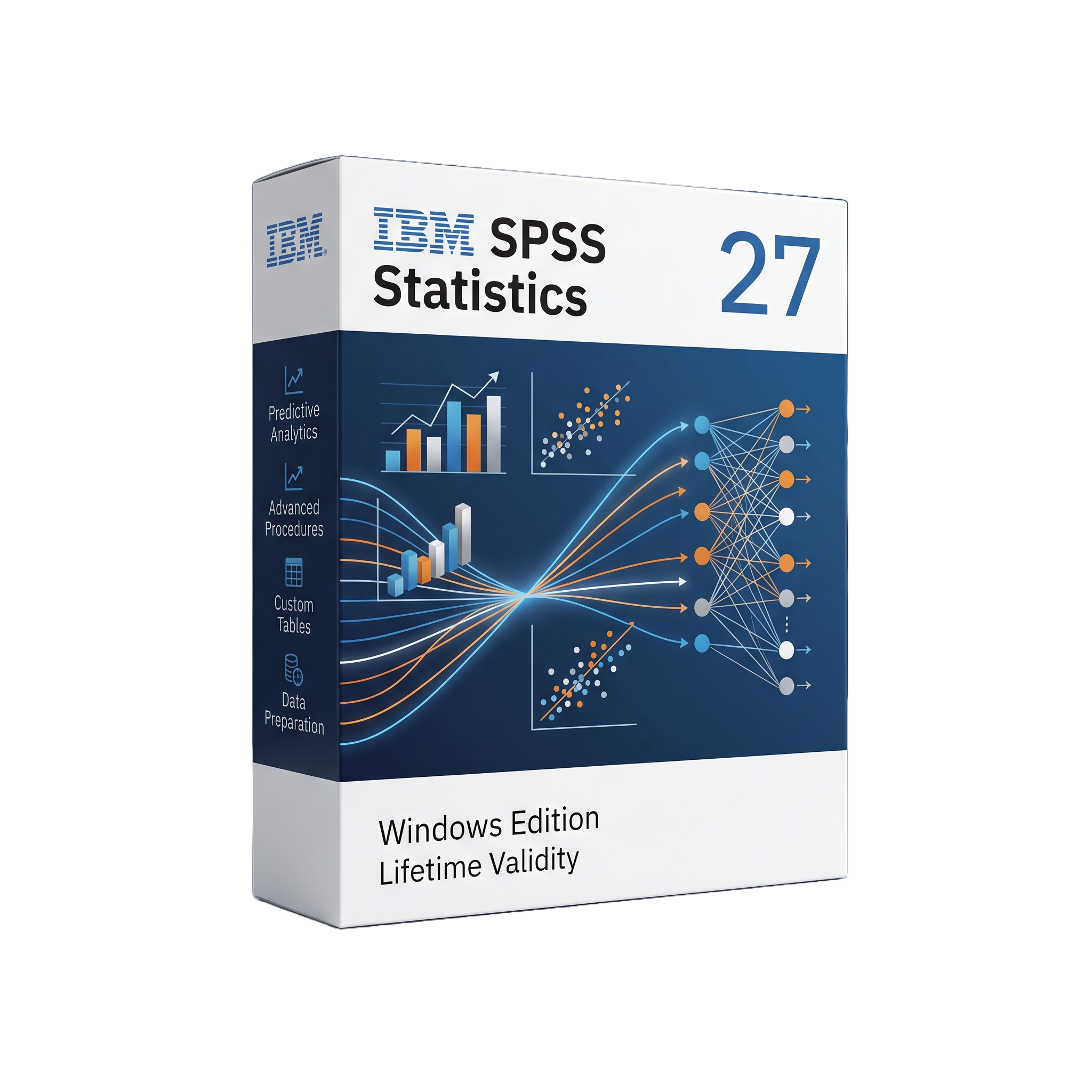
IBM SPSS Statistics 27 For Lifetime
- AUTOMATIC DELIVERY INSTANTLY ON REGISTERED EMAIL .
- Any Installation Problem Freely Contact Us(Will Give You Support)
- Lifetime Validity
- Windows Version
- Professional statistical analysis software for Windows
- Descriptive statistics and exploratory data analysis
- t-tests, ANOVA, correlation, and hypothesis testing
- Linear, logistic, and multivariate regression
- Factor, cluster, and discriminant analysis
- Forecasting and time-series analysis
- Decision Trees and Neural Networks
- Data preparation, transformation, weighting, and filtering
- Advanced statistical modules available
- Python and R integration
- SPSS command syntax for reproducible analysis
₹550.00
Description
IBM SPSS Statistics 27 for Windows is a professional statistical analysis and data science platform designed for researchers, universities, businesses, government organizations, healthcare institutions, and analysts. It provides an accessible graphical interface combined with command syntax for performing descriptive statistics, hypothesis testing, regression, forecasting, classification, data preparation, and predictive analytics. IBM released SPSS Statistics 27 on June 16, 2020, with the later 27.0.1 maintenance release addressing compatibility and software issues.
SPSS Statistics 27 provides a structured workflow for importing, cleaning, transforming, analyzing, and visualizing datasets. Users can work through dialog-based procedures or use SPSS command syntax to create repeatable analytical workflows. Core capabilities include descriptive statistics, t-tests, ANOVA, correlation, linear and logistic regression, nonparametric tests, factor analysis, cluster analysis, survival analysis, forecasting, and advanced predictive modeling. Optional modules extend the platform with capabilities such as Advanced Statistics, Regression, Custom Tables, Complex Samples, Categories, Decision Trees, Forecasting, and Neural Networks. IBM’s official SPSS 27 documentation provides separate manuals for these modules.
The software supports integration with Python, R, and Java-based extension commands, allowing analysts and developers to extend the built-in statistical environment. Python integration can access SPSS datasets, variables, cases, procedures, tables, charts, and output objects, while R extensions can provide additional analytical procedures beyond the standard SPSS functionality. This makes SPSS 27 suitable for organizations that combine conventional GUI-based statistics with programmable and automated analysis workflows.
SPSS 27 is also designed for repeatable research and enterprise workflows. Data can be imported from common spreadsheet, text, database, and statistical-data sources, while results can be presented through tables, charts, pivot-table output, and exported reports. The Windows edition was distributed in both 64-bit and legacy 32-bit installer configurations, with IBM providing dedicated Windows installation and licensing documentation.
Key Features
- Professional statistical analysis environment
- Descriptive statistics and exploratory data analysis
- Frequencies, crosstabs, means, and summary statistics
- Correlation and covariance analysis
- t-tests and analysis of variance (ANOVA)
- General Linear Models
- Linear and nonlinear regression
- Logistic regression
- Multivariate analysis
- Factor and principal-component analysis
- Cluster analysis
- Discriminant analysis
- Nonparametric statistical testing
- Survival analysis
- Time-series analysis and forecasting
- Decision Trees
- Neural Networks
- Custom Tables
- Complex Samples analysis
- Missing-value analysis and data preparation
- Data transformation and recoding
- Weighting, filtering, splitting, and case selection
- Interactive charts and statistical graphics
- Pivot-table output
- Reproducible SPSS command syntax
- Python integration and scripting
- R integration and extension commands
- Java extension support
- Database connectivity through supported drivers
- Import/export workflows for common statistical and business data
- Optional SPSS Statistics Server for centralized statistical processing
- Authorized-user and concurrent licensing options
What’s New in Version 27
SPSS Statistics 27 introduced a number of statistical and usability improvements over previous generations:
- New statistical procedures and enhancements to existing procedures
- Improved Bayesian statistical capabilities
- Enhanced regression and generalized linear modeling workflows
- Improvements to data preparation and analytical workflows
- Enhanced charting and visualization capabilities
- Improved output and table-management workflows
- Additional Python and R extension capabilities
- Updated integration and compatibility components
- Improved usability and accessibility
- 27.0.1 maintenance release containing compatibility fixes and corrections to a range of issues reported in 27.0
- Continued support for both GUI-based and command-syntax statistical workflows
IBM’s 27.0.1 fix list documents corrections involving CSV import, Custom Tables, Excel export, extension commands, Unicode-mode stability, and other areas.
Professional Applications
IBM SPSS Statistics 27 is suitable for:
- Academic and university research
- Social science research
- Psychology and behavioral research
- Healthcare and medical research
- Epidemiology and public health
- Market research
- Business intelligence
- Customer and survey analytics
- Financial and economic analysis
- Government statistics
- Education research
- Clinical research
- Pharmaceutical research
- Predictive modeling
- Operations and quality analysis
System Requirements
Minimum Requirements
- Operating System: Windows 10 64-bit for the supported SPSS 27 Windows environment
- Processor: Intel or AMD x86-64 processor
- RAM: 4 GB minimum
- Storage: Approximately 5 GB of available disk space for the application and supporting components
- Display: 1024 × 768 or higher
- Graphics: Standard Windows-compatible graphics hardware
- Internet: Required for certain licensing, activation, updates, and online services
- Additional Software: Microsoft .NET Framework and other runtime components may be installed as part of the SPSS environment
- Licensing: Authorized-user or concurrent network licensing can be used depending on the organization’s license configuration
IBM provides dedicated Windows installation documentation for authorized-user and concurrent-license deployments, as well as a 64-bit Windows client installer for SPSS 27.0.1
Related Products
- AUTOMATIC DELIVERY INSTANTLY ON REGISTERED EMAIL .
- Any Installation Problem Freely Contact Us(Will Give You Support)
- Lifetime Validity
- Mac Version
- Run natively on Apple Silicon (M1/M2/M3/M4/M5) for blazing-fast performance.
- Visualize models with realistic depth using the new Ambient Occlusion engine.
- Generate unique textures instantly with integrated AI-powered prompts.
- Sync projects seamlessly between Mac, iPad, and Web versions.
- Convert iPhone LiDAR scans into 3D models automatically via Scan-to-Design.
- Create 2D documentation faster with the optimized LayOut rendering engine.
- Import and export USDZ files easily for Apple AR visualization.
- AUTOMATIC DELIVERY INSTANTLY ON REGISTERED EMAIL .
- Any Installation Problem Freely Contact Us(Will Give You Support)
- Lifetime Validity
- Windows Version
- Works with Internet and Antivirus
- File Size: 461MB
- v8.5.8472
- Swap vocals or drums between tracks instantly with the new StemSwap Sampler.
- Isolate track elements in real-time for seamless live mashups and remixes.
- Export playlists to USB drives for CDJs with new subfolder support.
- Sync music libraries across devices automatically via improved Cloud Drive tools.
- Plug and play with over 300+ controllers including the latest AlphaTheta models.
- Mix video and karaoke with customizable on-screen graphics and lyrics.
- Scratch with precision using the improved ultra-low latency DVS engine.
- Stream sets directly to social platforms without external broadcasting software.
- AUTOMATIC DELIVERY INSTANTLY ON REGISTERED EMAIL .
- Any Installation Problem Freely Contact Us(Will Give You Support)
- Lifetime Validity
- Windows Version
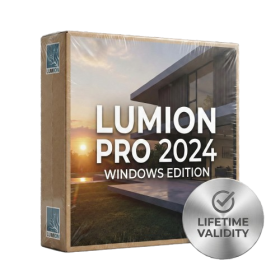
- Ray trace over 2,200 nature assets including trees and shrubs for realistic reflections.
- Preview renders instantly with the new real-time NRD denoiser in Photo and Movie modes.
- Render ray-traced videos up to 5x faster using the optimized sampling engine.
- Simulate realistic glass refraction and colored shadows with fully ray-traced glass.
- Add depth to translucent materials like marble and wax with Subsurface Scattering.
- Populate interiors instantly using 25+ new parallax room templates for day and night.
- Import GLTF files directly for a lighter and faster 3D model workflow.
- Batch import multiple 3D models simultaneously to speed up scene building.

- Lifetime Validity
- Instant Delivery on Email
- Supported on All Apple Mac Systems
- Any Installation Problem Freely Contact Us(Will Give You Support)
- Run natively on Apple Silicon (M1/M2/M3) for significantly faster processing speeds.
- Experience fluid viewport navigation with the new Apple Metal graphics pipeline.
- Create watertight meshes from open geometry instantly using the ShrinkWrap command.
- Customize your workspace with new Window Layouts that match the Windows interface.
- Render ray-traced images in real-time using GPU-accelerated Cycles on Metal.
- Model organically with sharp edges using the new SubD Creases feature.
- Extrude and subtract geometry directly from faces with the intuitive PushPull workflow.
- Create dynamic 3D sections with hatch patterns using improved Clipping Planes.
- Access new data types and attributes directly within the upgraded Grasshopper.
- AUTOMATIC DELIVERY INSTANTLY ON REGISTERED EMAIL .
- Any Installation Problem Freely Contact Us(Will Give You Support)
- Lifetime Validity
- Windows Version
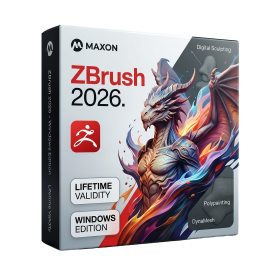
- Retopo Brush: Draw low-poly topology directly on your sculpt.
- Python Support: Automate tasks with industry-standard scripting.
- Asset System: Separate user folders for safer customization.
- ZModeler Update: Auto-creasing and improved visual feedback.
- NoiseMaker 2.0: Transform and rotate alphas for surface noise.
- Redshift AOVs: Export render passes for professional compositing.
- Sculptris Pro: Add polygons dynamically only where you need detail.
- DynaMesh: Remesh your model instantly to fix stretched geometry.
- GoZ: Single-click transfer to Maya, Blender, Cinema 4D, and UE5.
- PolyPaint: Paint texture data directly on the mesh vertices.

- AUTOMATIC DELIVERY INSTANTLY ON REGISTERED EMAIL .
- Any Installation Problem Freely Contact Us(Will Give You Support)
- Lifetime Validity
- Windows Version
- Visualize models with realistic shading and depth using the new Ambient Occlusion engine.
- Import and export IFC files faster with enhanced openBIM interoperability.
- Find and execute any command instantly using the integrated Smart Search tool.
- Generate unique textures and styles quickly with AI-powered Diffusion graphics.
- Collaborate in real-time by syncing models seamlessly with Trimble Connect.
- Create 2D documentation efficiently with the optimized LayOut rendering engine.
- Import complex Revit files accurately with the lightweight Revit Importer.
- Organize geometry effortlessly using the modernized Tag management system.
- AUTOMATIC DELIVERY INSTANTLY ON REGISTERED EMAIL .
- Any Installation Problem Freely Contact Us(Will Give You Support)
- Lifetime Validity
- Windows Version
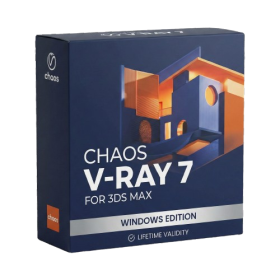
- For 3ds Max 2021 – 2027
- Render and clip real-world 3D scans natively with full Gaussian Splatting support.
- Simulate complex light fixtures significantly faster using the new V-Ray Luminaire.
- Generate accurate stars, moon, and phases instantly with the procedural Night Sky.
- Create PBR materials from simple photos automatically with the AI Material Generator.
- Stream interactive 3D scenes to clients via a web link with Chaos Cloud Streaming.
- Analyze scene performance and spot bottlenecks precisely using the V-Ray Profiler.
- Render realistic caustics and refractions at high speeds with updated V-Ray GPU.

- AUTOMATIC DELIVERY INSTANTLY ON REGISTERED EMAIL .
- Any Installation Problem Freely Contact Us(Will Give You Support)
- Lifetime Validity
- Windows Version
- 7.28 Version
- Map video onto complex geometric structures and surfaces with advanced projection mapping tools.
- Stitch multiple projectors into a single seamless widescreen image with soft edge blending.
- Sync video with lighting fixtures using DMX input and advanced LED pixel mapping.
- Lock your visuals perfectly to show tracks and DJ sets using SMPTE timecode input.
- Mix unlimited layers of video, effects, and generative content in real-time.
- Correct mistakes instantly during live setup with the fully integrated Undo/Redo feature.
- AUTOMATIC DELIVERY INSTANTLY ON REGISTERED EMAIL .
- Any Installation Problem Freely Contact Us(Will Give You Support)
- Lifetime Validity
- Windows Version
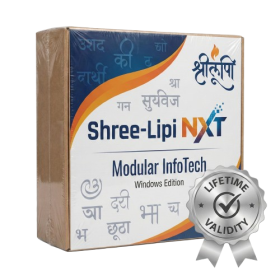
- Type effortlessly in multiple Indian languages with enhanced Unicode keyboard handlers.
- Detect and switch between 32-bit and 64-bit applications automatically while typing.
- Access thousands of high-quality calligraphic fonts for professional designs.
- Convert legacy text to Unicode instantly with the advanced file conversion utility.
- Design stylish 3D titles and logos easily using the Avishkar Plus tool.
- Check spelling in Indian languages directly with the integrated Spell Checker.
- Integrate seamlessly with open-source apps like Inkscape, GIMP, and Scribus.

- AUTOMATIC DELIVERY INSTANTLY ON REGISTERED EMAIL .
- Any Installation Problem Freely Contact Us(Will Give You Support)
- Lifetime Validity
- Windows Version
- File Size: 1.84GB
- Visualize models with stunning depth and realism using the new graphics engine featuring native Ambient Occlusion.
- Generate unique, seamless textures instantly from simple text prompts with the integrated AI texture generator.
- Import complex Revit files accurately and efficiently with the enhanced, lighter-weight Revit Importer.
- Create 2D documentation in LayOut faster than ever with a new multi-threaded rendering engine that eliminates lag.
- Convert room scans from mobile devices automatically into clean, editable 3D geometry via Scan-to-Design.
- Collaborate in real-time by syncing projects seamlessly across Desktop, iPad, and Web versions.
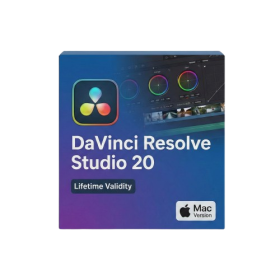
- Lifetime Validity
- Instant Delivery on Email
- Supported on All Apple Mac Systems
- Any Installation Problem Freely Contact Us(Will Give You Support)
- File Size: 6.68GB (20.3.2 Version)
- Ai Features are working
- Works with Internet and Antivirus
- Edit 12K projects effortlessly with native optimization for Apple M3 and M4 Ultra chips.
- Render renders up to 4x faster using the fully unified memory architecture of Apple Silicon.
- Generate depth maps instantly from single-camera clips using the Apple Neural Engine.
- Grade HDR content with absolute precision on Liquid Retina XDR displays using the new EDR workflow.
- Isolate voices from noisy backgrounds in real-time with the Core ML-powered Voice Isolation.
- Edit spatial video for Apple Vision Pro with a dedicated stereoscopic 3D viewer.
- Track complex objects in 3D space instantly with the Metal-accelerated IntelliTrack AI.
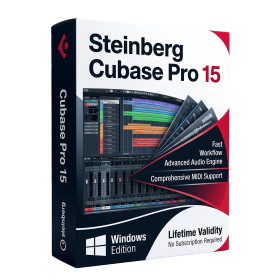
- AUTOMATIC DELIVERY INSTANTLY ON REGISTERED EMAIL .
- Any Installation Problem Freely Contact Us(Will Give You Support)
- Lifetime Validity
- Windows Version
- Included Instruments:
- Halion 7
- Halion Sonic 7
- Groove Agent 6
- Groove Agent SE 6
- WaveLab Pro 13
- Dorico Pro 6
- Backbone 1.6
- PadShop Pro 2
- Retrologue 2.5
- SpectraLayers Pro 13
- Iconica Sketch
- Verve
- Drum Machine