
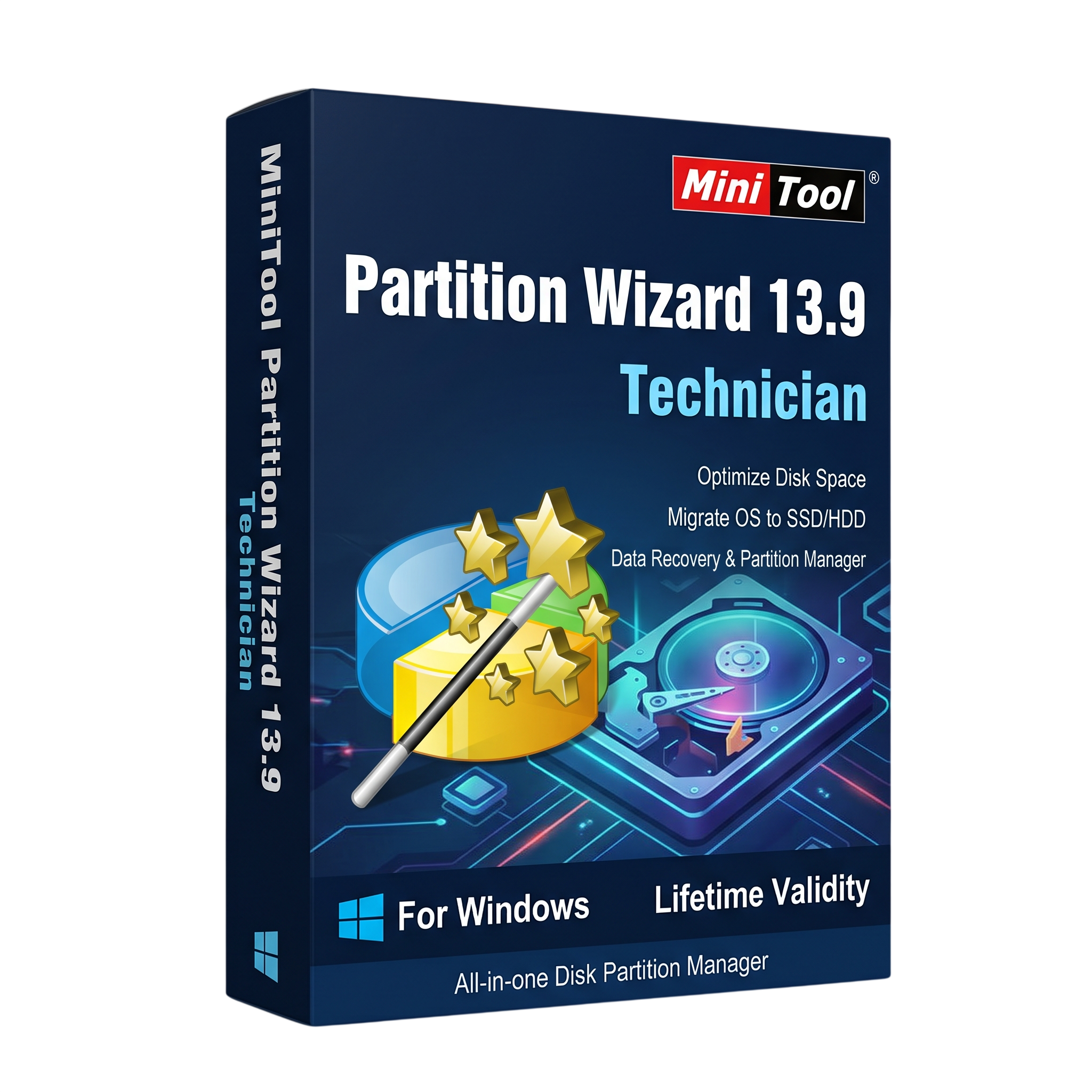
MiniTool Partition Wizard Technician 13.9for Lifetime
- AUTOMATIC DELIVERY INSTANTLY ON REGISTERED EMAIL .
- Any Installation Problem Freely Contact Us(Will Give You Support)
- Lifetime Validity
- Windows Version
- Professional disk and partition management for Windows PCs and supported servers.
- Create, resize, move, merge, split, format, and wipe partitions.
- Clone supported disks and migrate Windows to another drive.
- Recover supported lost partitions and files.
- Convert MBR/GPT disks and supported file systems.
- Manage BitLocker-protected partitions with version 13.9 improvements.
- Check file systems, test disk surfaces, benchmark drives, and analyze storage usage.
- Create supported bootable media for disk-management tasks.
- Technician edition licensing for professional service across multiple client organizations; verify the purchased license terms.
₹500.00
Description
MiniTool Partition Wizard Technician 13.9 is a professional disk and partition management solution designed for IT technicians, system administrators, computer repair specialists, and service providers. It offers tools for configuring storage devices, resizing partitions, cloning disks, converting file systems, checking drive health, and recovering lost partitions or data.
With its comprehensive partition management interface, technicians can create, delete, format, move, resize, merge, and split partitions to organize storage efficiently. The software supports a range of storage devices, including hard disk drives, solid-state drives, USB drives, memory cards, and supported RAID configurations.
MiniTool Partition Wizard Technician also provides advanced tools for disk cloning, Windows migration, partition recovery, file-system conversion, disk benchmarking, and storage analysis. These capabilities help professionals prepare replacement drives, upgrade storage, troubleshoot partition problems, and assist clients with data-management tasks.
The Technician edition is intended for professional service work across multiple client organizations. MiniTool’s published Technician licensing information describes support for up to 299 computers across unlimited companies; check the specific license terms supplied with your purchase before deployment.
Key Features
- Advanced Partition Management: Create, resize, move, extend, merge, split, format, hide, delete, and wipe partitions.
- Disk Cloning: Copy supported disks and partitions when upgrading or replacing storage devices.
- Windows Migration: Migrate supported Windows installations to another drive, such as an SSD.
- Partition Recovery: Scan for lost or deleted partitions and recover supported partition structures.
- Data Recovery: Recover supported files from selected drives or partitions, subject to edition and feature limitations.
- Disk Conversion: Convert between MBR and GPT partition styles and perform other supported disk conversions.
- File-System Conversion: Convert supported FAT and NTFS volumes and work with NTFS, FAT/FAT32, exFAT, Ext2/3/4, and Linux Swap file systems where applicable.
- BitLocker Management: Manage BitLocker encryption and perform supported operations on encrypted partitions.
- Disk Diagnostics: Check file-system errors, test drive surfaces, benchmark disk performance, and analyze storage usage.
- SSD Optimization: Align supported SSD partitions and manage storage layouts for improved efficiency.
- Bootable Media: Create supported bootable media for disk-management tasks when Windows cannot start.
- Professional Technician Licensing: Designed for technicians providing disk-management services to multiple clients and organizations.
What’s New in Version 13.9
- BitLocker Manager: Manage supported encrypted drives, including turning BitLocker on or off and locking or unlocking drives.
- Expanded BitLocker Partition Support: More disk and partition operations are available depending on the partition type and encryption state.
- Larger NTFS Cluster Sizes: Support for NTFS cluster sizes up to 2 MB.
- Improved NTFS Resizing: An updated workflow selects a suitable processing method based on the partition layout.
- Windows 11 Compatibility Improvements: Better compatibility with Windows 11 Administrator Protection.
- Interface Refinements: Improved high-DPI display support, clearer icons, larger default fonts, and disk numbering aligned with Windows Disk Management.
Professional Applications
- Computer Repair: Resolve common partition-layout and storage-configuration problems.
- IT Support: Manage disk partitions across supported client PCs and workstations.
- Storage Upgrades: Clone supported drives and migrate Windows installations when replacing HDDs with SSDs.
- Data Recovery Workflows: Scan supported storage devices for lost partitions and recoverable files.
- Business Maintenance: Organize disk space and manage supported storage configurations for business clients.
- System Administration: Inspect file systems, convert partition styles, and prepare drives for deployment.
System Requirements
Minimum Requirements
- Operating System: Windows 7, Windows 8/8.1, Windows 10, or Windows 11, subject to the specific 13.9 build’s compatibility requirements.
- Processor: Compatible x86 or x64 processor supported by the operating system.
- Memory: Sufficient RAM for Windows and the disk operations being performed.
- Storage: Available space for installation, temporary files, recovery operations, and bootable-media creation.
- Permissions: Administrator privileges are required for many disk and partition operations.
- Additional Requirements: A supported storage device; internet access may be needed for activation, updates, or online features.
Recommended Requirements
- Operating System: A fully updated, supported Windows 10 or Windows 11 installation.
- Processor: Modern multi-core Intel or AMD processor.
- Memory: 8 GB RAM or more for larger drives and multitasking.
- Storage: SSD with sufficient free space for temporary files, logs, and recovery data.
- Backup: A separate storage device for backups or recovered files.
- Recovery Media: A compatible USB drive when bootable recovery media is required.
Note: The recommended hardware specifications are practical guidelines, not verified official minimums. Requirements can vary with the Windows edition, storage size, and selected operations. Data recovery and advanced features may depend on the license edition.
Related Products

- AUTOMATIC DELIVERY INSTANTLY ON REGISTERED EMAIL .
- Any Installation Problem Freely Contact Us(Will Give You Support)
- Lifetime Validity
- Windows Version
- Route complex PCB traces automatically with the new AI-driven auto-interactive router.
- Collaborate seamlessly with mechanical engineers via the enhanced real-time MCAD CoDesigner.
- Simulate power integrity and signal performance instantly within the unified design environment.
- Manage component shortages proactively with live supply chain data in ActiveBOM.
- Visualize multi-board systems and rigid-flex designs in photorealistic 3D detail.
- Sync all design changes and version history securely to the cloud with Altium 365.
- Define complex high-speed design rules easily using the visual Constraint Manager.

- AUTOMATIC DELIVERY INSTANTLY ON REGISTERED EMAIL .
- Any Installation Problem Freely Contact Us(Will Give You Support)
- Lifetime Validity
- Windows Version
- Chaos V-Ray 7.40.02 for Rhinoceros 7 – 9 & SketchUp 2021 – 2026
- Render real-world 3D scans with reflections using native Gaussian Splatting support.
- Simulate accurate stars, moon phases, and the Milky Way with the procedural Night Sky.
- Upscale renders to 16K resolution instantly with the one-click AI Upscaler.
- Populate vegetation naturally with new Clustering modes in Chaos Scatter.
- Clip and trim Gaussian Splat models directly within the SketchUp viewport.
- Render complex light fixtures significantly faster using optimized V-Ray Luminaires.
- Remove bright noise pixels automatically during rendering with Firefly Removal.
- Add detail to people and grass without re-rendering using the AI Enhancer.
- AUTOMATIC DELIVERY INSTANTLY ON REGISTERED EMAIL .
- Any Installation Problem Freely Contact Us(Will Give You Support)
- Lifetime Validity
- Windows Version
- Generate invoices.
- Manage multiple companies and financial years from a single unified interface.
- Track inventory stocks across different godowns and locations in real-time.
- Automate bank reconciliation by uploading digital bank statements directly.
- Calculate employee salaries, PF, and TDS accurately with the integrated Payroll module.
- Access business data remotely using the secure Tally.NET connection services.

- AUTOMATIC DELIVERY INSTANTLY ON REGISTERED EMAIL .
- Any Installation Problem Freely Contact Us(Will Give You Support)
- Lifetime Validity
- Windows Version
- Rock-Solid Tracking: The industry standard for planar tracking.
- PowerMesh: Track warped surfaces like skin and fabric.
- Generative Remove: Auto-remove objects and wires with AI.
- Stabilization: Smooth out shaky handheld footage instantly.
- Insert Module: Perfect screen replacements with motion blur.
- Magnetic Roto: Snap masks to edges for fast rotoscoping.
- Lens Correction: Fix or match lens distortion easily.
- AUTOMATIC DELIVERY INSTANTLY ON REGISTERED EMAIL .
- Any Installation Problem Freely Contact Us(Will Give You Support)
- Lifetime Validity
- Windows Version
- Explore massive 3D scenes in 100% ray-traced real-time without waiting for renders.
- Sync changes instantly from 3ds Max, SketchUp, Rhino, and Revit via Live Link.
- Render photorealistic animations at lightning speeds using NVIDIA DLSS 3.5 support.
- Populate environments with millions of objects using the built-in Chaos Scatter tool.
- Switch between different lighting setups, materials, and moods instantly with Scene States.
- Visualize complex animated characters and deformable meshes perfectly in real-time.

- AUTOMATIC DELIVERY INSTANTLY ON REGISTERED EMAIL .
- Any Installation Problem Freely Contact Us(Will Give You Support)
- Lifetime Validity
- Windows Version
- File Size: 1.84GB
- Visualize models with stunning depth and realism using the new graphics engine featuring native Ambient Occlusion.
- Generate unique, seamless textures instantly from simple text prompts with the integrated AI texture generator.
- Import complex Revit files accurately and efficiently with the enhanced, lighter-weight Revit Importer.
- Create 2D documentation in LayOut faster than ever with a new multi-threaded rendering engine that eliminates lag.
- Convert room scans from mobile devices automatically into clean, editable 3D geometry via Scan-to-Design.
- Collaborate in real-time by syncing projects seamlessly across Desktop, iPad, and Web versions.
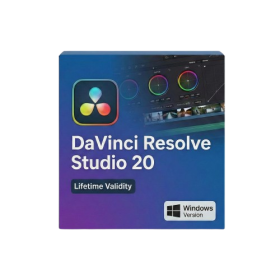
- Lifetime Validity
- Instant Delivery on Email
- Any Installation Problem Freely Contact Us(Will Give You Support)
- Supported on Windows 10,11
- File Size: 7.47GB (20.3.2 Version)
- Ai Features are working
- Works with Internet and Antivirus
- Generate complex color grades instantly from text prompts or reference images with AI Match.
- Isolate and remix individual instruments from a stereo music track using Fairlight AI Stem Separation.
- Track objects obscured by smoke or glass perfectly with the new Deep Neural Magic Mask.
- Edit spatial video natively for Apple Vision Pro and Meta Quest with full depth visualization.
- Remove unwanted moving objects from complex backgrounds automatically with Generative Fill for Video.
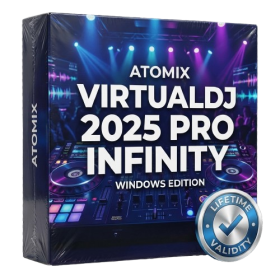
- AUTOMATIC DELIVERY INSTANTLY ON REGISTERED EMAIL .
- Any Installation Problem Freely Contact Us(Will Give You Support)
- Lifetime Validity
- Windows Version
- Works with Internet and Antivirus
- File Size: 461MB
- v8.5.8472
- Swap vocals or drums between tracks instantly with the new StemSwap Sampler.
- Isolate track elements in real-time for seamless live mashups and remixes.
- Export playlists to USB drives for CDJs with new subfolder support.
- Sync music libraries across devices automatically via improved Cloud Drive tools.
- Plug and play with over 300+ controllers including the latest AlphaTheta models.
- Mix video and karaoke with customizable on-screen graphics and lyrics.
- Scratch with precision using the improved ultra-low latency DVS engine.
- Stream sets directly to social platforms without external broadcasting software.
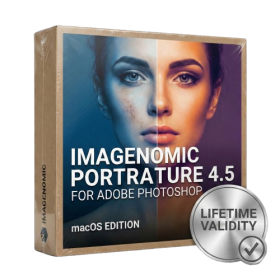
- Lifetime Validity
- Instant Delivery on Email
- Supported on All Apple Mac Systems
- Any Installation Problem Freely Contact Us(Will Give You Support)
- Smooth skin naturally while preserving texture using advanced AI algorithms.
- Generate precise skin masks automatically to isolate subjects instantly.
- Process massive batches of photos rapidly with optimized multi-core performance.
- Remove blemishes and imperfections without blurring eyelashes or eyebrows.
- Even out skin tones to correct redness and blotchiness effortlessly.
- Apply professional retouching styles quickly with a customizable preset library.
- Fine-tune mask selection manually with the interactive refinement brush.
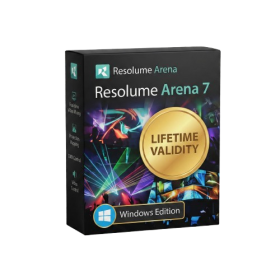
- AUTOMATIC DELIVERY INSTANTLY ON REGISTERED EMAIL .
- Any Installation Problem Freely Contact Us(Will Give You Support)
- Lifetime Validity
- Windows Version
- 7.28 Version
- Map video onto complex geometric structures and surfaces with advanced projection mapping tools.
- Stitch multiple projectors into a single seamless widescreen image with soft edge blending.
- Sync video with lighting fixtures using DMX input and advanced LED pixel mapping.
- Lock your visuals perfectly to show tracks and DJ sets using SMPTE timecode input.
- Mix unlimited layers of video, effects, and generative content in real-time.
- Correct mistakes instantly during live setup with the fully integrated Undo/Redo feature.
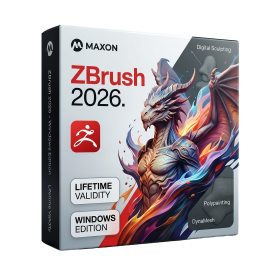
- AUTOMATIC DELIVERY INSTANTLY ON REGISTERED EMAIL .
- Any Installation Problem Freely Contact Us(Will Give You Support)
- Lifetime Validity
- Windows Version
- Retopo Brush: Draw low-poly topology directly on your sculpt.
- Python Support: Automate tasks with industry-standard scripting.
- Asset System: Separate user folders for safer customization.
- ZModeler Update: Auto-creasing and improved visual feedback.
- NoiseMaker 2.0: Transform and rotate alphas for surface noise.
- Redshift AOVs: Export render passes for professional compositing.
- Sculptris Pro: Add polygons dynamically only where you need detail.
- DynaMesh: Remesh your model instantly to fix stretched geometry.
- GoZ: Single-click transfer to Maya, Blender, Cinema 4D, and UE5.
- PolyPaint: Paint texture data directly on the mesh vertices.
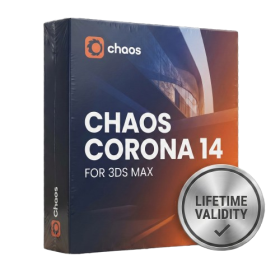
- AUTOMATIC DELIVERY INSTANTLY ON REGISTERED EMAIL .
- Any Installation Problem Freely Contact Us(Will Give You Support)
- Lifetime Validity
- Windows Version
- Render scenes with significantly less noise using the improved High-Quality Denoiser.
- Create intricate procedural clouds and weather effects with the updated Corona Sky.
- Scatter objects efficiently on surfaces with the enhanced Chaos Scatter controls.
- Apply decals to curved and organic surfaces seamlessly without UV unwrap.
- Simulate realistic fabrics and velvets instantly with the new Sheen layer.
- Manage complex scenes easily using the optimized Lister and Scene Management tools.
- Reduce memory usage significantly when rendering repetitive geometry with Corona Pattern.