
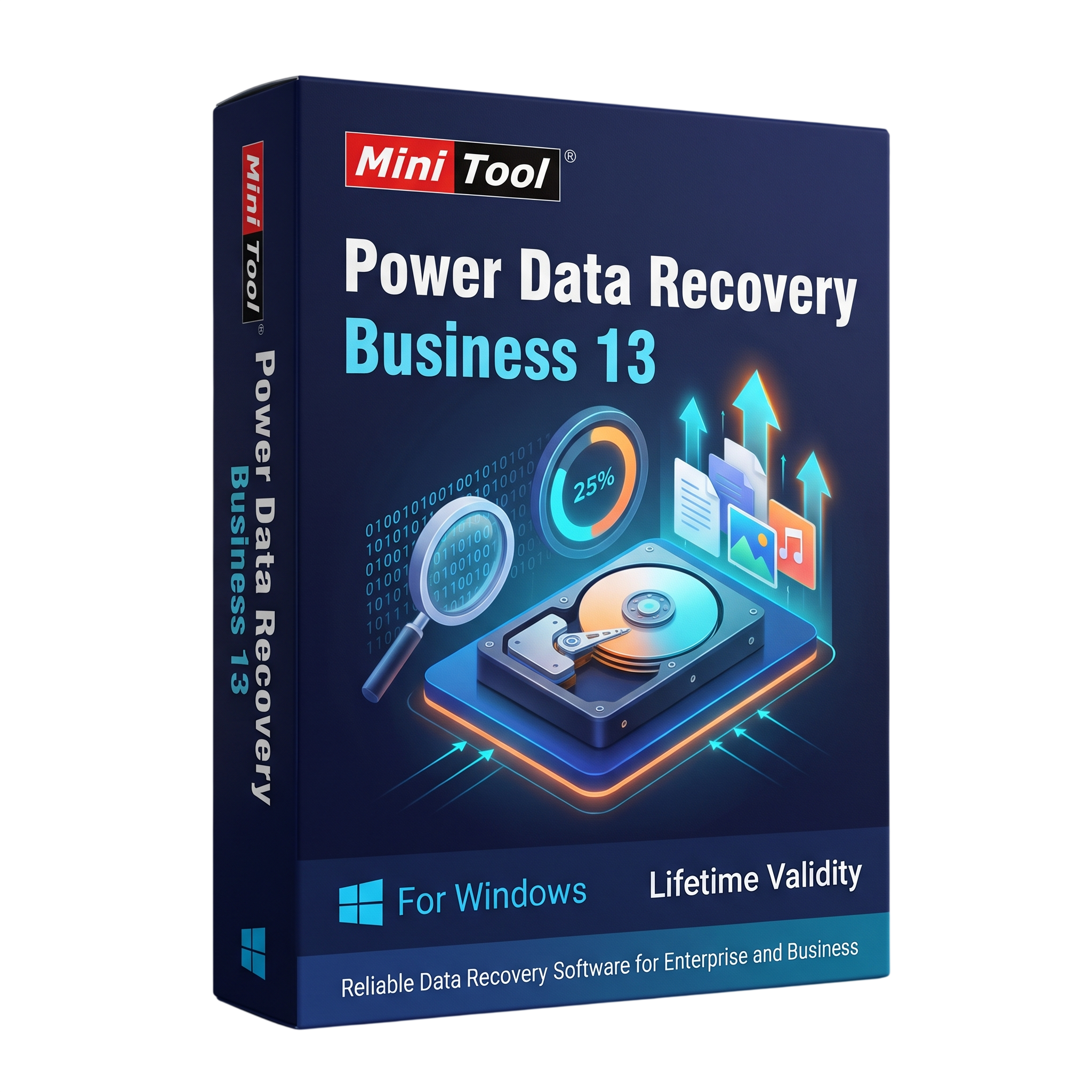
MiniTool Power Data Recovery Business for Lifetime
- AUTOMATIC DELIVERY INSTANTLY ON REGISTERED EMAIL .
- Any Installation Problem Freely Contact Us(Will Give You Support)
- Lifetime Validity
- Windows Version
- Professional data recovery software for Windows business environments.
- Recover deleted files, formatted data, and lost or damaged partitions.
- Scan HDDs, SSDs, USB drives, memory cards, and supported storage devices.
- Recover supported documents, photos, videos, audio files, and other data.
- Supports Windows Server recovery with eligible Business licenses.
- Supports selected dynamic disk volumes and RAID configurations.
- Preview recoverable files and selectively restore required data.
- WinPE bootable recovery media available with eligible Business editions.
- Business licensing options include Standard, Deluxe, Enterprise, and Technician.
- Designed for IT administrators, businesses, technicians, and data recovery service providers.
₹500.00
Description
MiniTool Power Data Recovery Business 13 is a professional data recovery solution designed for businesses, IT administrators, technicians, and service providers who need to recover lost or inaccessible files from Windows computers and supported Windows Server systems. It provides tools for recovering data after accidental deletion, disk formatting, partition loss, file-system corruption, operating system failure, and other common data-loss situations.
The software can scan internal hard drives, SSDs, external hard drives, USB flash drives, memory cards, and other supported storage devices. Its recovery workflow allows users to select a drive or location, scan for recoverable files, preview supported file types, and choose which files to restore. It supports recovery scenarios involving deleted files, lost partitions, RAW drives, formatted volumes, and inaccessible storage devices.
MiniTool Power Data Recovery Business includes professional licensing options for commercial environments. Depending on the selected Business edition, users can recover data from Windows Server systems, work with supported dynamic disk volumes and RAID configurations, load previously saved scan results, and create WinPE bootable recovery media. These capabilities make it useful for IT departments and data recovery service providers handling multiple computers.
Version 13 provides a modern data recovery workflow with scanning, file preview, filtering, and recovery options. The software is designed to read storage media during scanning and allows recovered files to be saved to a separate destination. To reduce the risk of overwriting recoverable information, users should avoid writing new data to the affected drive.
Key Features
- Deleted File Recovery: Search for files removed accidentally or lost through common file-management operations.
- Formatted Drive Recovery: Scan supported formatted partitions and storage devices for recoverable files.
- RAW Drive Recovery: Attempt recovery from supported RAW or inaccessible file-system volumes.
- Lost Partition Recovery: Locate and recover files from supported lost or deleted partitions.
- Hard Drive and SSD Recovery: Scan supported internal and external storage devices.
- USB and Memory Card Recovery: Recover supported files from USB flash drives, SD cards, and other removable media.
- Windows Server Recovery: Recover data from supported Windows Server systems with an eligible Business license.
- Dynamic Disk and RAID Recovery: Support recovery from selected dynamic disk volumes and supported RAID configurations, depending on edition and hardware.
- File Preview: Preview supported file types before selecting them for recovery.
- Scan Result Management: Save and manually load previous scan results where supported.
- WinPE Bootable Media: Create bootable recovery media with eligible editions to access data when Windows cannot start.
- Selective Recovery: Choose specific files and folders instead of restoring every scanned item.
- Multiple File Types: Recover supported documents, photos, videos, audio files, emails, and other data formats.
- Commercial Use: Business licensing options support professional data recovery in eligible business environments.
What’s New in Version 13
- Updated Version 13 software generation with a refreshed recovery workflow.
- Improved scanning and file identification workflow for supported storage devices.
- Enhanced file browsing and selection tools for managing scan results.
- Continued support for common data-loss scenarios, including deleted files, formatted drives, RAW partitions, and lost partitions.
Note: A detailed official Version 13 change log was not available in the product information reviewed. Individual improvements and feature availability may differ between 13.x builds and Business license editions.
Professional Applications
- IT Support: Recover files from computers affected by accidental deletion, formatting, or partition problems.
- Business Data Recovery: Restore supported business documents and other important files from affected storage devices.
- Windows Server Administration: Recover data from supported Windows Server environments using an eligible license.
- Technical Service Providers: Assist clients with common data-loss and inaccessible-drive situations.
- Office and Enterprise IT: Support recovery workflows across business computers and supported storage configurations.
- System Recovery: Use eligible bootable media to access recovery tools when a Windows system cannot boot normally.
System Requirements
Minimum Requirements
- Operating System: Windows 11, Windows 10, Windows 8.1, or Windows 8; supported Windows Server versions include Server 2022, 2019, 2016, 2012/2012 R2, and selected earlier releases.
- Processor: Compatible x86 or x64 processor supported by the operating system.
- Memory: 64 MB RAM listed in MiniTool’s published general requirements; additional memory is advisable for modern Windows systems and large recovery scans.
- Storage: At least 100 MB of free disk space listed in the published requirements.
- File Systems: FAT12, FAT16, FAT32, exFAT, VFAT, NTFS, and NTFS5, with other supported formats depending on the recovery scenario.
- Permissions: Administrator privileges are recommended for scanning and recovering protected storage locations.
Recommended Requirements
- Operating System: Fully updated Windows 10 or Windows 11, or a supported Windows Server installation.
- Processor: Modern multi-core Intel or AMD processor.
- Memory: 8 GB RAM or more for scanning large drives and handling extensive recovery results.
- Storage: SSD with sufficient free space for installation, temporary scan data, and recovery operations.
- Recovery Destination: A separate physical drive with enough capacity to store recovered files.
- Bootable Media: Compatible USB storage device when WinPE recovery media is included with the selected edition.
Note: MiniTool’s published general requirements are unusually low and may not represent practical requirements for current Windows installations. Recommended specifications are practical guidelines. Business features, supported Windows Server versions, RAID recovery, and WinPE availability depend on the exact license edition.
Related Products

- AUTOMATIC DELIVERY INSTANTLY ON REGISTERED EMAIL .
- Any Installation Problem Freely Contact Us(Will Give You Support)
- Lifetime Validity
- Windows Version
- Route complex PCB traces automatically with the new AI-driven auto-interactive router.
- Collaborate seamlessly with mechanical engineers via the enhanced real-time MCAD CoDesigner.
- Simulate power integrity and signal performance instantly within the unified design environment.
- Manage component shortages proactively with live supply chain data in ActiveBOM.
- Visualize multi-board systems and rigid-flex designs in photorealistic 3D detail.
- Sync all design changes and version history securely to the cloud with Altium 365.
- Define complex high-speed design rules easily using the visual Constraint Manager.
- Lifetime Validity
- Instant Delivery on Email
- Any Installation Problem Freely Contact Us(Will Give You Support)
- Version: 12.4
- Professional video editing software developed by Apple for Mac.
- Magnetic Timeline for flexible and precise video editing.
- Advanced color grading, audio editing, effects, transitions, and motion graphics.
- Multicam editing with synchronized camera angles.
- Supports Apple ProRes, RAW workflows, HDR, and high-resolution video.
- AI-assisted Transcript Search, Visual Search, and caption tools on compatible systems.
- Version 12.4 adds Cinematic mode focus and depth-of-field adjustments.
- Includes fixes for project importing, keyframes, audio waveforms, and network library backups.
- Requires macOS 15.6 or later, 8 GB RAM, and 7.2 GB available storage.
- AUTOMATIC DELIVERY INSTANTLY ON REGISTERED EMAIL .
- Any Installation Problem Freely Contact Us(Will Give You Support)
- Lifetime Validity
- Windows Version
- Chaos V-Ray 7.40.02 for Rhinoceros 7 – 9 & SketchUp 2021 – 2026
- Render real-world 3D scans with reflections using native Gaussian Splatting support.
- Simulate accurate stars, moon phases, and the Milky Way with the procedural Night Sky.
- Upscale renders to 16K resolution instantly with the one-click AI Upscaler.
- Populate vegetation naturally with new Clustering modes in Chaos Scatter.
- Clip and trim Gaussian Splat models directly within the SketchUp viewport.
- Render complex light fixtures significantly faster using optimized V-Ray Luminaires.
- Remove bright noise pixels automatically during rendering with Firefly Removal.
- Add detail to people and grass without re-rendering using the AI Enhancer.
- AUTOMATIC DELIVERY INSTANTLY ON REGISTERED EMAIL .
- Any Installation Problem Freely Contact Us(Will Give You Support)
- Lifetime Validity
- Windows Version
- File Size: 1.84GB
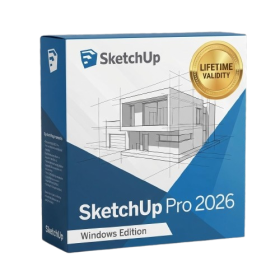
- Visualize models with stunning depth and realism using the new graphics engine featuring native Ambient Occlusion.
- Generate unique, seamless textures instantly from simple text prompts with the integrated AI texture generator.
- Import complex Revit files accurately and efficiently with the enhanced, lighter-weight Revit Importer.
- Create 2D documentation in LayOut faster than ever with a new multi-threaded rendering engine that eliminates lag.
- Convert room scans from mobile devices automatically into clean, editable 3D geometry via Scan-to-Design.
- Collaborate in real-time by syncing projects seamlessly across Desktop, iPad, and Web versions.
- Lifetime Validity
- Instant Delivery on Email
- Supported on All Apple Mac Systems
- Any Installation Problem Freely Contact Us(Will Give You Support)
- Perpetual License: Own the software forever (no mandatory subscription).
- Apple Silicon Native: Blazing fast performance on M1/M2/M3 chips.
- IDML Import: Open and edit Adobe InDesign files seamlessly.
- Flex Layouts: Create responsive HTML5 web pages without coding.
- Native App Export: Publish directly to iOS and Android apps.
- Advanced Typography: Granular control over kerning and OpenType.
- PDF Conversion: Turn PDFs into editable Quark objects instantly.
- AUTOMATIC DELIVERY INSTANTLY ON REGISTERED EMAIL .
- Any Installation Problem Freely Contact Us(Will Give You Support)
- Lifetime Validity
- Windows Version
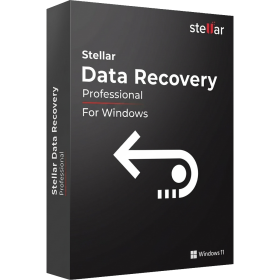
- Professional Edition
- Preview files in real-time while the scan is still running with “On-the-Fly” preview.
- Pause and resume recovery scans instantly to save progress without restarting.
- Recover data from BitLocker-encrypted drives by simply entering the password.
- Create bootable USB media to salvage files from crashed or unbootable PCs.
- Repair corrupt videos and photos automatically using the Premium repair tools.
- Multitask efficiently with native dual-monitor support for the recovery interface.
- Scan large 4K hard drives with 4096-byte sectors using the optimized engine.
- Retrieve data from RAID 0, 5, and 6 arrays seamlessly with the Technician edition.
- AUTOMATIC DELIVERY INSTANTLY ON REGISTERED EMAIL .
- Any Installation Problem Freely Contact Us(Will Give You Support)
- Lifetime Validity
- Windows Version
- Works with Internet and Antivirus
- File Size: 461MB
- v8.5.8472
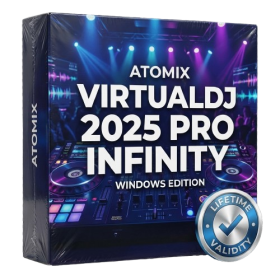
- Swap vocals or drums between tracks instantly with the new StemSwap Sampler.
- Isolate track elements in real-time for seamless live mashups and remixes.
- Export playlists to USB drives for CDJs with new subfolder support.
- Sync music libraries across devices automatically via improved Cloud Drive tools.
- Plug and play with over 300+ controllers including the latest AlphaTheta models.
- Mix video and karaoke with customizable on-screen graphics and lyrics.
- Scratch with precision using the improved ultra-low latency DVS engine.
- Stream sets directly to social platforms without external broadcasting software.
- AUTOMATIC DELIVERY INSTANTLY ON REGISTERED EMAIL .
- Any Installation Problem Freely Contact Us(Will Give You Support)
- Lifetime Validity
- Windows Version
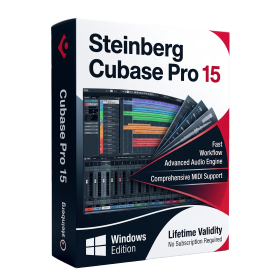
- Included Instruments:
- Halion 7
- Halion Sonic 7
- Groove Agent 6
- Groove Agent SE 6
- WaveLab Pro 13
- Dorico Pro 6
- Backbone 1.6
- PadShop Pro 2
- Retrologue 2.5
- SpectraLayers Pro 13
- Iconica Sketch
- Verve
- Drum Machine
- Lifetime Validity
- Instant Delivery on Email
- Supported on All Apple Mac Systems
- Any Installation Problem Freely Contact Us(Will Give You Support)
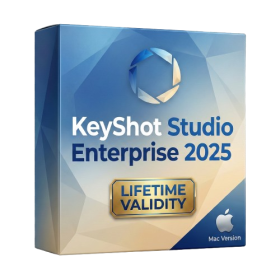
- Render natively on Apple Silicon (M1/M2/M3) for maximum speed and efficiency.
- Generate photorealistic backgrounds instantly from text prompts using the AI Shots tool.
- Share interactive 3D product reviews securely with stakeholders via KeyShot Web Viewer.
- Automate complex rendering pipelines using the advanced Python scripting console.
- Import native files directly from high-end CAD systems like Siemens NX, Catia, and Creo.
- Switch seamlessly between CPU and GPU rendering to utilize Apple Metal graphics power.
- Create standardized material libraries for your organization with OpenPBR support.
- Accelerate post-production compositing with automatic Cryptomatte mask generation.
- AUTOMATIC DELIVERY INSTANTLY ON REGISTERED EMAIL .
- Any Installation Problem Freely Contact Us(Will Give You Support)
- Lifetime Validity
- Windows Version
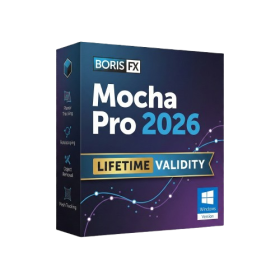
- Rock-Solid Tracking: The industry standard for planar tracking.
- PowerMesh: Track warped surfaces like skin and fabric.
- Generative Remove: Auto-remove objects and wires with AI.
- Stabilization: Smooth out shaky handheld footage instantly.
- Insert Module: Perfect screen replacements with motion blur.
- Magnetic Roto: Snap masks to edges for fast rotoscoping.
- Lens Correction: Fix or match lens distortion easily.
- AUTOMATIC DELIVERY INSTANTLY ON REGISTERED EMAIL .
- Any Installation Problem Freely Contact Us(Will Give You Support)
- Lifetime Validity
- Windows Version
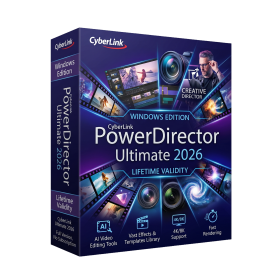
- AI-Powered Editing: Includes AI Object Masking, AI Sky Replacement, AI Motion Tracking, and AI Restoration Assistant for automatic noise reduction and audio enhancement.
- Performance & Tools: Enhanced screen recording (camera and screen simultaneously), frame interpolation for smoother video, and support for high-end formats.
- Content Library: Access to a vast, though slightly limited compared to 365, library of templates, effects, LUTs, and stock music.
- Usability: Features an intuitive drag-and-drop, multi-timeline interface suitable for both beginners and advanced users.
- Capabilities: Supports 4K/8K editing, 360-degree video, and vertical video for social media
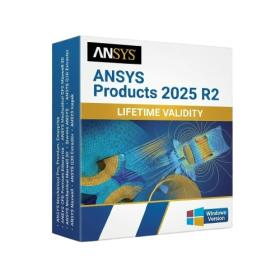
- AUTOMATIC DELIVERY INSTANTLY ON REGISTERED EMAIL .
- Any Installation Problem Freely Contact Us(Will Give You Support)
- Lifetime Validity
- Windows Version
- ANSYS Products includes the following applications:
- ANSYS Mechanical Pro, Premium, Enterprise
- ANSYS CFD Premium and Enterprise
- ANSYS Mechanical CFD Maxwell 3D
- ANSYS Mechanical Maxwell 3D
- ANSYS Mechanical CFD
- ANSYS HFSS
- Siwave ANSYS
- ANSYS Maxwell
- ANSYS Q3D Extractor
- ANSYS Icepak