
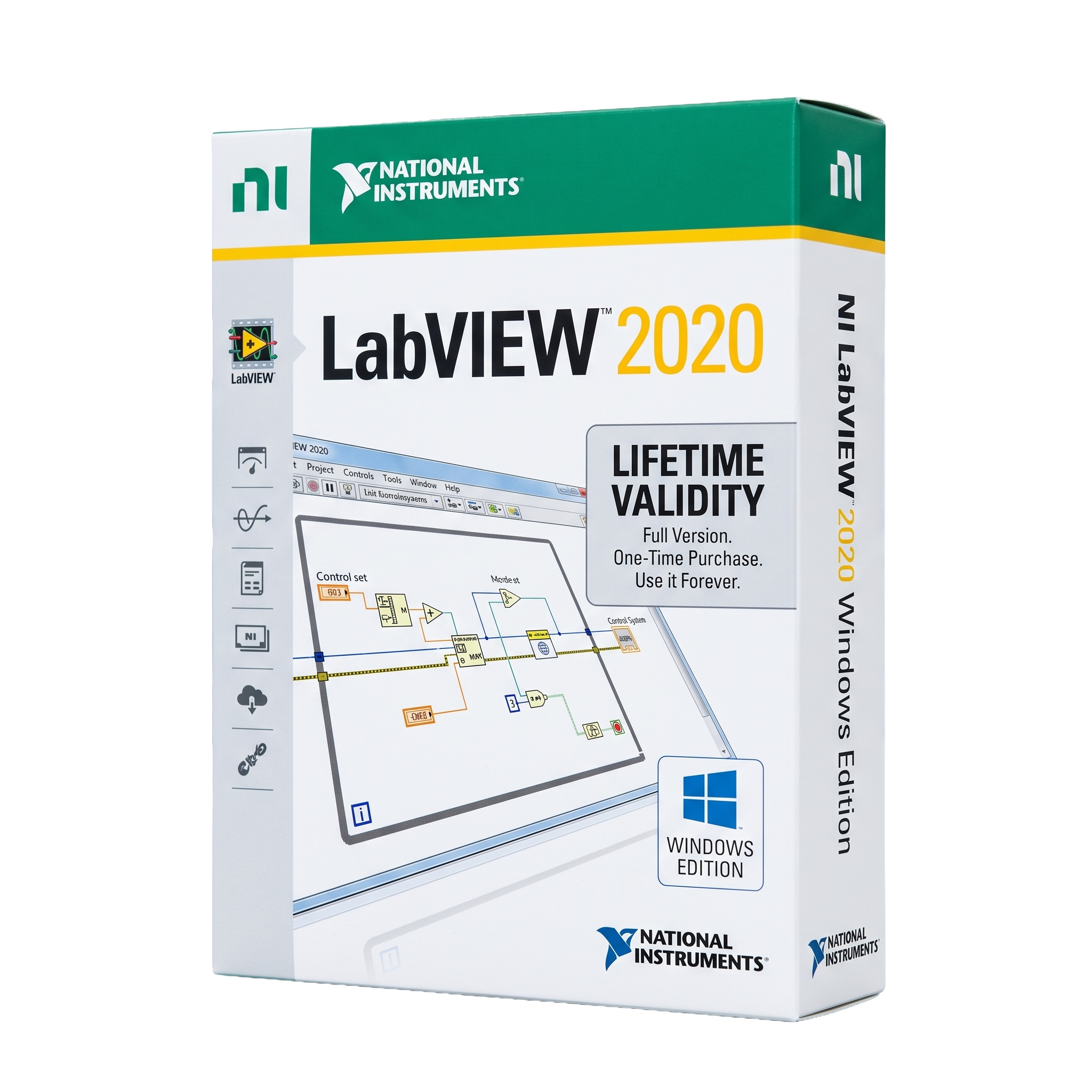
NI LabVIEW 2020 for Lifetime
- AUTOMATIC DELIVERY INSTANTLY ON REGISTERED EMAIL .
- Any Installation Problem Freely Contact Us(Will Give You Support)
- Lifetime Validity
- Windows Version
- Professional graphical programming and system engineering software
- Develop Virtual Instruments (VIs) using intuitive G programming
- Build data acquisition, test, measurement, and automation applications
- Advanced signal processing, analysis, and visualization tools
- Integrated debugging, reporting, and performance monitoring
- Supports NI DAQ, PXI, CompactRIO, FPGA, and third-party hardware
- Connectivity via USB, Ethernet, Serial, GPIB, OPC UA, and Modbus
- Compatible with Python, C/C++, .NET, MATLAB®, and external libraries
- Optimized for industrial automation, research, and laboratory applications
- Ideal for engineers, scientists, researchers, educators, and automation professionals
₹500.00
Description
NI LabVIEW 2020 SP1 for Windows is a professional graphical programming and system engineering software developed by National Instruments (NI). Designed for engineers, researchers, scientists, educators, and automation professionals, LabVIEW enables users to develop sophisticated measurement, test, control, monitoring, and data acquisition applications using its intuitive graphical programming language (G). It is widely used in industries such as electronics, aerospace, automotive, manufacturing, telecommunications, energy, and academic research.
LabVIEW 2020 SP1 provides a comprehensive development environment for building Virtual Instruments (VIs), integrating hardware, processing data, and creating interactive user interfaces. The software supports seamless integration with NI hardware—including DAQ devices, PXI systems, CompactRIO, and FPGA platforms—as well as third-party instruments using standards such as GPIB, USB, Ethernet, Serial, OPC UA, and Modbus. Its built-in analysis libraries, visualization tools, and debugging capabilities enable engineers to rapidly prototype, test, and deploy complex engineering applications.
Service Pack 1 enhances the 2020 release with improved stability, bug fixes, updated driver compatibility, enhanced Windows support, and performance optimizations. It also continues support for parallel programming, multicore processing, FPGA development, and real-time system design, making it a reliable platform for industrial automation and laboratory applications.
Key Features
- Professional graphical programming environment (G Language)
- Develop Virtual Instruments (VIs) with intuitive graphical programming
- Data acquisition, measurement, automation, and instrument control
- Advanced signal processing, mathematics, and analysis libraries
- Interactive dashboards, charts, graphs, and user interface design
- Integrated debugging, testing, and performance analysis tools
- Support for multicore processing and parallel execution
- FPGA, Real-Time, and embedded system development (with compatible modules)
- Extensive hardware integration with NI DAQ, PXI, CompactRIO, and third-party instruments
- Connectivity through USB, Ethernet, Serial, GPIB, OPC UA, Modbus, TCP/IP, and more
- Built-in reporting, data logging, and file management capabilities
- Support for DLLs, .NET, ActiveX, Python, C/C++, MATLAB®, and other external integrations
- Modular architecture with numerous optional toolkits and engineering modules
What’s New in Version 2020 SP1
- Improved stability and reliability with Service Pack updates
- Bug fixes and performance enhancements
- Updated compatibility with NI drivers and hardware
- Improved development environment responsiveness
- Enhanced support for modern Windows platforms
- Better compatibility with LabVIEW modules and toolkits
- Updated documentation and example projects
- Optimized installation and deployment workflows
Professional Applications
NI LabVIEW 2020 SP1 is ideal for:
- Automated test systems
- Data acquisition (DAQ)
- Industrial automation
- Instrument control
- Measurement and data logging
- Embedded system development
- Robotics and control systems
- Signal processing
- Research and laboratory automation
- Engineering education
System Requirements (Windows)
Minimum Requirements
- Operating System: Windows 10, Windows 8.1 Update 1, or Windows 7 SP1 (supported at the time of release)
- Processor: Intel/AMD processor with SSE2 support
- RAM: 1 GB minimum (development environment)
- Storage: 5 GB available disk space
- Display: 1024 × 768 resolution or higher
- Additional Software: Microsoft .NET Framework and required NI drivers installed as needed
- Internet: Required for activation, updates, and downloading additional components
Recommended Requirements
- Operating System: Windows 10 (64-bit)
- Processor: Intel Core i5/i7 or AMD Ryzen 5/7 or better
- RAM: 8–16 GB or more
- Storage: SSD with ample free space for projects and drivers
- Graphics: DirectX-compatible graphics adapter
- Display: Full HD (1920 × 1080) or higher
Related Products
- AUTOMATIC DELIVERY INSTANTLY ON REGISTERED EMAIL .
- Any Installation Problem Freely Contact Us(Will Give You Support)
- Lifetime Validity
- Windows Version
- Included Instruments:
- Halion 7
- Halion Sonic 7
- Groove Agent 6
- Groove Agent SE 6
- WaveLab Pro 13
- Dorico Pro 6
- Backbone 1.6
- PadShop Pro 2
- Retrologue 2.5
- SpectraLayers Pro 13
- Iconica Sketch
- Verve
- Drum Machine
- Lifetime Validity
- Instant Delivery on Email
- Any Installation Problem Freely Contact Us(Will Give You Support)
- Supported on Windows 10,11
- Pre-Activated for Lifetime Validity
- Supports: Revit 2022 to 2026
- Import and render real-world 3D Gaussian Splats directly within the Revit interface.
- Generate custom PBR textures instantly from text prompts with the AI Material Generator.
- Visualize changes in real-time using the seamless Chaos Vantage Live Link.
- Populate scenes with vegetation and crowds efficiently using Chaos Scatter.
- Edit colors and apply finishing touches directly in the advanced V-Ray Frame Buffer.
- Ensure material consistency across different software with native OpenPBR support.
- Add realistic details like road markings or graffiti using V-Ray Decals.
- Simulate dynamic skies and cloud shadows with the procedural Cloud system.
- Generate dozens of lighting variations automatically with the Light Gen tool.
- Accelerate rendering times significantly with optimized NVIDIA RTX GPU support.

- AUTOMATIC DELIVERY INSTANTLY ON REGISTERED EMAIL .
- Any Installation Problem Freely Contact Us(Will Give You Support)
- Lifetime Validity
- Windows Version
- Professional Edition
- Preview files in real-time while the scan is still running with “On-the-Fly” preview.
- Pause and resume recovery scans instantly to save progress without restarting.
- Recover data from BitLocker-encrypted drives by simply entering the password.
- Create bootable USB media to salvage files from crashed or unbootable PCs.
- Repair corrupt videos and photos automatically using the Premium repair tools.
- Multitask efficiently with native dual-monitor support for the recovery interface.
- Scan large 4K hard drives with 4096-byte sectors using the optimized engine.
- Retrieve data from RAID 0, 5, and 6 arrays seamlessly with the Technician edition.
- AUTOMATIC DELIVERY INSTANTLY ON REGISTERED EMAIL .
- Any Installation Problem Freely Contact Us(Will Give You Support)
- Lifetime Validity
- Windows Version
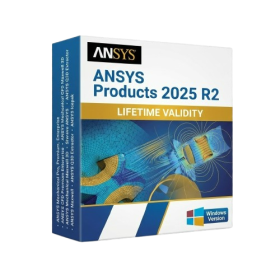
- ANSYS Products includes the following applications:
- ANSYS Mechanical Pro, Premium, Enterprise
- ANSYS CFD Premium and Enterprise
- ANSYS Mechanical CFD Maxwell 3D
- ANSYS Mechanical Maxwell 3D
- ANSYS Mechanical CFD
- ANSYS HFSS
- Siwave ANSYS
- ANSYS Maxwell
- ANSYS Q3D Extractor
- ANSYS Icepak

- AUTOMATIC DELIVERY INSTANTLY ON REGISTERED EMAIL .
- Any Installation Problem Freely Contact Us(Will Give You Support)
- Lifetime Validity
- Windows Version
- Visualize models with realistic shading and depth using the new Ambient Occlusion engine.
- Import and export IFC files faster with enhanced openBIM interoperability.
- Find and execute any command instantly using the integrated Smart Search tool.
- Generate unique textures and styles quickly with AI-powered Diffusion graphics.
- Collaborate in real-time by syncing models seamlessly with Trimble Connect.
- Create 2D documentation efficiently with the optimized LayOut rendering engine.
- Import complex Revit files accurately with the lightweight Revit Importer.
- Organize geometry effortlessly using the modernized Tag management system.
- Lifetime Validity
- Instant Delivery on Email
- Supported on All Apple Mac Systems
- Any Installation Problem Freely Contact Us(Will Give You Support)
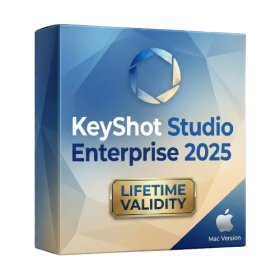
- Render natively on Apple Silicon (M1/M2/M3) for maximum speed and efficiency.
- Generate photorealistic backgrounds instantly from text prompts using the AI Shots tool.
- Share interactive 3D product reviews securely with stakeholders via KeyShot Web Viewer.
- Automate complex rendering pipelines using the advanced Python scripting console.
- Import native files directly from high-end CAD systems like Siemens NX, Catia, and Creo.
- Switch seamlessly between CPU and GPU rendering to utilize Apple Metal graphics power.
- Create standardized material libraries for your organization with OpenPBR support.
- Accelerate post-production compositing with automatic Cryptomatte mask generation.
- AUTOMATIC DELIVERY INSTANTLY ON REGISTERED EMAIL .
- Any Installation Problem Freely Contact Us(Will Give You Support)
- Lifetime Validity
- Windows Version
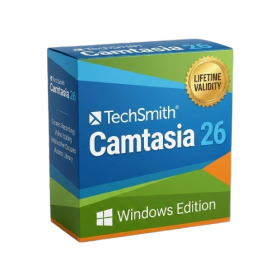
- Edit video content as easily as a text document with the AI-powered text-based editing workflow.
- Instantly remove or replace video backgrounds without a green screen using dynamic AI masking.
- Automatically generate and sync accurate captions and subtitles from your voiceover in seconds.
- Smooth out jerky mouse movements and customize cursor paths with advanced cursor effects.
- Record high-resolution 4K screen capture, webcam, and system audio simultaneously.
- Clean up background noise and balance vocal levels instantly with AI-enhanced audio filters.
- Access a vast library of royalty-free intros, motion graphics, and music directly within the editor.
- Engage viewers by adding interactive quizzes and clickable hotspots directly to your videos.
- Apply professional animations and behaviors to text and images with simple drag-and-drop actions.
- Export videos faster than ever with optimized GPU acceleration for modern hardware.
- Lifetime Validity
- Instant Delivery on Email
- Supported on All Apple Mac Systems
- Any Installation Problem Freely Contact Us(Will Give You Support)
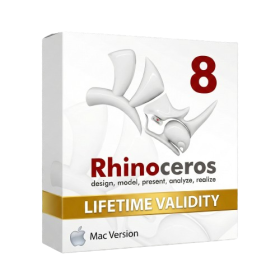
- Run natively on Apple Silicon (M1/M2/M3) for significantly faster processing speeds.
- Experience fluid viewport navigation with the new Apple Metal graphics pipeline.
- Create watertight meshes from open geometry instantly using the ShrinkWrap command.
- Customize your workspace with new Window Layouts that match the Windows interface.
- Render ray-traced images in real-time using GPU-accelerated Cycles on Metal.
- Model organically with sharp edges using the new SubD Creases feature.
- Extrude and subtract geometry directly from faces with the intuitive PushPull workflow.
- Create dynamic 3D sections with hatch patterns using improved Clipping Planes.
- Access new data types and attributes directly within the upgraded Grasshopper.
- AUTOMATIC DELIVERY INSTANTLY ON REGISTERED EMAIL .
- Any Installation Problem Freely Contact Us(Will Give You Support)
- Lifetime Validity
- Windows Version
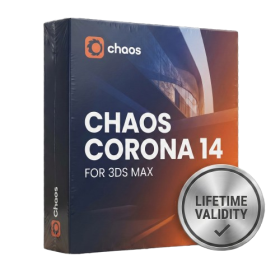
- Render scenes with significantly less noise using the improved High-Quality Denoiser.
- Create intricate procedural clouds and weather effects with the updated Corona Sky.
- Scatter objects efficiently on surfaces with the enhanced Chaos Scatter controls.
- Apply decals to curved and organic surfaces seamlessly without UV unwrap.
- Simulate realistic fabrics and velvets instantly with the new Sheen layer.
- Manage complex scenes easily using the optimized Lister and Scene Management tools.
- Reduce memory usage significantly when rendering repetitive geometry with Corona Pattern.

- AUTOMATIC DELIVERY INSTANTLY ON REGISTERED EMAIL .
- Any Installation Problem Freely Contact Us(Will Give You Support)
- Lifetime Validity
- Windows Version
- Rock-Solid Tracking: The industry standard for planar tracking.
- PowerMesh: Track warped surfaces like skin and fabric.
- Generative Remove: Auto-remove objects and wires with AI.
- Stabilization: Smooth out shaky handheld footage instantly.
- Insert Module: Perfect screen replacements with motion blur.
- Magnetic Roto: Snap masks to edges for fast rotoscoping.
- Lens Correction: Fix or match lens distortion easily.

- Lifetime Validity
- Instant Delivery on Email
- Supported on All Apple Mac Systems
- Any Installation Problem Freely Contact Us(Will Give You Support)
- Visual Search: Find clips by describing objects or actions (e.g., “sunset”).
- Beat Detection: Auto-generate markers to sync edits to music beats.
- Transcript Search: Find footage by typing spoken dialogue.
- Magnetic Mask: Isolate subjects instantly without green screens.
- Spatial Video: Edit and grade 3D content for Apple Vision Pro.
- Voice Isolation: Remove background noise with one click.
- Transcribe to Captions: Auto-generate subtitles on-device.
- Smooth Slo-Mo: AI-generated frames for perfect slow motion.

- AUTOMATIC DELIVERY INSTANTLY ON REGISTERED EMAIL .
- Any Installation Problem Freely Contact Us(Will Give You Support)
- Lifetime Validity
- Windows Version
- Online & Offline both working
- Create watertight meshes instantly for 3D printing with the new ShrinkWrap tool.
- Generate dynamic 2D sections and plans directly from 3D models with ClippingDrawings.
- Model organic shapes with greater precision using supported SubD creases.
- Manipulate geometry intuitively with the new customized Auto Gumball.
- Extrude and modify faces instantly using the direct PushPull workflow.
- Render scenes significantly faster with the optimized Cycles engine.
- Customize the modernized interface to match your specific drafting workflow.