
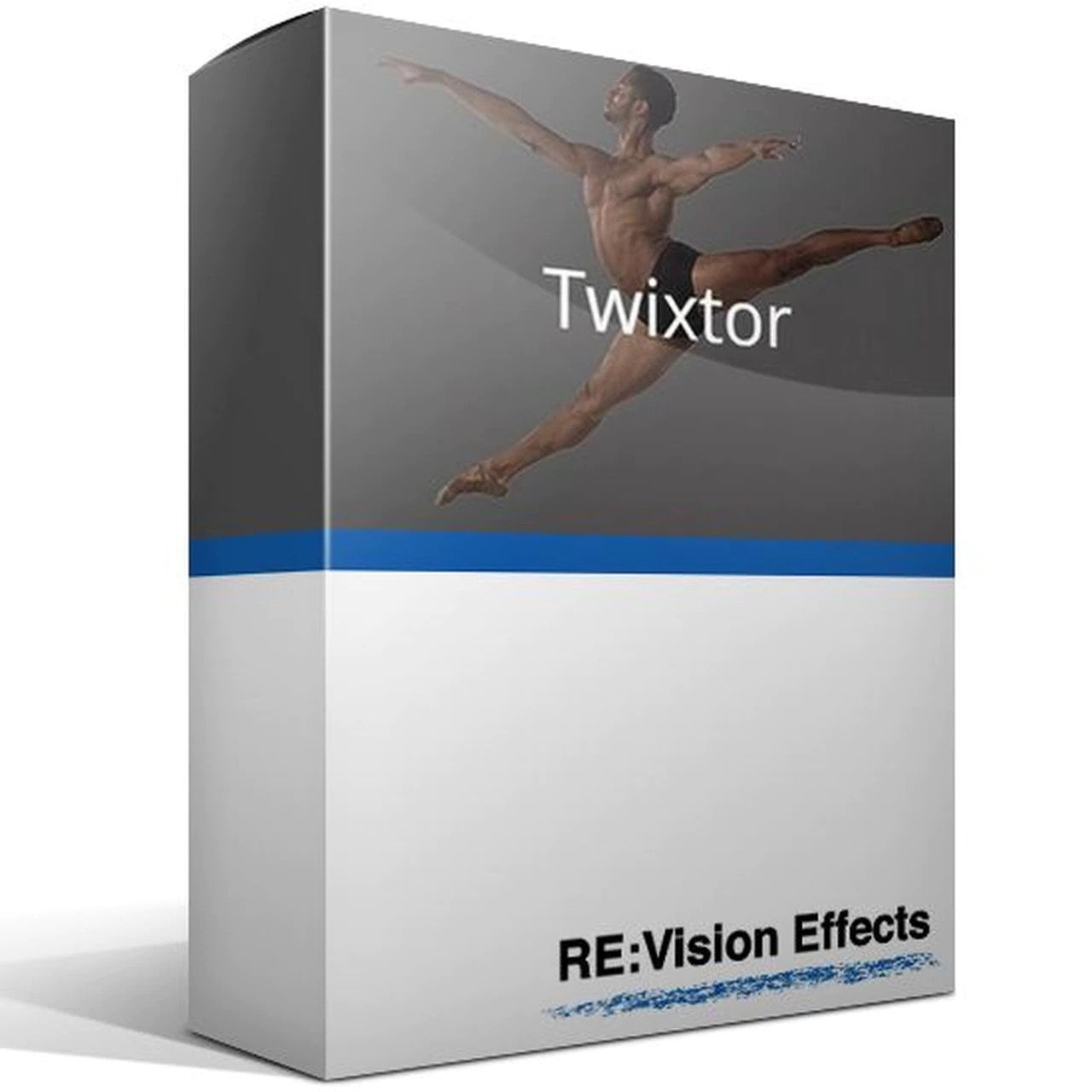



RE:Vision Effects Twixtor v7 Regular
- Twixtor tracks 360 footage and retimes properly taking into account the connectedness of the edges of the sides as well as the top and bottom
- Contains an option to add or remove motion motion blur, as appropriate
- Option to automatically enhance dark imagery or imagery with poorly defined edges
- Ability to remap audio and video using AE’s time remapping tools but using Twixtor ‘under the hood’
- Smart processing of interlaced material
Original price was: ₹24,999.00.₹22,999.00Current price is: ₹22,999.00.
Out of stock
Description
Intelligently slow down or speed up your image sequences with visually stunning results.
TWIXTOR FEATURES
World class motion estimation
Twixtor is more accurate and exhibits fewer artifacts when there are objects crossing in the scene. This means less tearing and stretching of objects as they cross or go out of the frame.
No sweat
Retime using a single speed setting. Option to control retiming on frame-by-frame basis is always available!
Visually stunning results
In order to achieve unparalleled image quality we developed proprietary tracking technology that calculates motion for each individual pixel, enabling Twixtor to synthesize unique new frames by warping and interpolating frames of the original sequence.
Twixtor® intelligently slows down and speeds up your image sequences.
Twixtor raises the bar in motion estimation. Twixtor is much more accurate, tracks objects farther, and exhibits fewer artifacts when there are objects crossing in the scene. This means less tearing and stretching of objects as they cross or go out of the frame.
Twixtor enables you to speed up, slow down or frame rate convert1 your image sequences with visually stunning results. In order to achieve its unparalleled image quality, Twixtor synthesizes unique new frames by warping and interpolating frames of the original sequence… employing RE:Vision’s proprietary tracking technology that calculates motion for each individual pixel.
1 Frame rate conversion supported within After Effects, Final Cut Pro, Vegas Pro, Premiere Pro and Avid Media Composer, Symphony and Newscutter. Frame rate conversions can often be accomplished in other applications by writing out image sequences and reading them back in with a different frame rate setting.
Features
- Warping and interpolation of frames to “time warp” input footage.
- Option to automatically enhance dark imagery or imagery with poorly defined edges. In many cases, footage that was difficult to track becomes much more well-behaved upon retiming.
- Contains an option to add or remove motion motion blur, as appropriate.
Intelligently slow down or speed up your image sequences with visually stunning results.
RE:Vision Effects Twixtor takes advantage of proprietary tracking technology to accurately accelerate, decelerate or alter the frame rate of your video or image sequence. Work with precision while effectively tracking elements farther, and with less stretching and tearing when objects are crossing your subject or leaves the frame.
RE:Vision Effects Twixtor Highlights
FEATURES
- Visually stunning results – In order to achieve unparalleled image quality we developed proprietary tracking technology that calculates motion for each individual pixel, enabling Twixtor to synthesize unique new frames by warping and interpolating frames of the original sequence.
- No sweat – Retime using a single speed setting. Option to control retiming on a frame-by-frame basis is always available!
- World-class motion estimation – Twixtor is more accurate and exhibits fewer artifacts when there are objects crossing in the scene. This means less tearing and stretching of objects as they cross or go out of the frame.
Feature Specs
- Speed Changes – Retime a sequence made possible using a single speed parameter.
- Frame by Frame – Keyframable retiming for complete control on a frame by frame basis.
- Frame Rate Conversion – Frame rate conversions made easy.
- Retime 360 video – Twixtor tracks 360 footage and retimes properly taking into account the connectedness of the edges of the sides as well as the top and bottom.
- Motion Blur – Contains an option to add or remove motion blur, as appropriate.
- Enhance Dark Imagery – Option to automatically enhance dark imagery or imagery with poorly defined edges. In many cases, footage that was difficult to track becomes much more well-behaved upon retiming.
- Cuts Marking – Support for marking material so that Twixtor does not motion-interpolate across a cut.
- Interlaced Processing – Smart processing of interlaced material.
- Audio Remapping – Ability to remap audio and video using AE’s time remapping tools but using Twixtor “under the hood”
- GPU accelerated – This product is GPU accelerated.
Twixtor Pro for After Effects & Premiere (sold separately) adds these features:
- Object Separation – Support for foreground and background separation using a specified matte. Twixtor then tracks each layer separately for improved results.
- RGB+A Tracking – An option that uses the alpha channel to help to track of dark images with mattes. This is especially useful for CG, masked and/or keyed material.
- Track Point Guidance – Up to 12 user-defined points can be specified to help guide Twixtor’s motion estimation. By using the tracking points you can explicitly tell Twixtor where a pixel moves from one frame to the next in order to guide Twixtor’s calculation of motion vectors.
- Spline Guidance – When Twixtor exhibits tracking problems, you can guide Twixtor by simply creating and animating shapes to show Twixtor where objects are actually moving. Interactive feature registration is directed by using the host program’s splines.
- Motion Vector Import – Give Twixtor motion vectors generated elsewhere (like from a 3D system) to time remap footage, including adding motion-interpolated fields to otherwise progressive material.
- Motion Vectors Export – Ability to output the motion vectors that Twixtor generates internally. This powerful feature comes with visual debugging modes to more intuitively assess and tune the quality of the motion estimation. The motion vectors can then be used elsewhere in the pipeline.
Related Products


- Improve dialog and location sound
- Forensic specialists can improve speech intelligibility
- Attenuate reverberation in existing recordings
- Boost the natural reverberation in existing recordings
- Change the perceived distance in a mix by changing the balance between the direct sound and the reverberation
Out of stock

ProDAD Forensic Suite for EDIUS – Collection of Forensic Software Tools and Forensic Plug-ins for EDIUS. Especially made for the Police.
Out of stock
Grass Valley EDIUS X Pro : Edit Anything, Fast
- Background Rendering
- GV Job Monitor
- H.265 Export
- Optimized Performance
- Optimized Audio Sync Performance
- Native Support for the Latest Cameras and Codecs
Out of stock

Grass Valley EDIUS X Workgroup : Edit Anything, Fast
- EDIUS X Workgroup Jump Upgrade from EDIUS 2-8, EDIUS Pro 9 or EDIUS X Pro – this is the version for you if you already have EDIUS version 2-8 (Workgroup or Pro), EDIUS Pro 9 or EDIUS X Pro. When activating the programme you will need to type in your previous EDIUS serial number as well.
- Background Rendering
- GV Job Monitor
- H.265 Export
- Optimized Performance
- Optimized Audio Sync Performance
- 8K file export (H.265/HEVC, ProRes, DNxHR
Out of stock

Single software solution for making professional album for Wedding, Pre-Wedding, Baby Shower, Birthday, Holidays, School and many more events. Create professional album, Simple Photo Books, Calendar, Invitation, Magazine, Brouchers, ID-Cards, Mug Print, T-shirts, Collage Making, Greeting Card, Banner, Gift Design, Passport Package, Visiting Card and many more…
- HIGH QUALITY COLOR CORRECTIONS
- READYMADE COLOR PRESETS
- BOKEH EFFECT
- HIGH QUALITY EXPORT
- MULTILANGUAGE SUPPORT
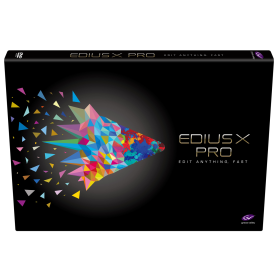

Grass Valley EDIUS X Pro : Edit Anything, Fast
- EDIUS X Pro Upgrade from EDIUS Pro 9 or EDIUS Workgroup 9 – This is the version for you if you already have EDIUS 9. When activating the program you will have to type in your EDIUS 9 serial number as well.
- Background Rendering
- GV Job Monitor
- H.265 Export
- Optimized Performance
- Optimized Audio Sync Performance
- Native Support for the Latest Cameras and Codecs
Out of stock

- DeNoise 2 is a plug-in designed to reduce noise such as hiss, wind noise, buzz and camera noise. The noise can be reduced automatically in the adaptive mode or after measuring the characteristics of the noise in the noise profile mode. New in version 2 are dynamic noise profiles that capture the dynamic properties of the noise so that noise that fluctuates over time, such as wind noise, can be effectively reduced. The new algorithm has also been greatly improved and is now even less prone to typical de-noising artifacts.
- DeHum 2 targets hum and buzz typically introduced by poorly grounded electrical equipment, but also other tonal noise sources like electrical motor noise. The hum detection algorithm has been improved in version 2 and there’s now a new Scan button that automatically fine tunes the fundamental hum frequency.
- DeClick 2 is designed to remove impulsive noise such as clicks, crackle and thumps. These distortions are frequently encountered on LP and 78 RPM records, but also occur in digital recordings due to drop-outs or distorted data packets. DeClick 2’s thump reduction works also effectively on vocal recordings with unwanted plosives. The algorithm has been improved in version 2 and is now less prone to reducing attacks and transients in the wanted signal.
- DeClip 2 restores audio recordings distorted by analog or digital clipping with an improved algorithm.
Out of stock

EDIUS 9 is suspended, EDIUS next version is available EDIUS X (EDIUS 10)
- Validity: Lifetime/Perpetual License
- This is a virtual/downloadable product (Box Not Included)
- Delivery via Email
- User: One Activation (1 PC)
- Commercially & Full Version
- Superior 4K HDR workflow
- Real-time conversion of frame rates on the same timeline delivers more efficient editing into the hands of editors
- Fast, flexible user interface, including unlimited video, audio, title and graphics tracks
- 60/50p timecode display
- RED RAW decode GPU support
- Primary color correction (RGB)
- 3-way color correction (YUV)
Out of stock

 Galaxy Pro: EDIUS Pro 7/8/9 & Adobe After Effects Wedding Projects Dongle One Project are available Multi Types Like Transition, Frames & 3D. Satyam Film Develops 4K, Full HD Projects. Wedding Projects Developer.
- 3 Free Installation Support & Guide
- (Incase Damage Or Wrong Product, Required Unboxing Video)
- Wedding Projects Demo Link
Out of stock
Grass Valley EDIUS X Workgroup : Edit Anything, Fast
- Commercial License
- Background Rendering
- GV Job Monitor
- H.265 Export
- Optimized Performance
- Optimized Audio Sync Performance
- 8K file export (H.265/HEVC, ProRes, DNxHR
Out of stock
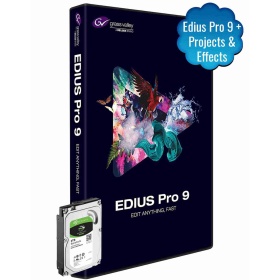
Edius Pro 9 Software | Video Editing Software | Adobe After Effects CC 1000+ Projects & 5000+ Effects & With 2TB Internal HDD
- Nonlinear Editing Software
- Ready To Use Templates (Projects)
- Portrait Song, Title Projects
- Invitation Projects, Highlights/Teaser Projects
- Advanced Color Correction Readymade Presets
Out of stock