
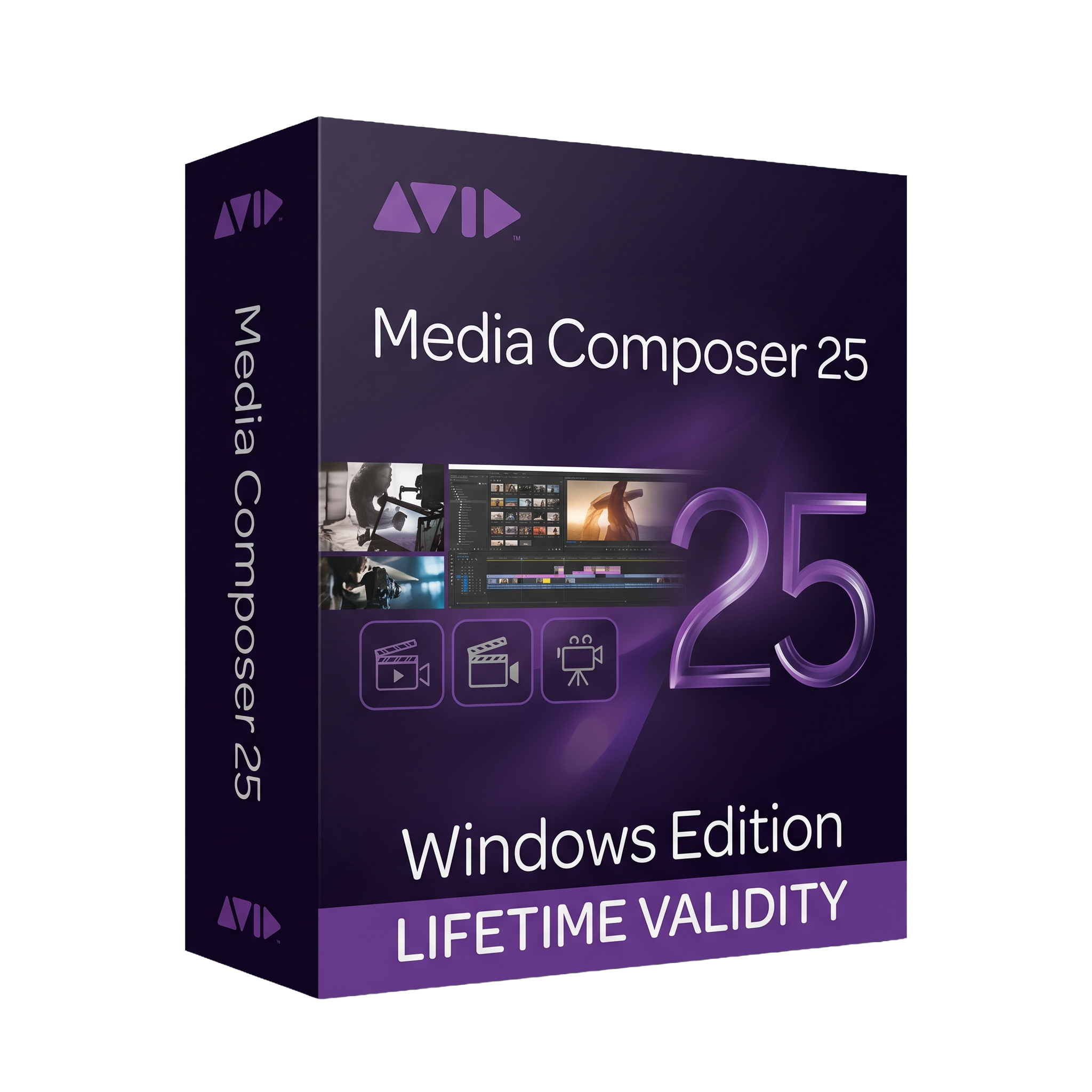
Avid Media Composer 25 for Lifetime
- AUTOMATIC DELIVERY INSTANTLY ON REGISTERED EMAIL .
- Any Installation Problem Freely Contact Us(Will Give You Support)
- Lifetime Validity
- Windows Version
- Professional non-linear video editing (NLE) software
- Edit HD, 4K, 8K, HDR, and high-frame-rate video projects
- Advanced timeline editing, trimming, and multicamera workflows
- Professional color correction, visual effects, and audio editing
- Intelligent media management with proxy and background rendering
- Script-based editing with ScriptSync and PhraseFind (licensed options)
- Supports DNxHD, DNxHR, ProRes, XAVC, RED, ARRIRAW, and other professional formats
- Seamless integration with Avid NEXIS, Pro Tools, and broadcast workflows
- Optimized for collaborative film, TV, and post-production environments
- Ideal for filmmakers, broadcasters, video editors, and post-production professionals
₹550.00
Description
Avid Media Composer 25.12 for Windows is a professional non-linear video editing (NLE) software developed by Avid Technology for film, television, broadcast, streaming, and multimedia production. Trusted by Hollywood studios, broadcasters, and post-production facilities worldwide, Media Composer provides a comprehensive editing environment for creating feature films, television series, documentaries, commercials, and digital content. It combines advanced timeline editing, precision trimming, media management, color correction, audio editing, and collaborative workflows in a single application.
Built for demanding professional workflows, Media Composer 25.12 supports high-resolution formats including HD, 4K, 8K, HDR, and high-frame-rate media. The software offers powerful background rendering, proxy workflows, multicamera editing, advanced effects, scripting tools, and seamless integration with Avid NEXIS, Pro Tools, and other industry-standard production systems. Its intelligent media management and collaborative features make it the preferred editing platform for large-scale productions and broadcast environments.
Version 25.12 delivers performance improvements, enhanced compatibility, updated workflow optimizations, expanded hardware support, and continued Long Term Maintenance (LTM) support. It also includes numerous bug fixes, improved stability, and updated licensing through Avid Link, ensuring reliable operation in professional editing environments.
Key Features
- Professional non-linear video editing (NLE) software
- Advanced timeline editing with precision trimming tools
- Native support for HD, 4K, 8K, HDR, and high-frame-rate video
- Multicam editing with synchronized camera angles
- Professional color correction and grading tools
- Advanced visual effects, transitions, and compositing
- Integrated audio editing with Pro Tools compatibility
- Powerful media management and bin organization
- Proxy editing and background rendering workflows
- ScriptSync and PhraseFind for script-based editing (licensed options)
- Collaborative editing with Avid NEXIS shared storage
- Broad support for professional codecs including DNxHD, DNxHR, ProRes, XAVC, AVC-Intra, RED, ARRIRAW, Blackmagic RAW (with supported workflows), and more
- Export for broadcast, cinema, streaming, and social media delivery
- Integration with Avid production and post-production ecosystems
What’s New in Version 25.12
- Improved editing performance and application responsiveness
- Enhanced stability and reliability
- Updated compatibility with current Windows platforms and hardware
- Improved media handling and workflow optimizations
- Better support for modern GPU drivers and hardware acceleration
- Updated licensing and activation through Avid Link
- Numerous bug fixes and Long Term Maintenance (LTM) improvements
- Expanded compatibility across the Avid production ecosystem
Professional Applications
Avid Media Composer 25.12 is ideal for:
- Feature film editing
- Television production
- Broadcast news editing
- Documentary filmmaking
- Commercial production
- Music videos
- Streaming content creation
- Corporate video production
- Post-production studios
- Professional multimedia editing
System Requirements (Windows)
Minimum Requirements
- Operating System: Windows 10 or Windows 11 (64-bit)
- Processor: 64-bit Intel or AMD processor with SSE4.1 support
- RAM: 16 GB minimum (more required for advanced workflows)
- Storage: SSD recommended for media and project files
- Graphics: Qualified NVIDIA or AMD GPU with supported drivers
- Internet: Required for activation, licensing, and Avid Link services
Recommended Requirements
- Operating System: Windows 11 (64-bit)
- Processor: Intel Core i7/i9, Intel Xeon, or AMD Ryzen 7/9
- RAM: 32 GB or more for UHD, HDR, multicam, and high-performance workflows
- Storage: High-speed NVMe SSD for media cache and projects
- Graphics: NVIDIA RTX or AMD Radeon Pro GPU with certified drivers
- Display: Full HD, QHD, or 4K professional monitor
Related Products

- AUTOMATIC DELIVERY INSTANTLY ON REGISTERED EMAIL .
- Any Installation Problem Freely Contact Us(Will Give You Support)
- Lifetime Validity
- Windows Version
- Professional Edition
- Preview files in real-time while the scan is still running with “On-the-Fly” preview.
- Pause and resume recovery scans instantly to save progress without restarting.
- Recover data from BitLocker-encrypted drives by simply entering the password.
- Create bootable USB media to salvage files from crashed or unbootable PCs.
- Repair corrupt videos and photos automatically using the Premium repair tools.
- Multitask efficiently with native dual-monitor support for the recovery interface.
- Scan large 4K hard drives with 4096-byte sectors using the optimized engine.
- Retrieve data from RAID 0, 5, and 6 arrays seamlessly with the Technician edition.
- AUTOMATIC DELIVERY INSTANTLY ON REGISTERED EMAIL .
- Any Installation Problem Freely Contact Us(Will Give You Support)
- Lifetime Validity
- Windows Version
- Smooth skin naturally while preserving texture using advanced AI algorithms.
- Generate precise skin masks automatically to isolate subjects instantly.
- Process massive batches of photos rapidly with optimized multi-core performance.
- Remove blemishes and imperfections without blurring eyelashes or eyebrows.
- Even out skin tones to correct redness and blotchiness effortlessly.
- Apply professional retouching styles quickly with a customizable preset library.
- Fine-tune mask selection manually with the interactive refinement brush.
- AUTOMATIC DELIVERY INSTANTLY ON REGISTERED EMAIL .
- Any Installation Problem Freely Contact Us(Will Give You Support)
- Lifetime Validity
- Windows Version
- Ray trace over 2,200 nature assets including trees and shrubs for realistic reflections.
- Preview renders instantly with the new real-time NRD denoiser in Photo and Movie modes.
- Render ray-traced videos up to 5x faster using the optimized sampling engine.
- Simulate realistic glass refraction and colored shadows with fully ray-traced glass.
- Add depth to translucent materials like marble and wax with Subsurface Scattering.
- Populate interiors instantly using 25+ new parallax room templates for day and night.
- Import GLTF files directly for a lighter and faster 3D model workflow.
- Batch import multiple 3D models simultaneously to speed up scene building.
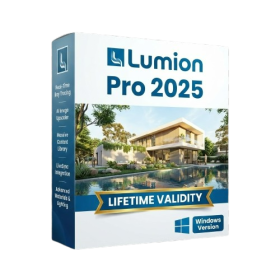
- AUTOMATIC DELIVERY INSTANTLY ON REGISTERED EMAIL .
- Any Installation Problem Freely Contact Us(Will Give You Support)
- Lifetime Validity
- Windows Version
- Hybrid Ray Tracing: Perfect reflections, shadows, and glass instantly.
- LiveSync: Real-time link to Revit, SketchUp, and Rhino.
- Full Library: Over 9,000 assets (trees, cars, people) included.
- Phasing Effect: Animate the construction process easily.
- Real Skies: 60+ HDR skies that light your scene automatically.
- Styles: One-click presets for “Watercolor,” “Sketch,” or “Realistic.”
- 3D Grass: Turn any surface into realistic, volumetric grass.
- Volumetric Spotlights: Create dusty, atmospheric beams of light.
- Material Editor: Add weathering, rounded edges, and foliage to textures.
- Output: Render 8K images, 4K videos, and 360 panoramas.
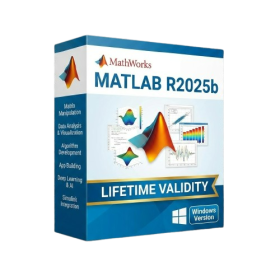
- AUTOMATIC DELIVERY INSTANTLY ON REGISTERED EMAIL .
- Any Installation Problem Freely Contact Us(Will Give You Support)
- Lifetime Validity
- Windows Version
- New Desktop: Modern, faster UI with fully supported Dark Mode.
- AI Assistant: Generate and debug code using the built-in AI Chat.
- Python Interop: Seamless data exchange between MATLAB and Python.
- Simulink 3D: Photorealistic simulation powered by Unreal Engine 5.
- Live Editor: Embed sliders and buttons directly into your scripts.
- App Building: Create standalone Windows apps without C++ knowledge.
- Code Gen: Export C/C++ code for embedded hardware instantly.
- 5G/6G Tools: Advanced modeling for next-gen wireless networks.
- Automotive: specialized toolboxes for ADAS and autonomous driving.
- Cloud Run: Run your scripts in a browser via MATLAB Online.
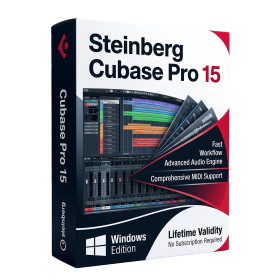
- AUTOMATIC DELIVERY INSTANTLY ON REGISTERED EMAIL .
- Any Installation Problem Freely Contact Us(Will Give You Support)
- Lifetime Validity
- Windows Version
- Included Instruments:
- Halion 7
- Halion Sonic 7
- Groove Agent 6
- Groove Agent SE 6
- WaveLab Pro 13
- Dorico Pro 6
- Backbone 1.6
- PadShop Pro 2
- Retrologue 2.5
- SpectraLayers Pro 13
- Iconica Sketch
- Verve
- Drum Machine

- AUTOMATIC DELIVERY INSTANTLY ON REGISTERED EMAIL .
- Any Installation Problem Freely Contact Us(Will Give You Support)
- Lifetime Validity
- Windows Version
- Rock-Solid Tracking: The industry standard for planar tracking.
- PowerMesh: Track warped surfaces like skin and fabric.
- Generative Remove: Auto-remove objects and wires with AI.
- Stabilization: Smooth out shaky handheld footage instantly.
- Insert Module: Perfect screen replacements with motion blur.
- Magnetic Roto: Snap masks to edges for fast rotoscoping.
- Lens Correction: Fix or match lens distortion easily.

- AUTOMATIC DELIVERY INSTANTLY ON REGISTERED EMAIL .
- Any Installation Problem Freely Contact Us(Will Give You Support)
- Lifetime Validity
- Windows Version
- Online & Offline both working
- Create watertight meshes instantly for 3D printing with the new ShrinkWrap tool.
- Generate dynamic 2D sections and plans directly from 3D models with ClippingDrawings.
- Model organic shapes with greater precision using supported SubD creases.
- Manipulate geometry intuitively with the new customized Auto Gumball.
- Extrude and modify faces instantly using the direct PushPull workflow.
- Render scenes significantly faster with the optimized Cycles engine.
- Customize the modernized interface to match your specific drafting workflow.
- Lifetime Validity
- Instant Delivery on Email
- Supported on All Apple Mac Systems
- Any Installation Problem Freely Contact Us(Will Give You Support)
- File Size: 6.68GB (20.3.2 Version)
- Ai Features are working
- Works with Internet and Antivirus
- Edit 12K projects effortlessly with native optimization for Apple M3 and M4 Ultra chips.
- Render renders up to 4x faster using the fully unified memory architecture of Apple Silicon.
- Generate depth maps instantly from single-camera clips using the Apple Neural Engine.
- Grade HDR content with absolute precision on Liquid Retina XDR displays using the new EDR workflow.
- Isolate voices from noisy backgrounds in real-time with the Core ML-powered Voice Isolation.
- Edit spatial video for Apple Vision Pro with a dedicated stereoscopic 3D viewer.
- Track complex objects in 3D space instantly with the Metal-accelerated IntelliTrack AI.
- Lifetime Validity
- Instant Delivery on Email
- Supported on All Apple Mac Systems
- Any Installation Problem Freely Contact Us(Will Give You Support)
- Run natively on Apple Silicon (M1/M2/M3) for significantly faster processing speeds.
- Experience fluid viewport navigation with the new Apple Metal graphics pipeline.
- Create watertight meshes from open geometry instantly using the ShrinkWrap command.
- Customize your workspace with new Window Layouts that match the Windows interface.
- Render ray-traced images in real-time using GPU-accelerated Cycles on Metal.
- Model organically with sharp edges using the new SubD Creases feature.
- Extrude and subtract geometry directly from faces with the intuitive PushPull workflow.
- Create dynamic 3D sections with hatch patterns using improved Clipping Planes.
- Access new data types and attributes directly within the upgraded Grasshopper.
- AUTOMATIC DELIVERY INSTANTLY ON REGISTERED EMAIL .
- Any Installation Problem Freely Contact Us(Will Give You Support)
- Lifetime Validity
- Mac Version
- Run natively on Apple Silicon (M1/M2/M3/M4/M5) for blazing-fast performance.
- Visualize models with realistic depth using the new Ambient Occlusion engine.
- Generate unique textures instantly with integrated AI-powered prompts.
- Sync projects seamlessly between Mac, iPad, and Web versions.
- Convert iPhone LiDAR scans into 3D models automatically via Scan-to-Design.
- Create 2D documentation faster with the optimized LayOut rendering engine.
- Import and export USDZ files easily for Apple AR visualization.

- AUTOMATIC DELIVERY INSTANTLY ON REGISTERED EMAIL .
- Any Installation Problem Freely Contact Us(Will Give You Support)
- Lifetime Validity
- Windows Version
- Version: 4.20
- Revit 2023, 2024, 2025, 2026 and 2027
- SketchUp 2024, 2025 and 2026
- Rhino 7.0 and 8.3 (or later)
- Archicad 27, 28 and 29
- Vectorworks 2024, 2025 2026, 2027
- Navigate scenes with a unified, redesigned user interface for faster workflows.
- Enhance export quality instantly with the AI-powered NVIDIA Denoiser.
- Simulate realistic colored shadows for glass and transparent materials.
- Upscale textures and assets automatically using the Chaos AI Enhancer.
- Apply pencil and watercolor effects with new Artistic Visual Modes.
- Immerse clients in designs with support for Meta Quest 3 and HTC Vive.