
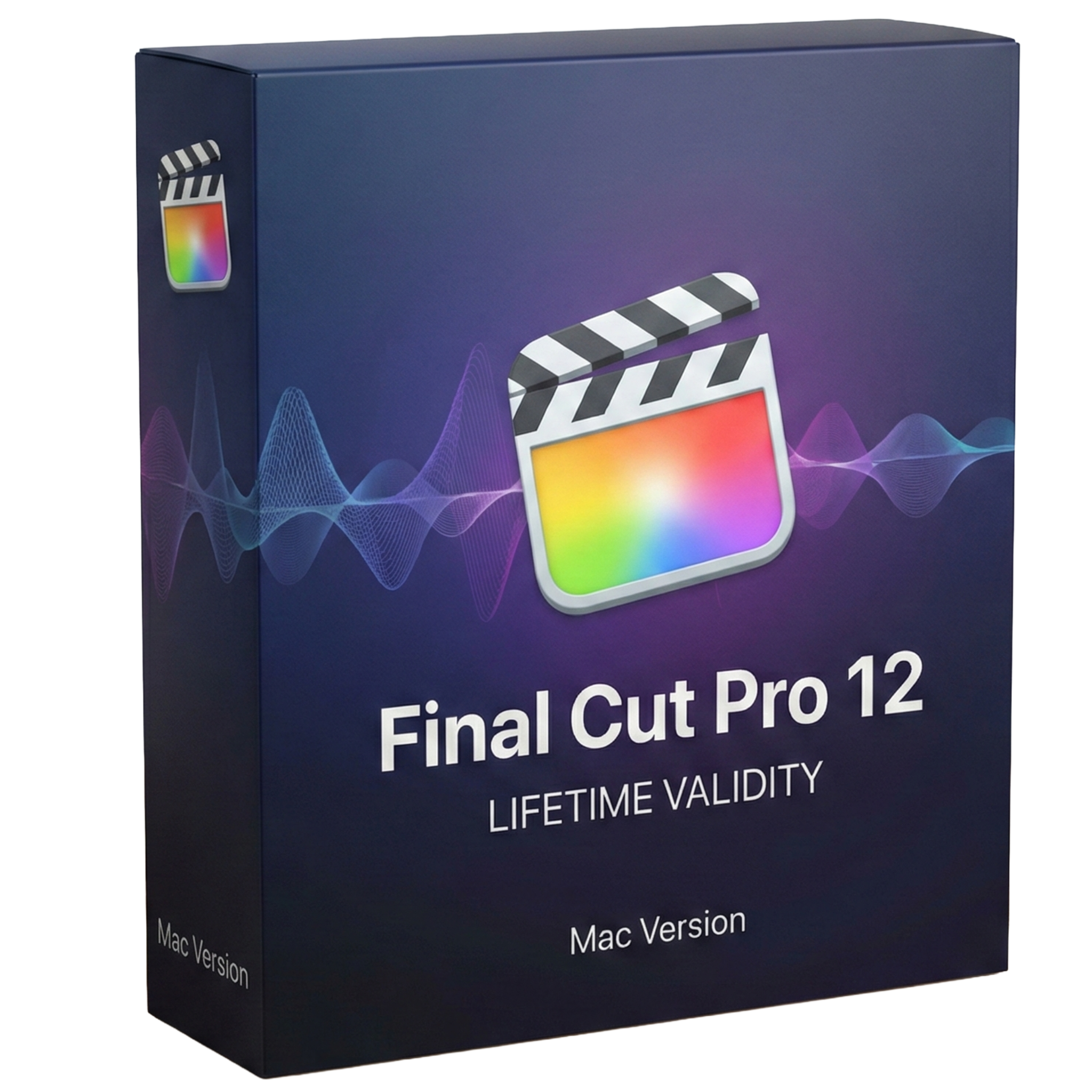
Final Cut Pro 12 for macOs Lifetime
- Lifetime Validity
- Instant Delivery on Email
- Supported on All Apple Mac Systems
- Any Installation Problem Freely Contact Us(Will Give You Support)
- Visual Search: Find clips by describing objects or actions (e.g., “sunset”).
- Beat Detection: Auto-generate markers to sync edits to music beats.
- Transcript Search: Find footage by typing spoken dialogue.
- Magnetic Mask: Isolate subjects instantly without green screens.
- Spatial Video: Edit and grade 3D content for Apple Vision Pro.
- Voice Isolation: Remove background noise with one click.
- Transcribe to Captions: Auto-generate subtitles on-device.
- Smooth Slo-Mo: AI-generated frames for perfect slow motion.
Original price was: ₹999.00.₹499.00Current price is: ₹499.00.
Description
Final Cut Pro 12 (Mac): The Future of Storytelling, Powered by Intelligence
Final Cut Pro 12 represents the most significant leap in Apple’s professional video editing software in over a decade. Now fully integrated with Apple Intelligence and optimized for the latest M-series Silicon, this release moves beyond simple editing to become a proactive creative partner.
Version 12 introduces breakthrough “Intelligent Search” tools that allow you to find footage based on what is happening inside the clip, not just how you tagged it. Combined with the new Beat Detection engine and the industry-leading Magnetic Timeline, Final Cut Pro 12 allows editors to move from rough cut to final master faster than any other NLE on the market. Whether you are cutting a feature film, a music video, or spatial content for Apple Vision Pro, this is the ultimate tool for modern storytelling.
Why Choose Final Cut Pro 12?
1. Visual & Transcript Search (AI)
- The Revolution: Stop scrubbing through hours of footage.
- The Benefit: Simply type “dog running on beach” or “red car,” and Visual Search instantly finds those moments across your entire library using on-device machine learning. Need a specific soundbite? Transcript Search lets you type a phrase, and FCP jumps instantly to that part of the dialogue, even if you haven’t generated captions yet.
2. Beat Detection & Sync
- The Rhythm: Music editing is now effortless.
- The Benefit: Final Cut Pro 12 analyzes your music tracks and automatically generates a “Beat Grid” of markers for bars and beats. You can snap clips directly to the rhythm, making it incredibly easy to cut high-energy sizzle reels or music videos with perfect timing.
3. Magnetic Mask 2.0
- The Magic: Rotoscoping is dead.
- The Benefit: The enhanced Magnetic Mask uses the Neural Engine to isolate moving subjects—even with complex hair or transparent objects—without a green screen. Apply color grades or effects to just the subject or just the background with a single click.
What’s New in Version 12?
Transcribe to Captions
- The Feature: Built-in, zero-cost transcription.
- The Benefit: Automatically generate highly accurate closed captions in the timeline using an Apple-trained large language model. It happens entirely on-device for privacy and speed, allowing you to deliver accessible, social-ready videos in minutes.
Spatial Video Editing
- The Future: Native support for Apple Vision Pro.
- The Benefit: Import, edit, and grade spatial video captured on iPhone 15/16 Pro or Vision Pro. You can adjust the depth parallax and add 3D titles that float in space, giving you a true stereoscopic workflow.
Smooth Slo-Mo (AI)
- The Quality: Turn standard footage into buttery smooth slow motion.
- The Benefit: Unlike “Optical Flow” of the past, the new AI-driven algorithm generates new frames with an understanding of motion, eliminating the “warping” artifacts usually seen when slowing down 30fps footage.
Key Features
- Magnetic Timeline: The trackless timeline that eliminates sync problems. Clips slide out of the way to avoid collisions, and connected clips always stay attached to your story.
- Voice Isolation: The “magic button” for audio. It removes background noise (traffic, wind, hum) from dialogue so effectively it often saves unusable takes.
- Object Tracker: Drag an effect or title onto a moving face or object, and FCP automatically analyzes the motion and locks the effect to it.
- ProRes RAW Support: Edit raw footage with the performance of ProRes. Change ISO, white balance, and exposure after the shoot directly in the inspector.
- Duplicate Detection: Instantly see if you’ve used a clip more than once in your timeline with color-coded ranges—essential for documentaries and long-form content.
System Requirements (Mac)
- Operating System: macOS 15 (Sequoia) or macOS 16.
- Processor: Apple Silicon (M1, M2, M3, M4) required for AI features (Visual Search, Magnetic Mask, etc.). Intel Macs are supported but with limited AI capabilities.
- Memory (RAM): 8 GB minimum (16 GB or 32 GB recommended for 4K/8K editing).
- Graphics: Metal-capable graphics card.
- Storage: 6 GB of available disk space for installation; fast SSD required for video editing.
- Display: 1280 x 768 or higher resolution.
Short Bullet Points (For Quick View)
- Visual Search: Find clips by describing objects or actions (e.g., “sunset”).
- Beat Detection: Auto-generate markers to sync edits to music beats.
- Transcript Search: Find footage by typing spoken dialogue.
- Magnetic Mask: Isolate subjects instantly without green screens.
- Spatial Video: Edit and grade 3D content for Apple Vision Pro.
- Voice Isolation: Remove background noise with one click.
- Transcribe to Captions: Auto-generate subtitles on-device.
- Smooth Slo-Mo: AI-generated frames for perfect slow motion.
- Object Tracker: Attach text and color grades to moving faces.
- ProRes RAW: The flexibility of RAW with the speed of ProRes.
Related Products

- AUTOMATIC DELIVERY INSTANTLY ON REGISTERED EMAIL .
- Any Installation Problem Freely Contact Us(Will Give You Support)
- Lifetime Validity
- Windows Version
- Type effortlessly in multiple Indian languages with enhanced Unicode keyboard handlers.
- Detect and switch between 32-bit and 64-bit applications automatically while typing.
- Access thousands of high-quality calligraphic fonts for professional designs.
- Convert legacy text to Unicode instantly with the advanced file conversion utility.
- Design stylish 3D titles and logos easily using the Avishkar Plus tool.
- Check spelling in Indian languages directly with the integrated Spell Checker.
- Integrate seamlessly with open-source apps like Inkscape, GIMP, and Scribus.

- AUTOMATIC DELIVERY INSTANTLY ON REGISTERED EMAIL .
- Any Installation Problem Freely Contact Us(Will Give You Support)
- Lifetime Validity
- Windows Version
- Generate invoices.
- Manage multiple companies and financial years from a single unified interface.
- Track inventory stocks across different godowns and locations in real-time.
- Automate bank reconciliation by uploading digital bank statements directly.
- Calculate employee salaries, PF, and TDS accurately with the integrated Payroll module.
- Access business data remotely using the secure Tally.NET connection services.
- AUTOMATIC DELIVERY INSTANTLY ON REGISTERED EMAIL .
- Any Installation Problem Freely Contact Us(Will Give You Support)
- Lifetime Validity
- Windows Version
- New Desktop: Modern, faster UI with fully supported Dark Mode.
- AI Assistant: Generate and debug code using the built-in AI Chat.
- Python Interop: Seamless data exchange between MATLAB and Python.
- Simulink 3D: Photorealistic simulation powered by Unreal Engine 5.
- Live Editor: Embed sliders and buttons directly into your scripts.
- App Building: Create standalone Windows apps without C++ knowledge.
- Code Gen: Export C/C++ code for embedded hardware instantly.
- 5G/6G Tools: Advanced modeling for next-gen wireless networks.
- Automotive: specialized toolboxes for ADAS and autonomous driving.
- Cloud Run: Run your scripts in a browser via MATLAB Online.

- AUTOMATIC DELIVERY INSTANTLY ON REGISTERED EMAIL .
- Any Installation Problem Freely Contact Us(Will Give You Support)
- Lifetime Validity
- Windows Version
- Professional Edition
- Preview files in real-time while the scan is still running with “On-the-Fly” preview.
- Pause and resume recovery scans instantly to save progress without restarting.
- Recover data from BitLocker-encrypted drives by simply entering the password.
- Create bootable USB media to salvage files from crashed or unbootable PCs.
- Repair corrupt videos and photos automatically using the Premium repair tools.
- Multitask efficiently with native dual-monitor support for the recovery interface.
- Scan large 4K hard drives with 4096-byte sectors using the optimized engine.
- Retrieve data from RAID 0, 5, and 6 arrays seamlessly with the Technician edition.
- AUTOMATIC DELIVERY INSTANTLY ON REGISTERED EMAIL .
- Any Installation Problem Freely Contact Us(Will Give You Support)
- Lifetime Validity
- Windows Version
- Included Instruments:
- Halion 7
- Halion Sonic 7
- Groove Agent 6
- Groove Agent SE 6
- WaveLab Pro 13
- Dorico Pro 6
- Backbone 1.6
- PadShop Pro 2
- Retrologue 2.5
- SpectraLayers Pro 13
- Iconica Sketch
- Verve
- Drum Machine
- AUTOMATIC DELIVERY INSTANTLY ON REGISTERED EMAIL .
- Any Installation Problem Freely Contact Us(Will Give You Support)
- Lifetime Validity
- Windows Version
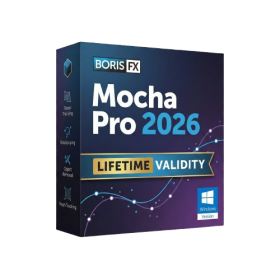
- Rock-Solid Tracking: The industry standard for planar tracking.
- PowerMesh: Track warped surfaces like skin and fabric.
- Generative Remove: Auto-remove objects and wires with AI.
- Stabilization: Smooth out shaky handheld footage instantly.
- Insert Module: Perfect screen replacements with motion blur.
- Magnetic Roto: Snap masks to edges for fast rotoscoping.
- Lens Correction: Fix or match lens distortion easily.

- AUTOMATIC DELIVERY INSTANTLY ON REGISTERED EMAIL .
- Any Installation Problem Freely Contact Us(Will Give You Support)
- Lifetime Validity
- Windows Version
- 7.28 Version
- Map video onto complex geometric structures and surfaces with advanced projection mapping tools.
- Stitch multiple projectors into a single seamless widescreen image with soft edge blending.
- Sync video with lighting fixtures using DMX input and advanced LED pixel mapping.
- Lock your visuals perfectly to show tracks and DJ sets using SMPTE timecode input.
- Mix unlimited layers of video, effects, and generative content in real-time.
- Correct mistakes instantly during live setup with the fully integrated Undo/Redo feature.

- AUTOMATIC DELIVERY INSTANTLY ON REGISTERED EMAIL .
- Any Installation Problem Freely Contact Us(Will Give You Support)
- Lifetime Validity
- Windows Version
- Route complex PCB traces automatically with the new AI-driven auto-interactive router.
- Collaborate seamlessly with mechanical engineers via the enhanced real-time MCAD CoDesigner.
- Simulate power integrity and signal performance instantly within the unified design environment.
- Manage component shortages proactively with live supply chain data in ActiveBOM.
- Visualize multi-board systems and rigid-flex designs in photorealistic 3D detail.
- Sync all design changes and version history securely to the cloud with Altium 365.
- Define complex high-speed design rules easily using the visual Constraint Manager.

- Lifetime Validity
- Instant Delivery on Email
- Supported on All Apple Mac Systems
- Any Installation Problem Freely Contact Us(Will Give You Support)
- Smooth skin naturally while preserving texture using advanced AI algorithms.
- Generate precise skin masks automatically to isolate subjects instantly.
- Process massive batches of photos rapidly with optimized multi-core performance.
- Remove blemishes and imperfections without blurring eyelashes or eyebrows.
- Even out skin tones to correct redness and blotchiness effortlessly.
- Apply professional retouching styles quickly with a customizable preset library.
- Fine-tune mask selection manually with the interactive refinement brush.

- AUTOMATIC DELIVERY INSTANTLY ON REGISTERED EMAIL .
- Any Installation Problem Freely Contact Us(Will Give You Support)
- Lifetime Validity
- Windows Version
- For 3ds Max 2021 – 2027
- Render and clip real-world 3D scans natively with full Gaussian Splatting support.
- Simulate complex light fixtures significantly faster using the new V-Ray Luminaire.
- Generate accurate stars, moon, and phases instantly with the procedural Night Sky.
- Create PBR materials from simple photos automatically with the AI Material Generator.
- Stream interactive 3D scenes to clients via a web link with Chaos Cloud Streaming.
- Analyze scene performance and spot bottlenecks precisely using the V-Ray Profiler.
- Render realistic caustics and refractions at high speeds with updated V-Ray GPU.

- AUTOMATIC DELIVERY INSTANTLY ON REGISTERED EMAIL .
- Any Installation Problem Freely Contact Us(Will Give You Support)
- Lifetime Validity
- Mac Version
- Run natively on Apple Silicon (M1/M2/M3/M4/M5) for blazing-fast performance.
- Visualize models with realistic depth using the new Ambient Occlusion engine.
- Generate unique textures instantly with integrated AI-powered prompts.
- Sync projects seamlessly between Mac, iPad, and Web versions.
- Convert iPhone LiDAR scans into 3D models automatically via Scan-to-Design.
- Create 2D documentation faster with the optimized LayOut rendering engine.
- Import and export USDZ files easily for Apple AR visualization.

- AUTOMATIC DELIVERY INSTANTLY ON REGISTERED EMAIL .
- Any Installation Problem Freely Contact Us(Will Give You Support)
- Lifetime Validity
- Windows Version
- Smooth skin naturally while preserving texture using advanced AI algorithms.
- Generate precise skin masks automatically to isolate subjects instantly.
- Process massive batches of photos rapidly with optimized multi-core performance.
- Remove blemishes and imperfections without blurring eyelashes or eyebrows.
- Even out skin tones to correct redness and blotchiness effortlessly.
- Apply professional retouching styles quickly with a customizable preset library.
- Fine-tune mask selection manually with the interactive refinement brush.