
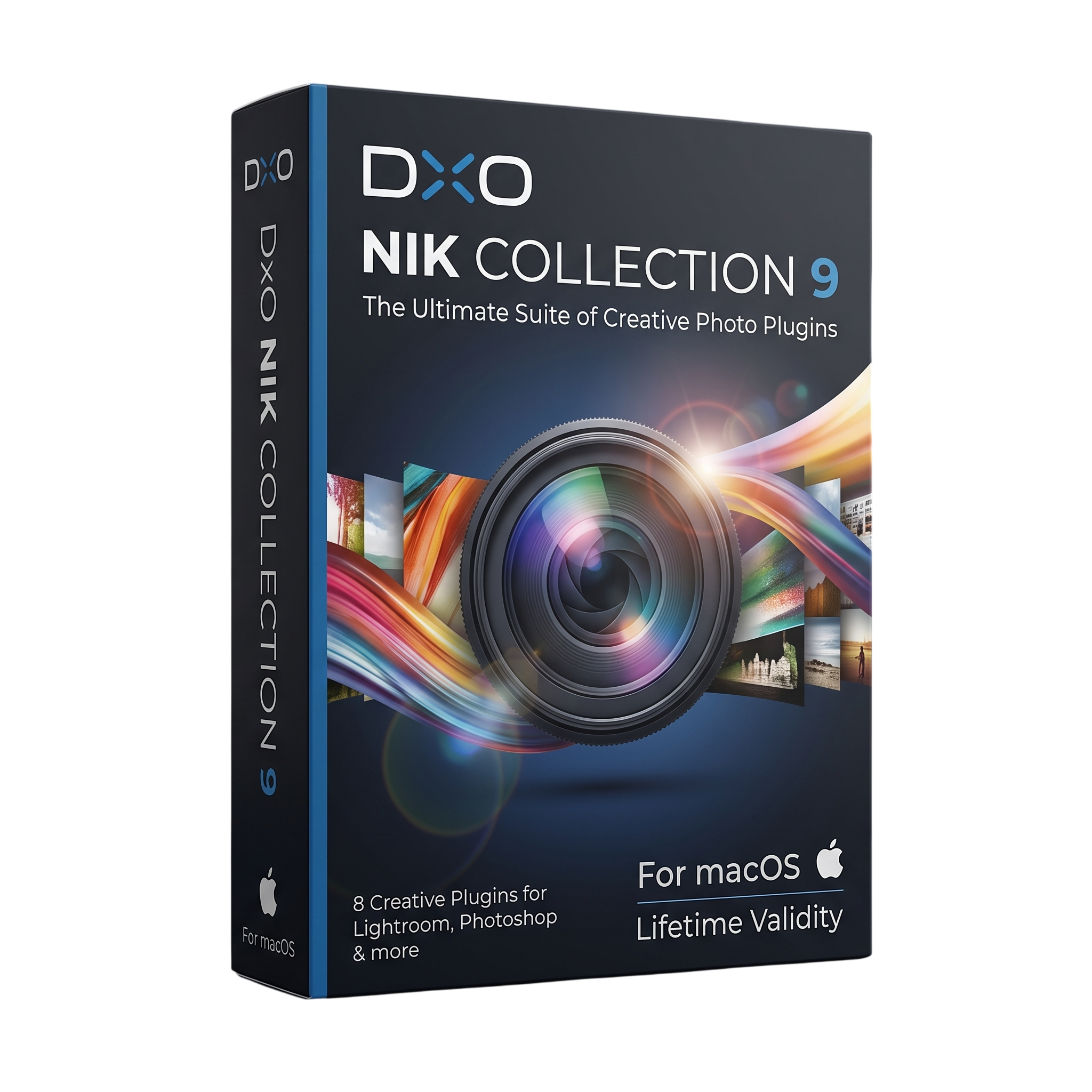
Dxo Nik Collection 9 for macOs Lifetime
- Lifetime Validity
- Instant Delivery on Email
- Mac Edition
- Any Installation Problem Freely Contact Us(Will Give You Support)
- Professional photo-editing and creative effects suite for Mac
- Developed by DxO for photographers, retouchers, and creative professionals
- Nik Collection 9 released in April 2026
- Includes seven professional photo-editing applications
- Nik Color Efex for color correction and creative effects
- Nik Analog Efex for analog film and camera effects
- Nik Silver Efex for professional black-and-white processing
- Nik Viveza for selective color and tonal adjustments
- Nik Dfine for advanced noise reduction
- Nik Sharpener for professional image sharpening
₹500.00
Description
DxO Nik Collection 9 for Mac is a professional photo-editing and creative effects suite designed for photographers, retouchers, digital artists, and image editors. Released in April 2026, Nik Collection 9 is the latest major generation of DxO’s Nik Collection and combines seven dedicated plug-ins/external editors for color correction, analog effects, black-and-white conversion, noise reduction, sharpening, HDR processing, and local image adjustments. dxo.com
The suite includes Nik Color Efex, Nik Analog Efex, Nik Viveza, Nik Silver Efex, Nik Dfine, Nik Sharpener, and Nik HDR Efex. These tools can be used individually or as part of workflows with supported applications such as DxO PhotoLab, Adobe Photoshop, Photoshop Elements, Lightroom Classic, and Affinity Photo. Nik Collection can also be used in standalone mode. userguides.dxo.com
Nik Collection 9 introduces significant AI-assisted editing capabilities. AI Masks provide automatic subject selection, while Depth Masks create depth-based selections without requiring embedded depth information. These tools work alongside DxO’s U Point technology for targeted local adjustments, helping users make precise edits without manually creating complex selections. dxo.com
Version 9 also introduces a new Color Grading tool in Nik Color Efex and new creative effects including Halation, Chromatic Shift, and Glass Effect. Expanded blending modes, mask overlays, preset hover previews, copy/paste of local adjustments, and the ability to move masks between plug-ins further improve professional editing workflows. dxo.com
Key Features
- Seven professional photo-editing plug-ins
- Nik Color Efex for color correction and creative effects
- Nik Analog Efex for analog-film and camera effects
- Nik Silver Efex for professional black-and-white processing
- Nik Viveza for selective color and tonal adjustments
- Nik Dfine for noise reduction
- Nik Sharpener for image sharpening
- Nik HDR Efex for HDR and high-dynamic-range processing
- AI Masks for automatic subject selection
- Depth Masks for distance-based local adjustments
- DxO U Point local adjustment technology
- New Color Grading tool
- Halation effect
- Chromatic Shift effect
- Glass Effect
- 18 blending modes in Color Efex and Analog Efex
- Color Masks
- Mask overlays
- Preset hover previews
- Copy/paste local adjustments
- Transfer masks between plug-ins
- Extensive presets and customizable recipes
- Standalone and plug-in workflows
- Non-destructive workflows with supported host applications
- Adobe Photoshop and Lightroom Classic integration
- DxO PhotoLab integration
- Affinity Photo integration
- macOS Apple Silicon support
- Up to three activated computers per license userguides.dxo.com
What’s New
- Nik Collection 9 released April 2026
- New AI Masks for fast, precise subject selection
- New Depth Masks for targeting adjustments according to image depth
- New Color Grading tool in Nik Color Efex
- New Halation effect for film-style highlight glow
- New Chromatic Shift effect for color-channel displacement
- New Glass Effect for glass-inspired distortion and refraction
- Added 18 blending modes to Nik Color Efex and Nik Analog Efex
- New mask overlays for easier visualization of local adjustments
- Preset hover previews
- Copy/paste local adjustments between images
- Ability to move masks between compatible plug-ins
- Additional interface and workflow improvements dxo.com
Professional Applications
- Professional photography
- Portrait and wedding photography
- Landscape photography
- Fine-art photography
- Commercial photography
- Architectural photography
- Black-and-white photography
- HDR photography
- Photo retouching
- Creative color grading
- Film-look creation
- Analog-style image processing
- Noise reduction and image cleanup
- Advertising and editorial photography
- Digital publishing
- Fine-art and large-format printing
- Creative image manipulation
System Requirements
Minimum Requirements
- OS: macOS 15.7 Sequoia
- CPU: Apple M1 or newer
- RAM: 8GB
- Storage: 16GB available disk space
- Display: 1280 × 768 minimum
- GPU: Apple Silicon graphics
- Internet: Required for activation and installation
- Supported hosts: DxO PhotoLab, Adobe Photoshop, Photoshop Elements, Lightroom Classic, and compatible Affinity Photo versions userguides.dxo.com
Recommended Requirements
- OS: macOS 26 Tahoe
- CPU: Apple M2 Pro or newer
- RAM: 16GB or more
- Storage: 50GB available disk space
- Display: 1920 × 1080 or higher
- GPU: Apple Silicon GPU
- Professional workflow: Fast SSD recommended for large photo libraries and host-application caches
- AI Masks/Depth Masks: Apple Silicon hardware recommended for the best experience
Related Products
- AUTOMATIC DELIVERY INSTANTLY ON REGISTERED EMAIL .
- Any Installation Problem Freely Contact Us(Will Give You Support)
- Lifetime Validity
- Windows Version
- Included Instruments:
- Halion 7
- Halion Sonic 7
- Groove Agent 6
- Groove Agent SE 6
- WaveLab Pro 13
- Dorico Pro 6
- Backbone 1.6
- PadShop Pro 2
- Retrologue 2.5
- SpectraLayers Pro 13
- Iconica Sketch
- Verve
- Drum Machine

- AUTOMATIC DELIVERY INSTANTLY ON REGISTERED EMAIL .
- Any Installation Problem Freely Contact Us(Will Give You Support)
- Lifetime Validity
- Windows Version
- Route complex PCB traces automatically with the new AI-driven auto-interactive router.
- Collaborate seamlessly with mechanical engineers via the enhanced real-time MCAD CoDesigner.
- Simulate power integrity and signal performance instantly within the unified design environment.
- Manage component shortages proactively with live supply chain data in ActiveBOM.
- Visualize multi-board systems and rigid-flex designs in photorealistic 3D detail.
- Sync all design changes and version history securely to the cloud with Altium 365.
- Define complex high-speed design rules easily using the visual Constraint Manager.
- AUTOMATIC DELIVERY INSTANTLY ON REGISTERED EMAIL .
- Any Installation Problem Freely Contact Us(Will Give You Support)
- Lifetime Validity
- Windows Version
- Ray trace over 2,200 nature assets including trees and shrubs for realistic reflections.
- Preview renders instantly with the new real-time NRD denoiser in Photo and Movie modes.
- Render ray-traced videos up to 5x faster using the optimized sampling engine.
- Simulate realistic glass refraction and colored shadows with fully ray-traced glass.
- Add depth to translucent materials like marble and wax with Subsurface Scattering.
- Populate interiors instantly using 25+ new parallax room templates for day and night.
- Import GLTF files directly for a lighter and faster 3D model workflow.
- Batch import multiple 3D models simultaneously to speed up scene building.
- AUTOMATIC DELIVERY INSTANTLY ON REGISTERED EMAIL .
- Any Installation Problem Freely Contact Us(Will Give You Support)
- Lifetime Validity
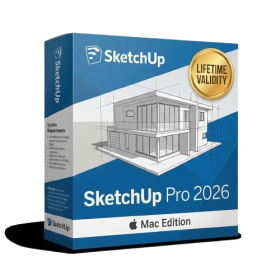
- Mac Version
- Run natively on Apple Silicon (M1/M2/M3/M4/M5) for blazing-fast performance.
- Visualize models with realistic depth using the new Ambient Occlusion engine.
- Generate unique textures instantly with integrated AI-powered prompts.
- Sync projects seamlessly between Mac, iPad, and Web versions.
- Convert iPhone LiDAR scans into 3D models automatically via Scan-to-Design.
- Create 2D documentation faster with the optimized LayOut rendering engine.
- Import and export USDZ files easily for Apple AR visualization.

- AUTOMATIC DELIVERY INSTANTLY ON REGISTERED EMAIL .
- Any Installation Problem Freely Contact Us(Will Give You Support)
- Lifetime Validity
- Windows Version
- Visualize models with realistic shading and depth using the new Ambient Occlusion engine.
- Import and export IFC files faster with enhanced openBIM interoperability.
- Find and execute any command instantly using the integrated Smart Search tool.
- Generate unique textures and styles quickly with AI-powered Diffusion graphics.
- Collaborate in real-time by syncing models seamlessly with Trimble Connect.
- Create 2D documentation efficiently with the optimized LayOut rendering engine.
- Import complex Revit files accurately with the lightweight Revit Importer.
- Organize geometry effortlessly using the modernized Tag management system.

- AUTOMATIC DELIVERY INSTANTLY ON REGISTERED EMAIL .
- Any Installation Problem Freely Contact Us(Will Give You Support)
- Lifetime Validity
- Windows Version
- File Size: 1.84GB
- Visualize models with stunning depth and realism using the new graphics engine featuring native Ambient Occlusion.
- Generate unique, seamless textures instantly from simple text prompts with the integrated AI texture generator.
- Import complex Revit files accurately and efficiently with the enhanced, lighter-weight Revit Importer.
- Create 2D documentation in LayOut faster than ever with a new multi-threaded rendering engine that eliminates lag.
- Convert room scans from mobile devices automatically into clean, editable 3D geometry via Scan-to-Design.
- Collaborate in real-time by syncing projects seamlessly across Desktop, iPad, and Web versions.
- AUTOMATIC DELIVERY INSTANTLY ON REGISTERED EMAIL .
- Any Installation Problem Freely Contact Us(Will Give You Support)
- Lifetime Validity
- Windows Version
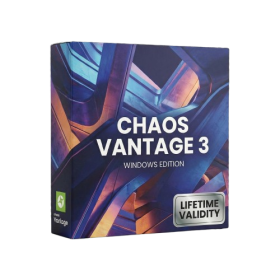
- Explore massive 3D scenes in 100% ray-traced real-time without waiting for renders.
- Sync changes instantly from 3ds Max, SketchUp, Rhino, and Revit via Live Link.
- Render photorealistic animations at lightning speeds using NVIDIA DLSS 3.5 support.
- Populate environments with millions of objects using the built-in Chaos Scatter tool.
- Switch between different lighting setups, materials, and moods instantly with Scene States.
- Visualize complex animated characters and deformable meshes perfectly in real-time.

- AUTOMATIC DELIVERY INSTANTLY ON REGISTERED EMAIL .
- Any Installation Problem Freely Contact Us(Will Give You Support)
- Lifetime Validity
- Windows Version
- Version: 4.20
- Revit 2023, 2024, 2025, 2026 and 2027
- SketchUp 2024, 2025 and 2026
- Rhino 7.0 and 8.3 (or later)
- Archicad 27, 28 and 29
- Vectorworks 2024, 2025 2026, 2027
- Navigate scenes with a unified, redesigned user interface for faster workflows.
- Enhance export quality instantly with the AI-powered NVIDIA Denoiser.
- Simulate realistic colored shadows for glass and transparent materials.
- Upscale textures and assets automatically using the Chaos AI Enhancer.
- Apply pencil and watercolor effects with new Artistic Visual Modes.
- Immerse clients in designs with support for Meta Quest 3 and HTC Vive.
- AUTOMATIC DELIVERY INSTANTLY ON REGISTERED EMAIL .
- Any Installation Problem Freely Contact Us(Will Give You Support)
- Lifetime Validity
- Windows Version
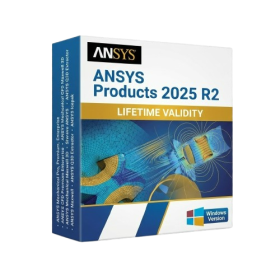
- ANSYS Products includes the following applications:
- ANSYS Mechanical Pro, Premium, Enterprise
- ANSYS CFD Premium and Enterprise
- ANSYS Mechanical CFD Maxwell 3D
- ANSYS Mechanical Maxwell 3D
- ANSYS Mechanical CFD
- ANSYS HFSS
- Siwave ANSYS
- ANSYS Maxwell
- ANSYS Q3D Extractor
- ANSYS Icepak
- Lifetime Validity
- Instant Delivery on Email
- Any Installation Problem Freely Contact Us(Will Give You Support)
- Supported on Windows 10,11
- Pre-Activated for Lifetime Validity
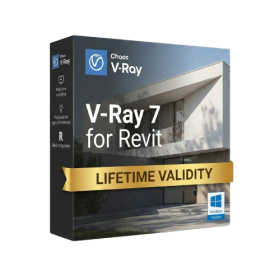
- Supports: Revit 2022 to 2026
- Import and render real-world 3D Gaussian Splats directly within the Revit interface.
- Generate custom PBR textures instantly from text prompts with the AI Material Generator.
- Visualize changes in real-time using the seamless Chaos Vantage Live Link.
- Populate scenes with vegetation and crowds efficiently using Chaos Scatter.
- Edit colors and apply finishing touches directly in the advanced V-Ray Frame Buffer.
- Ensure material consistency across different software with native OpenPBR support.
- Add realistic details like road markings or graffiti using V-Ray Decals.
- Simulate dynamic skies and cloud shadows with the procedural Cloud system.
- Generate dozens of lighting variations automatically with the Light Gen tool.
- Accelerate rendering times significantly with optimized NVIDIA RTX GPU support.

- Lifetime Validity
- Instant Delivery on Email
- Supported on All Apple Mac Systems
- Any Installation Problem Freely Contact Us(Will Give You Support)
- Visual Search: Find clips by describing objects or actions (e.g., “sunset”).
- Beat Detection: Auto-generate markers to sync edits to music beats.
- Transcript Search: Find footage by typing spoken dialogue.
- Magnetic Mask: Isolate subjects instantly without green screens.
- Spatial Video: Edit and grade 3D content for Apple Vision Pro.
- Voice Isolation: Remove background noise with one click.
- Transcribe to Captions: Auto-generate subtitles on-device.
- Smooth Slo-Mo: AI-generated frames for perfect slow motion.
- Lifetime Validity
- Instant Delivery on Email
- Any Installation Problem Freely Contact Us(Will Give You Support)
- Supported on Windows 10,11
- File Size: 7.47GB (20.3.2 Version)
- Ai Features are working
- Works with Internet and Antivirus
- Generate complex color grades instantly from text prompts or reference images with AI Match.
- Isolate and remix individual instruments from a stereo music track using Fairlight AI Stem Separation.
- Track objects obscured by smoke or glass perfectly with the new Deep Neural Magic Mask.
- Edit spatial video natively for Apple Vision Pro and Meta Quest with full depth visualization.
- Remove unwanted moving objects from complex backgrounds automatically with Generative Fill for Video.