
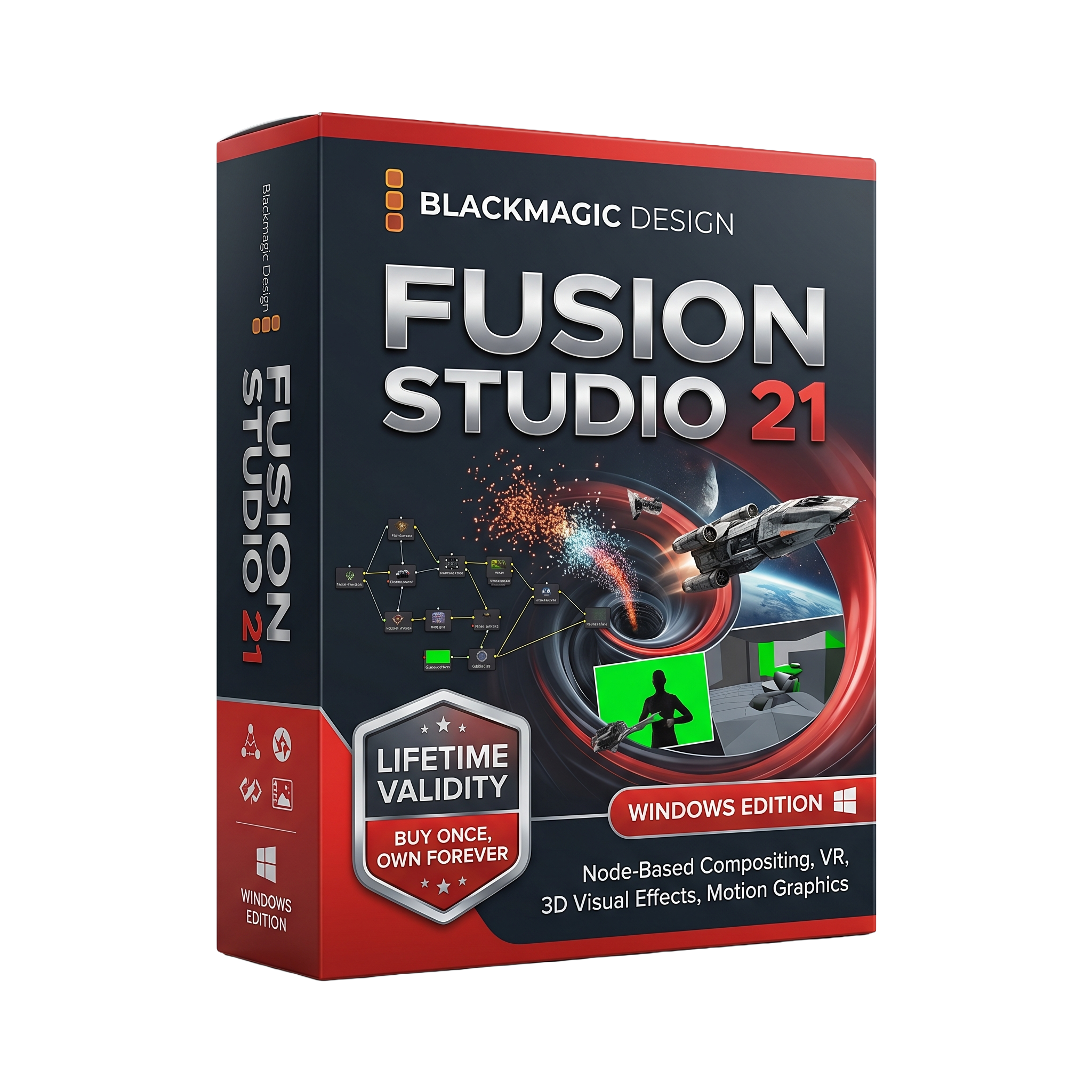
Fusion Studio 21 for Lifetime
- Lifetime Validity
- Instant Delivery on Email
- Any Installation Problem Freely Contact Us(Will Give You Support)
- File Size: 6.17GB (21.0 Version)
- Professional node-based compositing software for VFX and motion graphics
- Create high-end visual effects, 3D compositing, and animations
- Advanced node workflow for precise control over effects and layers
- Integrated 3D workspace with lighting, cameras, and particles
- GPU-accelerated rendering for faster performance
- Supports high-resolution projects up to 32K and beyond
- Advanced tools for keying, rotoscoping, tracking, and compositing
- Deep pixel compositing and HDR image processing support
- Multi-threaded processing utilizing CPU and GPU power
- Ideal for filmmakers, VFX artists, and motion designers
₹500.00
Description
Fusion Studio 21 for Windows is a professional node-based compositing, visual effects, and motion graphics software developed by Blackmagic Design. Used by film studios, television networks, VFX artists, and motion designers worldwide, Fusion Studio provides a complete environment for creating cinematic visual effects, 3D compositing, animation, and advanced post-production workflows.
Unlike traditional layer-based applications, Fusion Studio uses a node-based workflow that allows artists to build complex effects by connecting processing nodes in a visual flowchart. This approach offers greater flexibility, organization, and scalability for professional visual effects projects.
Fusion Studio is widely used for:
- 🎬 Film and television visual effects
- 🎞️ Motion graphics and broadcast design
- 🌌 CGI compositing and 3D integration
- 🎨 Green screen and keying workflows
- 🧩 High-end post-production pipelines
🔧 Key Features
- 🎞️ Node-Based Compositing – Create complex visual effects with an efficient node workflow
- 🎨 Motion Graphics Tools – Design animated titles, transitions, and broadcast graphics
- 🌐 Integrated 3D Workspace – Work with cameras, lights, particles, and 3D scenes
- ✂️ Advanced Rotoscoping & Masking – Precise object isolation and cleanup tools
- 🎯 Professional Tracking Tools – Planar tracking, camera tracking, and stabilization
- 🌈 HDR & Color Management – Support for ACES, OpenColorIO, and professional color pipelines
- 🔥 GPU Acceleration – Fast rendering and viewport performance
- 🧠 Lua & Python Scripting – Automate workflows and build custom tools
- 🔌 OpenFX Plugin Support – Compatible with professional third-party effects plugins
- 🌍 32K Resolution Support – Resolution-independent workflow for high-end production
🚀 What’s New in Fusion Studio 21
Fusion Studio 21 introduces significant improvements for motion graphics and visual effects production:
- 🎨 Over 70 new motion graphics effects and tools
- 🧩 Built-in Krokodove motion graphics toolkit
- ⚡ Enhanced GPU performance and rendering efficiency
- 🔧 New Macro Editor for creating reusable tools and templates
- 🌐 Improved USD workflow support for modern VFX pipelines
- 🎬 Better integration with DaVinci Resolve 21 workflows
⭐ Studio Edition Advantages
Compared to the Fusion tools included in DaVinci Resolve, Fusion Studio 21 adds:
- 🌐 Unlimited network rendering nodes
- 🖥️ Remote rendering across multiple systems
- 📂 Shared bin server for collaborative environments
- 🔌 Additional codec and pipeline support
- 🎯 Advanced keying tools including Primatte 5 Keyer
- 🏢 Professional studio workflow features
💻 System Requirements (Windows)
✅ Minimum Requirements
- OS: Windows 10 or Windows 11 (64-bit)
- Processor: Modern Intel or AMD 64-bit CPU
- RAM: 8 GB minimum (16 GB recommended)
- Graphics: GPU with at least 4 GB VRAM
- GPU Support: OpenCL 1.2 or CUDA-compatible graphics card
- Storage: SSD recommended
- Display: 1440 × 900 resolution or higher
🚀 Recommended Requirements
- OS: Windows 11 (64-bit)
- Processor: Intel Core i7/i9 or AMD Ryzen 7/9
- RAM: 32–64 GB for large VFX projects
- Graphics: NVIDIA RTX or AMD Radeon Pro GPU with 8–16 GB VRAM
- Storage: NVMe SSD for cache and rendering
- Display: Full HD, QHD, or 4K monitor
🎯 Use Cases
- 🎬 Hollywood-style visual effects compositing
- 🎞️ Motion graphics and broadcast design
- 🌌 CGI integration and 3D compositing
- 🎨 Green screen keying and cleanup
- 🧩 Rotoscoping, tracking, and match moving
- 📺 Television and streaming content production
Related Products

- AUTOMATIC DELIVERY INSTANTLY ON REGISTERED EMAIL .
- Any Installation Problem Freely Contact Us(Will Give You Support)
- Lifetime Validity
- Windows Version
- Revit 2023, 2024, 2025, 2026 and 2027
- SketchUp 2024, 2025 and 2026
- Rhino 7.0 and 8.3 (or later)
- Archicad 27, 28 and 29
- Vectorworks 2024, 2025 2026, 2027
- Navigate scenes with a unified, redesigned user interface for faster workflows.
- Enhance export quality instantly with the AI-powered NVIDIA Denoiser.
- Simulate realistic colored shadows for glass and transparent materials.
- Upscale textures and assets automatically using the Chaos AI Enhancer.
- Apply pencil and watercolor effects with new Artistic Visual Modes.
- Immerse clients in designs with support for Meta Quest 3 and HTC Vive.

- AUTOMATIC DELIVERY INSTANTLY ON REGISTERED EMAIL .
- Any Installation Problem Freely Contact Us(Will Give You Support)
- Lifetime Validity
- Windows Version
- 7.28 Version
- Map video onto complex geometric structures and surfaces with advanced projection mapping tools.
- Stitch multiple projectors into a single seamless widescreen image with soft edge blending.
- Sync video with lighting fixtures using DMX input and advanced LED pixel mapping.
- Lock your visuals perfectly to show tracks and DJ sets using SMPTE timecode input.
- Mix unlimited layers of video, effects, and generative content in real-time.
- Correct mistakes instantly during live setup with the fully integrated Undo/Redo feature.
- AUTOMATIC DELIVERY INSTANTLY ON REGISTERED EMAIL .
- Any Installation Problem Freely Contact Us(Will Give You Support)
- Lifetime Validity
- Windows Version
- Retopo Brush: Draw low-poly topology directly on your sculpt.
- Python Support: Automate tasks with industry-standard scripting.
- Asset System: Separate user folders for safer customization.
- ZModeler Update: Auto-creasing and improved visual feedback.
- NoiseMaker 2.0: Transform and rotate alphas for surface noise.
- Redshift AOVs: Export render passes for professional compositing.
- Sculptris Pro: Add polygons dynamically only where you need detail.
- DynaMesh: Remesh your model instantly to fix stretched geometry.
- GoZ: Single-click transfer to Maya, Blender, Cinema 4D, and UE5.
- PolyPaint: Paint texture data directly on the mesh vertices.
- Lifetime Validity
- Instant Delivery on Email
- Supported on All Apple Mac Systems
- Any Installation Problem Freely Contact Us(Will Give You Support)
- File Size: 6.68GB (20.3.2 Version)
- Ai Features are working
- Works with Internet and Antivirus
- Edit 12K projects effortlessly with native optimization for Apple M3 and M4 Ultra chips.
- Render renders up to 4x faster using the fully unified memory architecture of Apple Silicon.
- Generate depth maps instantly from single-camera clips using the Apple Neural Engine.
- Grade HDR content with absolute precision on Liquid Retina XDR displays using the new EDR workflow.
- Isolate voices from noisy backgrounds in real-time with the Core ML-powered Voice Isolation.
- Edit spatial video for Apple Vision Pro with a dedicated stereoscopic 3D viewer.
- Track complex objects in 3D space instantly with the Metal-accelerated IntelliTrack AI.
- AUTOMATIC DELIVERY INSTANTLY ON REGISTERED EMAIL .
- Any Installation Problem Freely Contact Us(Will Give You Support)
- Lifetime Validity
- Windows Version
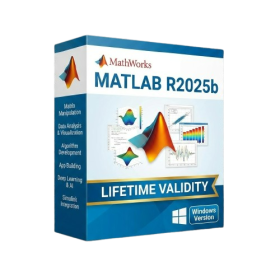
- New Desktop: Modern, faster UI with fully supported Dark Mode.
- AI Assistant: Generate and debug code using the built-in AI Chat.
- Python Interop: Seamless data exchange between MATLAB and Python.
- Simulink 3D: Photorealistic simulation powered by Unreal Engine 5.
- Live Editor: Embed sliders and buttons directly into your scripts.
- App Building: Create standalone Windows apps without C++ knowledge.
- Code Gen: Export C/C++ code for embedded hardware instantly.
- 5G/6G Tools: Advanced modeling for next-gen wireless networks.
- Automotive: specialized toolboxes for ADAS and autonomous driving.
- Cloud Run: Run your scripts in a browser via MATLAB Online.

- AUTOMATIC DELIVERY INSTANTLY ON REGISTERED EMAIL .
- Any Installation Problem Freely Contact Us(Will Give You Support)
- Lifetime Validity
- Mac Version
- Run natively on Apple Silicon (M1/M2/M3/M4/M5) for blazing-fast performance.
- Visualize models with realistic depth using the new Ambient Occlusion engine.
- Generate unique textures instantly with integrated AI-powered prompts.
- Sync projects seamlessly between Mac, iPad, and Web versions.
- Convert iPhone LiDAR scans into 3D models automatically via Scan-to-Design.
- Create 2D documentation faster with the optimized LayOut rendering engine.
- Import and export USDZ files easily for Apple AR visualization.
- AUTOMATIC DELIVERY INSTANTLY ON REGISTERED EMAIL .
- Any Installation Problem Freely Contact Us(Will Give You Support)
- Lifetime Validity
- Windows Version
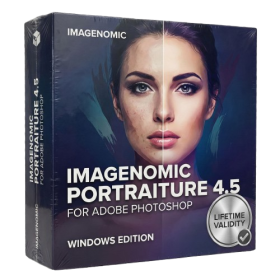
- Smooth skin naturally while preserving texture using advanced AI algorithms.
- Generate precise skin masks automatically to isolate subjects instantly.
- Process massive batches of photos rapidly with optimized multi-core performance.
- Remove blemishes and imperfections without blurring eyelashes or eyebrows.
- Even out skin tones to correct redness and blotchiness effortlessly.
- Apply professional retouching styles quickly with a customizable preset library.
- Fine-tune mask selection manually with the interactive refinement brush.

- AUTOMATIC DELIVERY INSTANTLY ON REGISTERED EMAIL .
- Any Installation Problem Freely Contact Us(Will Give You Support)
- Lifetime Validity
- Windows Version
- Explore massive 3D scenes in 100% ray-traced real-time without waiting for renders.
- Sync changes instantly from 3ds Max, SketchUp, Rhino, and Revit via Live Link.
- Render photorealistic animations at lightning speeds using NVIDIA DLSS 3.5 support.
- Populate environments with millions of objects using the built-in Chaos Scatter tool.
- Switch between different lighting setups, materials, and moods instantly with Scene States.
- Visualize complex animated characters and deformable meshes perfectly in real-time.
- AUTOMATIC DELIVERY INSTANTLY ON REGISTERED EMAIL .
- Any Installation Problem Freely Contact Us(Will Give You Support)
- Lifetime Validity
- Windows Version
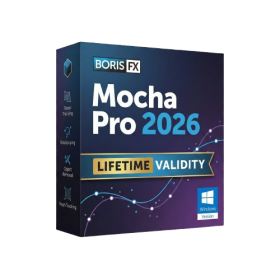
- Rock-Solid Tracking: The industry standard for planar tracking.
- PowerMesh: Track warped surfaces like skin and fabric.
- Generative Remove: Auto-remove objects and wires with AI.
- Stabilization: Smooth out shaky handheld footage instantly.
- Insert Module: Perfect screen replacements with motion blur.
- Magnetic Roto: Snap masks to edges for fast rotoscoping.
- Lens Correction: Fix or match lens distortion easily.
- AUTOMATIC DELIVERY INSTANTLY ON REGISTERED EMAIL .
- Any Installation Problem Freely Contact Us(Will Give You Support)
- Lifetime Validity
- Windows Version
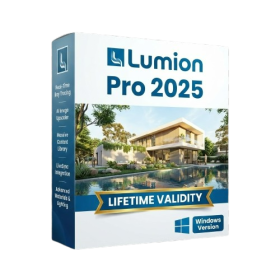
- Hybrid Ray Tracing: Perfect reflections, shadows, and glass instantly.
- LiveSync: Real-time link to Revit, SketchUp, and Rhino.
- Full Library: Over 9,000 assets (trees, cars, people) included.
- Phasing Effect: Animate the construction process easily.
- Real Skies: 60+ HDR skies that light your scene automatically.
- Styles: One-click presets for “Watercolor,” “Sketch,” or “Realistic.”
- 3D Grass: Turn any surface into realistic, volumetric grass.
- Volumetric Spotlights: Create dusty, atmospheric beams of light.
- Material Editor: Add weathering, rounded edges, and foliage to textures.
- Output: Render 8K images, 4K videos, and 360 panoramas.
- Lifetime Validity
- Instant Delivery on Email
- Supported on All Apple Mac Systems
- Any Installation Problem Freely Contact Us(Will Give You Support)
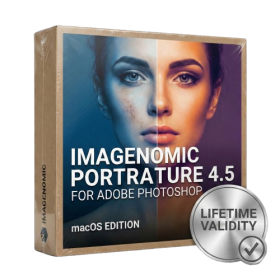
- Smooth skin naturally while preserving texture using advanced AI algorithms.
- Generate precise skin masks automatically to isolate subjects instantly.
- Process massive batches of photos rapidly with optimized multi-core performance.
- Remove blemishes and imperfections without blurring eyelashes or eyebrows.
- Even out skin tones to correct redness and blotchiness effortlessly.
- Apply professional retouching styles quickly with a customizable preset library.
- Fine-tune mask selection manually with the interactive refinement brush.
- AUTOMATIC DELIVERY INSTANTLY ON REGISTERED EMAIL .
- Any Installation Problem Freely Contact Us(Will Give You Support)
- Lifetime Validity
- Windows Version
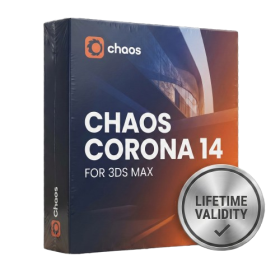
- Render scenes with significantly less noise using the improved High-Quality Denoiser.
- Create intricate procedural clouds and weather effects with the updated Corona Sky.
- Scatter objects efficiently on surfaces with the enhanced Chaos Scatter controls.
- Apply decals to curved and organic surfaces seamlessly without UV unwrap.
- Simulate realistic fabrics and velvets instantly with the new Sheen layer.
- Manage complex scenes easily using the optimized Lister and Scene Management tools.
- Reduce memory usage significantly when rendering repetitive geometry with Corona Pattern.