
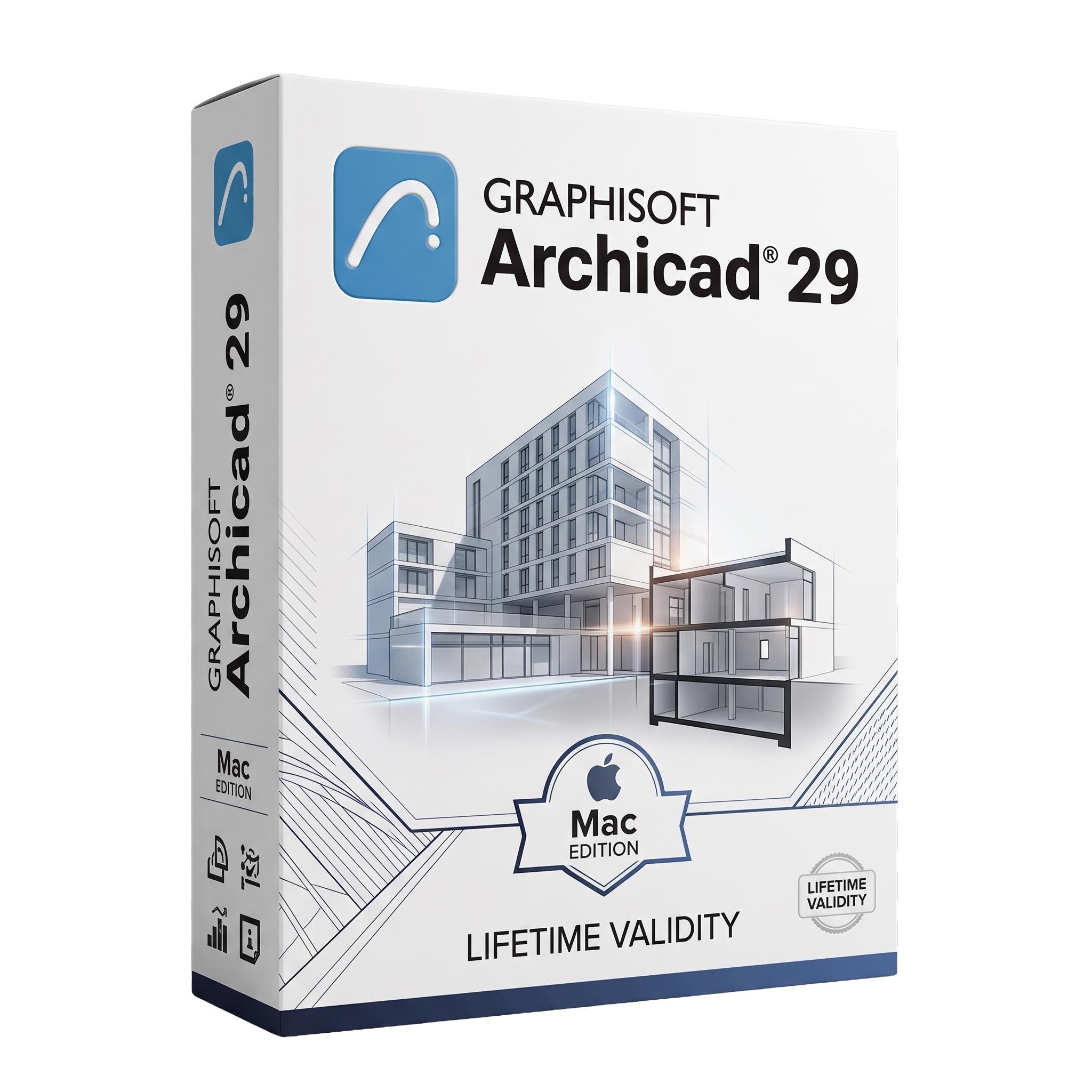
Graphisoft Archicad 29 for macOs Lifetime
- Lifetime Validity
- Instant Delivery on Email
- Mac Edition
- Any Installation Problem Freely Contact Us(Will Give You Support)
- Professional BIM software for architectural design and modeling
- Create detailed 2D drawings and intelligent 3D building models
- Built-in AI Assistant for workflow guidance and productivity
- Advanced documentation and project visualization tools
- Integrated MEP Designer for HVAC and system modeling
- Real-time collaboration with Teamwork and BIM workflows
- Enhanced productivity tools and project management features
- Dark Mode support for macOS user interface
- Optimized for Apple Silicon (M1/M2/M3/M4) and modern Macs
- Ideal for architects, designers, and construction professionals
Original price was: ₹999.00.₹499.00Current price is: ₹499.00.
Bought Together
- Lifetime Validity
- Instant Delivery on Email
- Mac Edition
- Any Installation Problem Freely Contact Us(Will Give You Support)
- Professional BIM software for architectural design and modeling
- Create detailed 2D drawings and intelligent 3D building models
- Built-in AI Assistant for workflow guidance and productivity
- Advanced documentation and project visualization tools
- Integrated MEP Designer for HVAC and system modeling
- Real-time collaboration with Teamwork and BIM workflows
- Enhanced productivity tools and project management features
- Dark Mode support for macOS user interface
- Optimized for Apple Silicon (M1/M2/M3/M4) and modern Macs
- Ideal for architects, designers, and construction professionals
- Lifetime Validity
- Instant Delivery on Email
- Any Installation Problem Freely Contact Us(Will Give You Support)
- Professional BIM and architectural design software
- Intelligent 2D drafting and 3D building modeling
- Automated plans, sections, elevations, and schedules
- Advanced construction documentation and detailing tools
- Built-in BIMcloud collaboration for team projects
- Native IFC and OpenBIM workflow support
- Redshift rendering and real-time visualization
- Import and export DWG, DXF, IFC, RVT, SKP, PDF, and more
- Optimized for large-scale architectural and construction projects
- Ideal for architects, engineers, interior designers, and BIM professionals
Description
Graphisoft Archicad 29 for macOS is a powerful Building Information Modeling (BIM) software designed for architects and designers to create detailed 2D drawings and intelligent 3D building models. With AI-assisted workflows, real-time collaboration, and Apple Silicon optimization, Archicad 29 enhances productivity and precision in architectural design.
Design, visualize, and deliver architectural projects with confidence using Graphisoft Archicad 29 for macOS, a leading BIM solution trusted by architects worldwide. Combining advanced modeling tools with an intuitive interface, Archicad enables you to create accurate and information-rich building designs from concept to construction.
With its intelligent 3D modeling environment, you can design structures in real time while automatically generating documentation. Built-in collaboration tools allow teams to work together seamlessly, whether in the office or remotely.
Archicad 29 introduces enhanced productivity features, including an AI Assistant to streamline workflows and improve efficiency. Its powerful visualization tools help you present projects with stunning detail, while integration with industry standards ensures smooth collaboration across disciplines.
Optimized for Apple Silicon, Archicad delivers fast, stable performance even on complex architectural projects.
⭐ Key Features
- 🏗️ Advanced BIM Modeling – Create intelligent 3D building models
- 📐 2D & 3D Design Tools – Seamless transition between drawings and models
- 🤖 AI Assistant – Improves workflow and productivity
- 👥 Teamwork Collaboration – Real-time project sharing and coordination
- 🧱 MEP Designer Integration – Model mechanical, electrical, and plumbing systems
- 🎨 High-Quality Visualization – Render realistic architectural presentations
- 📄 Automated Documentation – Generate drawings and schedules instantly
- 🌐 Open BIM Support – Work with IFC and industry-standard formats
- 🌙 Dark Mode UI – Modern interface for macOS users
- ⚡ Apple Silicon Optimization – Fast and efficient performance
💻 System Requirements (macOS)
Minimum:
- macOS 13 or later
- Intel or Apple Silicon processor
- 8 GB RAM (16 GB recommended)
- 5 GB free disk space
Recommended:
- Latest macOS version
- Apple Silicon (M1/M2/M3/M4 or newer)
- 16–32 GB RAM
- Dedicated GPU or high-performance integrated graphics
- SSD storage
🎯 Use Cases
- 🏠 Residential and commercial building design
- 🏢 Large-scale architectural projects
- 📐 BIM-based project planning and documentation
- 👷 Construction coordination and collaboration
- 🎨 Architectural visualization and presentations
Related Products
- AUTOMATIC DELIVERY INSTANTLY ON REGISTERED EMAIL .
- Any Installation Problem Freely Contact Us(Will Give You Support)
- Lifetime Validity
- Windows Version
- Render scenes with significantly less noise using the improved High-Quality Denoiser.
- Create intricate procedural clouds and weather effects with the updated Corona Sky.
- Scatter objects efficiently on surfaces with the enhanced Chaos Scatter controls.
- Apply decals to curved and organic surfaces seamlessly without UV unwrap.
- Simulate realistic fabrics and velvets instantly with the new Sheen layer.
- Manage complex scenes easily using the optimized Lister and Scene Management tools.
- Reduce memory usage significantly when rendering repetitive geometry with Corona Pattern.
- AUTOMATIC DELIVERY INSTANTLY ON REGISTERED EMAIL .
- Any Installation Problem Freely Contact Us(Will Give You Support)
- Lifetime Validity
- Windows Version
- Chaos V-Ray 7.20.01 for Rhinoceros 7 – 9 & SketchUp 2021 – 2026
- Render real-world 3D scans with reflections using native Gaussian Splatting support.
- Simulate accurate stars, moon phases, and the Milky Way with the procedural Night Sky.
- Upscale renders to 16K resolution instantly with the one-click AI Upscaler.
- Populate vegetation naturally with new Clustering modes in Chaos Scatter.
- Clip and trim Gaussian Splat models directly within the SketchUp viewport.
- Render complex light fixtures significantly faster using optimized V-Ray Luminaires.
- Remove bright noise pixels automatically during rendering with Firefly Removal.
- Add detail to people and grass without re-rendering using the AI Enhancer.
- Lifetime Validity
- Instant Delivery on Email
- Supported on All Apple Mac Systems
- Any Installation Problem Freely Contact Us(Will Give You Support)
- File Size: 6.68GB (20.3.2 Version)
- Ai Features are working
- Works with Internet and Antivirus
- Edit 12K projects effortlessly with native optimization for Apple M3 and M4 Ultra chips.
- Render renders up to 4x faster using the fully unified memory architecture of Apple Silicon.
- Generate depth maps instantly from single-camera clips using the Apple Neural Engine.
- Grade HDR content with absolute precision on Liquid Retina XDR displays using the new EDR workflow.
- Isolate voices from noisy backgrounds in real-time with the Core ML-powered Voice Isolation.
- Edit spatial video for Apple Vision Pro with a dedicated stereoscopic 3D viewer.
- Track complex objects in 3D space instantly with the Metal-accelerated IntelliTrack AI.
- AUTOMATIC DELIVERY INSTANTLY ON REGISTERED EMAIL .
- Any Installation Problem Freely Contact Us(Will Give You Support)
- Lifetime Validity
- Windows Version
- Ray trace over 2,200 nature assets including trees and shrubs for realistic reflections.
- Preview renders instantly with the new real-time NRD denoiser in Photo and Movie modes.
- Render ray-traced videos up to 5x faster using the optimized sampling engine.
- Simulate realistic glass refraction and colored shadows with fully ray-traced glass.
- Add depth to translucent materials like marble and wax with Subsurface Scattering.
- Populate interiors instantly using 25+ new parallax room templates for day and night.
- Import GLTF files directly for a lighter and faster 3D model workflow.
- Batch import multiple 3D models simultaneously to speed up scene building.
- AUTOMATIC DELIVERY INSTANTLY ON REGISTERED EMAIL .
- Any Installation Problem Freely Contact Us(Will Give You Support)
- Lifetime Validity
- Windows Version
- Included Instruments:
- Halion 7
- Halion Sonic 7
- Groove Agent 6
- Groove Agent SE 6
- WaveLab Pro 13
- Dorico Pro 6
- Backbone 1.6
- PadShop Pro 2
- Retrologue 2.5
- SpectraLayers Pro 13
- Iconica Sketch
- Verve
- Drum Machine
- AUTOMATIC DELIVERY INSTANTLY ON REGISTERED EMAIL .
- Any Installation Problem Freely Contact Us(Will Give You Support)
- Lifetime Validity
- Windows Version
- Visualize models with realistic shading and depth using the new Ambient Occlusion engine.
- Import and export IFC files faster with enhanced openBIM interoperability.
- Find and execute any command instantly using the integrated Smart Search tool.
- Generate unique textures and styles quickly with AI-powered Diffusion graphics.
- Collaborate in real-time by syncing models seamlessly with Trimble Connect.
- Create 2D documentation efficiently with the optimized LayOut rendering engine.
- Import complex Revit files accurately with the lightweight Revit Importer.
- Organize geometry effortlessly using the modernized Tag management system.

- AUTOMATIC DELIVERY INSTANTLY ON REGISTERED EMAIL .
- Any Installation Problem Freely Contact Us(Will Give You Support)
- Lifetime Validity
- Windows Version
- Online & Offline both working
- Create watertight meshes instantly for 3D printing with the new ShrinkWrap tool.
- Generate dynamic 2D sections and plans directly from 3D models with ClippingDrawings.
- Model organic shapes with greater precision using supported SubD creases.
- Manipulate geometry intuitively with the new customized Auto Gumball.
- Extrude and modify faces instantly using the direct PushPull workflow.
- Render scenes significantly faster with the optimized Cycles engine.
- Customize the modernized interface to match your specific drafting workflow.
- AUTOMATIC DELIVERY INSTANTLY ON REGISTERED EMAIL .
- Any Installation Problem Freely Contact Us(Will Give You Support)
- Lifetime Validity
- Windows Version
- Generate invoices.
- Manage multiple companies and financial years from a single unified interface.
- Track inventory stocks across different godowns and locations in real-time.
- Automate bank reconciliation by uploading digital bank statements directly.
- Calculate employee salaries, PF, and TDS accurately with the integrated Payroll module.
- Access business data remotely using the secure Tally.NET connection services.

- AUTOMATIC DELIVERY INSTANTLY ON REGISTERED EMAIL .
- Any Installation Problem Freely Contact Us(Will Give You Support)
- Lifetime Validity
- Windows Version
- Edit video content as easily as a text document with the AI-powered text-based editing workflow.
- Instantly remove or replace video backgrounds without a green screen using dynamic AI masking.
- Automatically generate and sync accurate captions and subtitles from your voiceover in seconds.
- Smooth out jerky mouse movements and customize cursor paths with advanced cursor effects.
- Record high-resolution 4K screen capture, webcam, and system audio simultaneously.
- Clean up background noise and balance vocal levels instantly with AI-enhanced audio filters.
- Access a vast library of royalty-free intros, motion graphics, and music directly within the editor.
- Engage viewers by adding interactive quizzes and clickable hotspots directly to your videos.
- Apply professional animations and behaviors to text and images with simple drag-and-drop actions.
- Export videos faster than ever with optimized GPU acceleration for modern hardware.
- Lifetime Validity
- Instant Delivery on Email
- Any Installation Problem Freely Contact Us(Will Give You Support)
- Supported on Windows 10,11
- Pre-Activated for Lifetime Validity
- Supports: Revit 2022 to 2026
- Import and render real-world 3D Gaussian Splats directly within the Revit interface.
- Generate custom PBR textures instantly from text prompts with the AI Material Generator.
- Visualize changes in real-time using the seamless Chaos Vantage Live Link.
- Populate scenes with vegetation and crowds efficiently using Chaos Scatter.
- Edit colors and apply finishing touches directly in the advanced V-Ray Frame Buffer.
- Ensure material consistency across different software with native OpenPBR support.
- Add realistic details like road markings or graffiti using V-Ray Decals.
- Simulate dynamic skies and cloud shadows with the procedural Cloud system.
- Generate dozens of lighting variations automatically with the Light Gen tool.
- Accelerate rendering times significantly with optimized NVIDIA RTX GPU support.
- Lifetime Validity
- Instant Delivery on Email
- Supported on All Apple Mac Systems
- Any Installation Problem Freely Contact Us(Will Give You Support)
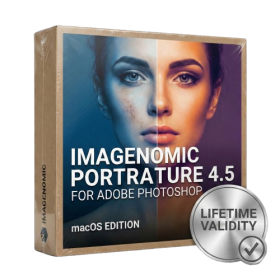
- Smooth skin naturally while preserving texture using advanced AI algorithms.
- Generate precise skin masks automatically to isolate subjects instantly.
- Process massive batches of photos rapidly with optimized multi-core performance.
- Remove blemishes and imperfections without blurring eyelashes or eyebrows.
- Even out skin tones to correct redness and blotchiness effortlessly.
- Apply professional retouching styles quickly with a customizable preset library.
- Fine-tune mask selection manually with the interactive refinement brush.
- AUTOMATIC DELIVERY INSTANTLY ON REGISTERED EMAIL .
- Any Installation Problem Freely Contact Us(Will Give You Support)
- Lifetime Validity
- Windows Version
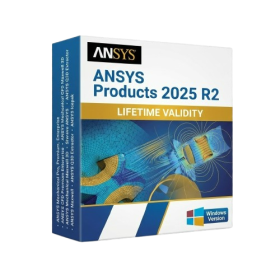
- ANSYS Products includes the following applications:
- ANSYS Mechanical Pro, Premium, Enterprise
- ANSYS CFD Premium and Enterprise
- ANSYS Mechanical CFD Maxwell 3D
- ANSYS Mechanical Maxwell 3D
- ANSYS Mechanical CFD
- ANSYS HFSS
- Siwave ANSYS
- ANSYS Maxwell
- ANSYS Q3D Extractor
- ANSYS Icepak