
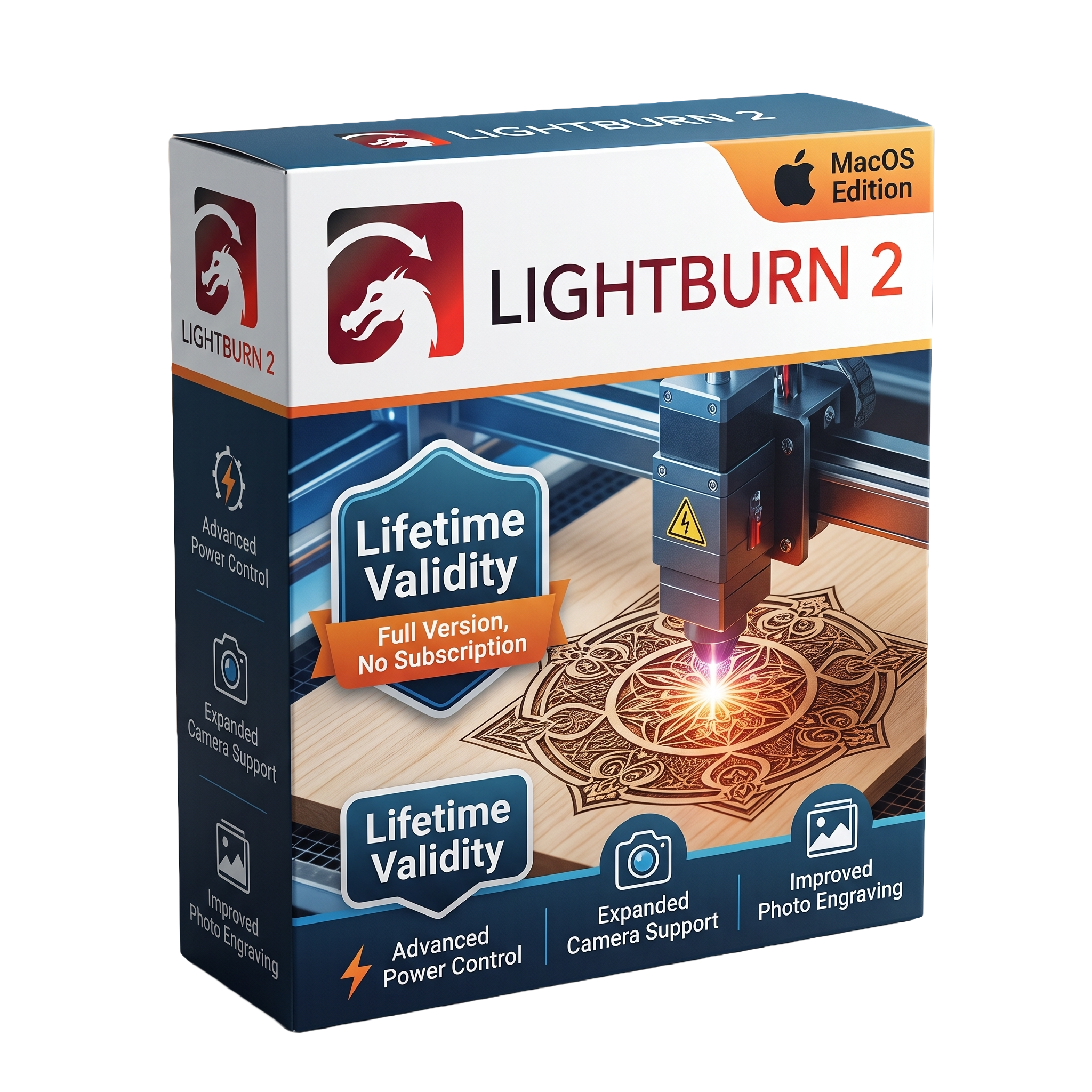
Lightburn 2 for macOS Lifetime
- AUTOMATIC DELIVERY INSTANTLY ON REGISTERED EMAIL .
- Any Installation Problem Freely Contact Us(Will Give You Support)
- Lifetime Validity
- Windows Version
- Professional laser cutting and engraving software for macOS
- Native support for Intel and Apple Silicon Macs
- Vector drawing, image editing, and laser job preparation
- Camera alignment and Material Library support
- Advanced rotary engraving and Galvo laser compatibility
- Supports Ruida, Trocen, GRBL, DSP, Smoothieware, and other controllers
- Imports AI, SVG, DXF, PDF, PNG, JPG, BMP, and more
- Improved stability, SVG import, UI scaling, and rotary controls in version 2.0.05
- Optimized for laser cutting, engraving, sign making, and product customization
- Ideal for makers, hobbyists, educators, fabrication shops, and professional laser users
₹500.00
Description
LightBurn 2.0.05 for Mac is a professional laser cutting, engraving, and design application developed for makers, hobbyists, small businesses, educational institutions, and industrial users. Designed specifically for controlling a wide range of laser engravers and cutters, LightBurn combines vector design, image editing, job preparation, and machine control in a single intuitive workspace. It supports numerous DSP and G-code-based laser controllers, allowing users to create, edit, optimize, and send projects directly to compatible laser systems from macOS. Version 2.0.05 is a maintenance release that builds on the major LightBurn 2.0 platform while addressing stability, compatibility, and usability issues.
LightBurn provides a comprehensive set of design and production tools, including vector drawing, node editing, text creation, image tracing, image processing, layer management, camera alignment, nesting, array generation, material libraries, and advanced laser parameter controls. Users can prepare projects for cutting, engraving, scoring, and marking while optimizing speed, power, passes, air assist, and fill settings for different materials. Broad compatibility with Ruida, Trocen, GCode, Smoothieware, GRBL, Galvo, DSP, and many other controllers makes it suitable for a wide variety of laser machines.
Version 2.0.05 focuses on improving reliability across both macOS and Windows by fixing issues related to SVG importing, rotary controls, image deformation, Galvo devices, Art Library stability, UI scaling, docking behavior, Material Library controls, and Mac-specific communication fixes introduced in earlier 2.0 releases. These refinements provide a smoother workflow for laser engraving and cutting while maintaining compatibility with modern macOS systems.
Key Features
- Professional laser cutting and engraving software
- Native macOS support
- Vector drawing and editing tools
- Image tracing and bitmap processing
- Node editing and shape creation
- Camera calibration and job alignment
- Material Library for reusable laser settings
- Layer-based cutting and engraving management
- Advanced fill, offset fill, and hatch options
- Rotary attachment support
- Array, nesting, and duplication tools
- Live machine control and job preview
- Multi-pass cutting and optimization
- Supports Ruida, Trocen, GRBL, Smoothieware, Galvo, DSP, and many other laser controllers
- Import support for AI, SVG, DXF, PDF, PNG, JPG, BMP, PLT, and more
What’s New in Version 2.0.05
- Fixed rotary jogging direction issues
- Improved SVG import reliability
- Fixed image deformation glitches
- Increased Galvo rotary limits
- Improved Galvo framing behavior
- Fixed Material Library interface sizing
- Better handling of custom G-code settings
- UI scaling and icon resolution improvements
- Improved application window positioning
- Additional stability improvements and bug fixes
- Earlier 2.0.x updates also improved Mac BSL library support, high-DPI scaling, font handling, and Mac-specific framing reliability.
Professional Applications
LightBurn 2.0.05 is ideal for:
- Laser engraving
- Laser cutting
- Woodworking
- Acrylic fabrication
- Leather engraving
- Sign making
- Product personalization
- Jewelry marking
- Educational makerspaces
- Small manufacturing workshops
System Requirements
Minimum Requirements
- Operating System: macOS 12 Monterey or later (LightBurn 2.0 requires macOS 12+; macOS 11 users should use 2.0.05 where applicable for compatibility)
- Processor: Intel 64-bit processor or Apple Silicon (M1 or newer)
- RAM: 4 GB
- Storage: 500 MB available disk space
- Graphics: Metal-compatible graphics
- Display: 1280 × 800 resolution
- USB/Network: Required for connecting supported laser controllers
Related Products

- AUTOMATIC DELIVERY INSTANTLY ON REGISTERED EMAIL .
- Any Installation Problem Freely Contact Us(Will Give You Support)
- Lifetime Validity
- Windows Version
- Visualize models with realistic shading and depth using the new Ambient Occlusion engine.
- Import and export IFC files faster with enhanced openBIM interoperability.
- Find and execute any command instantly using the integrated Smart Search tool.
- Generate unique textures and styles quickly with AI-powered Diffusion graphics.
- Collaborate in real-time by syncing models seamlessly with Trimble Connect.
- Create 2D documentation efficiently with the optimized LayOut rendering engine.
- Import complex Revit files accurately with the lightweight Revit Importer.
- Organize geometry effortlessly using the modernized Tag management system.
- AUTOMATIC DELIVERY INSTANTLY ON REGISTERED EMAIL .
- Any Installation Problem Freely Contact Us(Will Give You Support)
- Lifetime Validity
- Windows Version
- Generate invoices.
- Manage multiple companies and financial years from a single unified interface.
- Track inventory stocks across different godowns and locations in real-time.
- Automate bank reconciliation by uploading digital bank statements directly.
- Calculate employee salaries, PF, and TDS accurately with the integrated Payroll module.
- Access business data remotely using the secure Tally.NET connection services.
- AUTOMATIC DELIVERY INSTANTLY ON REGISTERED EMAIL .
- Any Installation Problem Freely Contact Us(Will Give You Support)
- Lifetime Validity
- Windows Version
- ANSYS Products includes the following applications:
- ANSYS Mechanical Pro, Premium, Enterprise
- ANSYS CFD Premium and Enterprise
- ANSYS Mechanical CFD Maxwell 3D
- ANSYS Mechanical Maxwell 3D
- ANSYS Mechanical CFD
- ANSYS HFSS
- Siwave ANSYS
- ANSYS Maxwell
- ANSYS Q3D Extractor
- ANSYS Icepak

- AUTOMATIC DELIVERY INSTANTLY ON REGISTERED EMAIL .
- Any Installation Problem Freely Contact Us(Will Give You Support)
- Lifetime Validity
- Windows Version
- Online & Offline both working
- Create watertight meshes instantly for 3D printing with the new ShrinkWrap tool.
- Generate dynamic 2D sections and plans directly from 3D models with ClippingDrawings.
- Model organic shapes with greater precision using supported SubD creases.
- Manipulate geometry intuitively with the new customized Auto Gumball.
- Extrude and modify faces instantly using the direct PushPull workflow.
- Render scenes significantly faster with the optimized Cycles engine.
- Customize the modernized interface to match your specific drafting workflow.
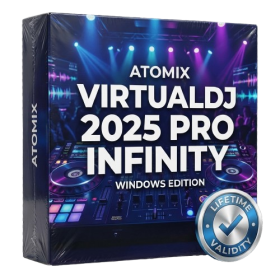
- AUTOMATIC DELIVERY INSTANTLY ON REGISTERED EMAIL .
- Any Installation Problem Freely Contact Us(Will Give You Support)
- Lifetime Validity
- Windows Version
- Works with Internet and Antivirus
- File Size: 461MB
- v8.5.8472
- Swap vocals or drums between tracks instantly with the new StemSwap Sampler.
- Isolate track elements in real-time for seamless live mashups and remixes.
- Export playlists to USB drives for CDJs with new subfolder support.
- Sync music libraries across devices automatically via improved Cloud Drive tools.
- Plug and play with over 300+ controllers including the latest AlphaTheta models.
- Mix video and karaoke with customizable on-screen graphics and lyrics.
- Scratch with precision using the improved ultra-low latency DVS engine.
- Stream sets directly to social platforms without external broadcasting software.
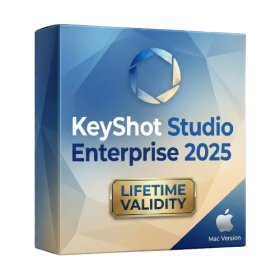
- Lifetime Validity
- Instant Delivery on Email
- Supported on All Apple Mac Systems
- Any Installation Problem Freely Contact Us(Will Give You Support)
- Render natively on Apple Silicon (M1/M2/M3) for maximum speed and efficiency.
- Generate photorealistic backgrounds instantly from text prompts using the AI Shots tool.
- Share interactive 3D product reviews securely with stakeholders via KeyShot Web Viewer.
- Automate complex rendering pipelines using the advanced Python scripting console.
- Import native files directly from high-end CAD systems like Siemens NX, Catia, and Creo.
- Switch seamlessly between CPU and GPU rendering to utilize Apple Metal graphics power.
- Create standardized material libraries for your organization with OpenPBR support.
- Accelerate post-production compositing with automatic Cryptomatte mask generation.
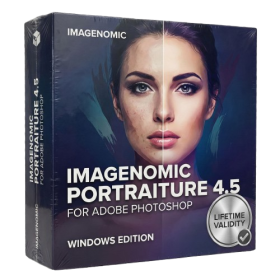
- AUTOMATIC DELIVERY INSTANTLY ON REGISTERED EMAIL .
- Any Installation Problem Freely Contact Us(Will Give You Support)
- Lifetime Validity
- Windows Version
- Smooth skin naturally while preserving texture using advanced AI algorithms.
- Generate precise skin masks automatically to isolate subjects instantly.
- Process massive batches of photos rapidly with optimized multi-core performance.
- Remove blemishes and imperfections without blurring eyelashes or eyebrows.
- Even out skin tones to correct redness and blotchiness effortlessly.
- Apply professional retouching styles quickly with a customizable preset library.
- Fine-tune mask selection manually with the interactive refinement brush.
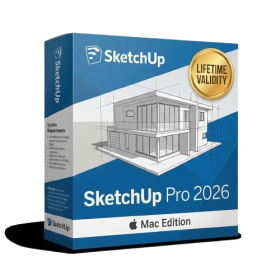
- AUTOMATIC DELIVERY INSTANTLY ON REGISTERED EMAIL .
- Any Installation Problem Freely Contact Us(Will Give You Support)
- Lifetime Validity
- Mac Version
- Run natively on Apple Silicon (M1/M2/M3/M4/M5) for blazing-fast performance.
- Visualize models with realistic depth using the new Ambient Occlusion engine.
- Generate unique textures instantly with integrated AI-powered prompts.
- Sync projects seamlessly between Mac, iPad, and Web versions.
- Convert iPhone LiDAR scans into 3D models automatically via Scan-to-Design.
- Create 2D documentation faster with the optimized LayOut rendering engine.
- Import and export USDZ files easily for Apple AR visualization.

- Lifetime Validity
- Instant Delivery on Email
- Supported on All Apple Mac Systems
- Any Installation Problem Freely Contact Us(Will Give You Support)
- Visual Search: Find clips by describing objects or actions (e.g., “sunset”).
- Beat Detection: Auto-generate markers to sync edits to music beats.
- Transcript Search: Find footage by typing spoken dialogue.
- Magnetic Mask: Isolate subjects instantly without green screens.
- Spatial Video: Edit and grade 3D content for Apple Vision Pro.
- Voice Isolation: Remove background noise with one click.
- Transcribe to Captions: Auto-generate subtitles on-device.
- Smooth Slo-Mo: AI-generated frames for perfect slow motion.
- AUTOMATIC DELIVERY INSTANTLY ON REGISTERED EMAIL .
- Any Installation Problem Freely Contact Us(Will Give You Support)
- Lifetime Validity
- Windows Version
- File Size: 23.5MB
- Accelerate download speeds by up to 5 times with intelligent dynamic file segmentation.
- Resume interrupted downloads instantly without restarting from the beginning.
- Capture videos from streaming sites automatically using the improved download panel.
- Detect and download Ultra HD (4K and 8K) videos with enhanced recognition accuracy.
- Integrate seamlessly with the latest versions of Chrome, Edge, and Firefox.
- Resolve video stream errors (like 403 Forbidden) with updated site compatibility fixes.
- Schedule downloads to start, stop, or shut down your computer automatically.

- AUTOMATIC DELIVERY INSTANTLY ON REGISTERED EMAIL .
- Any Installation Problem Freely Contact Us(Will Give You Support)
- Lifetime Validity
- Windows Version
- Professional Edition
- Preview files in real-time while the scan is still running with “On-the-Fly” preview.
- Pause and resume recovery scans instantly to save progress without restarting.
- Recover data from BitLocker-encrypted drives by simply entering the password.
- Create bootable USB media to salvage files from crashed or unbootable PCs.
- Repair corrupt videos and photos automatically using the Premium repair tools.
- Multitask efficiently with native dual-monitor support for the recovery interface.
- Scan large 4K hard drives with 4096-byte sectors using the optimized engine.
- Retrieve data from RAID 0, 5, and 6 arrays seamlessly with the Technician edition.

- AUTOMATIC DELIVERY INSTANTLY ON REGISTERED EMAIL .
- Any Installation Problem Freely Contact Us(Will Give You Support)
- Lifetime Validity
- Windows Version
- Version: 4.20
- Revit 2023, 2024, 2025, 2026 and 2027
- SketchUp 2024, 2025 and 2026
- Rhino 7.0 and 8.3 (or later)
- Archicad 27, 28 and 29
- Vectorworks 2024, 2025 2026, 2027
- Navigate scenes with a unified, redesigned user interface for faster workflows.
- Enhance export quality instantly with the AI-powered NVIDIA Denoiser.
- Simulate realistic colored shadows for glass and transparent materials.
- Upscale textures and assets automatically using the Chaos AI Enhancer.
- Apply pencil and watercolor effects with new Artistic Visual Modes.
- Immerse clients in designs with support for Meta Quest 3 and HTC Vive.