
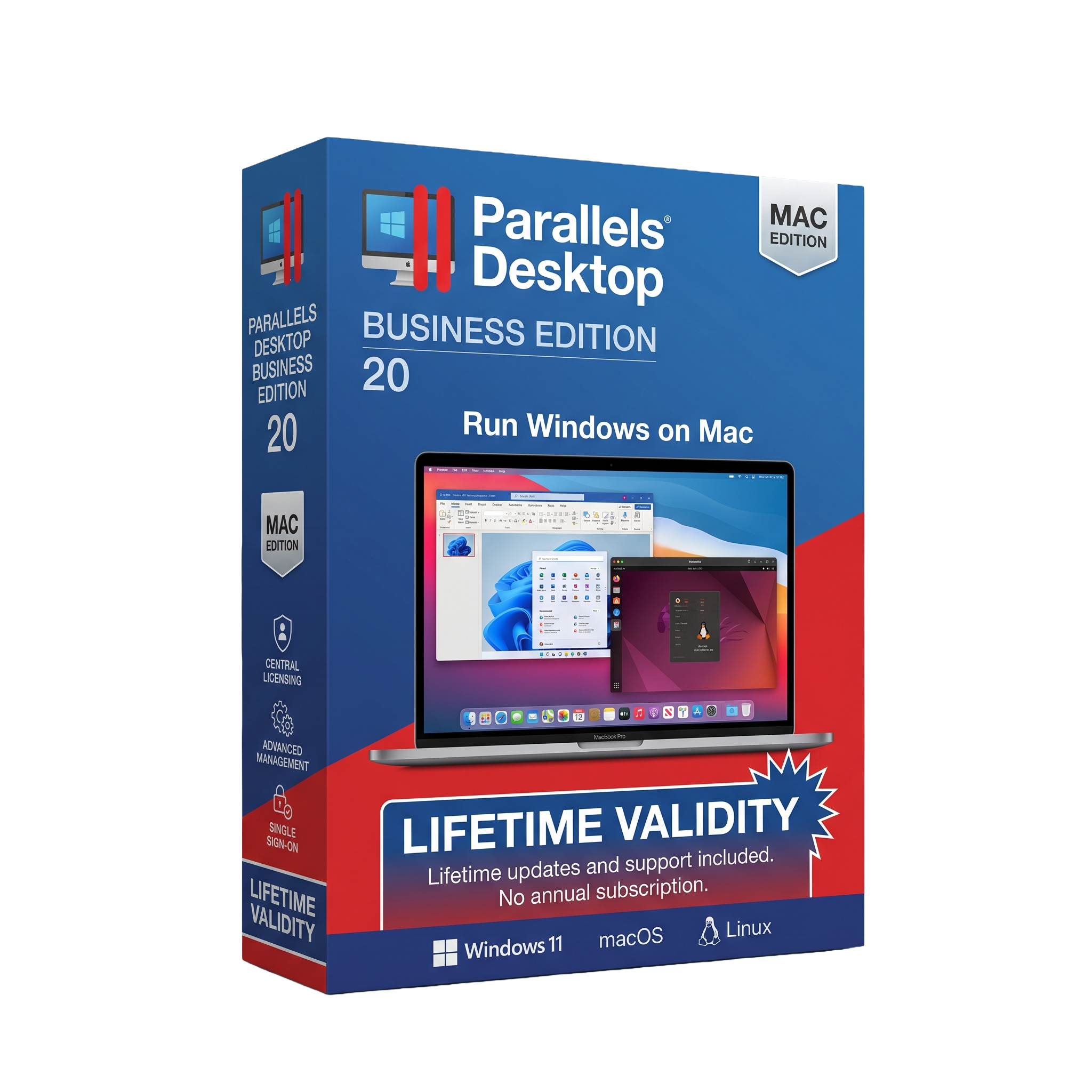
Parallels Desktop Business Edition 20 for macOs Lifetime
- Lifetime Validity
- Instant Delivery on Email
- Mac Edition
- Any Installation Problem Freely Contact Us(Will Give You Support)
- Professional virtualization software for running Windows, Linux, and macOS on Mac
- Supports both Intel Macs and Apple Silicon (M1/M2/M3) systems
- Seamlessly run Windows applications alongside macOS using Coherence Mode
- Optimized for Windows 11 ARM and modern macOS versions
- Business-grade deployment, management, and security tools for organizations
- Advanced virtual machine resource allocation for demanding workloads
- Shared folders, drag-and-drop, copy-paste, and file synchronization between macOS and Windows
- Supports development, testing, enterprise applications, and cross-platform workflows
- Enhanced performance with hardware virtualization and GPU acceleration
- Ideal for businesses, IT administrators, developers, and power users who need Windows on Mac
₹500.00
Bought Together
- Lifetime Validity
- Instant Delivery on Email
- Mac Edition
- Any Installation Problem Freely Contact Us(Will Give You Support)
- Professional virtualization software for running Windows, Linux, and macOS on Mac
- Supports both Intel Macs and Apple Silicon (M1/M2/M3) systems
- Seamlessly run Windows applications alongside macOS using Coherence Mode
- Optimized for Windows 11 ARM and modern macOS versions
- Business-grade deployment, management, and security tools for organizations
- Advanced virtual machine resource allocation for demanding workloads
- Shared folders, drag-and-drop, copy-paste, and file synchronization between macOS and Windows
- Supports development, testing, enterprise applications, and cross-platform workflows
- Enhanced performance with hardware virtualization and GPU acceleration
- Ideal for businesses, IT administrators, developers, and power users who need Windows on Mac
- AUTOMATIC DELIVERY INSTANTLY ON REGISTERED EMAIL .
- Any Installation Problem Freely Contact Us(Will Give You Support)
- Lifetime Validity
- Windows Version
- File Size: 101MB
- Complete accounting software for small and medium businesses
- Manage ledgers, vouchers, and financial statements بسهولة
- Built-in GST compliance with return filing and reports
- Inventory management with stock and warehouse tracking
- Generate balance sheet, P&L, and business reports instantly
- E-Way bill integration for GST transportation compliance
- Payroll management for employee salary and records
- Data synchronization for multi-branch businesses
- Secure with user-level access and audit controls
- Customizable using TDL for business-specific needs
Description
Parallels Desktop Business Edition 20 for macOS is a professional virtualization solution that enables users to run Windows, Linux, and other operating systems alongside macOS without rebooting. Developed by Parallels, the Business Edition is specifically designed for organizations, IT departments, developers, and enterprise users who require advanced deployment, management, security, and productivity features.
With Parallels Desktop Business Edition 20, users can seamlessly run Windows applications on a Mac while maintaining full access to macOS applications and files. Its powerful integration features allow users to switch effortlessly between operating systems, share files, and work within a unified desktop environment.
🚀 Core Capabilities
- 💻 Run Windows on Mac without restarting the computer
- 🐧 Support for Linux and other operating systems in virtual machines
- 🔄 Coherence Mode for running Windows applications like native Mac apps
- 📁 Shared folders, drag-and-drop, and copy-paste between macOS and Windows
- ⚡ High-performance virtualization optimized for modern hardware
- 🖥️ Multiple virtual machine support for testing and development
- 🔗 Seamless integration with Microsoft Office, Visual Studio, and enterprise software
- ☁️ Cloud service compatibility and remote work support
Parallels Desktop is widely used for software development, business applications, testing environments, training labs, and cross-platform productivity workflows.
🏢 Business Edition Features
The Business Edition includes enterprise-focused functionality beyond the standard version:
- 🔐 Centralized administration and policy management
- 📦 Mass deployment tools for enterprise environments
- 🖥️ Single sign-on (SSO) integration support
- 🔑 Advanced licensing and activation management
- 📊 IT monitoring and management capabilities
- 🌐 Company-wide virtual machine provisioning
- 🛡️ Enhanced security and compliance controls
- 🔄 Automated configuration and update management
These features make it ideal for organizations managing multiple Mac devices across teams and departments.
🍏 Apple Silicon Optimization
Parallels Desktop Business Edition 20 is fully optimized for:
- 🍏 Apple Silicon Macs (M1, M2, M3, and newer)
- 💻 Intel-based Macs
- ⚡ Improved performance and energy efficiency
- 🎮 Enhanced graphics acceleration for Windows applications
- 🚀 Faster startup and resume times for virtual machines
The software leverages Apple’s virtualization technologies to deliver smooth performance while maintaining excellent battery life and responsiveness.
🔧 Productivity Features
- 📂 Access Mac files directly from Windows applications
- 🖨️ Share printers, USB devices, and peripherals across systems
- 📋 Universal clipboard between macOS and Windows
- 🖱️ Seamless mouse and keyboard integration
- 🖥️ Support for multiple monitors and Retina displays
- 🎨 Optimized graphics and OpenGL/DirectX support
These features help users work efficiently across operating systems without interrupting their workflow.
💻 System Requirements (macOS)
✅ Minimum Requirements
- Operating System: macOS 12 Monterey or later
- Processor: Intel Mac or Apple Silicon (M1/M2/M3)
- Memory: 4 GB RAM minimum
- Storage: 600 MB for installation plus additional space for virtual machines
- Internet Connection: Required for activation and updates
Related Products

- AUTOMATIC DELIVERY INSTANTLY ON REGISTERED EMAIL .
- Any Installation Problem Freely Contact Us(Will Give You Support)
- Lifetime Validity
- Windows Version
- Chaos V-Ray 7.20.01 for Rhinoceros 7 – 9 & SketchUp 2021 – 2026
- Render real-world 3D scans with reflections using native Gaussian Splatting support.
- Simulate accurate stars, moon phases, and the Milky Way with the procedural Night Sky.
- Upscale renders to 16K resolution instantly with the one-click AI Upscaler.
- Populate vegetation naturally with new Clustering modes in Chaos Scatter.
- Clip and trim Gaussian Splat models directly within the SketchUp viewport.
- Render complex light fixtures significantly faster using optimized V-Ray Luminaires.
- Remove bright noise pixels automatically during rendering with Firefly Removal.
- Add detail to people and grass without re-rendering using the AI Enhancer.

- Lifetime Validity
- Instant Delivery on Email
- Supported on All Apple Mac Systems
- Any Installation Problem Freely Contact Us(Will Give You Support)
- Visual Search: Find clips by describing objects or actions (e.g., “sunset”).
- Beat Detection: Auto-generate markers to sync edits to music beats.
- Transcript Search: Find footage by typing spoken dialogue.
- Magnetic Mask: Isolate subjects instantly without green screens.
- Spatial Video: Edit and grade 3D content for Apple Vision Pro.
- Voice Isolation: Remove background noise with one click.
- Transcribe to Captions: Auto-generate subtitles on-device.
- Smooth Slo-Mo: AI-generated frames for perfect slow motion.

- AUTOMATIC DELIVERY INSTANTLY ON REGISTERED EMAIL .
- Any Installation Problem Freely Contact Us(Will Give You Support)
- Lifetime Validity
- Windows Version
- Rock-Solid Tracking: The industry standard for planar tracking.
- PowerMesh: Track warped surfaces like skin and fabric.
- Generative Remove: Auto-remove objects and wires with AI.
- Stabilization: Smooth out shaky handheld footage instantly.
- Insert Module: Perfect screen replacements with motion blur.
- Magnetic Roto: Snap masks to edges for fast rotoscoping.
- Lens Correction: Fix or match lens distortion easily.
- AUTOMATIC DELIVERY INSTANTLY ON REGISTERED EMAIL .
- Any Installation Problem Freely Contact Us(Will Give You Support)
- Lifetime Validity
- Windows Version
- Ray trace over 2,200 nature assets including trees and shrubs for realistic reflections.
- Preview renders instantly with the new real-time NRD denoiser in Photo and Movie modes.
- Render ray-traced videos up to 5x faster using the optimized sampling engine.
- Simulate realistic glass refraction and colored shadows with fully ray-traced glass.
- Add depth to translucent materials like marble and wax with Subsurface Scattering.
- Populate interiors instantly using 25+ new parallax room templates for day and night.
- Import GLTF files directly for a lighter and faster 3D model workflow.
- Batch import multiple 3D models simultaneously to speed up scene building.

- AUTOMATIC DELIVERY INSTANTLY ON REGISTERED EMAIL .
- Any Installation Problem Freely Contact Us(Will Give You Support)
- Lifetime Validity
- Windows Version
- Online & Offline both working
- Create watertight meshes instantly for 3D printing with the new ShrinkWrap tool.
- Generate dynamic 2D sections and plans directly from 3D models with ClippingDrawings.
- Model organic shapes with greater precision using supported SubD creases.
- Manipulate geometry intuitively with the new customized Auto Gumball.
- Extrude and modify faces instantly using the direct PushPull workflow.
- Render scenes significantly faster with the optimized Cycles engine.
- Customize the modernized interface to match your specific drafting workflow.
- AUTOMATIC DELIVERY INSTANTLY ON REGISTERED EMAIL .
- Any Installation Problem Freely Contact Us(Will Give You Support)
- Lifetime Validity
- Windows Version
- Included Instruments:
- Halion 7
- Halion Sonic 7
- Groove Agent 6
- Groove Agent SE 6
- WaveLab Pro 13
- Dorico Pro 6
- Backbone 1.6
- PadShop Pro 2
- Retrologue 2.5
- SpectraLayers Pro 13
- Iconica Sketch
- Verve
- Drum Machine

- AUTOMATIC DELIVERY INSTANTLY ON REGISTERED EMAIL .
- Any Installation Problem Freely Contact Us(Will Give You Support)
- Lifetime Validity
- Windows Version
- File Size: 1.84GB
- Visualize models with stunning depth and realism using the new graphics engine featuring native Ambient Occlusion.
- Generate unique, seamless textures instantly from simple text prompts with the integrated AI texture generator.
- Import complex Revit files accurately and efficiently with the enhanced, lighter-weight Revit Importer.
- Create 2D documentation in LayOut faster than ever with a new multi-threaded rendering engine that eliminates lag.
- Convert room scans from mobile devices automatically into clean, editable 3D geometry via Scan-to-Design.
- Collaborate in real-time by syncing projects seamlessly across Desktop, iPad, and Web versions.
- AUTOMATIC DELIVERY INSTANTLY ON REGISTERED EMAIL .
- Any Installation Problem Freely Contact Us(Will Give You Support)
- Lifetime Validity
- Windows Version
- Hybrid Ray Tracing: Perfect reflections, shadows, and glass instantly.
- LiveSync: Real-time link to Revit, SketchUp, and Rhino.
- Full Library: Over 9,000 assets (trees, cars, people) included.
- Phasing Effect: Animate the construction process easily.
- Real Skies: 60+ HDR skies that light your scene automatically.
- Styles: One-click presets for “Watercolor,” “Sketch,” or “Realistic.”
- 3D Grass: Turn any surface into realistic, volumetric grass.
- Volumetric Spotlights: Create dusty, atmospheric beams of light.
- Material Editor: Add weathering, rounded edges, and foliage to textures.
- Output: Render 8K images, 4K videos, and 360 panoramas.
- AUTOMATIC DELIVERY INSTANTLY ON REGISTERED EMAIL .
- Any Installation Problem Freely Contact Us(Will Give You Support)
- Lifetime Validity
- Windows Version
- File Size: 23.5MB
- Accelerate download speeds by up to 5 times with intelligent dynamic file segmentation.
- Resume interrupted downloads instantly without restarting from the beginning.
- Capture videos from streaming sites automatically using the improved download panel.
- Detect and download Ultra HD (4K and 8K) videos with enhanced recognition accuracy.
- Integrate seamlessly with the latest versions of Chrome, Edge, and Firefox.
- Resolve video stream errors (like 403 Forbidden) with updated site compatibility fixes.
- Schedule downloads to start, stop, or shut down your computer automatically.
- AUTOMATIC DELIVERY INSTANTLY ON REGISTERED EMAIL .
- Any Installation Problem Freely Contact Us(Will Give You Support)
- Lifetime Validity
- Windows Version
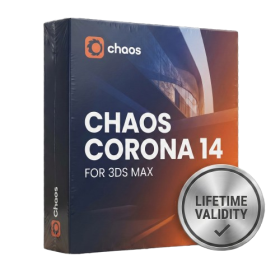
- Render scenes with significantly less noise using the improved High-Quality Denoiser.
- Create intricate procedural clouds and weather effects with the updated Corona Sky.
- Scatter objects efficiently on surfaces with the enhanced Chaos Scatter controls.
- Apply decals to curved and organic surfaces seamlessly without UV unwrap.
- Simulate realistic fabrics and velvets instantly with the new Sheen layer.
- Manage complex scenes easily using the optimized Lister and Scene Management tools.
- Reduce memory usage significantly when rendering repetitive geometry with Corona Pattern.
- AUTOMATIC DELIVERY INSTANTLY ON REGISTERED EMAIL .
- Any Installation Problem Freely Contact Us(Will Give You Support)
- Lifetime Validity
- Windows Version
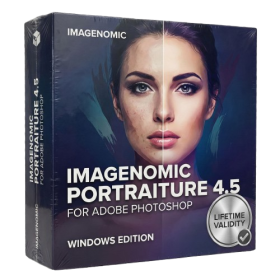
- Smooth skin naturally while preserving texture using advanced AI algorithms.
- Generate precise skin masks automatically to isolate subjects instantly.
- Process massive batches of photos rapidly with optimized multi-core performance.
- Remove blemishes and imperfections without blurring eyelashes or eyebrows.
- Even out skin tones to correct redness and blotchiness effortlessly.
- Apply professional retouching styles quickly with a customizable preset library.
- Fine-tune mask selection manually with the interactive refinement brush.

- AUTOMATIC DELIVERY INSTANTLY ON REGISTERED EMAIL .
- Any Installation Problem Freely Contact Us(Will Give You Support)
- Lifetime Validity
- Windows Version
- Visualize models with realistic shading and depth using the new Ambient Occlusion engine.
- Import and export IFC files faster with enhanced openBIM interoperability.
- Find and execute any command instantly using the integrated Smart Search tool.
- Generate unique textures and styles quickly with AI-powered Diffusion graphics.
- Collaborate in real-time by syncing models seamlessly with Trimble Connect.
- Create 2D documentation efficiently with the optimized LayOut rendering engine.
- Import complex Revit files accurately with the lightweight Revit Importer.
- Organize geometry effortlessly using the modernized Tag management system.