
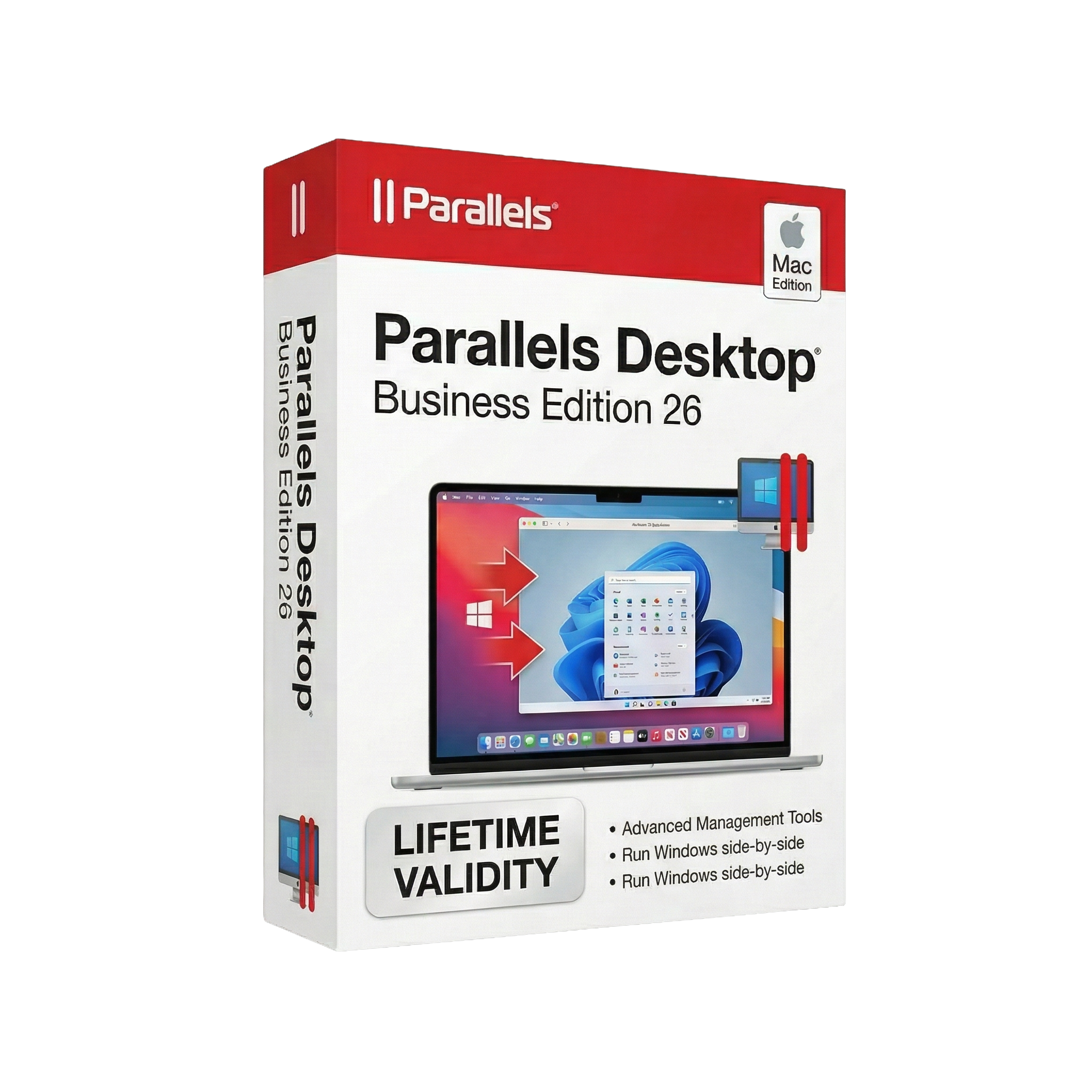
Parallels Desktop Business Edition 26 for macOs Lifetime
- Lifetime Validity
- Instant Delivery on Email
- Mac Edition
- Any Installation Problem Freely Contact Us(Will Give You Support)
- Run Windows, Linux, and other OS on macOS without rebooting
- Seamless integration between macOS and Windows applications
- High-performance virtualization optimized for Apple Silicon
- Centralized management for teams and IT administrators
- Mass deployment tools for enterprise environments
- Advanced security with encrypted virtual machines
- Easy file sharing and drag-and-drop between systems
- Supports external devices and peripherals
- Ideal for business apps, development, and testing
- Reliable solution for enterprise virtualization on Mac
₹550.00
Bought Together
- Lifetime Validity
- Instant Delivery on Email
- Mac Edition
- Any Installation Problem Freely Contact Us(Will Give You Support)
- Run Windows, Linux, and other OS on macOS without rebooting
- Seamless integration between macOS and Windows applications
- High-performance virtualization optimized for Apple Silicon
- Centralized management for teams and IT administrators
- Mass deployment tools for enterprise environments
- Advanced security with encrypted virtual machines
- Easy file sharing and drag-and-drop between systems
- Supports external devices and peripherals
- Ideal for business apps, development, and testing
- Reliable solution for enterprise virtualization on Mac
- Lifetime Validity
- Instant Delivery on Email
- Mac Edition
- Any Installation Problem Freely Contact Us(Will Give You Support)
- Professional virtualization software for Mac
- Parallels Desktop 27 released August 25, 2026
- Runs Windows and Linux alongside macOS
- Apple Silicon M1 through M5 Mac support
- Windows 11 ARM virtualization support
- Run Windows applications without restarting the Mac
- Coherence Mode integrates Windows applications with macOS
- Shared folders, clipboard, files and supported devices

- AUTOMATIC DELIVERY INSTANTLY ON REGISTERED EMAIL .
- Any Installation Problem Freely Contact Us(Will Give You Support)
- Lifetime Validity
- Windows Version
- File Size: 101MB
- Complete accounting software for small and medium businesses
- Manage ledgers, vouchers, and financial statements بسهولة
- Built-in GST compliance with return filing and reports
- Inventory management with stock and warehouse tracking
- Generate balance sheet, P&L, and business reports instantly
- E-Way bill integration for GST transportation compliance
- Payroll management for employee salary and records
- Data synchronization for multi-branch businesses
- Secure with user-level access and audit controls
- Customizable using TDL for business-specific needs
Description
Parallels Desktop Business Edition 26 for macOS is an enterprise-grade virtualization software that enables users to run Windows, Linux, and other operating systems on Mac without rebooting. Featuring advanced IT management tools, enhanced security, and full compatibility with the latest macOS versions, it is ideal for organizations and professional environments.
Run Windows and other operating systems seamlessly on your Mac with Parallels Desktop Business Edition 26 for macOS, a powerful virtualization solution built for businesses and IT teams.
With Parallels Desktop, users can work with Windows applications alongside macOS apps without restarting their devices. Its high-performance virtualization engine ensures smooth operation, even when running demanding software or multiple virtual machines simultaneously.
Version 26 introduces full compatibility with the latest macOS (including macOS 26 “Tahoe”) and Windows updates, ensuring stable and reliable performance across modern systems. It also improves how virtual machines interact with macOS background processes, maintaining smooth functionality for features like Coherence Mode.
For IT teams, the Business Edition provides advanced capabilities such as centralized deployment, policy-based controls, and monitoring tools. Administrators can manage virtual machines at scale, enforce security settings, and automate updates across devices, making it ideal for enterprise environments.
Additionally, improvements like accurate disk space visibility inside Windows virtual machines help prevent crashes and ensure better performance during large tasks.
Optimized for Apple Silicon Macs, Parallels Desktop 26 delivers fast, efficient virtualization, allowing users to run thousands of applications with near-native performance.
⭐ Key Features
- 🖥️ Run Multiple OS on Mac – Windows, Linux, and macOS simultaneously
- ⚡ High-Performance Virtualization – Near-native speed on Apple Silicon
- 🔄 No Reboot Required – Use Windows apps alongside macOS
- 🧩 Seamless Integration – Drag-and-drop files and shared clipboard
- 🛠️ Centralized IT Management – Deploy and control VMs across teams
- 🔐 Enterprise Security & Policies – Control USB, clipboard, and network access
- 🚀 Mass Deployment Tools – Pre-configured VM rollout for organizations
- 📊 Accurate Disk Detection – Prevents crashes and improves performance
- 🔌 Peripheral Support – USB and external device compatibility
- 🍏 macOS 26 Compatibility – Fully supports latest macOS updates
💻 System Requirements (macOS)
Minimum:
- macOS 12 or later
- Intel or Apple Silicon processor
- 8 GB RAM (16 GB recommended)
- ~600 MB installation space (more for VMs)
Recommended:
- Latest macOS version (macOS 13–26 supported)
- Apple Silicon (M1/M2/M3 or newer)
- 16–32 GB RAM for heavy workloads
- SSD storage for best performance
🎯 Use Cases
- 💼 Running Windows business apps on Mac
- 🧑💻 Software development & cross-platform testing
- 🏢 Enterprise IT deployment and VM management
- 📊 Accessing legacy or Windows-only applications
- 🔐 Secure and controlled virtual environments
parellel, parellels
Related Products

- AUTOMATIC DELIVERY INSTANTLY ON REGISTERED EMAIL .
- Any Installation Problem Freely Contact Us(Will Give You Support)
- Lifetime Validity
- Windows Version
- Route complex PCB traces automatically with the new AI-driven auto-interactive router.
- Collaborate seamlessly with mechanical engineers via the enhanced real-time MCAD CoDesigner.
- Simulate power integrity and signal performance instantly within the unified design environment.
- Manage component shortages proactively with live supply chain data in ActiveBOM.
- Visualize multi-board systems and rigid-flex designs in photorealistic 3D detail.
- Sync all design changes and version history securely to the cloud with Altium 365.
- Define complex high-speed design rules easily using the visual Constraint Manager.

- AUTOMATIC DELIVERY INSTANTLY ON REGISTERED EMAIL .
- Any Installation Problem Freely Contact Us(Will Give You Support)
- Lifetime Validity
- Windows Version
- Edit video content as easily as a text document with the AI-powered text-based editing workflow.
- Instantly remove or replace video backgrounds without a green screen using dynamic AI masking.
- Automatically generate and sync accurate captions and subtitles from your voiceover in seconds.
- Smooth out jerky mouse movements and customize cursor paths with advanced cursor effects.
- Record high-resolution 4K screen capture, webcam, and system audio simultaneously.
- Clean up background noise and balance vocal levels instantly with AI-enhanced audio filters.
- Access a vast library of royalty-free intros, motion graphics, and music directly within the editor.
- Engage viewers by adding interactive quizzes and clickable hotspots directly to your videos.
- Apply professional animations and behaviors to text and images with simple drag-and-drop actions.
- Export videos faster than ever with optimized GPU acceleration for modern hardware.
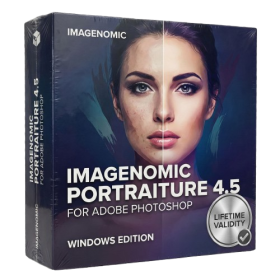
- AUTOMATIC DELIVERY INSTANTLY ON REGISTERED EMAIL .
- Any Installation Problem Freely Contact Us(Will Give You Support)
- Lifetime Validity
- Windows Version
- Smooth skin naturally while preserving texture using advanced AI algorithms.
- Generate precise skin masks automatically to isolate subjects instantly.
- Process massive batches of photos rapidly with optimized multi-core performance.
- Remove blemishes and imperfections without blurring eyelashes or eyebrows.
- Even out skin tones to correct redness and blotchiness effortlessly.
- Apply professional retouching styles quickly with a customizable preset library.
- Fine-tune mask selection manually with the interactive refinement brush.

- AUTOMATIC DELIVERY INSTANTLY ON REGISTERED EMAIL .
- Any Installation Problem Freely Contact Us(Will Give You Support)
- Lifetime Validity
- Windows Version
- Explore massive 3D scenes in 100% ray-traced real-time without waiting for renders.
- Sync changes instantly from 3ds Max, SketchUp, Rhino, and Revit via Live Link.
- Render photorealistic animations at lightning speeds using NVIDIA DLSS 3.5 support.
- Populate environments with millions of objects using the built-in Chaos Scatter tool.
- Switch between different lighting setups, materials, and moods instantly with Scene States.
- Visualize complex animated characters and deformable meshes perfectly in real-time.
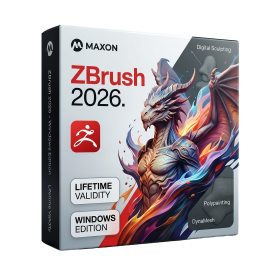
- AUTOMATIC DELIVERY INSTANTLY ON REGISTERED EMAIL .
- Any Installation Problem Freely Contact Us(Will Give You Support)
- Lifetime Validity
- Windows Version
- Retopo Brush: Draw low-poly topology directly on your sculpt.
- Python Support: Automate tasks with industry-standard scripting.
- Asset System: Separate user folders for safer customization.
- ZModeler Update: Auto-creasing and improved visual feedback.
- NoiseMaker 2.0: Transform and rotate alphas for surface noise.
- Redshift AOVs: Export render passes for professional compositing.
- Sculptris Pro: Add polygons dynamically only where you need detail.
- DynaMesh: Remesh your model instantly to fix stretched geometry.
- GoZ: Single-click transfer to Maya, Blender, Cinema 4D, and UE5.
- PolyPaint: Paint texture data directly on the mesh vertices.
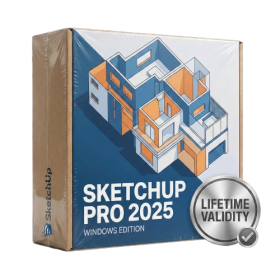
- AUTOMATIC DELIVERY INSTANTLY ON REGISTERED EMAIL .
- Any Installation Problem Freely Contact Us(Will Give You Support)
- Lifetime Validity
- Windows Version
- Visualize models with realistic shading and depth using the new Ambient Occlusion engine.
- Import and export IFC files faster with enhanced openBIM interoperability.
- Find and execute any command instantly using the integrated Smart Search tool.
- Generate unique textures and styles quickly with AI-powered Diffusion graphics.
- Collaborate in real-time by syncing models seamlessly with Trimble Connect.
- Create 2D documentation efficiently with the optimized LayOut rendering engine.
- Import complex Revit files accurately with the lightweight Revit Importer.
- Organize geometry effortlessly using the modernized Tag management system.

- AUTOMATIC DELIVERY INSTANTLY ON REGISTERED EMAIL .
- Any Installation Problem Freely Contact Us(Will Give You Support)
- Lifetime Validity
- Windows Version
- File Size: 1.84GB
- Visualize models with stunning depth and realism using the new graphics engine featuring native Ambient Occlusion.
- Generate unique, seamless textures instantly from simple text prompts with the integrated AI texture generator.
- Import complex Revit files accurately and efficiently with the enhanced, lighter-weight Revit Importer.
- Create 2D documentation in LayOut faster than ever with a new multi-threaded rendering engine that eliminates lag.
- Convert room scans from mobile devices automatically into clean, editable 3D geometry via Scan-to-Design.
- Collaborate in real-time by syncing projects seamlessly across Desktop, iPad, and Web versions.
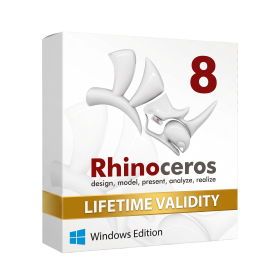
- AUTOMATIC DELIVERY INSTANTLY ON REGISTERED EMAIL .
- Any Installation Problem Freely Contact Us(Will Give You Support)
- Lifetime Validity
- Windows Version
- Online & Offline both working
- Create watertight meshes instantly for 3D printing with the new ShrinkWrap tool.
- Generate dynamic 2D sections and plans directly from 3D models with ClippingDrawings.
- Model organic shapes with greater precision using supported SubD creases.
- Manipulate geometry intuitively with the new customized Auto Gumball.
- Extrude and modify faces instantly using the direct PushPull workflow.
- Render scenes significantly faster with the optimized Cycles engine.
- Customize the modernized interface to match your specific drafting workflow.
- AUTOMATIC DELIVERY INSTANTLY ON REGISTERED EMAIL .
- Any Installation Problem Freely Contact Us(Will Give You Support)
- Lifetime Validity
- Windows Version
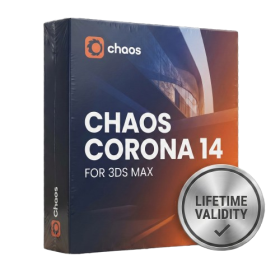
- Render scenes with significantly less noise using the improved High-Quality Denoiser.
- Create intricate procedural clouds and weather effects with the updated Corona Sky.
- Scatter objects efficiently on surfaces with the enhanced Chaos Scatter controls.
- Apply decals to curved and organic surfaces seamlessly without UV unwrap.
- Simulate realistic fabrics and velvets instantly with the new Sheen layer.
- Manage complex scenes easily using the optimized Lister and Scene Management tools.
- Reduce memory usage significantly when rendering repetitive geometry with Corona Pattern.
- AUTOMATIC DELIVERY INSTANTLY ON REGISTERED EMAIL .
- Any Installation Problem Freely Contact Us(Will Give You Support)
- Lifetime Validity
- Windows Version
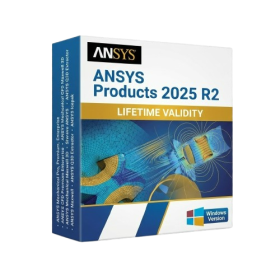
- ANSYS Products includes the following applications:
- ANSYS Mechanical Pro, Premium, Enterprise
- ANSYS CFD Premium and Enterprise
- ANSYS Mechanical CFD Maxwell 3D
- ANSYS Mechanical Maxwell 3D
- ANSYS Mechanical CFD
- ANSYS HFSS
- Siwave ANSYS
- ANSYS Maxwell
- ANSYS Q3D Extractor
- ANSYS Icepak
- Lifetime Validity
- Instant Delivery on Email
- Supported on All Apple Mac Systems
- Any Installation Problem Freely Contact Us(Will Give You Support)
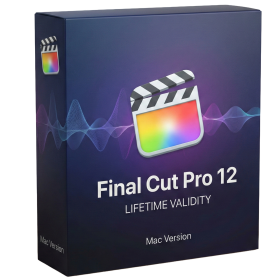
- Visual Search: Find clips by describing objects or actions (e.g., “sunset”).
- Beat Detection: Auto-generate markers to sync edits to music beats.
- Transcript Search: Find footage by typing spoken dialogue.
- Magnetic Mask: Isolate subjects instantly without green screens.
- Spatial Video: Edit and grade 3D content for Apple Vision Pro.
- Voice Isolation: Remove background noise with one click.
- Transcribe to Captions: Auto-generate subtitles on-device.
- Smooth Slo-Mo: AI-generated frames for perfect slow motion.
- Lifetime Validity
- Instant Delivery on Email
- Supported on All Apple Mac Systems
- Any Installation Problem Freely Contact Us(Will Give You Support)
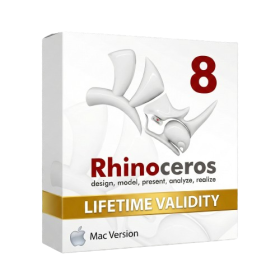
- Run natively on Apple Silicon (M1/M2/M3) for significantly faster processing speeds.
- Experience fluid viewport navigation with the new Apple Metal graphics pipeline.
- Create watertight meshes from open geometry instantly using the ShrinkWrap command.
- Customize your workspace with new Window Layouts that match the Windows interface.
- Render ray-traced images in real-time using GPU-accelerated Cycles on Metal.
- Model organically with sharp edges using the new SubD Creases feature.
- Extrude and subtract geometry directly from faces with the intuitive PushPull workflow.
- Create dynamic 3D sections with hatch patterns using improved Clipping Planes.
- Access new data types and attributes directly within the upgraded Grasshopper.