
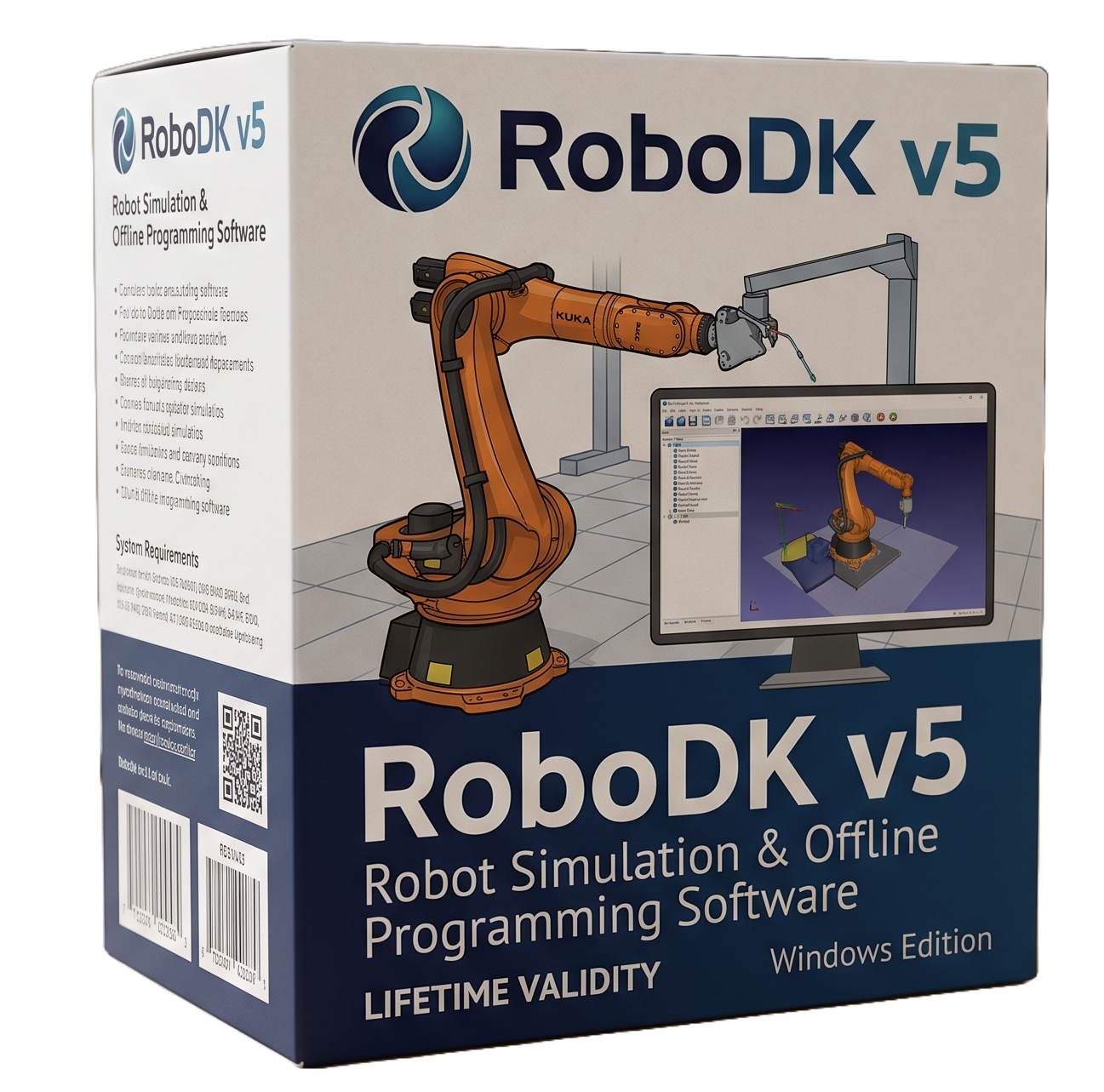
RoboDK v5 for Lifetime
- AUTOMATIC DELIVERY INSTANTLY ON REGISTERED EMAIL .
- Any Installation Problem Freely Contact Us(Will Give You Support)
- Lifetime Validity
- Windows Version
- RoboDK v5 for Windows is professional robot simulation and offline programming software.
- Designed for robotics engineers, automation integrators, manufacturers, and programmers.
- Supports robot simulation, collision detection, reachability analysis, and offline programming.
- Suitable for welding, machining, cutting, painting, inspection, deburring, and material handling.
- Integrates with SOLIDWORKS, Inventor, Fusion 360, Mastercam, Rhino, and Solid Edge.
- Supports hundreds of industrial robot models from major manufacturers.
- Includes Python API, plugins, custom post-processors, external axes, and camera simulation.
- Ideal for industrial robotics, automation, CAD/CAM integration, and robotic manufacturing.
₹550.00
Description
RoboDK v5 for Windows is a robot simulation and offline programming platform designed for industrial robotics, automation engineering, and robotic manufacturing. It allows users to build virtual robot cells, simulate robot motion, check reachability and collisions, generate robot programs, and optimize manufacturing processes without requiring the physical robot to be available during programming. RoboDK supports a broad range of industrial robot manufacturers and can be used for applications such as machining, welding, cutting, painting, inspection, deburring, and material handling.
The software provides a graphical environment for importing robots, tools, workpieces, fixtures, coordinate systems, and other cell components. Users can define TCPs, reference frames, targets, robot programs, and motion sequences, then simulate the complete cell before transferring generated code to a real robot. RoboDK’s post-processors convert simulated programs into controller-specific robot code, making the software useful for multi-brand automation environments.
RoboDK v5 also emphasizes CAD/CAM interoperability. RoboDK 5 introduced or expanded plugins for applications including SOLIDWORKS, Solid Edge, Rhino, Mastercam, Inventor, and Fusion 360, allowing CAD geometry and CAM toolpaths to be incorporated into robotic programming workflows. The platform also supports APIs and plugins for customization and automation, including Python-based programming and interfaces for developing specialized robot workflows.
For simulation and validation, RoboDK includes collision checking, robot kinematics, reachability analysis, cycle-time estimation, camera simulation, external axes, machining workflows, and robot calibration-related capabilities. RoboDK 5.0 also improved graphics performance and introduced GPU-accelerated rendering and more sophisticated camera simulation.
Key Features
• Industrial robot simulation and offline programming
• Virtual robot-cell creation and visualization
• Robot kinematics, positioning, targets, and reference frames
• Collision detection and motion validation
• Robot reachability and workspace analysis
• Automatic robot program generation through post-processors
• Support for hundreds of industrial robot models and numerous manufacturers
• CAD/CAM integration with SOLIDWORKS, Solid Edge, Rhino, Mastercam, Inventor, Fusion 360 and other systems
• Robot machining, milling, drilling, cutting, welding, painting, inspection and deburring workflows
• External axes, rails, positioners and custom mechanisms
• 2D and 3D camera simulation
• Robot calibration and performance-testing options
• Python API for automation and custom programming
• Plugin interface for extending the application
• Custom post-processors for specialized robot controllers
• Robot-driver connectivity for supported hardware
• Import and manipulation of CAD/3D geometry
• Simulation playback and cycle-time analysis
• GPU-accelerated graphics for demanding simulation scenes
• Windows command-line/no-UI operation for automated workflows
• Network licensing and USB-dongle licensing options
What’s New
RoboDK v5.0 — major release
• Up to approximately 2× faster performance on complex projects
• Reduced RAM consumption compared with earlier releases
• Improved graphics rendering and GPU acceleration
• Expanded CAD/CAM plugin ecosystem, including Solid Edge support
• Improved camera simulation with dockable 2D cameras, pixel-size controls and lens-distortion simulation
• Robot Library expanded to more than 500 robots from approximately 50 manufacturers at the time of release
• Expanded support for robot manufacturers including Omron, Techman, FANUC, KUKA, Universal Robots, Panasonic, Dobot, Doosan and uFactory
• Complete plugin interface for deeper application customization
• Expanded API capabilities for automated and customized robot programming
• Japanese language support added to the application
Version note: RoboDK has continued developing beyond the original v5.0 release; the vendor’s current download page now offers RoboDK 6.0. Therefore, “RoboDK v5” is best treated as a specific software generation rather than the current release.
Professional Applications
• Industrial robotics programming
• Robotic CNC machining
• Welding and fabrication automation
• Robotic cutting and trimming
• Automated painting and dispensing
• Pick-and-place and material handling
• Robotic inspection and quality control
• Deburring and surface finishing
• Aerospace and automotive manufacturing
• General manufacturing automation
• Robot-cell feasibility studies
• CAD/CAM-to-robot programming
• Robotics education and research
• Custom automation and system integration
• Robot calibration and production optimization
System Requirements
Minimum Requirements
- OS: Windows 7, Windows 8, Windows 10 or Windows 11, 32-bit or 64-bit according to RoboDK’s published requirements for the v5-era software.
- CPU: Modern x86/x64 processor; RoboDK does not specify a demanding processor minimum.
- RAM: 2 GB minimum.
- Storage: Approximately 15 GB drive capacity, with at least 1 GB free space according to the vendor’s requirements.
- Display: Minimum 1024 × 768 resolution.
- GPU: Graphics driver supporting OpenGL 3.0 or later; hardware-accelerated OpenGL graphics are recommended.
- Input: Two-button mouse minimum; three-button/middle-wheel mouse recommended.
- Internet: Required for activation of network licenses; ports 80 and 443 must be accessible for network licensing.
Related Products
- AUTOMATIC DELIVERY INSTANTLY ON REGISTERED EMAIL .
- Any Installation Problem Freely Contact Us(Will Give You Support)
- Lifetime Validity
- Windows Version
- Smooth skin naturally while preserving texture using advanced AI algorithms.
- Generate precise skin masks automatically to isolate subjects instantly.
- Process massive batches of photos rapidly with optimized multi-core performance.
- Remove blemishes and imperfections without blurring eyelashes or eyebrows.
- Even out skin tones to correct redness and blotchiness effortlessly.
- Apply professional retouching styles quickly with a customizable preset library.
- Fine-tune mask selection manually with the interactive refinement brush.
- Lifetime Validity
- Instant Delivery on Email
- Supported on All Apple Mac Systems
- Any Installation Problem Freely Contact Us(Will Give You Support)
- Render natively on Apple Silicon (M1/M2/M3) for maximum speed and efficiency.
- Generate photorealistic backgrounds instantly from text prompts using the AI Shots tool.
- Share interactive 3D product reviews securely with stakeholders via KeyShot Web Viewer.
- Automate complex rendering pipelines using the advanced Python scripting console.
- Import native files directly from high-end CAD systems like Siemens NX, Catia, and Creo.
- Switch seamlessly between CPU and GPU rendering to utilize Apple Metal graphics power.
- Create standardized material libraries for your organization with OpenPBR support.
- Accelerate post-production compositing with automatic Cryptomatte mask generation.
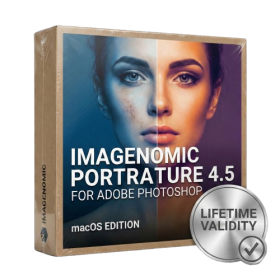
- Lifetime Validity
- Instant Delivery on Email
- Supported on All Apple Mac Systems
- Any Installation Problem Freely Contact Us(Will Give You Support)
- Smooth skin naturally while preserving texture using advanced AI algorithms.
- Generate precise skin masks automatically to isolate subjects instantly.
- Process massive batches of photos rapidly with optimized multi-core performance.
- Remove blemishes and imperfections without blurring eyelashes or eyebrows.
- Even out skin tones to correct redness and blotchiness effortlessly.
- Apply professional retouching styles quickly with a customizable preset library.
- Fine-tune mask selection manually with the interactive refinement brush.

- AUTOMATIC DELIVERY INSTANTLY ON REGISTERED EMAIL .
- Any Installation Problem Freely Contact Us(Will Give You Support)
- Lifetime Validity
- Windows Version
- File Size: 1.84GB
- Visualize models with stunning depth and realism using the new graphics engine featuring native Ambient Occlusion.
- Generate unique, seamless textures instantly from simple text prompts with the integrated AI texture generator.
- Import complex Revit files accurately and efficiently with the enhanced, lighter-weight Revit Importer.
- Create 2D documentation in LayOut faster than ever with a new multi-threaded rendering engine that eliminates lag.
- Convert room scans from mobile devices automatically into clean, editable 3D geometry via Scan-to-Design.
- Collaborate in real-time by syncing projects seamlessly across Desktop, iPad, and Web versions.
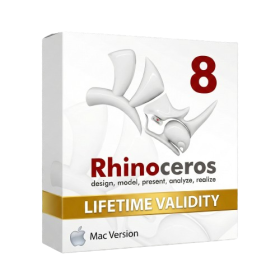
- Lifetime Validity
- Instant Delivery on Email
- Supported on All Apple Mac Systems
- Any Installation Problem Freely Contact Us(Will Give You Support)
- Run natively on Apple Silicon (M1/M2/M3) for significantly faster processing speeds.
- Experience fluid viewport navigation with the new Apple Metal graphics pipeline.
- Create watertight meshes from open geometry instantly using the ShrinkWrap command.
- Customize your workspace with new Window Layouts that match the Windows interface.
- Render ray-traced images in real-time using GPU-accelerated Cycles on Metal.
- Model organically with sharp edges using the new SubD Creases feature.
- Extrude and subtract geometry directly from faces with the intuitive PushPull workflow.
- Create dynamic 3D sections with hatch patterns using improved Clipping Planes.
- Access new data types and attributes directly within the upgraded Grasshopper.
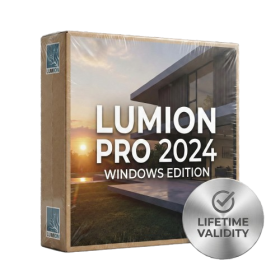
- AUTOMATIC DELIVERY INSTANTLY ON REGISTERED EMAIL .
- Any Installation Problem Freely Contact Us(Will Give You Support)
- Lifetime Validity
- Windows Version
- Ray trace over 2,200 nature assets including trees and shrubs for realistic reflections.
- Preview renders instantly with the new real-time NRD denoiser in Photo and Movie modes.
- Render ray-traced videos up to 5x faster using the optimized sampling engine.
- Simulate realistic glass refraction and colored shadows with fully ray-traced glass.
- Add depth to translucent materials like marble and wax with Subsurface Scattering.
- Populate interiors instantly using 25+ new parallax room templates for day and night.
- Import GLTF files directly for a lighter and faster 3D model workflow.
- Batch import multiple 3D models simultaneously to speed up scene building.
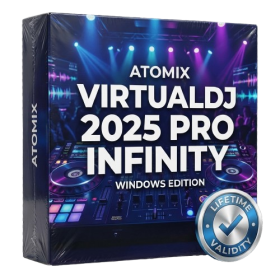
- AUTOMATIC DELIVERY INSTANTLY ON REGISTERED EMAIL .
- Any Installation Problem Freely Contact Us(Will Give You Support)
- Lifetime Validity
- Windows Version
- Works with Internet and Antivirus
- File Size: 461MB
- v8.5.8472
- Swap vocals or drums between tracks instantly with the new StemSwap Sampler.
- Isolate track elements in real-time for seamless live mashups and remixes.
- Export playlists to USB drives for CDJs with new subfolder support.
- Sync music libraries across devices automatically via improved Cloud Drive tools.
- Plug and play with over 300+ controllers including the latest AlphaTheta models.
- Mix video and karaoke with customizable on-screen graphics and lyrics.
- Scratch with precision using the improved ultra-low latency DVS engine.
- Stream sets directly to social platforms without external broadcasting software.
- AUTOMATIC DELIVERY INSTANTLY ON REGISTERED EMAIL .
- Any Installation Problem Freely Contact Us(Will Give You Support)
- Lifetime Validity
- Windows Version
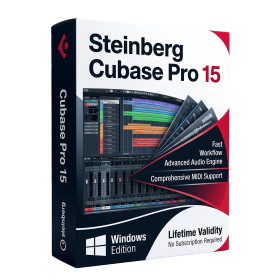
- Included Instruments:
- Halion 7
- Halion Sonic 7
- Groove Agent 6
- Groove Agent SE 6
- WaveLab Pro 13
- Dorico Pro 6
- Backbone 1.6
- PadShop Pro 2
- Retrologue 2.5
- SpectraLayers Pro 13
- Iconica Sketch
- Verve
- Drum Machine

- AUTOMATIC DELIVERY INSTANTLY ON REGISTERED EMAIL .
- Any Installation Problem Freely Contact Us(Will Give You Support)
- Lifetime Validity
- Windows Version
- Rock-Solid Tracking: The industry standard for planar tracking.
- PowerMesh: Track warped surfaces like skin and fabric.
- Generative Remove: Auto-remove objects and wires with AI.
- Stabilization: Smooth out shaky handheld footage instantly.
- Insert Module: Perfect screen replacements with motion blur.
- Magnetic Roto: Snap masks to edges for fast rotoscoping.
- Lens Correction: Fix or match lens distortion easily.

- AUTOMATIC DELIVERY INSTANTLY ON REGISTERED EMAIL .
- Any Installation Problem Freely Contact Us(Will Give You Support)
- Lifetime Validity
- Windows Version
- Chaos V-Ray 7.40.02 for Rhinoceros 7 – 9 & SketchUp 2021 – 2026
- Render real-world 3D scans with reflections using native Gaussian Splatting support.
- Simulate accurate stars, moon phases, and the Milky Way with the procedural Night Sky.
- Upscale renders to 16K resolution instantly with the one-click AI Upscaler.
- Populate vegetation naturally with new Clustering modes in Chaos Scatter.
- Clip and trim Gaussian Splat models directly within the SketchUp viewport.
- Render complex light fixtures significantly faster using optimized V-Ray Luminaires.
- Remove bright noise pixels automatically during rendering with Firefly Removal.
- Add detail to people and grass without re-rendering using the AI Enhancer.

- AUTOMATIC DELIVERY INSTANTLY ON REGISTERED EMAIL .
- Any Installation Problem Freely Contact Us(Will Give You Support)
- Lifetime Validity
- Windows Version
- Visualize models with realistic shading and depth using the new Ambient Occlusion engine.
- Import and export IFC files faster with enhanced openBIM interoperability.
- Find and execute any command instantly using the integrated Smart Search tool.
- Generate unique textures and styles quickly with AI-powered Diffusion graphics.
- Collaborate in real-time by syncing models seamlessly with Trimble Connect.
- Create 2D documentation efficiently with the optimized LayOut rendering engine.
- Import complex Revit files accurately with the lightweight Revit Importer.
- Organize geometry effortlessly using the modernized Tag management system.
- AUTOMATIC DELIVERY INSTANTLY ON REGISTERED EMAIL .
- Any Installation Problem Freely Contact Us(Will Give You Support)
- Lifetime Validity
- Windows Version
- Edit video content as easily as a text document with the AI-powered text-based editing workflow.
- Instantly remove or replace video backgrounds without a green screen using dynamic AI masking.
- Automatically generate and sync accurate captions and subtitles from your voiceover in seconds.
- Smooth out jerky mouse movements and customize cursor paths with advanced cursor effects.
- Record high-resolution 4K screen capture, webcam, and system audio simultaneously.
- Clean up background noise and balance vocal levels instantly with AI-enhanced audio filters.
- Access a vast library of royalty-free intros, motion graphics, and music directly within the editor.
- Engage viewers by adding interactive quizzes and clickable hotspots directly to your videos.
- Apply professional animations and behaviors to text and images with simple drag-and-drop actions.
- Export videos faster than ever with optimized GPU acceleration for modern hardware.