
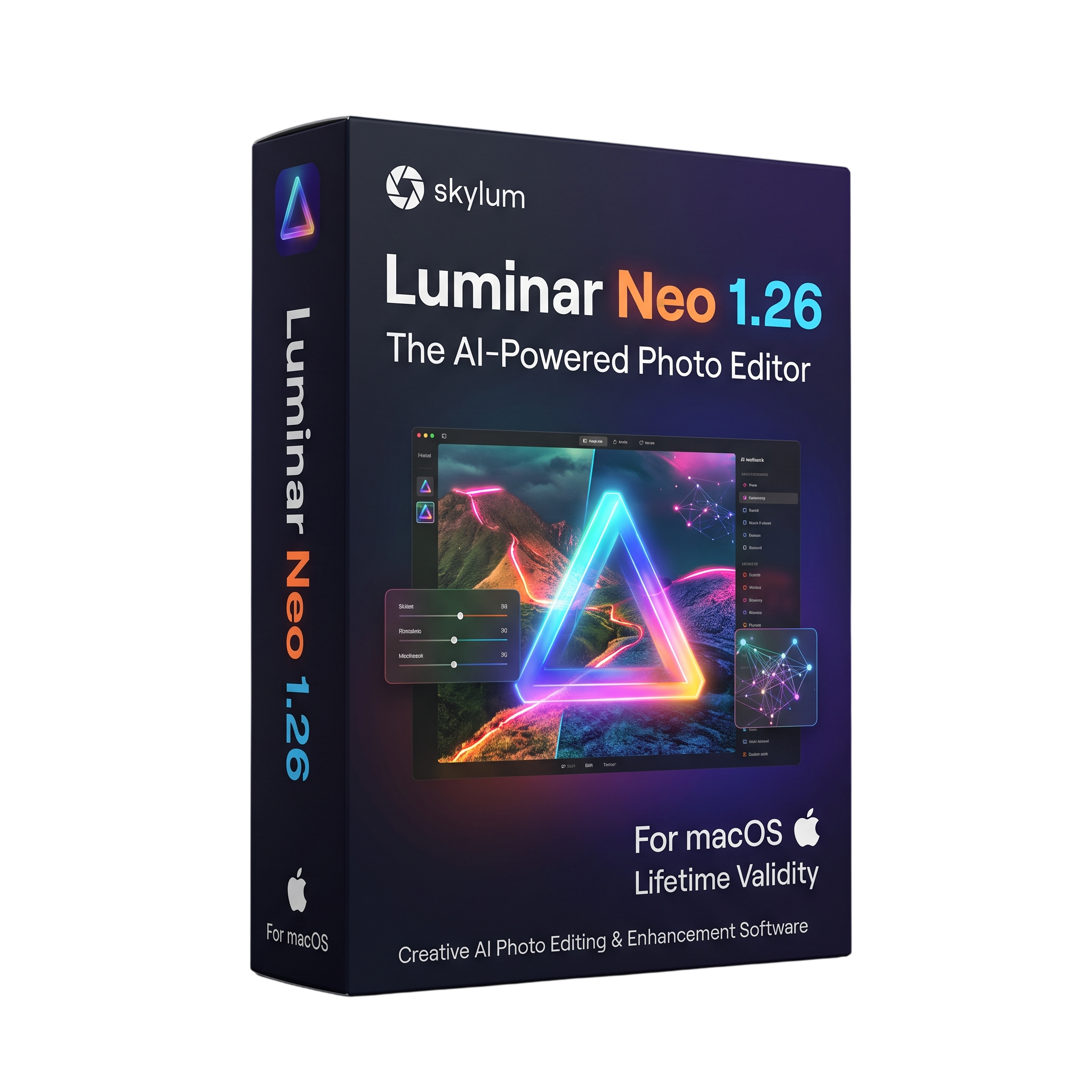
Skylum Luminar Neo for macOs Lifetime
- Lifetime Validity
- Instant Delivery on Email
- Mac Edition
- Any Installation Problem Freely Contact Us(Will Give You Support)
- AI-powered photo editing application for macOS.
- AI Assistant provides prompt-based editing suggestions and step-by-step guidance.
- Enhance photographs with Sky AI, Portrait AI, Noiseless AI, and Structure AI.
- Remove unwanted objects and improve images with AI-assisted tools.
- Supports layer-based editing, masking, presets, and creative adjustments.
- Organize and process photo collections with catalog and batch editing workflows.
- Version 1.26 adds AI Assistant, expanded camera support, and faster Mac exports.
- Supports macOS 12 Monterey or later.
- Compatible with supported Intel and Apple Silicon Macs.
₹500.00
Description
Skylum Luminar Neo 1.26 for macOS is an AI-powered photo editing application designed for photographers, creative professionals, and content creators. It combines intelligent image enhancement tools with traditional editing controls, allowing users to improve photographs, adjust colors and lighting, retouch portraits, replace skies, and create visually compelling images through an intuitive editing workspace.
The application provides a comprehensive collection of editing tools for exposure, contrast, color balance, sharpness, noise reduction, and image composition. AI-powered features help automate tasks such as sky replacement, portrait enhancement, background removal, object erasing, and image refinement. Users can also apply presets and creative effects to achieve consistent visual styles across individual photographs or larger collections.
Luminar Neo supports layer-based editing and masking, giving users greater control over how adjustments and effects are applied. Its catalog helps organize photo collections, while batch processing and export options support efficient workflows. The application can also operate as a standalone photo editor or integrate with supported applications such as Adobe Photoshop, Lightroom Classic, and Apple Photos.
Version 1.26 introduces AI Assistant, available in both the Presets and Edit tabs. Users can enter text prompts to receive editing suggestions, explore recommended adjustment sets with live previews, and get step-by-step guidance for completing editing tasks. The release also expands camera compatibility and improves export performance, with Skylum reporting Mac export improvements of up to 15% for applicable workflows.
Key Features
- AI-powered photo enhancement and image editing tools.
- AI Assistant for prompt-based editing suggestions and step-by-step guidance.
- Sky AI for replacing and enhancing skies in landscape photographs.
- Portrait AI tools for facial enhancement, skin retouching, and portrait adjustments.
- Erase and generative editing tools for removing or modifying selected image elements.
- Noiseless AI for reducing image noise in supported photographs.
- Structure AI and Details tools for improving image clarity and texture.
- Layer-based editing with masking and selective adjustments.
- Color, exposure, contrast, lighting, and composition controls.
- Presets and creative looks for applying consistent photographic styles.
- Catalog-based photo organization and batch editing workflows.
- Standalone operation and plug-in integration with supported photo applications.
- Export options for saving edited images in supported formats.
What’s New in Version 1.26
- AI Assistant: Available in the Presets and Edit tabs to provide editing recommendations based on text prompts.
- Action Prompts: Offers suggested adjustment sets with live previews for common editing tasks.
- How-to Guidance: Provides step-by-step instructions and shortcuts to relevant editing tools.
- Expanded Camera Support: Adds support for Canon EOS R6 Mark III, Canon EOS C50, Fujifilm X-T30 III, Leica M EV1, Leica Q3 Monochrom, and Sony DSC-RX100 VIIA.
- Faster Exporting: Skylum reports export performance improvements of up to 15% on Mac when processing photos with multiple edits.
- General Improvements: Includes workflow and performance refinements for a smoother editing experience.
Professional Applications
- Professional photo editing and image enhancement.
- Landscape photography and AI-assisted sky replacement.
- Portrait retouching and creative people photography.
- Travel, wedding, event, and commercial photography workflows.
- Social media content creation and digital marketing imagery.
- Batch editing and organization of large photo collections.
- Creative image compositing and layered photo manipulation.
System Requirements
Minimum Requirements:
- Operating System: macOS 12 Monterey or later.
- Mac Models: Compatible MacBook, MacBook Air, MacBook Pro, iMac, iMac Pro, Mac Pro, or Mac mini.
- Processor: Intel Core i5 (8th generation or better) or supported Apple M-series processor.
- Memory: 8 GB RAM.
- Storage: 10 GB of available disk space.
- Display: 1280 × 768 resolution or higher.
- Internet: Required for activation and connected online services.
Recommended Requirements:
- Operating System: A supported, up-to-date macOS version.
- Processor: Apple Silicon Mac or a modern supported Intel-based Mac.
- Memory: 16 GB RAM or more for large images and demanding AI editing workflows.
- Storage: SSD with additional free space for photo catalogs, source images, and exports.
- Display: Retina display for detailed image editing.
Related Products
- AUTOMATIC DELIVERY INSTANTLY ON REGISTERED EMAIL .
- Any Installation Problem Freely Contact Us(Will Give You Support)
- Lifetime Validity
- Windows Version
- File Size: 1.84GB
- Visualize models with stunning depth and realism using the new graphics engine featuring native Ambient Occlusion.
- Generate unique, seamless textures instantly from simple text prompts with the integrated AI texture generator.
- Import complex Revit files accurately and efficiently with the enhanced, lighter-weight Revit Importer.
- Create 2D documentation in LayOut faster than ever with a new multi-threaded rendering engine that eliminates lag.
- Convert room scans from mobile devices automatically into clean, editable 3D geometry via Scan-to-Design.
- Collaborate in real-time by syncing projects seamlessly across Desktop, iPad, and Web versions.
- AUTOMATIC DELIVERY INSTANTLY ON REGISTERED EMAIL .
- Any Installation Problem Freely Contact Us(Will Give You Support)
- Lifetime Validity
- Windows Version
- Included Instruments:
- Halion 7
- Halion Sonic 7
- Groove Agent 6
- Groove Agent SE 6
- WaveLab Pro 13
- Dorico Pro 6
- Backbone 1.6
- PadShop Pro 2
- Retrologue 2.5
- SpectraLayers Pro 13
- Iconica Sketch
- Verve
- Drum Machine
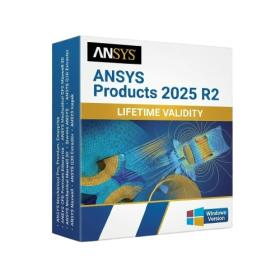
- AUTOMATIC DELIVERY INSTANTLY ON REGISTERED EMAIL .
- Any Installation Problem Freely Contact Us(Will Give You Support)
- Lifetime Validity
- Windows Version
- ANSYS Products includes the following applications:
- ANSYS Mechanical Pro, Premium, Enterprise
- ANSYS CFD Premium and Enterprise
- ANSYS Mechanical CFD Maxwell 3D
- ANSYS Mechanical Maxwell 3D
- ANSYS Mechanical CFD
- ANSYS HFSS
- Siwave ANSYS
- ANSYS Maxwell
- ANSYS Q3D Extractor
- ANSYS Icepak
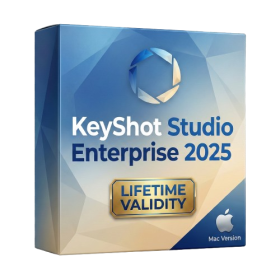
- Lifetime Validity
- Instant Delivery on Email
- Supported on All Apple Mac Systems
- Any Installation Problem Freely Contact Us(Will Give You Support)
- Render natively on Apple Silicon (M1/M2/M3) for maximum speed and efficiency.
- Generate photorealistic backgrounds instantly from text prompts using the AI Shots tool.
- Share interactive 3D product reviews securely with stakeholders via KeyShot Web Viewer.
- Automate complex rendering pipelines using the advanced Python scripting console.
- Import native files directly from high-end CAD systems like Siemens NX, Catia, and Creo.
- Switch seamlessly between CPU and GPU rendering to utilize Apple Metal graphics power.
- Create standardized material libraries for your organization with OpenPBR support.
- Accelerate post-production compositing with automatic Cryptomatte mask generation.
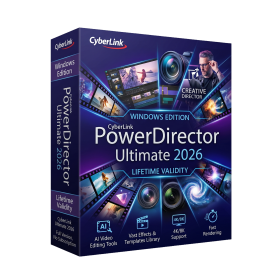
- AUTOMATIC DELIVERY INSTANTLY ON REGISTERED EMAIL .
- Any Installation Problem Freely Contact Us(Will Give You Support)
- Lifetime Validity
- Windows Version
- AI-Powered Editing: Includes AI Object Masking, AI Sky Replacement, AI Motion Tracking, and AI Restoration Assistant for automatic noise reduction and audio enhancement.
- Performance & Tools: Enhanced screen recording (camera and screen simultaneously), frame interpolation for smoother video, and support for high-end formats.
- Content Library: Access to a vast, though slightly limited compared to 365, library of templates, effects, LUTs, and stock music.
- Usability: Features an intuitive drag-and-drop, multi-timeline interface suitable for both beginners and advanced users.
- Capabilities: Supports 4K/8K editing, 360-degree video, and vertical video for social media

- AUTOMATIC DELIVERY INSTANTLY ON REGISTERED EMAIL .
- Any Installation Problem Freely Contact Us(Will Give You Support)
- Lifetime Validity
- Windows Version
- 7.28 Version
- Map video onto complex geometric structures and surfaces with advanced projection mapping tools.
- Stitch multiple projectors into a single seamless widescreen image with soft edge blending.
- Sync video with lighting fixtures using DMX input and advanced LED pixel mapping.
- Lock your visuals perfectly to show tracks and DJ sets using SMPTE timecode input.
- Mix unlimited layers of video, effects, and generative content in real-time.
- Correct mistakes instantly during live setup with the fully integrated Undo/Redo feature.
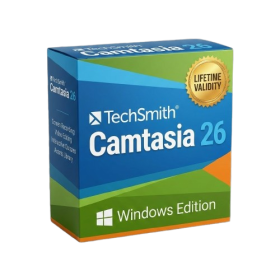
- AUTOMATIC DELIVERY INSTANTLY ON REGISTERED EMAIL .
- Any Installation Problem Freely Contact Us(Will Give You Support)
- Lifetime Validity
- Windows Version
- Edit video content as easily as a text document with the AI-powered text-based editing workflow.
- Instantly remove or replace video backgrounds without a green screen using dynamic AI masking.
- Automatically generate and sync accurate captions and subtitles from your voiceover in seconds.
- Smooth out jerky mouse movements and customize cursor paths with advanced cursor effects.
- Record high-resolution 4K screen capture, webcam, and system audio simultaneously.
- Clean up background noise and balance vocal levels instantly with AI-enhanced audio filters.
- Access a vast library of royalty-free intros, motion graphics, and music directly within the editor.
- Engage viewers by adding interactive quizzes and clickable hotspots directly to your videos.
- Apply professional animations and behaviors to text and images with simple drag-and-drop actions.
- Export videos faster than ever with optimized GPU acceleration for modern hardware.

- AUTOMATIC DELIVERY INSTANTLY ON REGISTERED EMAIL .
- Any Installation Problem Freely Contact Us(Will Give You Support)
- Lifetime Validity
- Windows Version
- Version: 4.20
- Revit 2023, 2024, 2025, 2026 and 2027
- SketchUp 2024, 2025 and 2026
- Rhino 7.0 and 8.3 (or later)
- Archicad 27, 28 and 29
- Vectorworks 2024, 2025 2026, 2027
- Navigate scenes with a unified, redesigned user interface for faster workflows.
- Enhance export quality instantly with the AI-powered NVIDIA Denoiser.
- Simulate realistic colored shadows for glass and transparent materials.
- Upscale textures and assets automatically using the Chaos AI Enhancer.
- Apply pencil and watercolor effects with new Artistic Visual Modes.
- Immerse clients in designs with support for Meta Quest 3 and HTC Vive.

- AUTOMATIC DELIVERY INSTANTLY ON REGISTERED EMAIL .
- Any Installation Problem Freely Contact Us(Will Give You Support)
- Lifetime Validity
- Windows Version
- Generate invoices.
- Manage multiple companies and financial years from a single unified interface.
- Track inventory stocks across different godowns and locations in real-time.
- Automate bank reconciliation by uploading digital bank statements directly.
- Calculate employee salaries, PF, and TDS accurately with the integrated Payroll module.
- Access business data remotely using the secure Tally.NET connection services.

- AUTOMATIC DELIVERY INSTANTLY ON REGISTERED EMAIL .
- Any Installation Problem Freely Contact Us(Will Give You Support)
- Lifetime Validity
- Windows Version
- Smooth skin naturally while preserving texture using advanced AI algorithms.
- Generate precise skin masks automatically to isolate subjects instantly.
- Process massive batches of photos rapidly with optimized multi-core performance.
- Remove blemishes and imperfections without blurring eyelashes or eyebrows.
- Even out skin tones to correct redness and blotchiness effortlessly.
- Apply professional retouching styles quickly with a customizable preset library.
- Fine-tune mask selection manually with the interactive refinement brush.
- Lifetime Validity
- Instant Delivery on Email
- Any Installation Problem Freely Contact Us(Will Give You Support)
- Version: 12.4
- Professional video editing software developed by Apple for Mac.
- Magnetic Timeline for flexible and precise video editing.
- Advanced color grading, audio editing, effects, transitions, and motion graphics.
- Multicam editing with synchronized camera angles.
- Supports Apple ProRes, RAW workflows, HDR, and high-resolution video.
- AI-assisted Transcript Search, Visual Search, and caption tools on compatible systems.
- Version 12.4 adds Cinematic mode focus and depth-of-field adjustments.
- Includes fixes for project importing, keyframes, audio waveforms, and network library backups.
- Requires macOS 15.6 or later, 8 GB RAM, and 7.2 GB available storage.
- Lifetime Validity
- Instant Delivery on Email
- Supported on All Apple Mac Systems
- Any Installation Problem Freely Contact Us(Will Give You Support)
- File Size: 6.68GB (20.3.2 Version)
- Ai Features are working
- Works with Internet and Antivirus
- Edit 12K projects effortlessly with native optimization for Apple M3 and M4 Ultra chips.
- Render renders up to 4x faster using the fully unified memory architecture of Apple Silicon.
- Generate depth maps instantly from single-camera clips using the Apple Neural Engine.
- Grade HDR content with absolute precision on Liquid Retina XDR displays using the new EDR workflow.
- Isolate voices from noisy backgrounds in real-time with the Core ML-powered Voice Isolation.
- Edit spatial video for Apple Vision Pro with a dedicated stereoscopic 3D viewer.
- Track complex objects in 3D space instantly with the Metal-accelerated IntelliTrack AI.