
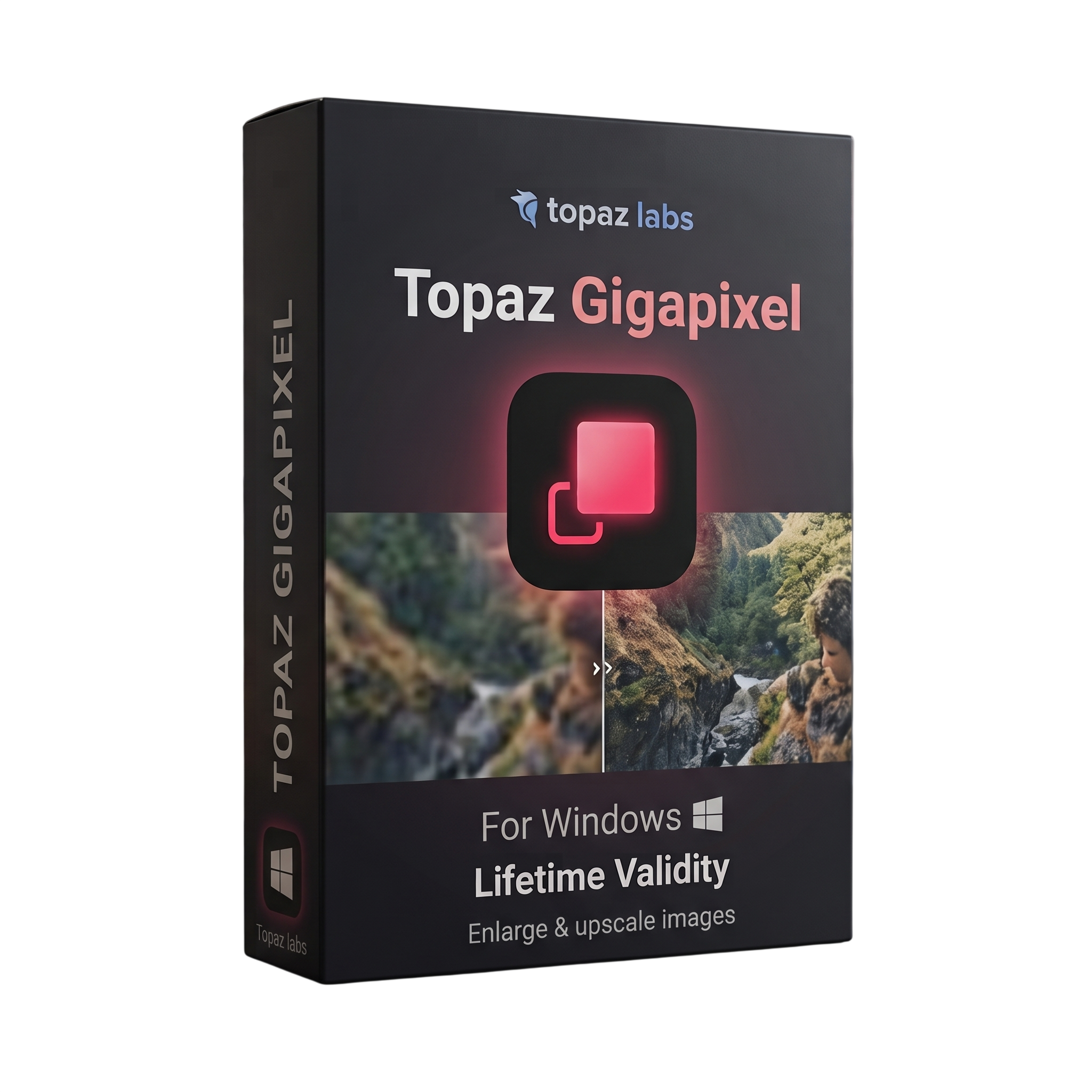
Topaz GigaPixel for Lifetime
- AUTOMATIC DELIVERY INSTANTLY ON REGISTERED EMAIL .
- Any Installation Problem Freely Contact Us(Will Give You Support)
- Lifetime Validity
- Windows Version
- 1.3.6 Version
- Professional AI-powered image upscaling and enhancement software for Windows
- Designed for photographers, designers, artists, and creative professionals
- Upscales photographs, artwork, graphics, and low-resolution images
- Supports image enlargement up to 6×
- AI-powered detail and texture reconstruction
- Advanced enhancement for small and low-resolution images
- Core AI and Generative AI enhancement models
- Standard Max and advanced generative models
- Noise and compression artifact reduction
₹550.00
Description
Topaz Gigapixel for Windows is a professional AI-powered image upscaling and enhancement application designed for photographers, graphic designers, digital artists, print professionals, archivists, and content creators. It uses specialized AI models to enlarge photographs, artwork, graphics, and other raster images by up to 6× while reconstructing detail and preserving clarity. Topaz Labs Docs
The software is designed for recovering useful detail from small, low-resolution, soft, or compressed images. It provides AI-based enhancement models for different image types and processing requirements, including core models for general upscaling and generative models for more demanding small-image enhancement. Topaz Labs Docs
Topaz Gigapixel can operate as a standalone Windows application or supported plugin, making it suitable for both individual image processing and professional post-production workflows. It also supports batch-oriented workflows and requires an internet connection for installation, activation, updates, and cloud rendering. Topaz Labs Docs
The current Windows version supports Intel and AMD processors with AVX, dedicated NVIDIA, AMD, and supported Intel graphics, as well as Windows ARM/Snapdragon systems with some limitations. Generative AI models require substantially more graphics memory than the core models, with 8GB VRAM recommended for local generative processing. Topaz Labs Docs
Key Features
- AI-powered image upscaling
- Enlargement up to 6×
- AI detail and texture reconstruction
- Enhancement of low-resolution photographs
- Restoration of compressed and degraded images
- Core AI enhancement models
- Generative AI enhancement models
- Standard Max model
- Advanced image-detail reconstruction
- Noise and compression artifact reduction
- Face enhancement and recovery
- Batch image processing
- Standalone Windows application
- Supported plugin workflows
- Local GPU-based AI processing
- Cloud rendering for supported workflows
- NVIDIA, AMD and supported Intel GPU compatibility
- Intel and AMD CPU support with AVX
- Windows ARM/Snapdragon support with limitations
- Suitable for large-format printing
- Photo restoration and archival enhancement
- Artwork and illustration enlargement
- Graphics and digital-content enhancement Topaz Labs Docs
What’s New
- Current Topaz Gigapixel generation provides both Core and Generative AI enhancement models.
- Generative models are designed for more advanced enhancement of small or challenging images.
- Generative models require 8GB VRAM with NVIDIA or AMD GPUs for local processing, while Standard Max can operate with 6GB VRAM.
- Windows ARM/Snapdragon systems are supported, although generative models require 24GB+ system RAM and some models have limitations.
- Topaz continues to update AI models and compatibility independently from the legacy Gigapixel AI product line. Topaz Labs Docs
Professional Applications
- Professional photography
- Large-format photo printing
- Photo restoration
- Archival image enhancement
- Commercial photography
- Product photography
- Real-estate photography
- Wildlife and nature photography
- Artwork and illustration enlargement
- Graphic-design workflows
- E-commerce imagery
- Advertising and marketing graphics
- Digital publishing
- Social-media content production
- Low-resolution image enhancement
System Requirements
Minimum Requirements
- OS: Windows 10 latest version or Windows 11
- CPU: Intel or AMD processor with AVX instructions, released after 2016
- RAM: 16GB
- GPU: NVIDIA, AMD, or supported Intel graphics
- Dedicated GPU: 6GB VRAM minimum
- Integrated GPU: Intel UHD 600 or Intel Iris Xe supported
- Storage: 55GB available on the C: drive
- Large upscales: 24GB RAM or more may be required
- Generative AI: 8GB VRAM recommended/required for supported local generative models
- Internet: Required for installation, activation, updates and cloud rendering Topaz Labs Docs
Recommended Requirements
- OS: Windows 11 latest version
- CPU: Intel or AMD processor with AVX, released after 2020
- RAM: 24GB or more
- GPU: NVIDIA RTX 20-series or newer
- AMD GPU: Radeon 5000-series or newer
- VRAM: 8GB or more
- Storage: 55GB available on the C: drive
- NVIDIA driver: Studio driver recommended when available
- Professional workload: Fast SSD and additional storage recommended for large image libraries
Related Products
- Lifetime Validity
- Instant Delivery on Email
- Any Installation Problem Freely Contact Us(Will Give You Support)
- Supported on Windows 10,11
- File Size: 7.47GB (20.3.2 Version)
- Ai Features are working
- Works with Internet and Antivirus
- Generate complex color grades instantly from text prompts or reference images with AI Match.
- Isolate and remix individual instruments from a stereo music track using Fairlight AI Stem Separation.
- Track objects obscured by smoke or glass perfectly with the new Deep Neural Magic Mask.
- Edit spatial video natively for Apple Vision Pro and Meta Quest with full depth visualization.
- Remove unwanted moving objects from complex backgrounds automatically with Generative Fill for Video.
- AUTOMATIC DELIVERY INSTANTLY ON REGISTERED EMAIL .
- Any Installation Problem Freely Contact Us(Will Give You Support)
- Lifetime Validity
- Windows Version
- ANSYS Products includes the following applications:
- ANSYS Mechanical Pro, Premium, Enterprise
- ANSYS CFD Premium and Enterprise
- ANSYS Mechanical CFD Maxwell 3D
- ANSYS Mechanical Maxwell 3D
- ANSYS Mechanical CFD
- ANSYS HFSS
- Siwave ANSYS
- ANSYS Maxwell
- ANSYS Q3D Extractor
- ANSYS Icepak
- AUTOMATIC DELIVERY INSTANTLY ON REGISTERED EMAIL .
- Any Installation Problem Freely Contact Us(Will Give You Support)
- Lifetime Validity
- Mac Version
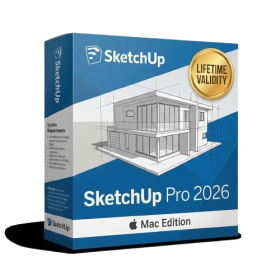
- Run natively on Apple Silicon (M1/M2/M3/M4/M5) for blazing-fast performance.
- Visualize models with realistic depth using the new Ambient Occlusion engine.
- Generate unique textures instantly with integrated AI-powered prompts.
- Sync projects seamlessly between Mac, iPad, and Web versions.
- Convert iPhone LiDAR scans into 3D models automatically via Scan-to-Design.
- Create 2D documentation faster with the optimized LayOut rendering engine.
- Import and export USDZ files easily for Apple AR visualization.

- Lifetime Validity
- Instant Delivery on Email
- Supported on All Apple Mac Systems
- Any Installation Problem Freely Contact Us(Will Give You Support)
- Visual Search: Find clips by describing objects or actions (e.g., “sunset”).
- Beat Detection: Auto-generate markers to sync edits to music beats.
- Transcript Search: Find footage by typing spoken dialogue.
- Magnetic Mask: Isolate subjects instantly without green screens.
- Spatial Video: Edit and grade 3D content for Apple Vision Pro.
- Voice Isolation: Remove background noise with one click.
- Transcribe to Captions: Auto-generate subtitles on-device.
- Smooth Slo-Mo: AI-generated frames for perfect slow motion.

- AUTOMATIC DELIVERY INSTANTLY ON REGISTERED EMAIL .
- Any Installation Problem Freely Contact Us(Will Give You Support)
- Lifetime Validity
- Windows Version
- Online & Offline both working
- Create watertight meshes instantly for 3D printing with the new ShrinkWrap tool.
- Generate dynamic 2D sections and plans directly from 3D models with ClippingDrawings.
- Model organic shapes with greater precision using supported SubD creases.
- Manipulate geometry intuitively with the new customized Auto Gumball.
- Extrude and modify faces instantly using the direct PushPull workflow.
- Render scenes significantly faster with the optimized Cycles engine.
- Customize the modernized interface to match your specific drafting workflow.

- AUTOMATIC DELIVERY INSTANTLY ON REGISTERED EMAIL .
- Any Installation Problem Freely Contact Us(Will Give You Support)
- Lifetime Validity
- Windows Version
- Chaos V-Ray 7.40.02 for Rhinoceros 7 – 9 & SketchUp 2021 – 2026
- Render real-world 3D scans with reflections using native Gaussian Splatting support.
- Simulate accurate stars, moon phases, and the Milky Way with the procedural Night Sky.
- Upscale renders to 16K resolution instantly with the one-click AI Upscaler.
- Populate vegetation naturally with new Clustering modes in Chaos Scatter.
- Clip and trim Gaussian Splat models directly within the SketchUp viewport.
- Render complex light fixtures significantly faster using optimized V-Ray Luminaires.
- Remove bright noise pixels automatically during rendering with Firefly Removal.
- Add detail to people and grass without re-rendering using the AI Enhancer.
- AUTOMATIC DELIVERY INSTANTLY ON REGISTERED EMAIL .
- Any Installation Problem Freely Contact Us(Will Give You Support)
- Lifetime Validity
- Windows Version
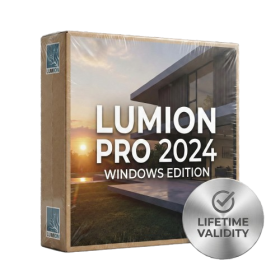
- Ray trace over 2,200 nature assets including trees and shrubs for realistic reflections.
- Preview renders instantly with the new real-time NRD denoiser in Photo and Movie modes.
- Render ray-traced videos up to 5x faster using the optimized sampling engine.
- Simulate realistic glass refraction and colored shadows with fully ray-traced glass.
- Add depth to translucent materials like marble and wax with Subsurface Scattering.
- Populate interiors instantly using 25+ new parallax room templates for day and night.
- Import GLTF files directly for a lighter and faster 3D model workflow.
- Batch import multiple 3D models simultaneously to speed up scene building.
- Lifetime Validity
- Instant Delivery on Email
- Supported on All Apple Mac Systems
- Any Installation Problem Freely Contact Us(Will Give You Support)
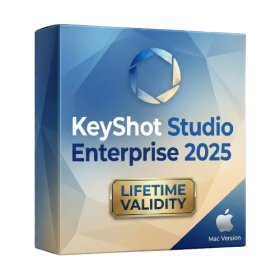
- Render natively on Apple Silicon (M1/M2/M3) for maximum speed and efficiency.
- Generate photorealistic backgrounds instantly from text prompts using the AI Shots tool.
- Share interactive 3D product reviews securely with stakeholders via KeyShot Web Viewer.
- Automate complex rendering pipelines using the advanced Python scripting console.
- Import native files directly from high-end CAD systems like Siemens NX, Catia, and Creo.
- Switch seamlessly between CPU and GPU rendering to utilize Apple Metal graphics power.
- Create standardized material libraries for your organization with OpenPBR support.
- Accelerate post-production compositing with automatic Cryptomatte mask generation.
- Lifetime Validity
- Instant Delivery on Email
- Supported on All Apple Mac Systems
- Any Installation Problem Freely Contact Us(Will Give You Support)
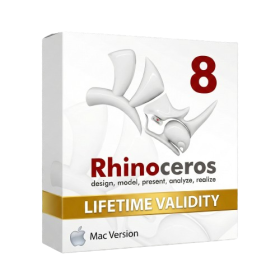
- Run natively on Apple Silicon (M1/M2/M3) for significantly faster processing speeds.
- Experience fluid viewport navigation with the new Apple Metal graphics pipeline.
- Create watertight meshes from open geometry instantly using the ShrinkWrap command.
- Customize your workspace with new Window Layouts that match the Windows interface.
- Render ray-traced images in real-time using GPU-accelerated Cycles on Metal.
- Model organically with sharp edges using the new SubD Creases feature.
- Extrude and subtract geometry directly from faces with the intuitive PushPull workflow.
- Create dynamic 3D sections with hatch patterns using improved Clipping Planes.
- Access new data types and attributes directly within the upgraded Grasshopper.

- AUTOMATIC DELIVERY INSTANTLY ON REGISTERED EMAIL .
- Any Installation Problem Freely Contact Us(Will Give You Support)
- Lifetime Validity
- Windows Version
- Professional Edition
- Preview files in real-time while the scan is still running with “On-the-Fly” preview.
- Pause and resume recovery scans instantly to save progress without restarting.
- Recover data from BitLocker-encrypted drives by simply entering the password.
- Create bootable USB media to salvage files from crashed or unbootable PCs.
- Repair corrupt videos and photos automatically using the Premium repair tools.
- Multitask efficiently with native dual-monitor support for the recovery interface.
- Scan large 4K hard drives with 4096-byte sectors using the optimized engine.
- Retrieve data from RAID 0, 5, and 6 arrays seamlessly with the Technician edition.

- AUTOMATIC DELIVERY INSTANTLY ON REGISTERED EMAIL .
- Any Installation Problem Freely Contact Us(Will Give You Support)
- Lifetime Validity
- Windows Version
- Rock-Solid Tracking: The industry standard for planar tracking.
- PowerMesh: Track warped surfaces like skin and fabric.
- Generative Remove: Auto-remove objects and wires with AI.
- Stabilization: Smooth out shaky handheld footage instantly.
- Insert Module: Perfect screen replacements with motion blur.
- Magnetic Roto: Snap masks to edges for fast rotoscoping.
- Lens Correction: Fix or match lens distortion easily.
- AUTOMATIC DELIVERY INSTANTLY ON REGISTERED EMAIL .
- Any Installation Problem Freely Contact Us(Will Give You Support)
- Lifetime Validity
- Windows Version
- For 3ds Max 2021 – 2027
- Render and clip real-world 3D scans natively with full Gaussian Splatting support.
- Simulate complex light fixtures significantly faster using the new V-Ray Luminaire.
- Generate accurate stars, moon, and phases instantly with the procedural Night Sky.
- Create PBR materials from simple photos automatically with the AI Material Generator.
- Stream interactive 3D scenes to clients via a web link with Chaos Cloud Streaming.
- Analyze scene performance and spot bottlenecks precisely using the V-Ray Profiler.
- Render realistic caustics and refractions at high speeds with updated V-Ray GPU.