
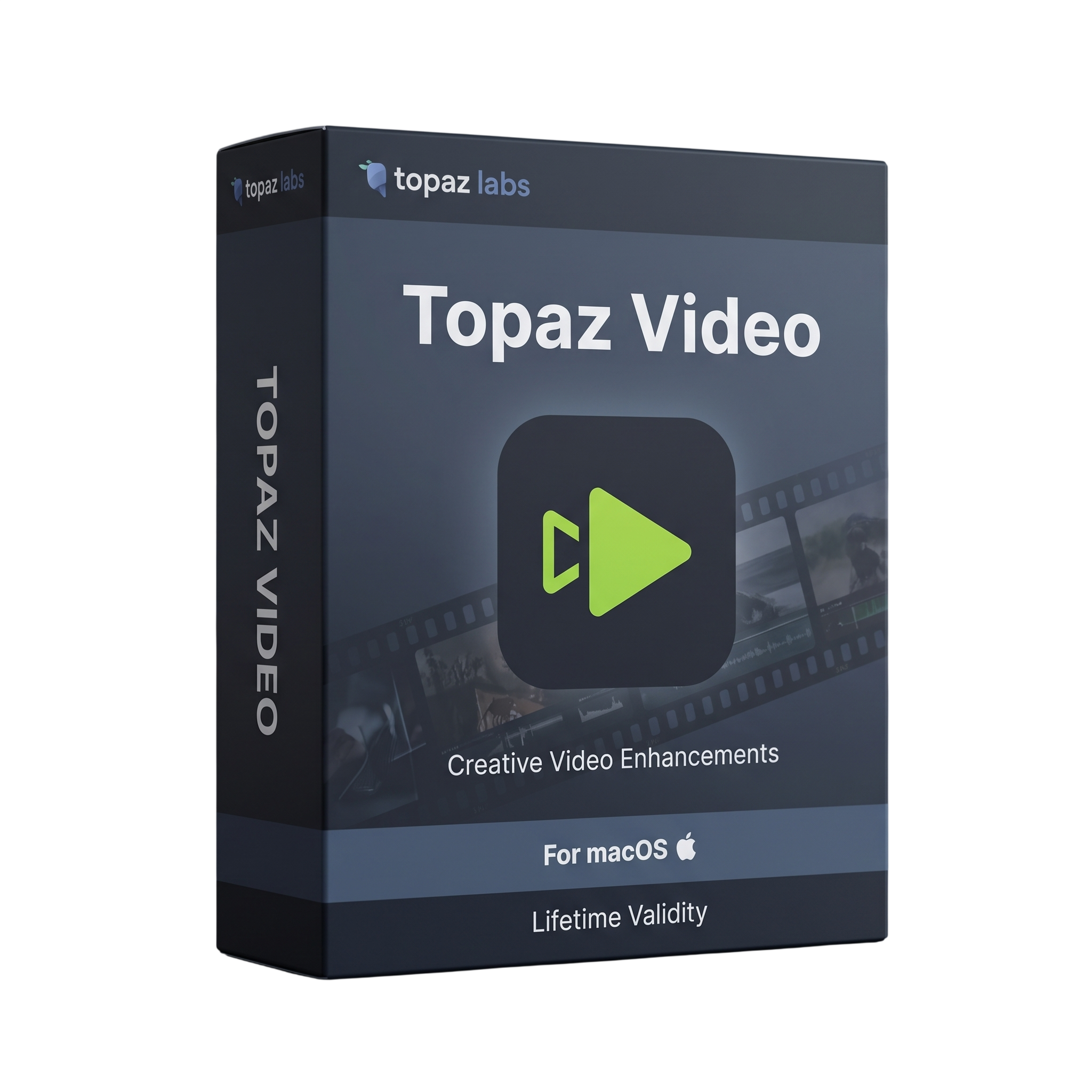

Topaz Video for macOS Lifetime
- AUTOMATIC DELIVERY INSTANTLY ON REGISTERED EMAIL .
- Any Installation Problem Freely Contact Us(Will Give You Support)
- Lifetime Validity
- MacOs Version
- Professional AI-powered video enhancement and restoration software for Mac
- Designed for filmmakers, video editors, broadcasters, archivists, and content creators
- Apple Silicon Mac support
- macOS 13 Ventura or newer support
- AI video upscaling and resolution enhancement
- Video denoising and compression artifact removal
- AI sharpening and detail recovery
- Frame interpolation for smoother video
- Video stabilization and motion deblur
- SDR-to-HDR conversion
₹500.00
Description
Topaz Video for Mac is a professional AI-powered video enhancement and restoration application designed for filmmakers, editors, broadcasters, archivists, content creators, and video professionals. It provides AI-based tools for video upscaling, denoising, sharpening, frame interpolation, stabilization, motion deblur, and SDR-to-HDR conversion, allowing users to improve footage quality without relying exclusively on conventional editing filters. Topaz Labs Docs
Topaz Video includes a collection of specialized AI models for different restoration and enhancement tasks. Core models include Proteus, Iris, Gaia, Nyx, Artemis, and Proteus Natural, while newer models include the Starlight series, Hyperion 2, Gaia 2, Denoise, and other advanced enhancement models. The application is actively developed and has replaced the discontinued Topaz Video AI product line. Topaz Labs Docs
The software can improve older, compressed, noisy, soft, or low-resolution footage and is suitable for workflows ranging from archival restoration to modern content production. It also provides frame interpolation for creating smoother footage, stabilization for reducing unwanted camera movement, and SDR-to-HDR conversion for compatible workflows. Hardware decoding can improve H.264, H.265, and AV1 processing performance. Topaz Labs Docs
Topaz Video runs as a desktop application and supports both local AI processing and cloud rendering for supported models. Apple Silicon Macs use a combination of the CPU, GPU, and Neural Engine for processing. Some advanced Starlight models have different Mac limitations; for example, Starlight Sharp, Starlight Fast 2, and Starlight HQ currently do not support local Mac processing and use cloud rendering instead. Topaz Labs Docs
Key Features
- AI-powered video enhancement and restoration
- Video upscaling and resolution enhancement
- Noise and compression artifact reduction
- AI sharpening and detail recovery
- Frame interpolation for smoother motion
- Video stabilization
- Motion deblur
- SDR-to-HDR conversion
- Proteus enhancement model
- Iris enhancement model
- Gaia and Gaia 2 enhancement models
- Nyx and Denoise models
- Proteus Natural for natural-looking enhancement
- Hyperion 2 for advanced SDR-to-HDR workflows
- Starlight AI enhancement models
- Local AI processing on supported Apple Silicon Macs
- Cloud rendering for supported models
- H.264, H.265 and AV1 hardware decoding
- Batch and multi-process workflows
- Standalone desktop operation
- Preview and frame-preview workflows
- Neuroserver model manager for downloading and managing AI models
- Professional video restoration and archival workflows
- Supports high-resolution video processing
- Apple Silicon optimization
- Project and workspace management
- Available as standard Topaz Video and Pro workflows depending on license
What’s New
- Topaz Video is the actively developed successor to Topaz Video AI.
- Topaz Video includes newer AI models such as Hyperion 2, Starlight Precise 2.5, Starlight HQ, Starlight Fast 2, Gaia 2, Starlight Sharp, Denoise, Nyx XL, and Proteus Natural.
- Topaz Video continues to receive new models and operating-system compatibility updates, whereas Topaz Video AI was discontinued in September 2025. Topaz Labs Docs
- Advanced Starlight models provide higher-quality enhancement for demanding restoration and upscaling workflows.
- Starlight Precise 2.5/2.6 supports local processing on Apple Silicon Macs with at least 16GB RAM, with 24GB recommended. Topaz Labs Docs
Professional Applications
- Professional video restoration
- Film and television post-production
- YouTube and online content creation
- Archival footage restoration
- Old video enhancement
- Low-resolution video upscaling
- Noise and compression cleanup
- Documentary production
- Broadcast and media production
- Sports-video enhancement
- Wedding and event video restoration
- Stabilization of handheld footage
- Slow-motion and frame-rate conversion
- HDR production
- Film scanning and digital restoration
System Requirements
Minimum Requirements
- OS: macOS 13 Ventura or newer
- Processor: Apple M-series
- RAM: 16GB
- Storage: 45GB available internal storage
- GPU: Integrated Apple Silicon GPU
- Internet: Required for installation, activation, model downloads, updates, and cloud rendering
- Intel Macs: Not supported in the current Topaz Video release
- Virtual machines: Not supported Topaz Labs Docs
Some models require newer macOS versions. Proteus Natural and Scene Detection require macOS 15 or newer. Topaz Labs Docs
Recommended Requirements
- OS: macOS 26
- Processor: Apple M-series Pro, Max, or Ultra
- RAM: 32GB or more
- Storage: 60GB or more available internal SSD space
- GPU: Apple Silicon integrated GPU
- Professional workflow: M-series Pro/Max/Ultra with 32GB+ unified memory
- Advanced Starlight processing: 36GB RAM is specified for the Starlight series
- Starlight Precise: 16GB minimum, 24GB recommended on Mac
Related Products

- Lifetime Validity
- Instant Delivery on Email
- Supported on All Apple Mac Systems
- Any Installation Problem Freely Contact Us(Will Give You Support)
- Visual Search: Find clips by describing objects or actions (e.g., “sunset”).
- Beat Detection: Auto-generate markers to sync edits to music beats.
- Transcript Search: Find footage by typing spoken dialogue.
- Magnetic Mask: Isolate subjects instantly without green screens.
- Spatial Video: Edit and grade 3D content for Apple Vision Pro.
- Voice Isolation: Remove background noise with one click.
- Transcribe to Captions: Auto-generate subtitles on-device.
- Smooth Slo-Mo: AI-generated frames for perfect slow motion.
- AUTOMATIC DELIVERY INSTANTLY ON REGISTERED EMAIL .
- Any Installation Problem Freely Contact Us(Will Give You Support)
- Lifetime Validity
- Windows Version
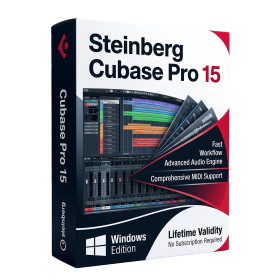
- Included Instruments:
- Halion 7
- Halion Sonic 7
- Groove Agent 6
- Groove Agent SE 6
- WaveLab Pro 13
- Dorico Pro 6
- Backbone 1.6
- PadShop Pro 2
- Retrologue 2.5
- SpectraLayers Pro 13
- Iconica Sketch
- Verve
- Drum Machine
- AUTOMATIC DELIVERY INSTANTLY ON REGISTERED EMAIL .
- Any Installation Problem Freely Contact Us(Will Give You Support)
- Lifetime Validity
- Windows Version
- Render scenes with significantly less noise using the improved High-Quality Denoiser.
- Create intricate procedural clouds and weather effects with the updated Corona Sky.
- Scatter objects efficiently on surfaces with the enhanced Chaos Scatter controls.
- Apply decals to curved and organic surfaces seamlessly without UV unwrap.
- Simulate realistic fabrics and velvets instantly with the new Sheen layer.
- Manage complex scenes easily using the optimized Lister and Scene Management tools.
- Reduce memory usage significantly when rendering repetitive geometry with Corona Pattern.
- AUTOMATIC DELIVERY INSTANTLY ON REGISTERED EMAIL .
- Any Installation Problem Freely Contact Us(Will Give You Support)
- Lifetime Validity
- Windows Version
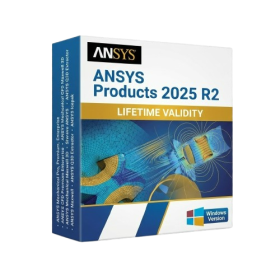
- ANSYS Products includes the following applications:
- ANSYS Mechanical Pro, Premium, Enterprise
- ANSYS CFD Premium and Enterprise
- ANSYS Mechanical CFD Maxwell 3D
- ANSYS Mechanical Maxwell 3D
- ANSYS Mechanical CFD
- ANSYS HFSS
- Siwave ANSYS
- ANSYS Maxwell
- ANSYS Q3D Extractor
- ANSYS Icepak
- Lifetime Validity
- Instant Delivery on Email
- Supported on All Apple Mac Systems
- Any Installation Problem Freely Contact Us(Will Give You Support)
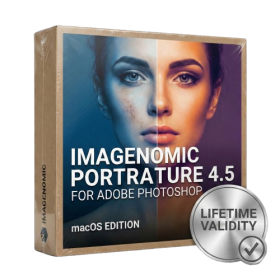
- Smooth skin naturally while preserving texture using advanced AI algorithms.
- Generate precise skin masks automatically to isolate subjects instantly.
- Process massive batches of photos rapidly with optimized multi-core performance.
- Remove blemishes and imperfections without blurring eyelashes or eyebrows.
- Even out skin tones to correct redness and blotchiness effortlessly.
- Apply professional retouching styles quickly with a customizable preset library.
- Fine-tune mask selection manually with the interactive refinement brush.
- AUTOMATIC DELIVERY INSTANTLY ON REGISTERED EMAIL .
- Any Installation Problem Freely Contact Us(Will Give You Support)
- Lifetime Validity
- Windows Version
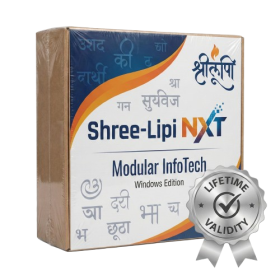
- Type effortlessly in multiple Indian languages with enhanced Unicode keyboard handlers.
- Detect and switch between 32-bit and 64-bit applications automatically while typing.
- Access thousands of high-quality calligraphic fonts for professional designs.
- Convert legacy text to Unicode instantly with the advanced file conversion utility.
- Design stylish 3D titles and logos easily using the Avishkar Plus tool.
- Check spelling in Indian languages directly with the integrated Spell Checker.
- Integrate seamlessly with open-source apps like Inkscape, GIMP, and Scribus.
- AUTOMATIC DELIVERY INSTANTLY ON REGISTERED EMAIL .
- Any Installation Problem Freely Contact Us(Will Give You Support)
- Lifetime Validity
- Mac Version
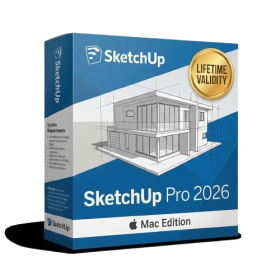
- Run natively on Apple Silicon (M1/M2/M3/M4/M5) for blazing-fast performance.
- Visualize models with realistic depth using the new Ambient Occlusion engine.
- Generate unique textures instantly with integrated AI-powered prompts.
- Sync projects seamlessly between Mac, iPad, and Web versions.
- Convert iPhone LiDAR scans into 3D models automatically via Scan-to-Design.
- Create 2D documentation faster with the optimized LayOut rendering engine.
- Import and export USDZ files easily for Apple AR visualization.
- AUTOMATIC DELIVERY INSTANTLY ON REGISTERED EMAIL .
- Any Installation Problem Freely Contact Us(Will Give You Support)
- Lifetime Validity
- Windows Version
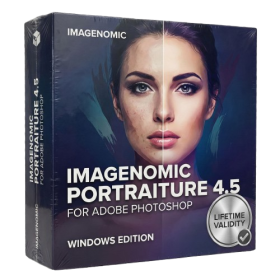
- Smooth skin naturally while preserving texture using advanced AI algorithms.
- Generate precise skin masks automatically to isolate subjects instantly.
- Process massive batches of photos rapidly with optimized multi-core performance.
- Remove blemishes and imperfections without blurring eyelashes or eyebrows.
- Even out skin tones to correct redness and blotchiness effortlessly.
- Apply professional retouching styles quickly with a customizable preset library.
- Fine-tune mask selection manually with the interactive refinement brush.

- AUTOMATIC DELIVERY INSTANTLY ON REGISTERED EMAIL .
- Any Installation Problem Freely Contact Us(Will Give You Support)
- Lifetime Validity
- Windows Version
- Online & Offline both working
- Create watertight meshes instantly for 3D printing with the new ShrinkWrap tool.
- Generate dynamic 2D sections and plans directly from 3D models with ClippingDrawings.
- Model organic shapes with greater precision using supported SubD creases.
- Manipulate geometry intuitively with the new customized Auto Gumball.
- Extrude and modify faces instantly using the direct PushPull workflow.
- Render scenes significantly faster with the optimized Cycles engine.
- Customize the modernized interface to match your specific drafting workflow.

- AUTOMATIC DELIVERY INSTANTLY ON REGISTERED EMAIL .
- Any Installation Problem Freely Contact Us(Will Give You Support)
- Lifetime Validity
- Windows Version
- Version: 4.20
- Revit 2023, 2024, 2025, 2026 and 2027
- SketchUp 2024, 2025 and 2026
- Rhino 7.0 and 8.3 (or later)
- Archicad 27, 28 and 29
- Vectorworks 2024, 2025 2026, 2027
- Navigate scenes with a unified, redesigned user interface for faster workflows.
- Enhance export quality instantly with the AI-powered NVIDIA Denoiser.
- Simulate realistic colored shadows for glass and transparent materials.
- Upscale textures and assets automatically using the Chaos AI Enhancer.
- Apply pencil and watercolor effects with new Artistic Visual Modes.
- Immerse clients in designs with support for Meta Quest 3 and HTC Vive.
- AUTOMATIC DELIVERY INSTANTLY ON REGISTERED EMAIL .
- Any Installation Problem Freely Contact Us(Will Give You Support)
- Lifetime Validity
- Windows Version
- New Desktop: Modern, faster UI with fully supported Dark Mode.
- AI Assistant: Generate and debug code using the built-in AI Chat.
- Python Interop: Seamless data exchange between MATLAB and Python.
- Simulink 3D: Photorealistic simulation powered by Unreal Engine 5.
- Live Editor: Embed sliders and buttons directly into your scripts.
- App Building: Create standalone Windows apps without C++ knowledge.
- Code Gen: Export C/C++ code for embedded hardware instantly.
- 5G/6G Tools: Advanced modeling for next-gen wireless networks.
- Automotive: specialized toolboxes for ADAS and autonomous driving.
- Cloud Run: Run your scripts in a browser via MATLAB Online.

- AUTOMATIC DELIVERY INSTANTLY ON REGISTERED EMAIL .
- Any Installation Problem Freely Contact Us(Will Give You Support)
- Lifetime Validity
- Windows Version
- Visualize models with realistic shading and depth using the new Ambient Occlusion engine.
- Import and export IFC files faster with enhanced openBIM interoperability.
- Find and execute any command instantly using the integrated Smart Search tool.
- Generate unique textures and styles quickly with AI-powered Diffusion graphics.
- Collaborate in real-time by syncing models seamlessly with Trimble Connect.
- Create 2D documentation efficiently with the optimized LayOut rendering engine.
- Import complex Revit files accurately with the lightweight Revit Importer.
- Organize geometry effortlessly using the modernized Tag management system.