
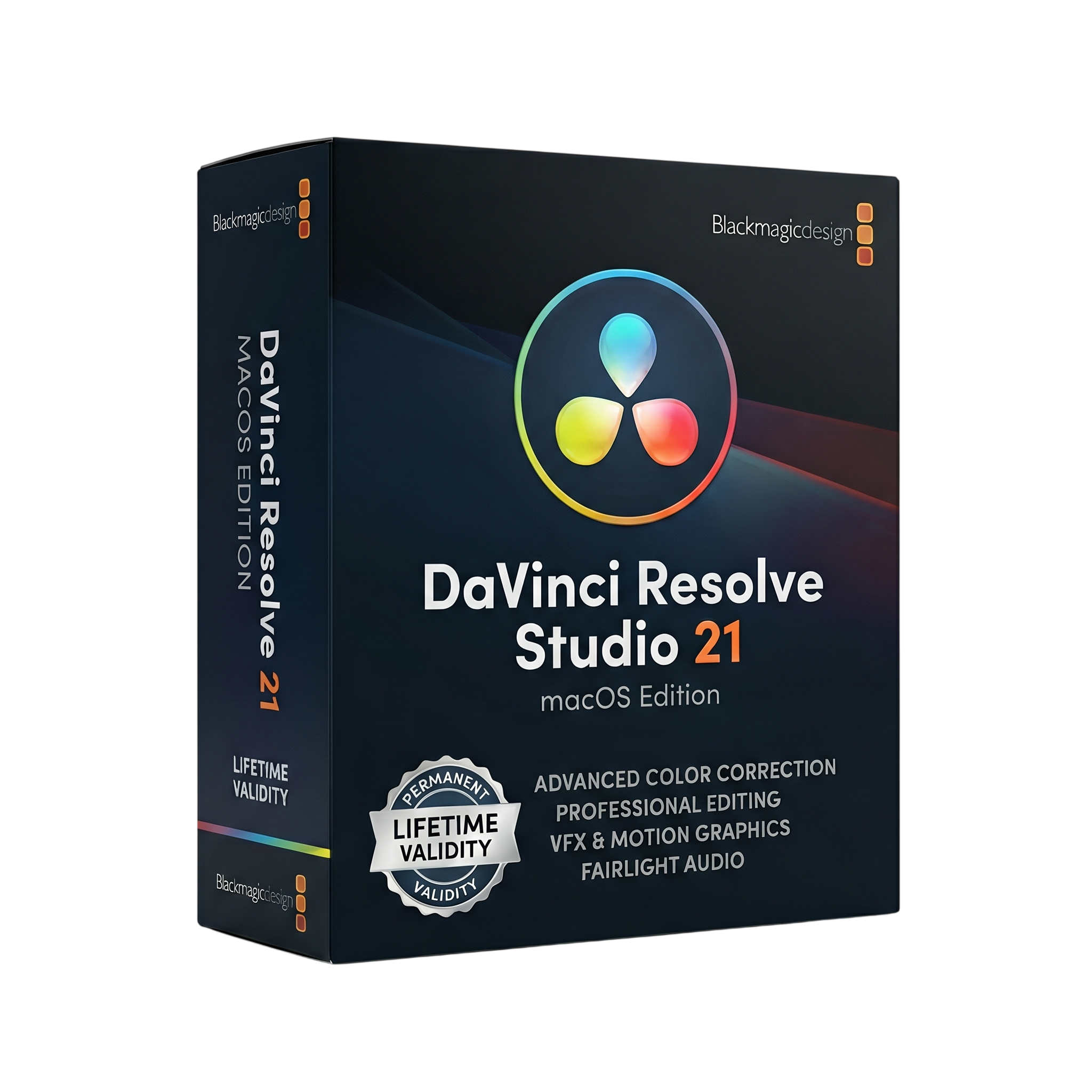
DaVinci Resolve Studio 21 macOs for Lifetime
- Lifetime Validity
- Instant Delivery on Email
- Supported on Latest Apple Mac Systems
- Any Installation Problem Freely Contact Us(Will Give You Support)
- 21.1 Latest
- Ai Features are working
- Free Updates
- Professional all-in-one software for editing, color grading, VFX, and audio
- Advanced non-linear video editing with multi-track timeline
- Industry-leading color grading with HDR and node-based workflow
- Built-in Fusion for visual effects and motion graphics
- Fairlight audio tools for professional sound mixing
- AI-powered features via DaVinci Neural Engine
- Supports high resolutions up to 32K and HDR formats
- Multi-GPU and Metal acceleration for faster performance
₹699.00
Bought Together
- Lifetime Validity
- Instant Delivery on Email
- Supported on Latest Apple Mac Systems
- Any Installation Problem Freely Contact Us(Will Give You Support)
- 21.1 Latest
- Ai Features are working
- Free Updates
- Professional all-in-one software for editing, color grading, VFX, and audio
- Advanced non-linear video editing with multi-track timeline
- Industry-leading color grading with HDR and node-based workflow
- Built-in Fusion for visual effects and motion graphics
- Fairlight audio tools for professional sound mixing
- AI-powered features via DaVinci Neural Engine
- Supports high resolutions up to 32K and HDR formats
- Multi-GPU and Metal acceleration for faster performance
- Lifetime Validity
- Instant Delivery on Email
- Any Installation Problem Freely Contact Us(Will Give You Support)
- Supported on Windows 10,11
- 21.1.1 Latest
- Free Updates
- Ai Features are working
- Pre-Activated for Lifetime (Safe & Secure)
- No Lagging
- Professional all-in-one video editing, color grading, VFX, and audio software
- Advanced non-linear editing with multi-track timeline
- Industry-leading color grading tools with HDR support
- Built-in Fusion for visual effects and motion graphics
- Fairlight audio tools for professional sound editing
- AI-powered features via DaVinci Neural Engine
- Supports up to 32K resolution and high frame rates
- Multi-GPU acceleration for faster rendering
- Wide format support including 4K, 8K, and HDR
- Ideal for filmmakers, YouTubers, and post-production professionals
Description
DaVinci Resolve Studio 21 for macOS is a professional all-in-one post-production software that combines video editing, color grading, visual effects (VFX), and audio post-production into a single application. Developed by Blackmagic Design, it is widely used in film, television, and content creation industries for high-end production workflows.
Unlike traditional software that separates editing, effects, and audio into different tools, DaVinci Resolve integrates everything into one unified platform. This allows creators to move seamlessly between editing, color correction, visual effects, and sound design without switching applications.
🎯 Core Capabilities
- 🎬 Professional Video Editing – Multi-track timeline, trimming, and advanced editing tools
- 🎨 Color Grading – Industry-leading HDR grading, color wheels, and node-based workflows
- 🎞️ Fusion VFX – Node-based compositing, motion graphics, and 3D effects
- 🔊 Fairlight Audio – Advanced audio editing with up to thousands of tracks and real-time effects
- 📤 Delivery Tools – Export to multiple formats including 4K, 8K, and HDR
🚀 Studio Version Advantages
The Studio edition unlocks premium professional features:
- ⚡ Multi-GPU acceleration for faster rendering and playback
- 🧠 AI-powered tools (DaVinci Neural Engine) for facial recognition, object tracking, and effects
- 🎥 High-end formats & resolutions (up to 32K and high frame rates)
- 🎛️ Advanced noise reduction and image restoration tools
- 🌌 HDR workflows and Dolby Atmos audio support
🆕 What’s New in Version 21
- 📸 New photo editing workflow alongside video editing
- 🤖 AI-powered search and media organization
- 🎨 Advanced color tools for both video and still images
- ⚡ GPU-accelerated batch exports and faster processing
- 🔗 Blackmagic Cloud collaboration improvements
These updates expand Resolve into a hybrid creative suite for both video and photography workflows.
🍏 macOS Optimization
DaVinci Resolve Studio 21 is highly optimized for macOS:
- 🍏 Native support for Apple Silicon (M1/M2/M3 and newer)
- ⚡ Uses Metal GPU acceleration for better performance
- 🧠 Optimized for unified memory architecture on modern Macs
- 🚀 Improved playback and rendering speeds on M-series chips
💻 System Requirements (macOS)
✅ Minimum Requirements
- OS: macOS 13 Ventura or later (newer versions recommended)
- Processor: Apple Silicon (M1 or newer) or Intel Mac
- RAM: 8 GB (16 GB recommended; 16 GB+ for Fusion)
- GPU: Metal-compatible GPU (Apple Silicon integrated GPU supported)
- Storage: SSD recommended for media and cache
- Display: 1440 × 900 resolution minimum
🚀 Recommended Requirements
- OS: Latest macOS version
- Processor: Apple Silicon (M1 Pro/M2/M3 or newer)
- RAM: 16–32 GB (32 GB+ for 4K/8K workflows)
- GPU: High-performance Apple GPU or external GPU (Intel Macs)
- Storage: NVMe SSD for fast editing and rendering
- Display: Full HD or 4K monitor for color accuracy
🎯 Use Cases
- 🎬 Film and cinematic video production
- 📺 YouTube and content creation
- 🎨 Professional color grading and finishing
- 🎞️ Visual effects and motion graphics
- 🎧 Audio mixing and mastering
Related Products
- Lifetime Validity
- Instant Delivery on Email
- Supported on All Apple Mac Systems
- Any Installation Problem Freely Contact Us(Will Give You Support)
- Run natively on Apple Silicon (M1/M2/M3) for significantly faster processing speeds.
- Experience fluid viewport navigation with the new Apple Metal graphics pipeline.
- Create watertight meshes from open geometry instantly using the ShrinkWrap command.
- Customize your workspace with new Window Layouts that match the Windows interface.
- Render ray-traced images in real-time using GPU-accelerated Cycles on Metal.
- Model organically with sharp edges using the new SubD Creases feature.
- Extrude and subtract geometry directly from faces with the intuitive PushPull workflow.
- Create dynamic 3D sections with hatch patterns using improved Clipping Planes.
- Access new data types and attributes directly within the upgraded Grasshopper.
- AUTOMATIC DELIVERY INSTANTLY ON REGISTERED EMAIL .
- Any Installation Problem Freely Contact Us(Will Give You Support)
- Lifetime Validity
- Windows Version
- Chaos V-Ray 7.20.01 for Rhinoceros 7 – 9 & SketchUp 2021 – 2026
- Render real-world 3D scans with reflections using native Gaussian Splatting support.
- Simulate accurate stars, moon phases, and the Milky Way with the procedural Night Sky.
- Upscale renders to 16K resolution instantly with the one-click AI Upscaler.
- Populate vegetation naturally with new Clustering modes in Chaos Scatter.
- Clip and trim Gaussian Splat models directly within the SketchUp viewport.
- Render complex light fixtures significantly faster using optimized V-Ray Luminaires.
- Remove bright noise pixels automatically during rendering with Firefly Removal.
- Add detail to people and grass without re-rendering using the AI Enhancer.

- AUTOMATIC DELIVERY INSTANTLY ON REGISTERED EMAIL .
- Any Installation Problem Freely Contact Us(Will Give You Support)
- Lifetime Validity
- Mac Version
- Run natively on Apple Silicon (M1/M2/M3/M4/M5) for blazing-fast performance.
- Visualize models with realistic depth using the new Ambient Occlusion engine.
- Generate unique textures instantly with integrated AI-powered prompts.
- Sync projects seamlessly between Mac, iPad, and Web versions.
- Convert iPhone LiDAR scans into 3D models automatically via Scan-to-Design.
- Create 2D documentation faster with the optimized LayOut rendering engine.
- Import and export USDZ files easily for Apple AR visualization.
- Lifetime Validity
- Instant Delivery on Email
- Any Installation Problem Freely Contact Us(Will Give You Support)
- Supported on Windows 10,11
- File Size: 7.47GB (20.3.2 Version)
- Ai Features are working
- Works with Internet and Antivirus
- Generate complex color grades instantly from text prompts or reference images with AI Match.
- Isolate and remix individual instruments from a stereo music track using Fairlight AI Stem Separation.
- Track objects obscured by smoke or glass perfectly with the new Deep Neural Magic Mask.
- Edit spatial video natively for Apple Vision Pro and Meta Quest with full depth visualization.
- Remove unwanted moving objects from complex backgrounds automatically with Generative Fill for Video.
- AUTOMATIC DELIVERY INSTANTLY ON REGISTERED EMAIL .
- Any Installation Problem Freely Contact Us(Will Give You Support)
- Lifetime Validity
- Windows Version
- Ray trace over 2,200 nature assets including trees and shrubs for realistic reflections.
- Preview renders instantly with the new real-time NRD denoiser in Photo and Movie modes.
- Render ray-traced videos up to 5x faster using the optimized sampling engine.
- Simulate realistic glass refraction and colored shadows with fully ray-traced glass.
- Add depth to translucent materials like marble and wax with Subsurface Scattering.
- Populate interiors instantly using 25+ new parallax room templates for day and night.
- Import GLTF files directly for a lighter and faster 3D model workflow.
- Batch import multiple 3D models simultaneously to speed up scene building.
- AUTOMATIC DELIVERY INSTANTLY ON REGISTERED EMAIL .
- Any Installation Problem Freely Contact Us(Will Give You Support)
- Lifetime Validity
- Windows Version
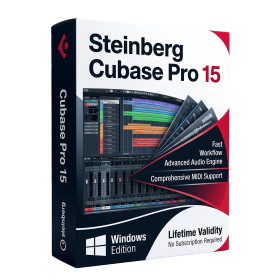
- Included Instruments:
- Halion 7
- Halion Sonic 7
- Groove Agent 6
- Groove Agent SE 6
- WaveLab Pro 13
- Dorico Pro 6
- Backbone 1.6
- PadShop Pro 2
- Retrologue 2.5
- SpectraLayers Pro 13
- Iconica Sketch
- Verve
- Drum Machine
- AUTOMATIC DELIVERY INSTANTLY ON REGISTERED EMAIL .
- Any Installation Problem Freely Contact Us(Will Give You Support)
- Lifetime Validity
- Windows Version
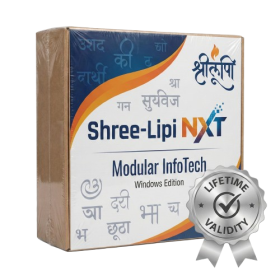
- Type effortlessly in multiple Indian languages with enhanced Unicode keyboard handlers.
- Detect and switch between 32-bit and 64-bit applications automatically while typing.
- Access thousands of high-quality calligraphic fonts for professional designs.
- Convert legacy text to Unicode instantly with the advanced file conversion utility.
- Design stylish 3D titles and logos easily using the Avishkar Plus tool.
- Check spelling in Indian languages directly with the integrated Spell Checker.
- Integrate seamlessly with open-source apps like Inkscape, GIMP, and Scribus.

- AUTOMATIC DELIVERY INSTANTLY ON REGISTERED EMAIL .
- Any Installation Problem Freely Contact Us(Will Give You Support)
- Lifetime Validity
- Windows Version
- 7.28 Version
- Map video onto complex geometric structures and surfaces with advanced projection mapping tools.
- Stitch multiple projectors into a single seamless widescreen image with soft edge blending.
- Sync video with lighting fixtures using DMX input and advanced LED pixel mapping.
- Lock your visuals perfectly to show tracks and DJ sets using SMPTE timecode input.
- Mix unlimited layers of video, effects, and generative content in real-time.
- Correct mistakes instantly during live setup with the fully integrated Undo/Redo feature.
- AUTOMATIC DELIVERY INSTANTLY ON REGISTERED EMAIL .
- Any Installation Problem Freely Contact Us(Will Give You Support)
- Lifetime Validity
- Windows Version
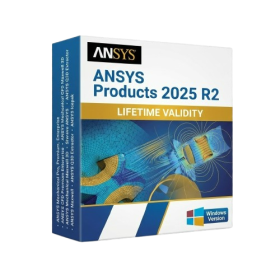
- ANSYS Products includes the following applications:
- ANSYS Mechanical Pro, Premium, Enterprise
- ANSYS CFD Premium and Enterprise
- ANSYS Mechanical CFD Maxwell 3D
- ANSYS Mechanical Maxwell 3D
- ANSYS Mechanical CFD
- ANSYS HFSS
- Siwave ANSYS
- ANSYS Maxwell
- ANSYS Q3D Extractor
- ANSYS Icepak

- AUTOMATIC DELIVERY INSTANTLY ON REGISTERED EMAIL .
- Any Installation Problem Freely Contact Us(Will Give You Support)
- Lifetime Validity
- Windows Version
- Edit video content as easily as a text document with the AI-powered text-based editing workflow.
- Instantly remove or replace video backgrounds without a green screen using dynamic AI masking.
- Automatically generate and sync accurate captions and subtitles from your voiceover in seconds.
- Smooth out jerky mouse movements and customize cursor paths with advanced cursor effects.
- Record high-resolution 4K screen capture, webcam, and system audio simultaneously.
- Clean up background noise and balance vocal levels instantly with AI-enhanced audio filters.
- Access a vast library of royalty-free intros, motion graphics, and music directly within the editor.
- Engage viewers by adding interactive quizzes and clickable hotspots directly to your videos.
- Apply professional animations and behaviors to text and images with simple drag-and-drop actions.
- Export videos faster than ever with optimized GPU acceleration for modern hardware.
- AUTOMATIC DELIVERY INSTANTLY ON REGISTERED EMAIL .
- Any Installation Problem Freely Contact Us(Will Give You Support)
- Lifetime Validity
- Windows Version
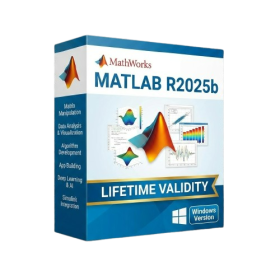
- New Desktop: Modern, faster UI with fully supported Dark Mode.
- AI Assistant: Generate and debug code using the built-in AI Chat.
- Python Interop: Seamless data exchange between MATLAB and Python.
- Simulink 3D: Photorealistic simulation powered by Unreal Engine 5.
- Live Editor: Embed sliders and buttons directly into your scripts.
- App Building: Create standalone Windows apps without C++ knowledge.
- Code Gen: Export C/C++ code for embedded hardware instantly.
- 5G/6G Tools: Advanced modeling for next-gen wireless networks.
- Automotive: specialized toolboxes for ADAS and autonomous driving.
- Cloud Run: Run your scripts in a browser via MATLAB Online.
- AUTOMATIC DELIVERY INSTANTLY ON REGISTERED EMAIL .
- Any Installation Problem Freely Contact Us(Will Give You Support)
- Lifetime Validity
- Windows Version
- Online & Offline both working
- Create watertight meshes instantly for 3D printing with the new ShrinkWrap tool.
- Generate dynamic 2D sections and plans directly from 3D models with ClippingDrawings.
- Model organic shapes with greater precision using supported SubD creases.
- Manipulate geometry intuitively with the new customized Auto Gumball.
- Extrude and modify faces instantly using the direct PushPull workflow.
- Render scenes significantly faster with the optimized Cycles engine.
- Customize the modernized interface to match your specific drafting workflow.