
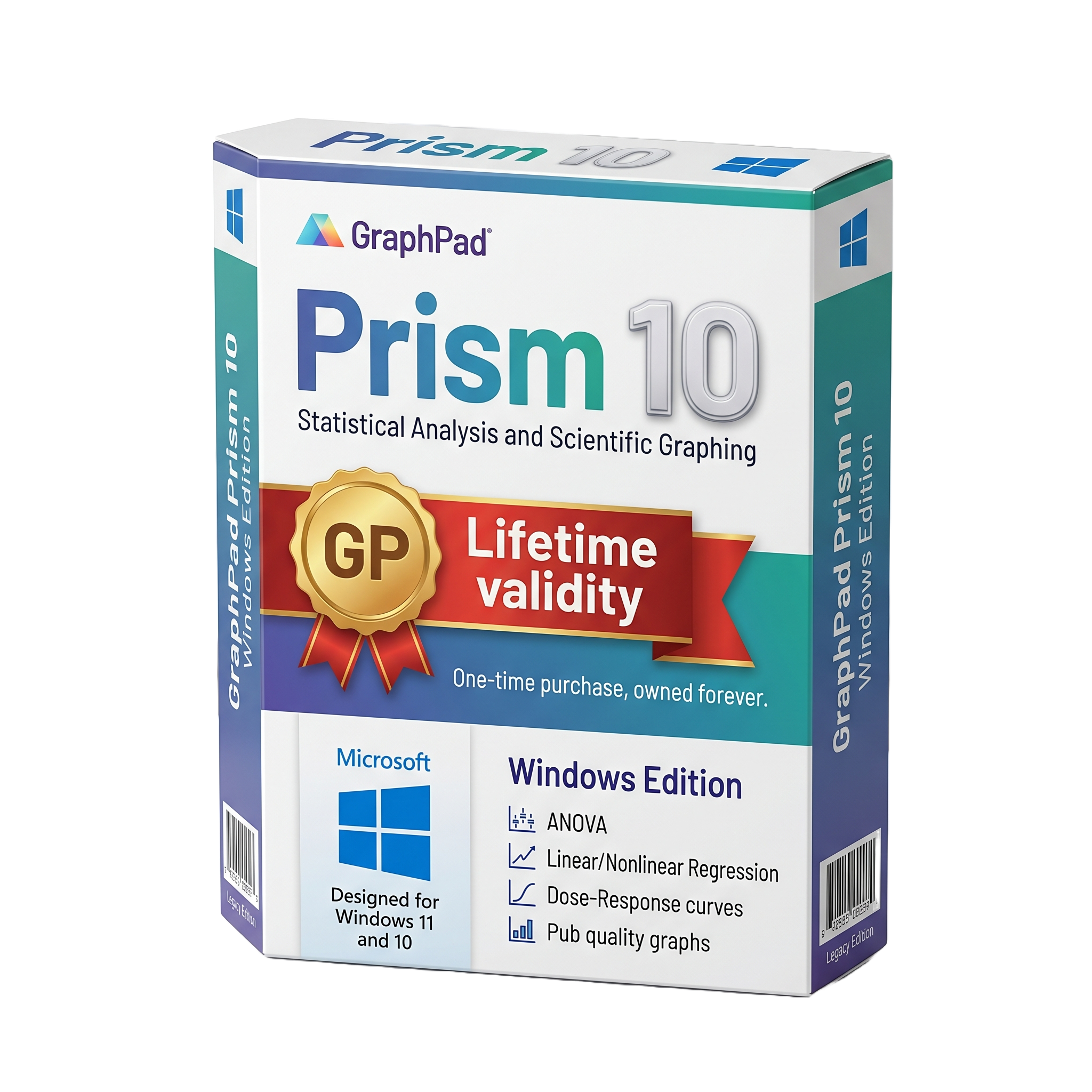
GraphPad Prism 10 for Lifetime
- AUTOMATIC DELIVERY INSTANTLY ON REGISTERED EMAIL .
- Any Installation Problem Freely Contact Us(Will Give You Support)
- Lifetime Validity
- Windows Version
- Professional software for scientific graphing and statistical analysis
- Create publication-quality graphs and data visualizations
- Advanced statistical tests with guided analysis workflows
- Nonlinear regression and curve fitting tools
- Organize experimental data with intuitive tables
- Real-time graph customization and formatting tools
- Supports large datasets with improved performance
- Prism Cloud integration for sharing and collaboration
- User-friendly interface designed for researchers and students
- Ideal for biology, medicine, pharmacology, and data science
₹499.00
Bought Together
- AUTOMATIC DELIVERY INSTANTLY ON REGISTERED EMAIL .
- Any Installation Problem Freely Contact Us(Will Give You Support)
- Lifetime Validity
- Windows Version
- Professional software for scientific graphing and statistical analysis
- Create publication-quality graphs and data visualizations
- Advanced statistical tests with guided analysis workflows
- Nonlinear regression and curve fitting tools
- Organize experimental data with intuitive tables
- Real-time graph customization and formatting tools
- Supports large datasets with improved performance
- Prism Cloud integration for sharing and collaboration
- User-friendly interface designed for researchers and students
- Ideal for biology, medicine, pharmacology, and data science
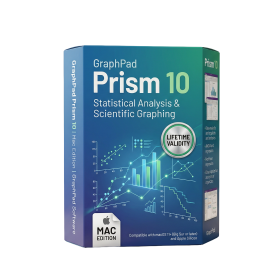
- Lifetime Validity
- Instant Delivery on Email
- Mac Edition
- Any Installation Problem Freely Contact Us(Will Give You Support)
- Professional software for scientific graphing, statistics, and data analysis
- Combines data organization, curve fitting, and statistical testing in one tool
- Create high-quality graphs including scatter, bar, violin, and bubble plots
- Advanced nonlinear regression and curve fitting capabilities
- Automatic statistical analysis with clear, easy-to-interpret results
- Interactive graph customization with real-time editing tools
- Prism Cloud for collaboration and sharing research data
- Supports large datasets with improved performance and speed
- Native support for Apple Silicon and Intel Macs
- Ideal for researchers, scientists, and students in biology, medicine, and data science
Description
GraphPad Prism 10 is a professional scientific graphing, statistics, and data analysis software designed for researchers, scientists, students, and healthcare professionals. It combines powerful statistical analysis tools with high-quality graphing capabilities in a user-friendly interface, making it one of the most popular tools for scientific research and academic publishing.
Unlike traditional spreadsheet software, Prism is specifically built for scientific workflows. It allows users to organize experimental data, perform advanced statistical tests, create publication-quality graphs, and interpret results efficiently—all within a single integrated environment.
🔬 Core Capabilities
- 📊 Scientific Graphing – Create professional graphs including scatter plots, bar charts, violin plots, box plots, survival curves, and more
- 📈 Advanced Statistical Analysis – Perform t-tests, ANOVA, regression, nonparametric tests, survival analysis, and other statistical methods
- 🧪 Nonlinear Regression & Curve Fitting – Ideal for pharmacology, biology, and experimental research
- 📑 Data Organization – Structured tables for different experiment types and datasets
- 🎨 Publication-Quality Output – Customize graphs with advanced formatting tools
Prism is widely used in:
- Biology and biomedical research
- Pharmacology and clinical studies
- Chemistry and life sciences
- Public health and medical research
- Academic and laboratory environments
🚀 What’s New in Prism 10
GraphPad Prism 10 introduced several improvements focused on productivity and performance:
- ⚡ Faster handling of large datasets
- 🎨 Improved graph customization tools
- ☁️ Prism Cloud integration for sharing and collaboration
- 🧠 Simplified workflows for choosing appropriate statistical tests
- 📊 Enhanced data visualization options
- 🔄 Better performance and stability across platforms
These updates make Prism 10 more efficient for modern research workflows and collaborative environments.
🎯 Ease of Use
One of Prism’s biggest strengths is its user-friendly interface. Unlike complex statistical software packages, Prism guides users through analysis workflows step by step, helping non-statisticians choose the correct tests and interpret results properly.
The software also generates clear explanations of statistical outputs, making it useful for students, researchers, and professionals who need reliable analysis without extensive programming knowledge.
💻 System Requirements
✅ Windows Requirements
- OS: Windows 10 / Windows 11 (64-bit)
- Processor: Intel or AMD 64-bit CPU
- RAM: 4 GB minimum (8 GB recommended)
- Storage: ~1 GB free disk space
- Display: 1280 × 768 resolution or higher
Related Products
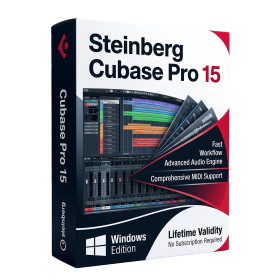
- AUTOMATIC DELIVERY INSTANTLY ON REGISTERED EMAIL .
- Any Installation Problem Freely Contact Us(Will Give You Support)
- Lifetime Validity
- Windows Version
- Included Instruments:
- Halion 7
- Halion Sonic 7
- Groove Agent 6
- Groove Agent SE 6
- WaveLab Pro 13
- Dorico Pro 6
- Backbone 1.6
- PadShop Pro 2
- Retrologue 2.5
- SpectraLayers Pro 13
- Iconica Sketch
- Verve
- Drum Machine
- AUTOMATIC DELIVERY INSTANTLY ON REGISTERED EMAIL .
- Any Installation Problem Freely Contact Us(Will Give You Support)
- Lifetime Validity
- Windows Version
- ANSYS Products includes the following applications:
- ANSYS Mechanical Pro, Premium, Enterprise
- ANSYS CFD Premium and Enterprise
- ANSYS Mechanical CFD Maxwell 3D
- ANSYS Mechanical Maxwell 3D
- ANSYS Mechanical CFD
- ANSYS HFSS
- Siwave ANSYS
- ANSYS Maxwell
- ANSYS Q3D Extractor
- ANSYS Icepak

- AUTOMATIC DELIVERY INSTANTLY ON REGISTERED EMAIL .
- Any Installation Problem Freely Contact Us(Will Give You Support)
- Lifetime Validity
- Windows Version
- Version: 4.20
- Revit 2023, 2024, 2025, 2026 and 2027
- SketchUp 2024, 2025 and 2026
- Rhino 7.0 and 8.3 (or later)
- Archicad 27, 28 and 29
- Vectorworks 2024, 2025 2026, 2027
- Navigate scenes with a unified, redesigned user interface for faster workflows.
- Enhance export quality instantly with the AI-powered NVIDIA Denoiser.
- Simulate realistic colored shadows for glass and transparent materials.
- Upscale textures and assets automatically using the Chaos AI Enhancer.
- Apply pencil and watercolor effects with new Artistic Visual Modes.
- Immerse clients in designs with support for Meta Quest 3 and HTC Vive.
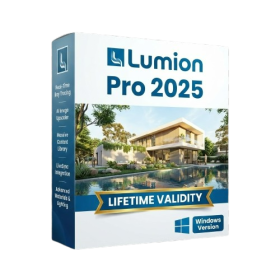
- AUTOMATIC DELIVERY INSTANTLY ON REGISTERED EMAIL .
- Any Installation Problem Freely Contact Us(Will Give You Support)
- Lifetime Validity
- Windows Version
- Hybrid Ray Tracing: Perfect reflections, shadows, and glass instantly.
- LiveSync: Real-time link to Revit, SketchUp, and Rhino.
- Full Library: Over 9,000 assets (trees, cars, people) included.
- Phasing Effect: Animate the construction process easily.
- Real Skies: 60+ HDR skies that light your scene automatically.
- Styles: One-click presets for “Watercolor,” “Sketch,” or “Realistic.”
- 3D Grass: Turn any surface into realistic, volumetric grass.
- Volumetric Spotlights: Create dusty, atmospheric beams of light.
- Material Editor: Add weathering, rounded edges, and foliage to textures.
- Output: Render 8K images, 4K videos, and 360 panoramas.
- Lifetime Validity
- Instant Delivery on Email
- Any Installation Problem Freely Contact Us(Will Give You Support)
- Supported on Windows 10,11
- File Size: 7.47GB (20.3.2 Version)
- Ai Features are working
- Works with Internet and Antivirus
- Generate complex color grades instantly from text prompts or reference images with AI Match.
- Isolate and remix individual instruments from a stereo music track using Fairlight AI Stem Separation.
- Track objects obscured by smoke or glass perfectly with the new Deep Neural Magic Mask.
- Edit spatial video natively for Apple Vision Pro and Meta Quest with full depth visualization.
- Remove unwanted moving objects from complex backgrounds automatically with Generative Fill for Video.
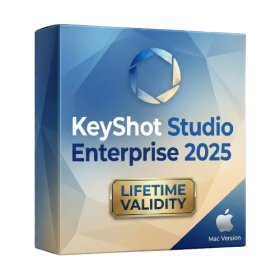
- Lifetime Validity
- Instant Delivery on Email
- Supported on All Apple Mac Systems
- Any Installation Problem Freely Contact Us(Will Give You Support)
- Render natively on Apple Silicon (M1/M2/M3) for maximum speed and efficiency.
- Generate photorealistic backgrounds instantly from text prompts using the AI Shots tool.
- Share interactive 3D product reviews securely with stakeholders via KeyShot Web Viewer.
- Automate complex rendering pipelines using the advanced Python scripting console.
- Import native files directly from high-end CAD systems like Siemens NX, Catia, and Creo.
- Switch seamlessly between CPU and GPU rendering to utilize Apple Metal graphics power.
- Create standardized material libraries for your organization with OpenPBR support.
- Accelerate post-production compositing with automatic Cryptomatte mask generation.
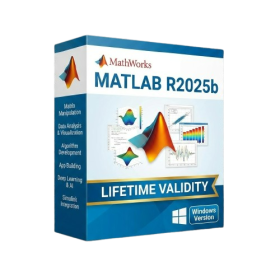
- AUTOMATIC DELIVERY INSTANTLY ON REGISTERED EMAIL .
- Any Installation Problem Freely Contact Us(Will Give You Support)
- Lifetime Validity
- Windows Version
- New Desktop: Modern, faster UI with fully supported Dark Mode.
- AI Assistant: Generate and debug code using the built-in AI Chat.
- Python Interop: Seamless data exchange between MATLAB and Python.
- Simulink 3D: Photorealistic simulation powered by Unreal Engine 5.
- Live Editor: Embed sliders and buttons directly into your scripts.
- App Building: Create standalone Windows apps without C++ knowledge.
- Code Gen: Export C/C++ code for embedded hardware instantly.
- 5G/6G Tools: Advanced modeling for next-gen wireless networks.
- Automotive: specialized toolboxes for ADAS and autonomous driving.
- Cloud Run: Run your scripts in a browser via MATLAB Online.
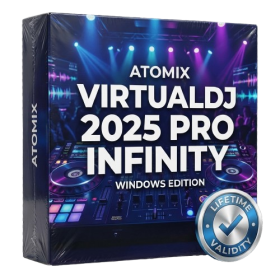
- AUTOMATIC DELIVERY INSTANTLY ON REGISTERED EMAIL .
- Any Installation Problem Freely Contact Us(Will Give You Support)
- Lifetime Validity
- Windows Version
- Works with Internet and Antivirus
- File Size: 461MB
- v8.5.8472
- Swap vocals or drums between tracks instantly with the new StemSwap Sampler.
- Isolate track elements in real-time for seamless live mashups and remixes.
- Export playlists to USB drives for CDJs with new subfolder support.
- Sync music libraries across devices automatically via improved Cloud Drive tools.
- Plug and play with over 300+ controllers including the latest AlphaTheta models.
- Mix video and karaoke with customizable on-screen graphics and lyrics.
- Scratch with precision using the improved ultra-low latency DVS engine.
- Stream sets directly to social platforms without external broadcasting software.
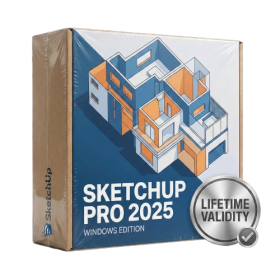
- AUTOMATIC DELIVERY INSTANTLY ON REGISTERED EMAIL .
- Any Installation Problem Freely Contact Us(Will Give You Support)
- Lifetime Validity
- Windows Version
- Visualize models with realistic shading and depth using the new Ambient Occlusion engine.
- Import and export IFC files faster with enhanced openBIM interoperability.
- Find and execute any command instantly using the integrated Smart Search tool.
- Generate unique textures and styles quickly with AI-powered Diffusion graphics.
- Collaborate in real-time by syncing models seamlessly with Trimble Connect.
- Create 2D documentation efficiently with the optimized LayOut rendering engine.
- Import complex Revit files accurately with the lightweight Revit Importer.
- Organize geometry effortlessly using the modernized Tag management system.

- AUTOMATIC DELIVERY INSTANTLY ON REGISTERED EMAIL .
- Any Installation Problem Freely Contact Us(Will Give You Support)
- Lifetime Validity
- Windows Version
- Route complex PCB traces automatically with the new AI-driven auto-interactive router.
- Collaborate seamlessly with mechanical engineers via the enhanced real-time MCAD CoDesigner.
- Simulate power integrity and signal performance instantly within the unified design environment.
- Manage component shortages proactively with live supply chain data in ActiveBOM.
- Visualize multi-board systems and rigid-flex designs in photorealistic 3D detail.
- Sync all design changes and version history securely to the cloud with Altium 365.
- Define complex high-speed design rules easily using the visual Constraint Manager.
- AUTOMATIC DELIVERY INSTANTLY ON REGISTERED EMAIL .
- Any Installation Problem Freely Contact Us(Will Give You Support)
- Lifetime Validity
- Windows Version
- Chaos V-Ray 7.40.02 for Rhinoceros 7 – 9 & SketchUp 2021 – 2026
- Render real-world 3D scans with reflections using native Gaussian Splatting support.
- Simulate accurate stars, moon phases, and the Milky Way with the procedural Night Sky.
- Upscale renders to 16K resolution instantly with the one-click AI Upscaler.
- Populate vegetation naturally with new Clustering modes in Chaos Scatter.
- Clip and trim Gaussian Splat models directly within the SketchUp viewport.
- Render complex light fixtures significantly faster using optimized V-Ray Luminaires.
- Remove bright noise pixels automatically during rendering with Firefly Removal.
- Add detail to people and grass without re-rendering using the AI Enhancer.

- AUTOMATIC DELIVERY INSTANTLY ON REGISTERED EMAIL .
- Any Installation Problem Freely Contact Us(Will Give You Support)
- Lifetime Validity
- Windows Version
- For 3ds Max 2021 – 2027
- Render and clip real-world 3D scans natively with full Gaussian Splatting support.
- Simulate complex light fixtures significantly faster using the new V-Ray Luminaire.
- Generate accurate stars, moon, and phases instantly with the procedural Night Sky.
- Create PBR materials from simple photos automatically with the AI Material Generator.
- Stream interactive 3D scenes to clients via a web link with Chaos Cloud Streaming.
- Analyze scene performance and spot bottlenecks precisely using the V-Ray Profiler.
- Render realistic caustics and refractions at high speeds with updated V-Ray GPU.