
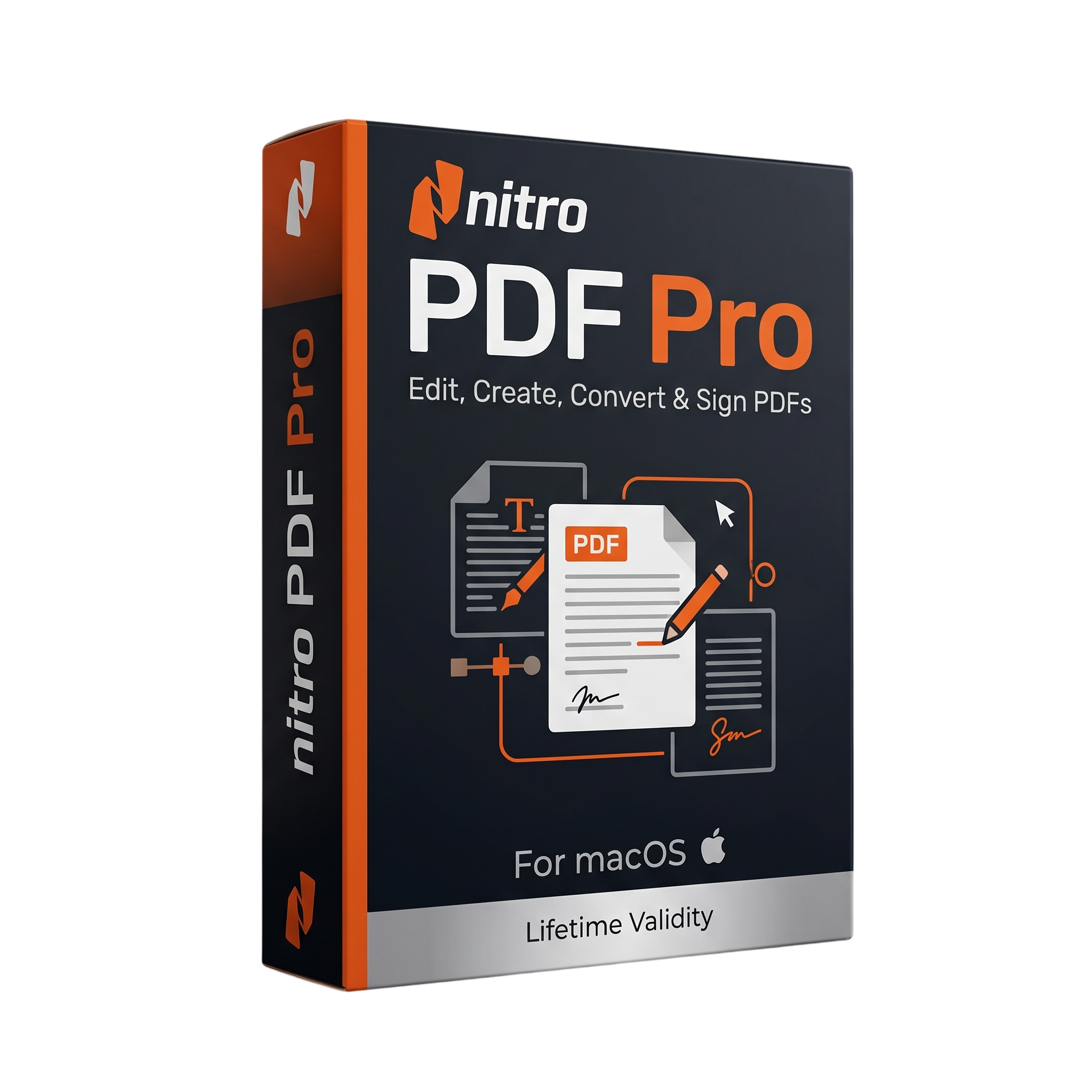
Nitro PDF Pro for macOs Lifetime
- Lifetime Validity
- Instant Delivery on Email
- Mac Edition
- Any Installation Problem Freely Contact Us(Will Give You Support)
- Professional PDF editing and document-management software for Mac
- Nitro PDF Pro 13.x legacy Mac generation
- Designed for business, legal, education, and professional document workflows
- Create, edit, combine, and manage PDF documents
- Direct PDF text and image editing
- Add, resize, move, copy, and delete PDF images
- Advanced PDF annotation and markup tools
- OCR for scanned and image-based PDF documents
- Searchable and editable OCR text layers
- Support for multilingual OCR workflows
- Create and edit interactive PDF forms
₹500.00
Bought Together
- Lifetime Validity
- Instant Delivery on Email
- Mac Edition
- Any Installation Problem Freely Contact Us(Will Give You Support)
- Professional PDF editing and document-management software for Mac
- Nitro PDF Pro 13.x legacy Mac generation
- Designed for business, legal, education, and professional document workflows
- Create, edit, combine, and manage PDF documents
- Direct PDF text and image editing
- Add, resize, move, copy, and delete PDF images
- Advanced PDF annotation and markup tools
- OCR for scanned and image-based PDF documents
- Searchable and editable OCR text layers
- Support for multilingual OCR workflows
- Create and edit interactive PDF forms
- AUTOMATIC DELIVERY INSTANTLY ON REGISTERED EMAIL .
- Any Installation Problem Freely Contact Us(Will Give You Support)
- Lifetime Validity
- Windows Version
- Enterprise PDF creation, editing, conversion, and management
- Windows 10/11 64-bit support
- Modernized Nitro PDF Pro 26 interface
- AI-powered Smart Tools
- Nitro Assistant for PDF analysis, summarization, and translation
- OCR with expanded multilingual recognition
- Form creation and automated form-data extraction
- Table extraction to Excel-ready data
- Smart and permanent PDF redaction
- Digital signatures and document security
- PDF/A archival support
- PDF compression and optimization
Description
Nitro PDF Pro 13 for Mac is a professional PDF creation, editing, annotation, OCR, conversion, form, signing, and document-management application designed for users who work extensively with digital documents. It provides tools for editing existing PDFs, creating new documents, combining files, adding annotations and signatures, converting scanned documents with OCR, and protecting sensitive information. Nitro’s documentation identifies the 13.x generation as an earlier Mac release, preceding the current 14.x and 26.x generations. resources.gonitro.com
Nitro PDF Pro provides direct editing of PDF text and images, page management, document merging, annotations, bookmarks, headers and footers, watermarks, stamps, and interactive forms. It can also convert PDF content to Microsoft Office formats and common image formats, making it suitable for business, education, legal, administrative, and document-production workflows. Nitro
The application includes Optical Character Recognition (OCR) for converting scanned or image-based documents into searchable text. Users can review or edit the OCR layer, correct recognized text, and work with multilingual documents. Nitro PDF Pro also provides form creation, signature fields, electronic signing, document permissions, password protection, and AES encryption. Nitro
For professional users, Nitro PDF Pro 13 supports automation through AppleScript and JavaScript, allowing repetitive PDF operations to be integrated into Mac-based workflows. It can also work with file attachments, annotations, PDF portfolios, tables of contents, and iCloud-synchronized Library items. Nitro
Key Features
- Professional PDF creation and editing
- Direct editing of PDF text
- PDF image editing and manipulation
- Add, resize, move, copy, and delete images
- OCR for scanned documents
- Editable and searchable OCR text
- OCR layer review and correction
- PDF annotation and markup
- Highlight, underline, strikethrough, notes, and comments
- Interactive PDF form creation
- Automatic form creation
- Digital signatures and signature fields
- Password protection
- Up to 256-bit AES encryption
- Document permissions management
- Redaction and sensitive-information removal
- Search and replace
- Search and redact
- Search and highlight
- Page insertion, deletion, and reordering
- Combine multiple PDF documents
- Bookmarks and tables of contents
- Headers, footers, page numbers, and watermarks
- Stamps and reusable Library objects
- PDF Portfolio creation
- File attachments and annotations
- Audio annotations
- PDF-to-Word conversion
- PDF-to-Excel conversion
- PDF-to-PowerPoint conversion
- PDF-to-TIFF, JPEG, and PNG export
- PDF/A archival export
- HTML-to-PDF conversion
- Scanning through Image Capture
- AppleScript automation
- JavaScript Automation
- iCloud Library synchronization
- Nitro Sign and DocuSign support
- Chinese, Japanese, and Korean OCR support
- Available in multiple languages Nitro
What’s New
- Nitro PDF Pro 13 for Mac belongs to Nitro’s earlier 13.x product generation.
- Nitro’s later installation documentation specifically references v13.x as a previous generation and directs v13 users to legacy installation documentation. resources.gonitro.com
- The current Nitro product line has subsequently moved through version 14 and into the current 26.x generation. Nitro
- Features commonly associated with the mature Nitro PDF Pro Mac workflow include enhanced OCR, PDF editing, forms, digital signatures, redaction, Office conversion, and document automation. Nitro
Professional Applications
- Business document editing
- Legal document preparation
- Contract review
- Accounting and financial documents
- Government and administrative documentation
- Education and academic documents
- Scanned-document digitization
- OCR and document archiving
- Electronic forms
- PDF signing and approvals
- Secure document distribution
- Technical and engineering documentation
- Document collaboration
- PDF conversion and publishing
- Automated PDF workflows
System Requirements
Minimum Requirements
For the Nitro PDF Pro Mac 13.x generation, Nitro’s current public documentation no longer provides a complete v13-specific hardware table. Nitro’s legacy documentation confirms that v13.x is an earlier Mac generation, while the published Mac requirements for the broader Nitro PDF Pro product line specify: resources.gonitro.com
- OS: macOS compatible with the 13.x release
- CPU: Intel 64-bit Mac
- RAM: 1GB minimum
- Storage: Up to 2GB available disk space
- Display: 1280 × 800 minimum
- Internet: Required for applicable activation and online services
Note: Apple Silicon support should not be assumed for a particular Nitro PDF Pro 13 installer without checking that specific build. Nitro’s later Mac documentation explicitly supports Apple M1 or later, but that is not evidence that every 13.x build was native Apple Silicon compatible. Nitro
Recommended Requirements
- OS: A macOS version supported by the specific Nitro PDF Pro 13 build
- CPU: Intel Core i5/i7 or equivalent Mac processor
- RAM: 8GB or more
- Storage: SSD with at least 5GB free space
- Display: 1920 × 1080 or higher
- Professional workflows: 16GB RAM recommended for large PDFs, OCR, forms, and multi-document processing
Related Products

- AUTOMATIC DELIVERY INSTANTLY ON REGISTERED EMAIL .
- Any Installation Problem Freely Contact Us(Will Give You Support)
- Lifetime Validity
- Windows Version
- Rock-Solid Tracking: The industry standard for planar tracking.
- PowerMesh: Track warped surfaces like skin and fabric.
- Generative Remove: Auto-remove objects and wires with AI.
- Stabilization: Smooth out shaky handheld footage instantly.
- Insert Module: Perfect screen replacements with motion blur.
- Magnetic Roto: Snap masks to edges for fast rotoscoping.
- Lens Correction: Fix or match lens distortion easily.
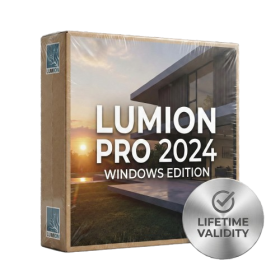
- AUTOMATIC DELIVERY INSTANTLY ON REGISTERED EMAIL .
- Any Installation Problem Freely Contact Us(Will Give You Support)
- Lifetime Validity
- Windows Version
- Ray trace over 2,200 nature assets including trees and shrubs for realistic reflections.
- Preview renders instantly with the new real-time NRD denoiser in Photo and Movie modes.
- Render ray-traced videos up to 5x faster using the optimized sampling engine.
- Simulate realistic glass refraction and colored shadows with fully ray-traced glass.
- Add depth to translucent materials like marble and wax with Subsurface Scattering.
- Populate interiors instantly using 25+ new parallax room templates for day and night.
- Import GLTF files directly for a lighter and faster 3D model workflow.
- Batch import multiple 3D models simultaneously to speed up scene building.
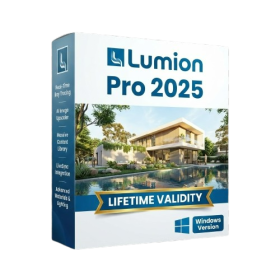
- AUTOMATIC DELIVERY INSTANTLY ON REGISTERED EMAIL .
- Any Installation Problem Freely Contact Us(Will Give You Support)
- Lifetime Validity
- Windows Version
- Hybrid Ray Tracing: Perfect reflections, shadows, and glass instantly.
- LiveSync: Real-time link to Revit, SketchUp, and Rhino.
- Full Library: Over 9,000 assets (trees, cars, people) included.
- Phasing Effect: Animate the construction process easily.
- Real Skies: 60+ HDR skies that light your scene automatically.
- Styles: One-click presets for “Watercolor,” “Sketch,” or “Realistic.”
- 3D Grass: Turn any surface into realistic, volumetric grass.
- Volumetric Spotlights: Create dusty, atmospheric beams of light.
- Material Editor: Add weathering, rounded edges, and foliage to textures.
- Output: Render 8K images, 4K videos, and 360 panoramas.
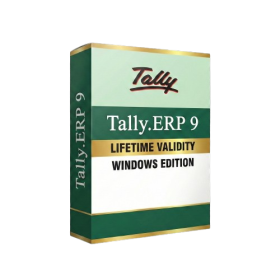
- AUTOMATIC DELIVERY INSTANTLY ON REGISTERED EMAIL .
- Any Installation Problem Freely Contact Us(Will Give You Support)
- Lifetime Validity
- Windows Version
- Generate invoices.
- Manage multiple companies and financial years from a single unified interface.
- Track inventory stocks across different godowns and locations in real-time.
- Automate bank reconciliation by uploading digital bank statements directly.
- Calculate employee salaries, PF, and TDS accurately with the integrated Payroll module.
- Access business data remotely using the secure Tally.NET connection services.
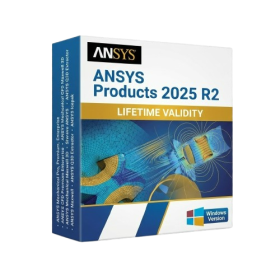
- AUTOMATIC DELIVERY INSTANTLY ON REGISTERED EMAIL .
- Any Installation Problem Freely Contact Us(Will Give You Support)
- Lifetime Validity
- Windows Version
- ANSYS Products includes the following applications:
- ANSYS Mechanical Pro, Premium, Enterprise
- ANSYS CFD Premium and Enterprise
- ANSYS Mechanical CFD Maxwell 3D
- ANSYS Mechanical Maxwell 3D
- ANSYS Mechanical CFD
- ANSYS HFSS
- Siwave ANSYS
- ANSYS Maxwell
- ANSYS Q3D Extractor
- ANSYS Icepak
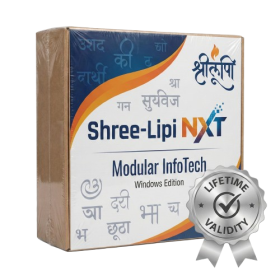
- AUTOMATIC DELIVERY INSTANTLY ON REGISTERED EMAIL .
- Any Installation Problem Freely Contact Us(Will Give You Support)
- Lifetime Validity
- Windows Version
- Type effortlessly in multiple Indian languages with enhanced Unicode keyboard handlers.
- Detect and switch between 32-bit and 64-bit applications automatically while typing.
- Access thousands of high-quality calligraphic fonts for professional designs.
- Convert legacy text to Unicode instantly with the advanced file conversion utility.
- Design stylish 3D titles and logos easily using the Avishkar Plus tool.
- Check spelling in Indian languages directly with the integrated Spell Checker.
- Integrate seamlessly with open-source apps like Inkscape, GIMP, and Scribus.
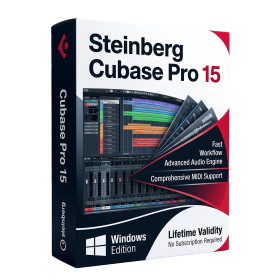
- AUTOMATIC DELIVERY INSTANTLY ON REGISTERED EMAIL .
- Any Installation Problem Freely Contact Us(Will Give You Support)
- Lifetime Validity
- Windows Version
- Included Instruments:
- Halion 7
- Halion Sonic 7
- Groove Agent 6
- Groove Agent SE 6
- WaveLab Pro 13
- Dorico Pro 6
- Backbone 1.6
- PadShop Pro 2
- Retrologue 2.5
- SpectraLayers Pro 13
- Iconica Sketch
- Verve
- Drum Machine
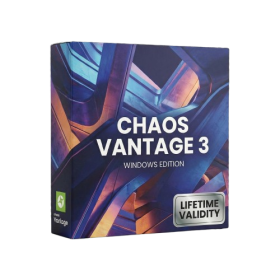
- AUTOMATIC DELIVERY INSTANTLY ON REGISTERED EMAIL .
- Any Installation Problem Freely Contact Us(Will Give You Support)
- Lifetime Validity
- Windows Version
- Explore massive 3D scenes in 100% ray-traced real-time without waiting for renders.
- Sync changes instantly from 3ds Max, SketchUp, Rhino, and Revit via Live Link.
- Render photorealistic animations at lightning speeds using NVIDIA DLSS 3.5 support.
- Populate environments with millions of objects using the built-in Chaos Scatter tool.
- Switch between different lighting setups, materials, and moods instantly with Scene States.
- Visualize complex animated characters and deformable meshes perfectly in real-time.
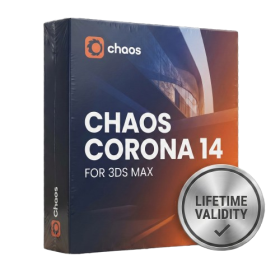
- AUTOMATIC DELIVERY INSTANTLY ON REGISTERED EMAIL .
- Any Installation Problem Freely Contact Us(Will Give You Support)
- Lifetime Validity
- Windows Version
- Render scenes with significantly less noise using the improved High-Quality Denoiser.
- Create intricate procedural clouds and weather effects with the updated Corona Sky.
- Scatter objects efficiently on surfaces with the enhanced Chaos Scatter controls.
- Apply decals to curved and organic surfaces seamlessly without UV unwrap.
- Simulate realistic fabrics and velvets instantly with the new Sheen layer.
- Manage complex scenes easily using the optimized Lister and Scene Management tools.
- Reduce memory usage significantly when rendering repetitive geometry with Corona Pattern.

- AUTOMATIC DELIVERY INSTANTLY ON REGISTERED EMAIL .
- Any Installation Problem Freely Contact Us(Will Give You Support)
- Lifetime Validity
- Windows Version
- Version: 4.20
- Revit 2023, 2024, 2025, 2026 and 2027
- SketchUp 2024, 2025 and 2026
- Rhino 7.0 and 8.3 (or later)
- Archicad 27, 28 and 29
- Vectorworks 2024, 2025 2026, 2027
- Navigate scenes with a unified, redesigned user interface for faster workflows.
- Enhance export quality instantly with the AI-powered NVIDIA Denoiser.
- Simulate realistic colored shadows for glass and transparent materials.
- Upscale textures and assets automatically using the Chaos AI Enhancer.
- Apply pencil and watercolor effects with new Artistic Visual Modes.
- Immerse clients in designs with support for Meta Quest 3 and HTC Vive.

- AUTOMATIC DELIVERY INSTANTLY ON REGISTERED EMAIL .
- Any Installation Problem Freely Contact Us(Will Give You Support)
- Lifetime Validity
- Windows Version
- File Size: 1.84GB
- Visualize models with stunning depth and realism using the new graphics engine featuring native Ambient Occlusion.
- Generate unique, seamless textures instantly from simple text prompts with the integrated AI texture generator.
- Import complex Revit files accurately and efficiently with the enhanced, lighter-weight Revit Importer.
- Create 2D documentation in LayOut faster than ever with a new multi-threaded rendering engine that eliminates lag.
- Convert room scans from mobile devices automatically into clean, editable 3D geometry via Scan-to-Design.
- Collaborate in real-time by syncing projects seamlessly across Desktop, iPad, and Web versions.
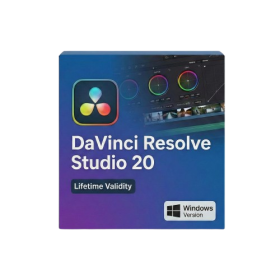
- Lifetime Validity
- Instant Delivery on Email
- Any Installation Problem Freely Contact Us(Will Give You Support)
- Supported on Windows 10,11
- File Size: 7.47GB (20.3.2 Version)
- Ai Features are working
- Works with Internet and Antivirus
- Generate complex color grades instantly from text prompts or reference images with AI Match.
- Isolate and remix individual instruments from a stereo music track using Fairlight AI Stem Separation.
- Track objects obscured by smoke or glass perfectly with the new Deep Neural Magic Mask.
- Edit spatial video natively for Apple Vision Pro and Meta Quest with full depth visualization.
- Remove unwanted moving objects from complex backgrounds automatically with Generative Fill for Video.