

VisTitle software is based on Windows Operation System. The system of original 64 bit software (latest version) works on the basis of parallel CPU and GPU, make full use of 64 bit computing and CPU multi-core and multi-thread, apply rendering algorithm of GPU programmable language, and maximize the computing power of current hardware. VisTitle can create 2D titles, 3D titles, and 3D stereo titles in SD, HD, and 2K or 4K resolution. It can apply high quality real-time rendering* of broadcast-level to texts and objects rapidly with high performance.
-35%Limited


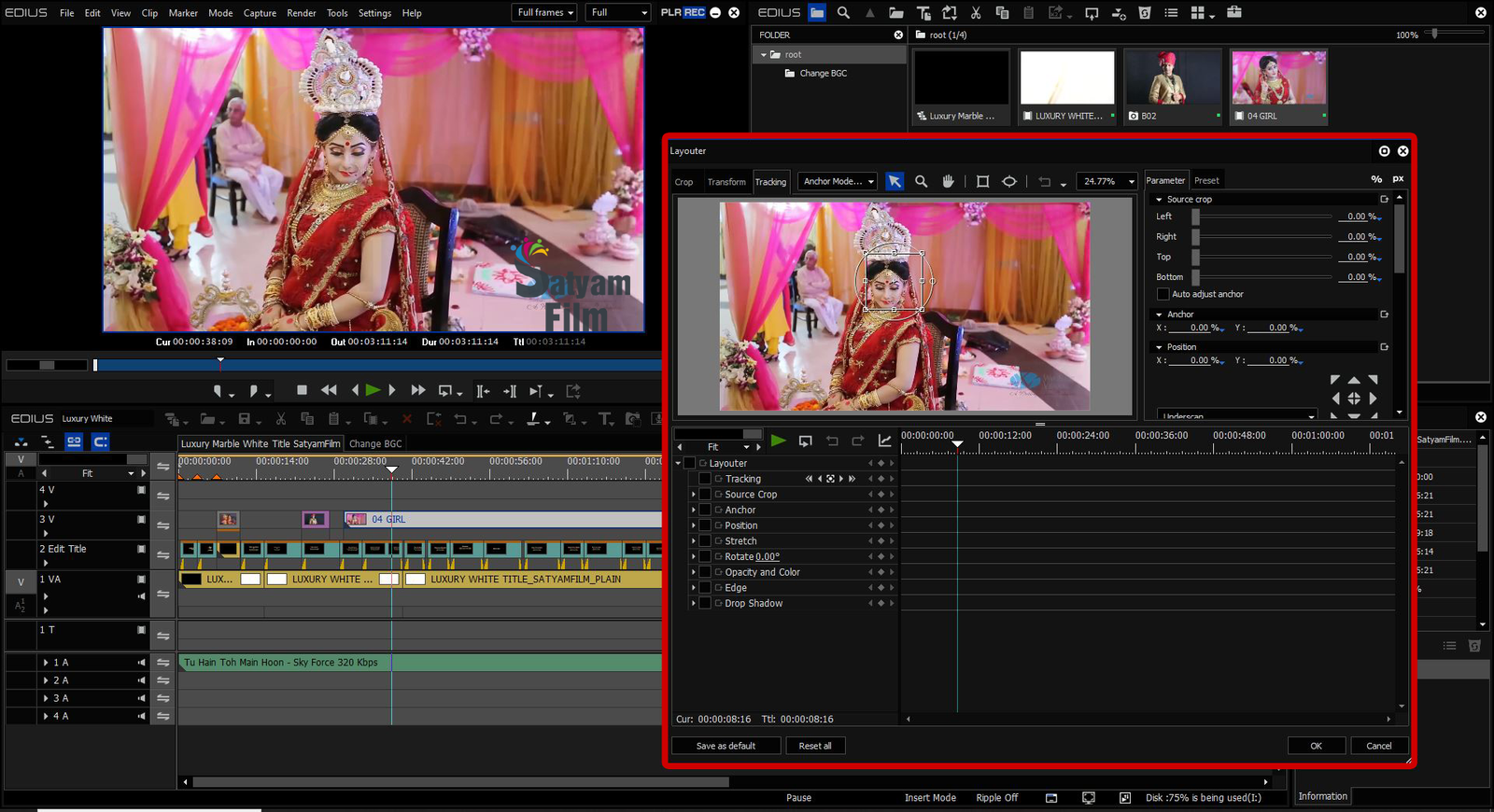
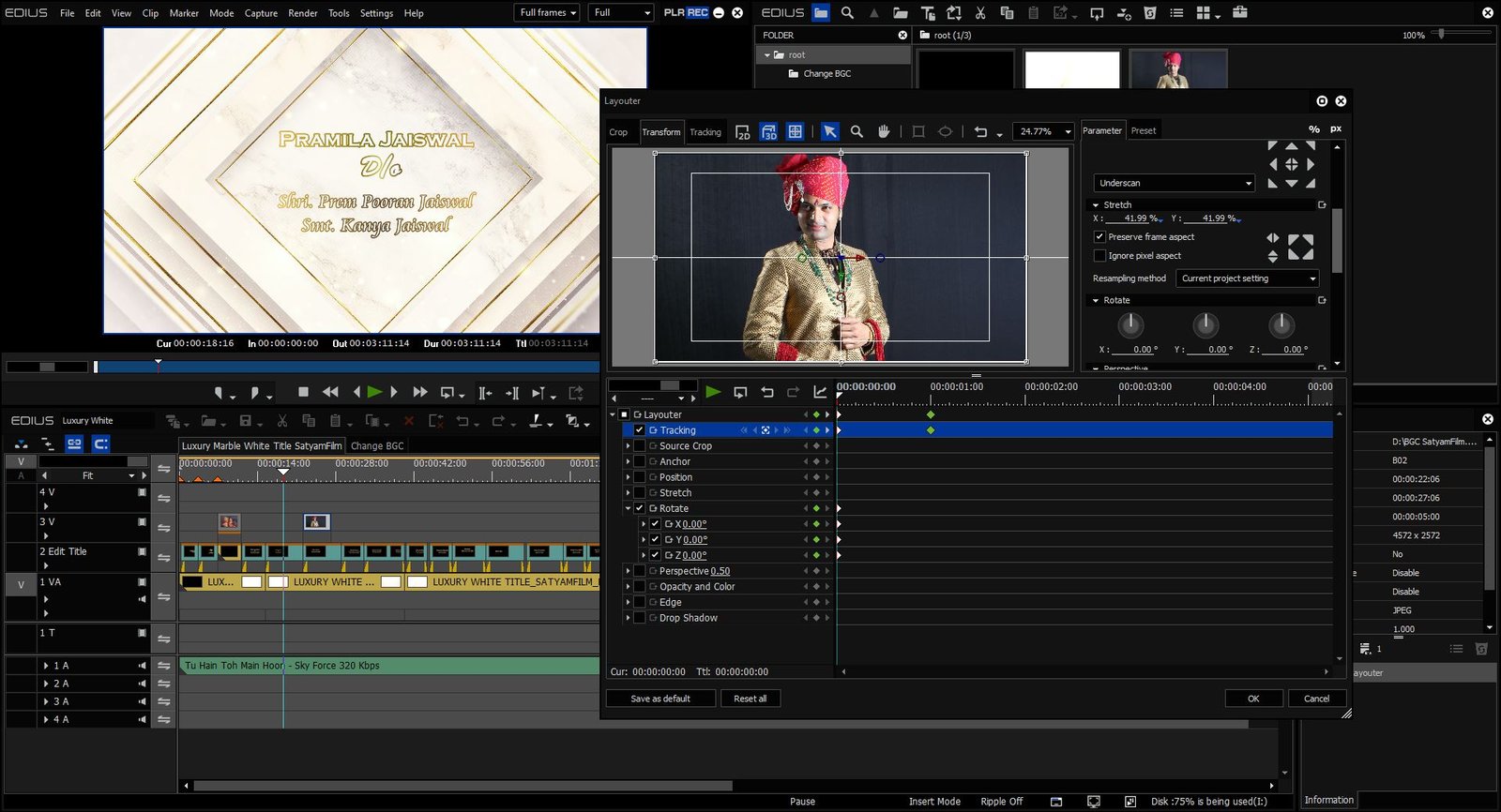

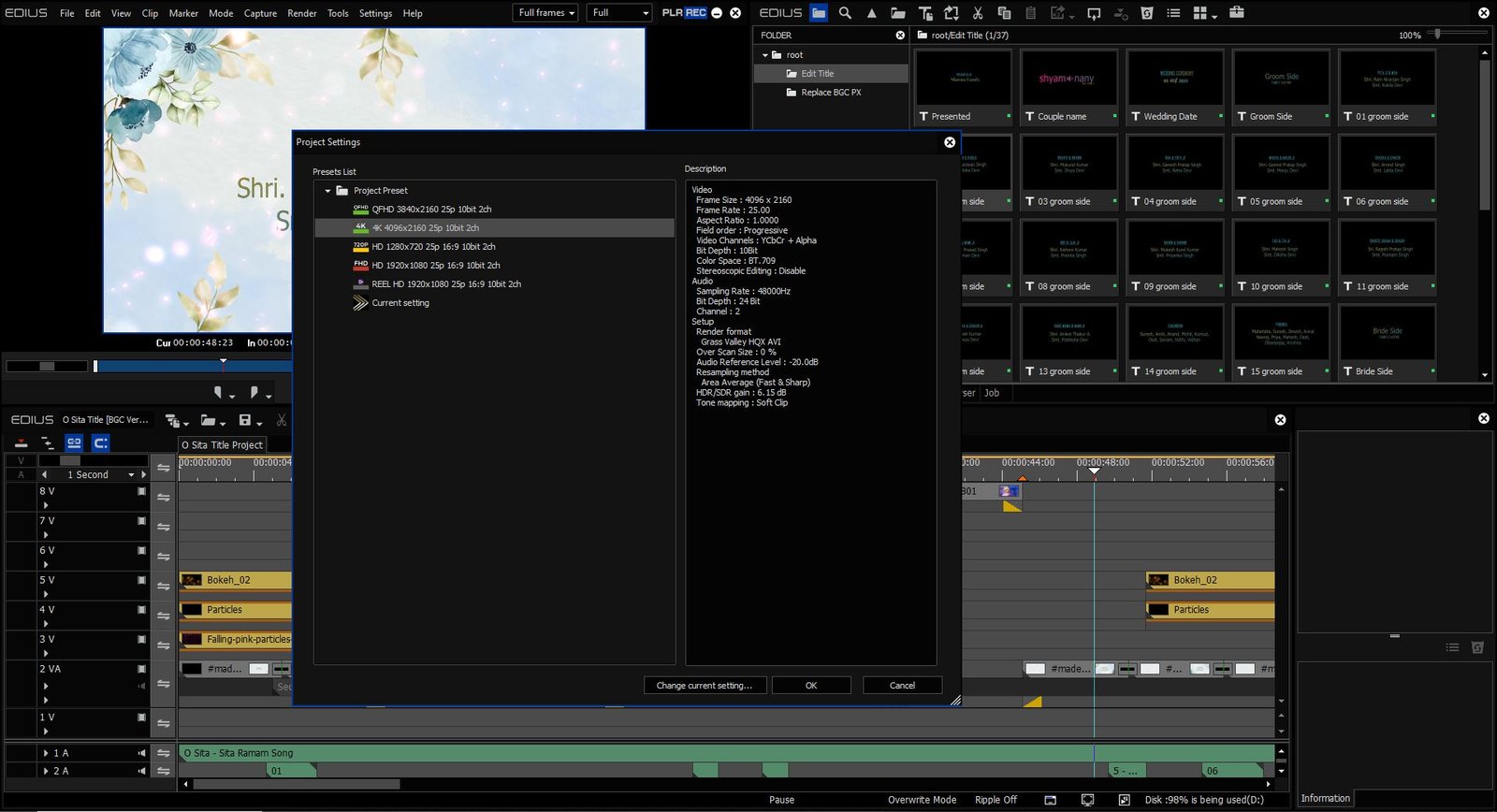
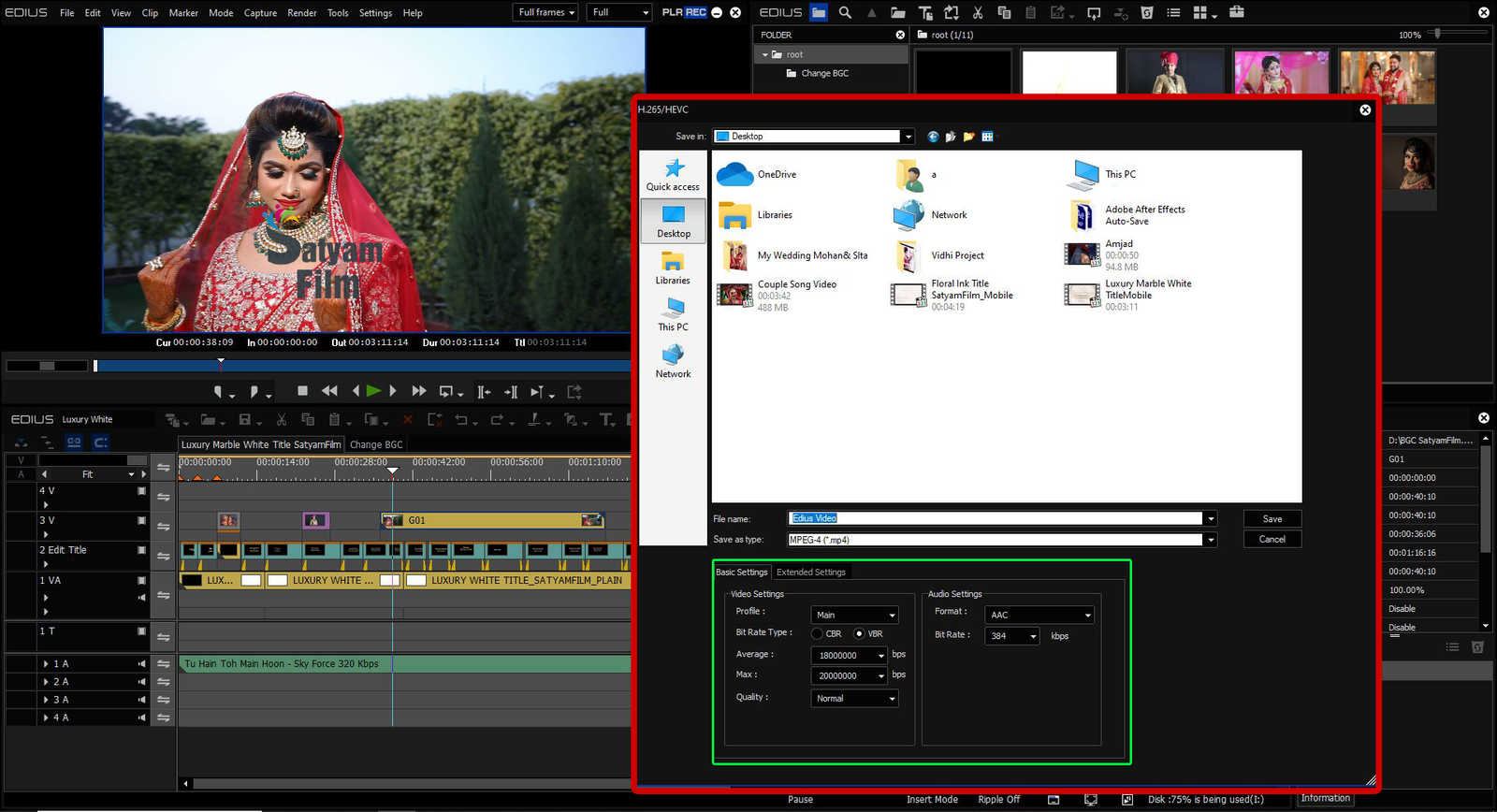






Video Mixing Editing Training Package
Brand: Satyam Film
- Get Your Wedding Program Cinematic/Traditional Look.
- Mix Your Wedding Projects With Traditional/3D Effects & Songs.
- Get Your Titles Cinematic/Responsive/Traditional Look.
- Make Your Complete Wedding/Marriage Program With An Hours With Our Supports.
Original price was: ₹10,000.00.₹6,500.00Current price is: ₹6,500.00.
Send Enquiry
Description
🧑🎓 Who Should Join:
- Beginners who want to start a video editing career
- Freelancers & videographers looking to improve skills
- Studio owners who want ready-to-use premium projects
- Content creators and YouTubers
🔍 Why Choose Our Training Package?
- 100% Practical & Project-Based Learning
- Easy to understand – No prior experience needed
- Designed by professionals with years of experience
- Re-edit any project with custom songs, names & photos
Video Mixing Editing Training Package For Beginners.
We Trained You About How to use-
- Song Projects
- Vidhi/Traditional (Online) Wedding/Marriage Projects
- Title Projects
- Highlight Projects
- Pre- Wedding Projects
- 2D/3D Drag & Drop Effects
- 2D/3D Effects
- And More Information About Projects.
- Get Your Wedding Program Cinematic/Traditional Look.
- Mix Your Wedding Projects With Traditional/3D Effects & Songs.
- Get Your Titles Cinematic/Responsive/Traditional Look.
- Make Your Complete Wedding/Marriage Program With An Hours With Our Supports
🎓 What You Will Learn in EDIUS – A Training Coverage For Beginners
🔧 Basic Tools & Interface
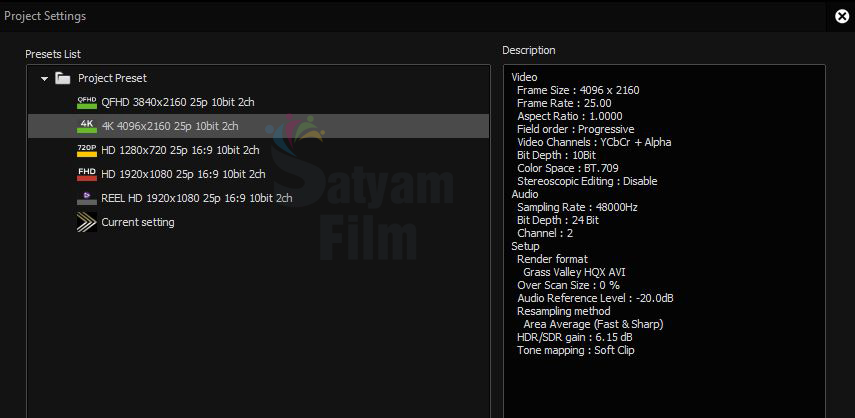
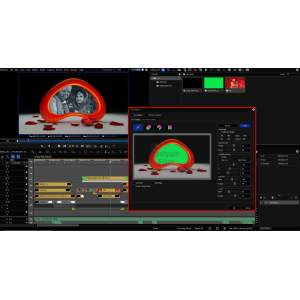
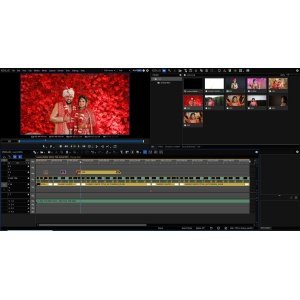
- Understanding EDIUS interface & workspace layout
- Creating and managing new projects
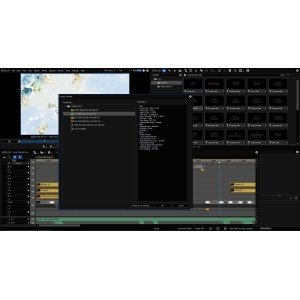
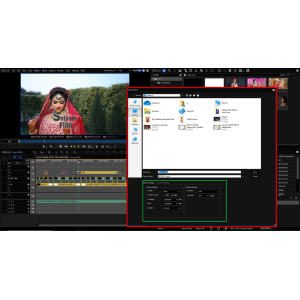
- Importing media (video, audio, images)
- Timeline navigation and basic editing tools
- Shortcut keys for faster workflow
✂️ Video Editing Techniques
- Cutting, trimming, and arranging clips
- Using ripple, roll, and slip edits
- Working with multi-track timelines
- Video mixing with multiple layers
- Sequence management & nesting
🎼 Audio Editing & Syncing
- Syncing audio with video manually & automatically
- Adjusting audio levels, fades, and crossfades
- Applying audio effects (echo, EQ, filters)
- Removing background noise
🎨 Color Correction & Grading
- Basic color correction tools (brightness, contrast, saturation)
- Advanced color grading with color wheels & LUTs
- Matching color across multiple clips
- Applying cinematic looks
✨ Effects, Transitions & Titles
- Using EDIUS built-in video effects & transitions
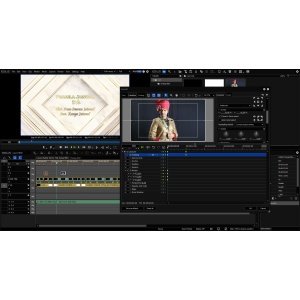
- Adding lower thirds and animated text
- Full training on EDIUS Title Project editing
- Importing & customizing titles
📷 Photo & Album Projects
- Importing photo sequences
- Creating slideshows with motion effects
- Using templates for wedding/birthday albums
- Adding background music to photo edits
🔁 Slow Motion, Speed Ramp & Time Effects
- Creating smooth slow motion
- Speed ramping (fast to slow transition)
- Time remapping and freeze frames
🧩 Chroma Key & Green Screen
- Removing green screen backgrounds
- Adding custom backgrounds and overlays
- Creating cinematic intros with chroma key
🎬 Project Export & Delivery
- Exporting videos in various formats (MP4, MOV, etc.)
- Best export settings for YouTube, social media, and DVD
- DVD authoring inside EDIUS
- Rendering full wedding and event videos
💻 Performance & Workflow Optimization
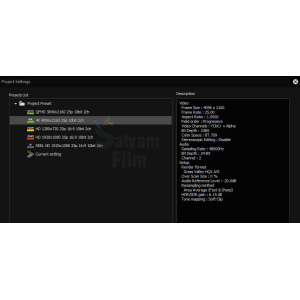
- Optimizing project settings for smooth playback
- Proxy editing for low-end PCs
- Backup & restore projects
- Customizing shortcuts and interface
*Note= This Training Package Only For Self Knowledge, Professional Wedding Mixing Editing Training.
We Provide You Training About Only Our Projects.
Validity – Only For 30 Days Online or Offline (Come to our office & get training).
Non Refundable
*Terms & Conditions Apply
Additional information
| Weight | 0.1 kg |
|---|---|
| Dimensions | 30 × 20 × 0.1 cm |
Related Products
-21%LimitedSold Out
Brand: Voxengo
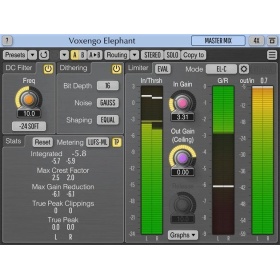
Voxengo Elephant (Brickwall Limiter Plugin)
Original price was: ₹9,599.00.₹7,600.00Current price is: ₹7,600.00.
- Mastering peak limiter
- Stem, sub-mix, drum bus compressor
- Loudness maximizer
- Stereo, 5.1 surround mastering limiter
- Bit-depth converter with noise-shaping
- DC offset removal filter
- EBU R128, K-system level meter
Out of stock
-20%LimitedSold Out
Brand: NewBlue
NewBlue EDIUS Effects
Original price was: ₹14,999.00.₹11,999.00Current price is: ₹11,999.00.
NewBlue EDIUS Effects with the best 15 NewBlue filters for EDIUS 9 or X
Out of stock
-29%LimitedSold Out
Brand: ABSoft
ABSoft Neat Video 5 – noise reduction for digital video (EDIUS) – Pro Edition
Original price was: ₹12,999.00.₹9,199.00Current price is: ₹9,199.00.
- Pro Edition
- Premium Noise Reduction and Sharpening
- Intuitive Noise Profiling
- Instant Visual Feedback
- Comprehensive Host Integration
- Excellent Hardware Optimization
Out of stock
SaleLimited
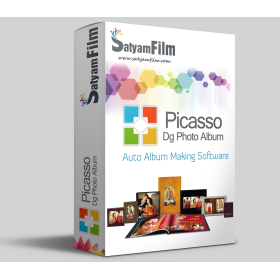
Brand: Satyam Film
Photo Album Maker : Picasso DG Photo Album
Price range: ₹3,000.00 through ₹4,000.00
Single software solution for making professional album for Wedding, Pre-Wedding, Baby Shower, Birthday, Holidays, School and many more events. Create professional album, Simple Photo Books, Calendar, Invitation, Magazine, Brouchers, ID-Cards, Mug Print, T-shirts, Collage Making, Greeting Card, Banner, Gift Design, Passport Package, Visiting Card and many more…
- HIGH QUALITY COLOR CORRECTIONS
- READYMADE COLOR PRESETS
- BOKEH EFFECT
- HIGH QUALITY EXPORT
- MULTILANGUAGE SUPPORT
Sold Out
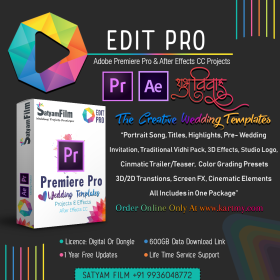
Premiere Pro And After Effects CC Wedding Templates & Effects
Price range: ₹9,999.00 through ₹13,999.00
Edit Pro: Adobe Premiere Pro & After Effects Wedding Templates & Effects Package Dongle
This is ready-made templates pack have many latest Bollywood song, cinematic title, WhatsApp invitation & many projects. You can only drag & drop your video file & your video file converted into a 3d look.
- 650+ GB Readymade Templates For Premiere Pro & After Effects
- 700+ Readymade Wedding Templates
- One Time Purchase Lifetime Validity
- 1 Year Free Projects Updates
- 30 Essential Wedding Graphics For After Effects
- 2000+ Premiere Pro Transitions
- 1200+ LUTs Presets (.cube) For Premiere Pro
- Wedding Toolkit Package : Over 100 Wedding Design in 5 Distinct Categories
- Lifetime Free Service Support & Installation
Out of stock
-30%LimitedSold Out
Brand: Grass Valley
EDIUS X (EDIUS 10) Pro | Video Editing Software (Jump Upgrade)
Original price was: ₹29,990.00.₹20,999.00Current price is: ₹20,999.00.
Grass Valley EDIUS X Pro : Edit Anything, Fast
- EDIUS X Pro Jump Upgrade – This is the version for you if you already have EDIUS version 2-8, EDIUS Neo 1-3.5, EDIUS EDU (educational version) or EDIUS Pro Home Edition. When activating the program you will have to type in your previous EDIUS serial number as well.
- Background Rendering
- GV Job Monitor
- H.265 Export
- Optimized Performance
- Optimized Audio Sync Performance
- Native Support for the Latest Cameras and Codecs
Out of stock
-50%LimitedSold Out
Brand: Satyam Film
3D Galaxy Pro (After Effects CC) Projects
Original price was: ₹9,999.00.₹4,999.00Current price is: ₹4,999.00.
- Free Installation Support & Guide
Out of stock
-80%Limited
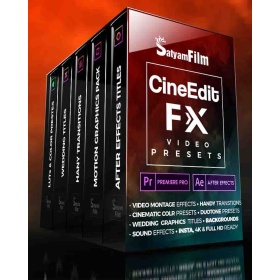
Brand: Satyam Film
Premiere Pro & After Effects Video Effects Presets : CineEdit FX
Original price was: ₹2,500.00.₹499.00Current price is: ₹499.00.
-42%LimitedSold Out
Brand: Grass Valley
EDIUS X Pro | Video Editing Software (EDU)
Original price was: ₹26,000.00.₹14,999.00Current price is: ₹14,999.00.
Grass Valley EDIUS X Pro : Edit Anything, Fast
- Background Rendering
- GV Job Monitor
- H.265 Export
- Optimized Performance
- Optimized Audio Sync Performance
- Native Support for the Latest Cameras and Codecs
Out of stock
-21%LimitedSold Out
Brand: proDAD
ProDAD Vitascene V4 PRO – effects and filters
Original price was: ₹27,999.00.₹21,999.00Current price is: ₹21,999.00.
- Over 1,400 professional video filters & transition effects
- Also ideal for animating Text & Graphics
- Supporting up to 8K
- Extensive Presets
- Controllable via Keyframes
- Effective GPU-Acceleration
Out of stock
-26%LimitedSold Out
Brand: Grass Valley
EDIUS X (EDIUS 10) Workgroup | Video Editing Software (Upgrade)
Original price was: ₹38,000.00.₹28,000.00Current price is: ₹28,000.00.
Grass Valley EDIUS X Workgroup : Edit Anything, Fast
- EDIUS X Workgroup Upgrade from Workgroup 9 – This is the version for you if you already have EDIUS Workgroup 9. When activating the program you will have to type in your EDIUS 9 serial number as well.
- Commercial License
- Background Rendering
- GV Job Monitor
- H.265 Export
- Optimized Performance
- Optimized Audio Sync Performance
- 8K file export (H.265/HEVC, ProRes, DNxHR
Out of stock
-20%LimitedSold Out
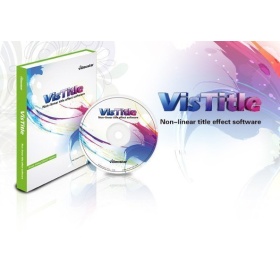
Brand: VisDOM
VisDOM VisTitle V2.9 – Title software
Original price was: ₹25,999.00.₹20,899.00Current price is: ₹20,899.00.
Out of stock