
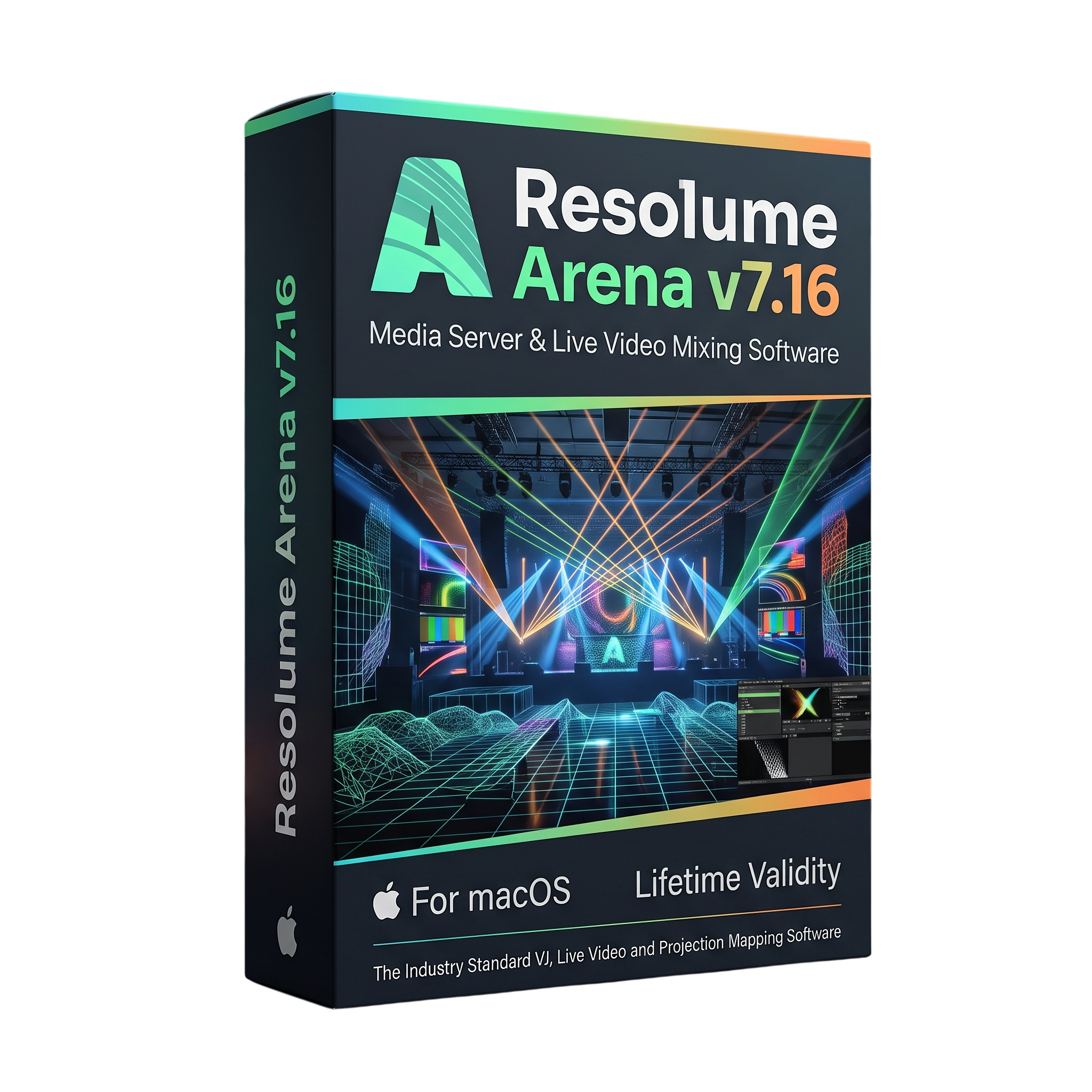
Resolume Arena 7 for macOs Lifetime
- Lifetime Validity
- Instant Delivery on Email
- Mac Edition
- Any Installation Problem Freely Contact Us(Will Give You Support)
- Professional real-time video mixing and VJ software for macOS.
- Advanced projection mapping, screen warping, and edge blending.
- Layer-based playback with effects, transitions, and live controls.
- Supports MIDI, DMX, SMPTE, and compatible live video inputs.
- Includes Wire for creating custom effects and generative graphics with visual nodes.
- Version 7.16 improves text rendering and effect organization.
- Adds Quantize, Normalize, Element, and Video Sampler nodes in Wire.
- Suitable for VJ performances, concerts, festivals, and immersive installations.
- Supports compatible Intel and Apple Silicon Macs.
₹500.00
Bought Together
- Lifetime Validity
- Instant Delivery on Email
- Mac Edition
- Any Installation Problem Freely Contact Us(Will Give You Support)
- Professional real-time video mixing and VJ software for macOS.
- Advanced projection mapping, screen warping, and edge blending.
- Layer-based playback with effects, transitions, and live controls.
- Supports MIDI, DMX, SMPTE, and compatible live video inputs.
- Includes Wire for creating custom effects and generative graphics with visual nodes.
- Version 7.16 improves text rendering and effect organization.
- Adds Quantize, Normalize, Element, and Video Sampler nodes in Wire.
- Suitable for VJ performances, concerts, festivals, and immersive installations.
- Supports compatible Intel and Apple Silicon Macs.
- AUTOMATIC DELIVERY INSTANTLY ON REGISTERED EMAIL .
- Any Installation Problem Freely Contact Us(Will Give You Support)
- Lifetime Validity
- Windows Version
- 7.28 Version
- Map video onto complex geometric structures and surfaces with advanced projection mapping tools.
- Stitch multiple projectors into a single seamless widescreen image with soft edge blending.
- Sync video with lighting fixtures using DMX input and advanced LED pixel mapping.
- Lock your visuals perfectly to show tracks and DJ sets using SMPTE timecode input.
- Mix unlimited layers of video, effects, and generative content in real-time.
- Correct mistakes instantly during live setup with the fully integrated Undo/Redo feature.
Description
Resolume Arena 7.16 and Wire for macOS is a professional real-time audiovisual software package designed for VJs, live performers, projection-mapping specialists, event producers, and multimedia artists. Arena provides a powerful environment for mixing video, applying effects, controlling visual output, and creating synchronized performances. Wire complements Arena with a node-based visual programming environment for building custom effects, generators, and interactive visual systems.
Resolume Arena allows users to load and organize video clips, images, and live inputs into layers and decks. Clips can be triggered and manipulated in real time using keyboard shortcuts, MIDI controllers, and other supported control devices. Built-in effects, blending modes, transformations, and animation controls make it possible to create dynamic visuals that respond to music and live performance requirements.
Arena includes advanced projection-mapping and media-server tools for professional installations. Users can map video onto irregular surfaces, configure multiple screens and projectors, apply warping and edge blending, and manage complex output configurations. Support for DMX and SMPTE workflows also makes Arena suitable for stage productions, concerts, immersive installations, and synchronized multimedia events.
Resolume Wire extends these capabilities through a visual node-based interface. Instead of relying exclusively on conventional effect controls, users can connect nodes to create custom image-processing operations, generative graphics, animations, and interactive effects. Wire supports inputs, processors, and outputs for building reusable patches that can be integrated into supported Resolume workflows.
Version 7.16 improves effect organization and text rendering across Arena and Wire. It adds effect color labels, enhanced text outlines and glow options, image copy-and-paste functionality in Wire, and four new nodes: Quantize, Normalize, Element, and Video Sampler. These improvements provide more flexibility when creating and managing live visual compositions.
Key Features
- Real-time video mixing and visual performance tools.
- Layer-based clip playback with customizable decks and groups.
- Live control through keyboard shortcuts and supported MIDI devices.
- Built-in video effects, transitions, blending modes, and transformations.
- Advanced Output for projection mapping and multi-screen configurations.
- Projection warping, masking, and edge-blending workflows.
- Support for live camera inputs and compatible video capture devices.
- DMX and SMPTE timecode workflows for synchronized productions.
- Audio-reactive visual controls and performance synchronization tools.
- Wire node-based environment for creating custom visual effects and generators.
- Reusable Wire patches with input, processing, and output nodes.
- Text rendering with outlines, inner glow, outer glow, and neon-style effects.
- Effect color labels for improved organization of complex compositions.
What’s New in Version 7.16
- Effect Colors: Assign colors to effects to make large effect lists easier to organize and navigate.
- Improved Text Rendering: Adds improved font and style support, text outlines, inner glow, and outer glow in supported text tools.
- Wire Quantize Node: Converts incoming values or textures into discrete steps.
- Wire Normalize Node: Normalizes incoming floating-point values.
- Wire Element Node: Extracts individual elements from multi-element data types.
- Wire Video Sampler Node: Samples a video file at a specific time using a phase input.
- Image Copy and Paste: Copy images from other applications and paste them directly into Wire as image nodes.
- New Wire Shortcuts: Command+Shift+R renames a node, while Command+J quickly joins selected nodes.
- Workflow Improvements: Selecting an input in the dashboard now selects the corresponding node in the patch.
Professional Applications
- Live VJ performances and real-time audiovisual shows.
- Concert visuals, festivals, and stage productions.
- Projection mapping on buildings, stages, and irregular surfaces.
- Multi-projector installations and immersive environments.
- Nightclubs, DJ performances, and music-driven visual displays.
- Interactive generative graphics and custom visual effects using Wire.
- Corporate events, exhibitions, and multimedia presentations.
- Synchronized lighting and video workflows using supported DMX and timecode systems.
System Requirements
Minimum Requirements:
- Operating System: macOS 10.15 Catalina or later, according to the published Resolume 7.13-era specifications applicable to this generation.
- Processor: Compatible Intel Mac or supported Apple Silicon Mac.
- Memory: 8 GB RAM.
- Graphics: Compatible AMD, Intel Iris Pro, or supported Apple Silicon graphics.
- Storage: SSD recommended for video playback and media management.
- Internet: Required for downloading, installation, and online license verification.
Recommended Requirements:
- Operating System: macOS 12 Monterey or later, subject to compatibility with the specific 7.16 installer.
- Processor: Modern multi-core Intel processor or Apple Silicon Mac.
- Memory: 16 GB RAM or more for complex compositions and high-resolution media.
- Graphics: Dedicated or integrated GPU with strong graphics performance and current supported drivers.
- Storage: Fast SSD with additional space for video clips, compositions, and cache files.
- Display: Multiple displays or external video outputs for advanced live performance and projection workflows.
Related Products
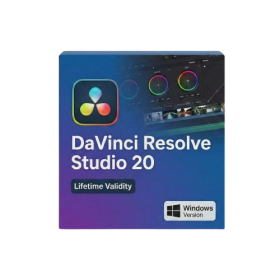
- Lifetime Validity
- Instant Delivery on Email
- Any Installation Problem Freely Contact Us(Will Give You Support)
- Supported on Windows 10,11
- File Size: 7.47GB (20.3.2 Version)
- Ai Features are working
- Works with Internet and Antivirus
- Generate complex color grades instantly from text prompts or reference images with AI Match.
- Isolate and remix individual instruments from a stereo music track using Fairlight AI Stem Separation.
- Track objects obscured by smoke or glass perfectly with the new Deep Neural Magic Mask.
- Edit spatial video natively for Apple Vision Pro and Meta Quest with full depth visualization.
- Remove unwanted moving objects from complex backgrounds automatically with Generative Fill for Video.
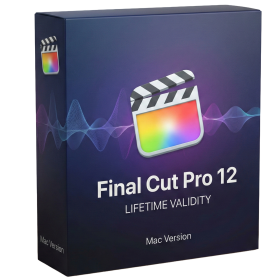
- Lifetime Validity
- Instant Delivery on Email
- Any Installation Problem Freely Contact Us(Will Give You Support)
- Version: 12.4
- Professional video editing software developed by Apple for Mac.
- Magnetic Timeline for flexible and precise video editing.
- Advanced color grading, audio editing, effects, transitions, and motion graphics.
- Multicam editing with synchronized camera angles.
- Supports Apple ProRes, RAW workflows, HDR, and high-resolution video.
- AI-assisted Transcript Search, Visual Search, and caption tools on compatible systems.
- Version 12.4 adds Cinematic mode focus and depth-of-field adjustments.
- Includes fixes for project importing, keyframes, audio waveforms, and network library backups.
- Requires macOS 15.6 or later, 8 GB RAM, and 7.2 GB available storage.
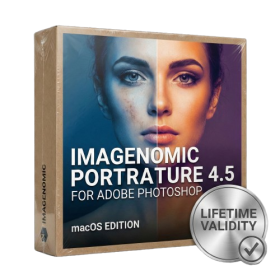
- Lifetime Validity
- Instant Delivery on Email
- Supported on All Apple Mac Systems
- Any Installation Problem Freely Contact Us(Will Give You Support)
- Smooth skin naturally while preserving texture using advanced AI algorithms.
- Generate precise skin masks automatically to isolate subjects instantly.
- Process massive batches of photos rapidly with optimized multi-core performance.
- Remove blemishes and imperfections without blurring eyelashes or eyebrows.
- Even out skin tones to correct redness and blotchiness effortlessly.
- Apply professional retouching styles quickly with a customizable preset library.
- Fine-tune mask selection manually with the interactive refinement brush.
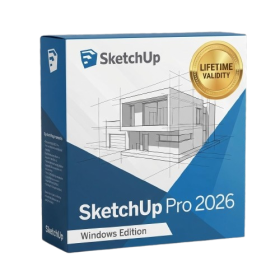
- AUTOMATIC DELIVERY INSTANTLY ON REGISTERED EMAIL .
- Any Installation Problem Freely Contact Us(Will Give You Support)
- Lifetime Validity
- Windows Version
- File Size: 1.84GB
- Visualize models with stunning depth and realism using the new graphics engine featuring native Ambient Occlusion.
- Generate unique, seamless textures instantly from simple text prompts with the integrated AI texture generator.
- Import complex Revit files accurately and efficiently with the enhanced, lighter-weight Revit Importer.
- Create 2D documentation in LayOut faster than ever with a new multi-threaded rendering engine that eliminates lag.
- Convert room scans from mobile devices automatically into clean, editable 3D geometry via Scan-to-Design.
- Collaborate in real-time by syncing projects seamlessly across Desktop, iPad, and Web versions.
- AUTOMATIC DELIVERY INSTANTLY ON REGISTERED EMAIL .
- Any Installation Problem Freely Contact Us(Will Give You Support)
- Lifetime Validity
- Windows Version
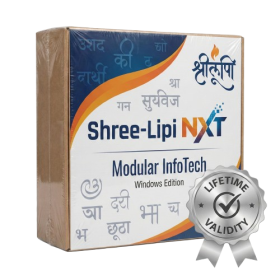
- Type effortlessly in multiple Indian languages with enhanced Unicode keyboard handlers.
- Detect and switch between 32-bit and 64-bit applications automatically while typing.
- Access thousands of high-quality calligraphic fonts for professional designs.
- Convert legacy text to Unicode instantly with the advanced file conversion utility.
- Design stylish 3D titles and logos easily using the Avishkar Plus tool.
- Check spelling in Indian languages directly with the integrated Spell Checker.
- Integrate seamlessly with open-source apps like Inkscape, GIMP, and Scribus.
- AUTOMATIC DELIVERY INSTANTLY ON REGISTERED EMAIL .
- Any Installation Problem Freely Contact Us(Will Give You Support)
- Lifetime Validity
- Windows Version
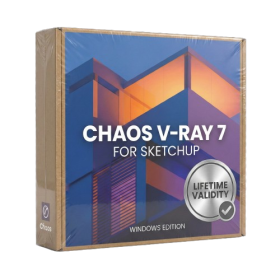
- Chaos V-Ray 7.40.02 for Rhinoceros 7 – 9 & SketchUp 2021 – 2026
- Render real-world 3D scans with reflections using native Gaussian Splatting support.
- Simulate accurate stars, moon phases, and the Milky Way with the procedural Night Sky.
- Upscale renders to 16K resolution instantly with the one-click AI Upscaler.
- Populate vegetation naturally with new Clustering modes in Chaos Scatter.
- Clip and trim Gaussian Splat models directly within the SketchUp viewport.
- Render complex light fixtures significantly faster using optimized V-Ray Luminaires.
- Remove bright noise pixels automatically during rendering with Firefly Removal.
- Add detail to people and grass without re-rendering using the AI Enhancer.

- Lifetime Validity
- Instant Delivery on Email
- Supported on All Apple Mac Systems
- Any Installation Problem Freely Contact Us(Will Give You Support)
- Run natively on Apple Silicon (M1/M2/M3) for significantly faster processing speeds.
- Experience fluid viewport navigation with the new Apple Metal graphics pipeline.
- Create watertight meshes from open geometry instantly using the ShrinkWrap command.
- Customize your workspace with new Window Layouts that match the Windows interface.
- Render ray-traced images in real-time using GPU-accelerated Cycles on Metal.
- Model organically with sharp edges using the new SubD Creases feature.
- Extrude and subtract geometry directly from faces with the intuitive PushPull workflow.
- Create dynamic 3D sections with hatch patterns using improved Clipping Planes.
- Access new data types and attributes directly within the upgraded Grasshopper.
- AUTOMATIC DELIVERY INSTANTLY ON REGISTERED EMAIL .
- Any Installation Problem Freely Contact Us(Will Give You Support)
- Lifetime Validity
- Windows Version
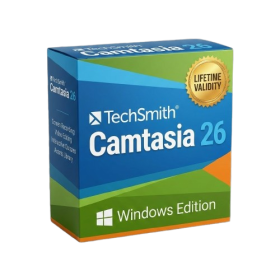
- Edit video content as easily as a text document with the AI-powered text-based editing workflow.
- Instantly remove or replace video backgrounds without a green screen using dynamic AI masking.
- Automatically generate and sync accurate captions and subtitles from your voiceover in seconds.
- Smooth out jerky mouse movements and customize cursor paths with advanced cursor effects.
- Record high-resolution 4K screen capture, webcam, and system audio simultaneously.
- Clean up background noise and balance vocal levels instantly with AI-enhanced audio filters.
- Access a vast library of royalty-free intros, motion graphics, and music directly within the editor.
- Engage viewers by adding interactive quizzes and clickable hotspots directly to your videos.
- Apply professional animations and behaviors to text and images with simple drag-and-drop actions.
- Export videos faster than ever with optimized GPU acceleration for modern hardware.
- AUTOMATIC DELIVERY INSTANTLY ON REGISTERED EMAIL .
- Any Installation Problem Freely Contact Us(Will Give You Support)
- Lifetime Validity
- Windows Version
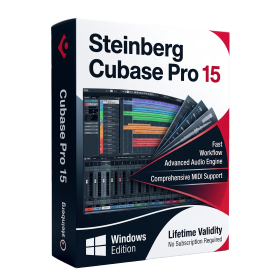
- Included Instruments:
- Halion 7
- Halion Sonic 7
- Groove Agent 6
- Groove Agent SE 6
- WaveLab Pro 13
- Dorico Pro 6
- Backbone 1.6
- PadShop Pro 2
- Retrologue 2.5
- SpectraLayers Pro 13
- Iconica Sketch
- Verve
- Drum Machine
- AUTOMATIC DELIVERY INSTANTLY ON REGISTERED EMAIL .
- Any Installation Problem Freely Contact Us(Will Give You Support)
- Lifetime Validity
- Windows Version
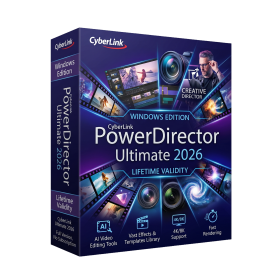
- AI-Powered Editing: Includes AI Object Masking, AI Sky Replacement, AI Motion Tracking, and AI Restoration Assistant for automatic noise reduction and audio enhancement.
- Performance & Tools: Enhanced screen recording (camera and screen simultaneously), frame interpolation for smoother video, and support for high-end formats.
- Content Library: Access to a vast, though slightly limited compared to 365, library of templates, effects, LUTs, and stock music.
- Usability: Features an intuitive drag-and-drop, multi-timeline interface suitable for both beginners and advanced users.
- Capabilities: Supports 4K/8K editing, 360-degree video, and vertical video for social media
- AUTOMATIC DELIVERY INSTANTLY ON REGISTERED EMAIL .
- Any Installation Problem Freely Contact Us(Will Give You Support)
- Lifetime Validity
- Windows Version
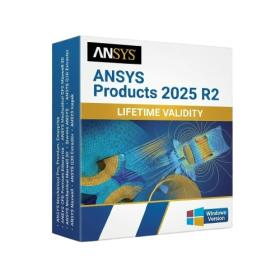
- ANSYS Products includes the following applications:
- ANSYS Mechanical Pro, Premium, Enterprise
- ANSYS CFD Premium and Enterprise
- ANSYS Mechanical CFD Maxwell 3D
- ANSYS Mechanical Maxwell 3D
- ANSYS Mechanical CFD
- ANSYS HFSS
- Siwave ANSYS
- ANSYS Maxwell
- ANSYS Q3D Extractor
- ANSYS Icepak
- Lifetime Validity
- Instant Delivery on Email
- Supported on All Apple Mac Systems
- Any Installation Problem Freely Contact Us(Will Give You Support)
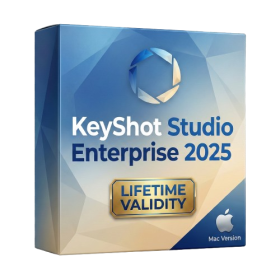
- Render natively on Apple Silicon (M1/M2/M3) for maximum speed and efficiency.
- Generate photorealistic backgrounds instantly from text prompts using the AI Shots tool.
- Share interactive 3D product reviews securely with stakeholders via KeyShot Web Viewer.
- Automate complex rendering pipelines using the advanced Python scripting console.
- Import native files directly from high-end CAD systems like Siemens NX, Catia, and Creo.
- Switch seamlessly between CPU and GPU rendering to utilize Apple Metal graphics power.
- Create standardized material libraries for your organization with OpenPBR support.
- Accelerate post-production compositing with automatic Cryptomatte mask generation.